
Bamboo Paper v1.14.4
Wacom Co, Ltd.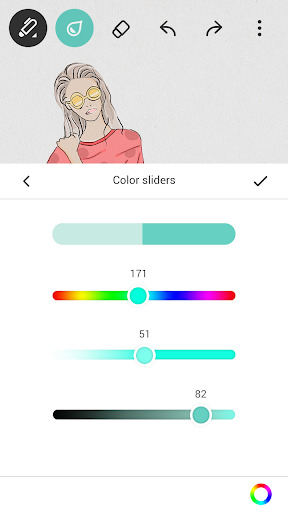



About this app
Bamboo Paper solves the problem of digitizing handwritten notes and sketches by turning Android tablets into virtual paper notebooks, benefiting students, professionals, and artists who prefer handwritten notes. It stands out in the Productivity category with its simplicity and Wacom's reputation for quality digital writing instruments. However, its functionality may fall short for those seeking advanced note organization features. Compared to alternatives, Bamboo Paper's strength lies in its intuitive and natural writing experience.
Pros
- With over 5 million downloads and a 4.3/5 user rating, Bamboo Paper has demonstrated its value to a large and satisfied user base, indicating a high level of social proof and quality.
- The app's lack of permissions requests is a significant advantage, suggesting a strong commitment to user privacy and security, which is rare in many productivity apps.
- Bamboo Paper's free download with optional in-app purchases provides an accessible entry point for users, allowing them to try before they buy additional features or tools.
- The absence of ads within the app enhances the user experience, making it more conducive to focused work and creativity, which is a notable advantage over ad-supported alternatives.
Cons
- One concern is the potential for the in-app purchase model to lead to additional costs for features that some users might consider essential, which could deter those on a tight budget or preferring a one-time purchase model.
- Some users might find the app's functionality a bit limited compared to more feature-rich note-taking apps, potentially making it less appealing to power users who require advanced organization and syncing capabilities.
- The app's performance and compatibility across different Android devices and versions could be a concern, as some users might experience variability in responsiveness or functionality, which would need to be addressed through updates and support.
Best for: The ideal user for Bamboo Paper is likely a creative professional, student, or individual who prefers handwritten notes and sketches, values simplicity and ease of use, and is looking for a digital tool that mimics the feel of traditional paper without the clutter, suggesting a user base that appreciates both technology and traditional note-taking methods.
Developer Description
Turn your Android tablet into a paper notebook
Please ensure you export your data before the removal date to avoid losing any information.
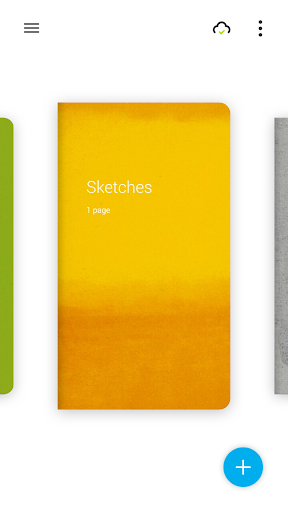
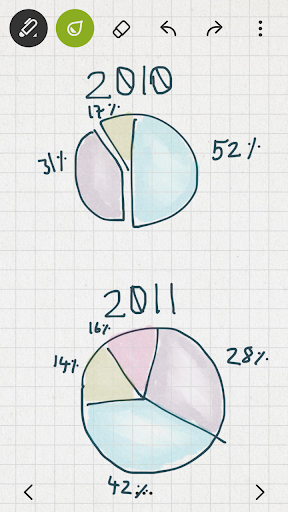
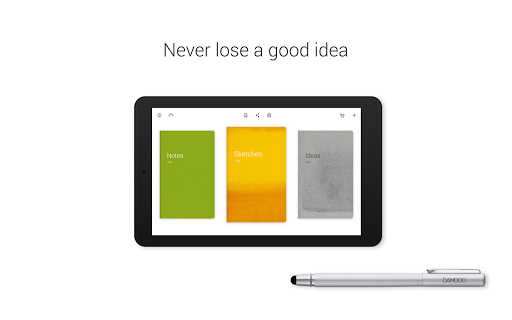
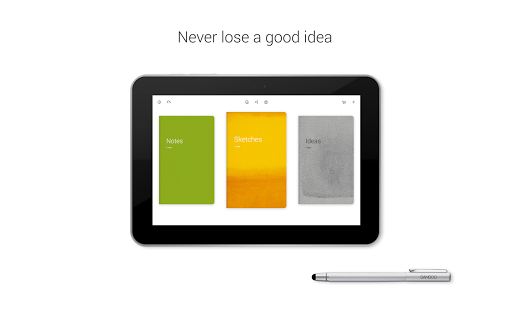
Turn your Android tablet into a paper notebook and capture your ideas everywhere, anytime. Taking notes, sketching, and drawing is as straightforward and simple as using real pen and paper.
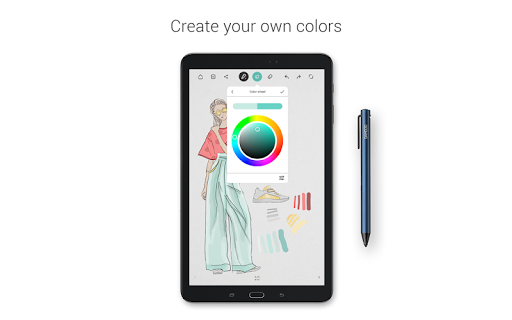
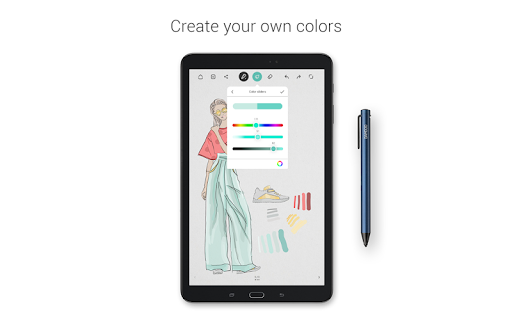
CREATE YOUR OWN COLORS
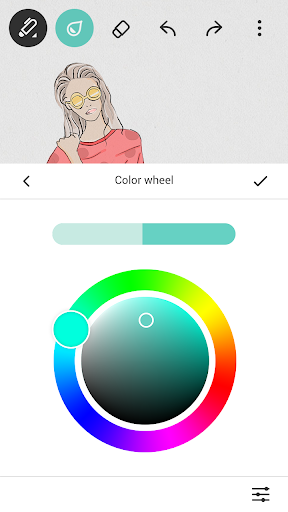
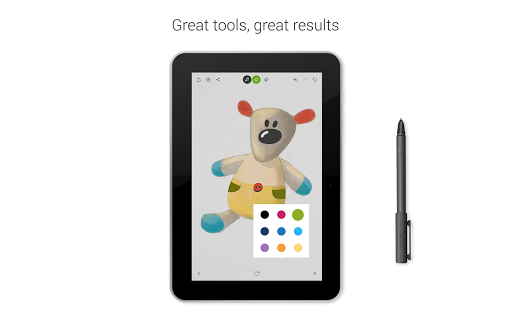
Set any color and create a custom color palette with 36 color swatches. Express your creativity with all possible colors.
ANNOTATE WITH PHOTOS
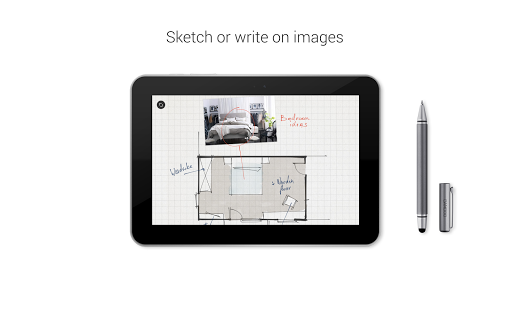
Enrich your notes or journal with photos. Add images or photos to your page and sketch or write on top.
ADD TINIEST DETAILS
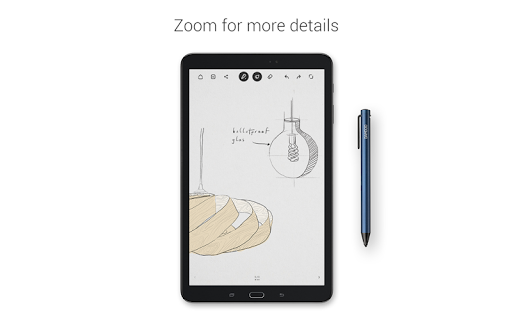
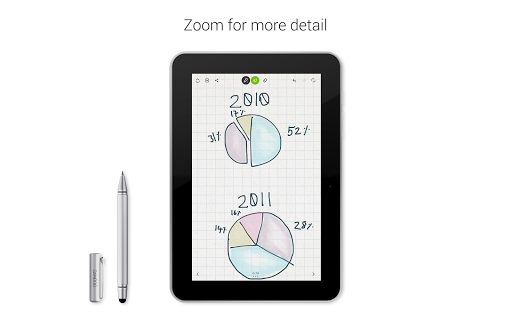
With our unique zoom function, you can draw or write fine lines and fit more notes onto the page.
GET YOUR IDEAS FURTHER
Activate the free Inkspace Plus features in your Bamboo Paper app (Wacom ID required) to automatically sync and access your sketches and notes from anywhere, at any time, across all your devices. Easily export and share your ideas in different file formats, such as .psd, .svg, and rich text. And collaborate on a real-time canvas with others – no matter where you are.
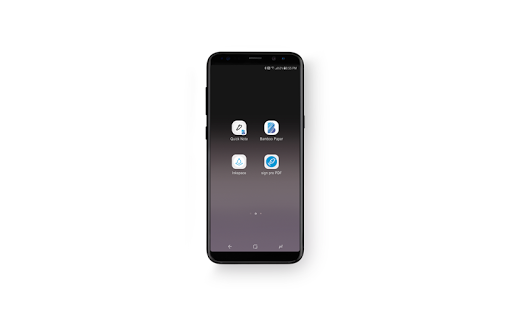
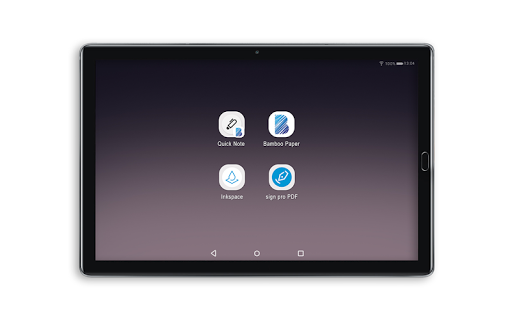
QUICK NOTE Widget
Capture your ideas instantly with the quick note widget. Create a new page with one click from your home screen.
Privacy
Given that Bamboo Paper requests no permissions, the risk of data collection or privacy invasion appears to be minimal. However, users should still be cautious with in-app purchases and ensure they understand what they are buying. Regularly reviewing the app's terms of service and privacy policy is also advisable to stay informed about any changes.
Tips
To get the most out of Bamboo Paper, users should start by exploring the different pen types and settings to find their preferred writing experience. Additionally, utilizing the app's export features to share or backup notes can enhance productivity. For optimal performance, closing unnecessary apps and ensuring a stable internet connection (if syncing is used) can help prevent lag or data loss.
In-app purchases
$0.99 - $5.65 per item
Version Information
- Version
- 1.14.4
- Downloads
- 5M+
- Updated on
- Aug 14, 2024
- Released
- Jul 21, 2014
- Requires
- Android 5.0
Statistics
Google Play Rating History
Rating Distribution
Downloads Over Time
Bamboo Paper has been downloaded times. Over the past 30 days, it averaged downloads per day.
Shaded area shows 30-day prediction based on historical trends
Historical data collection started recently. More data points will be available over time.
Bamboo Paper users say on Google Play
 John
John
I have an S23 Ultra. This of cause comes with a stylus and now I have an excellent way to personally write, make quick notes, sketch ideas and of cause doodle, as if I had a never-ending source of paper. The app just works perfectly. I never loose that scrap of paper with and idea, phone number, person's name, ect it is just brilliant. It is NOT linked, thank goodness, to Anything, Anywhere at All. It is PRIVATE.
 Evelynn Rathman
I do like this app, I use it to write my OC's diary. in my opinion, the formatting could probably be improved, maybe a little more book-like than a full screen image, and when I import an image to make the paper have a special texture I have to put in four because I can't size it to full screen sadly. but other than that I don't have any problems with the app! I'm still learning how to use it and haven't fully explored the app, but it works nicely nonetheless for me. Would recommend.
 นราลักษณ์
It reset everything that I wrote on there like not cool dude but its a nice app
 Волчица «NocturNal» Бладэрина
Wasn't what I expected? It's a paid app. Otherwise, you don't have much to work with.
 Pooja Srinivas
Very disappointed that this app is being discontinued. I really enjoyed the app and upgraded to the premium pack but won't be able to use it anymore. At the very least Wacom should have refunded the paid users.
ApkTrusted Ratings & Reviews
More from Wacom Co, Ltd.
See more apps






Similar Apps

touchnotes
Free

MyScript Notes (Nebo)
Free

Squid: Take Notes, Markup PDFs
Free
DrawNote: Drawing Notepad Memo
Free

Mind Notes: Note-Taking Apps
Free

Huion Note : Easy note-taking
Free

Sketch Pro: Draw & Create Art
Free

Noteshelf 3: Digital Notes
Free

Miro: your visual workspace
Free

MediBang Paint:Draw Art, Comic
Free
Kilonotes-Notes & Mark up PDF
Free

Flexcil Notes & PDF Reader
Free

Noteshelf - Notes, Annotations
Paid

HiPaint: Sketch & Draw art
Free

Goodnotes: AI Notes, Docs, PDF
Free
Notes : Color Folders & Lists
Free
Scan this QR code to download

Forwarding you to the page at Google Play market in seconds...
Open Google Play market now