
Concepts: Sketch, Note, Draw v2025.12.7
TopHatch, Inc.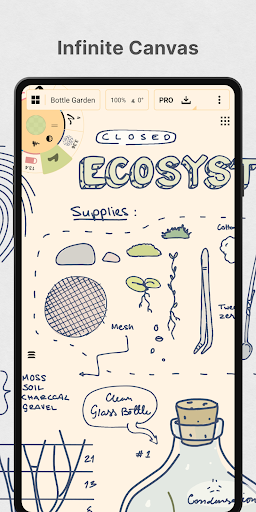




About this app
Developer Description
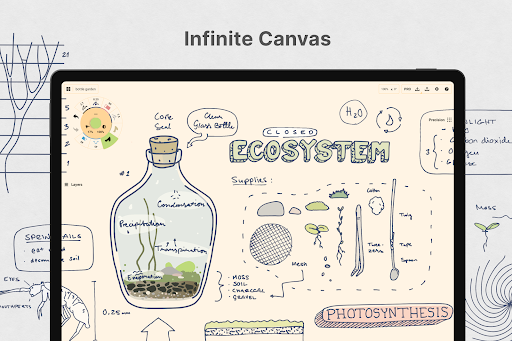
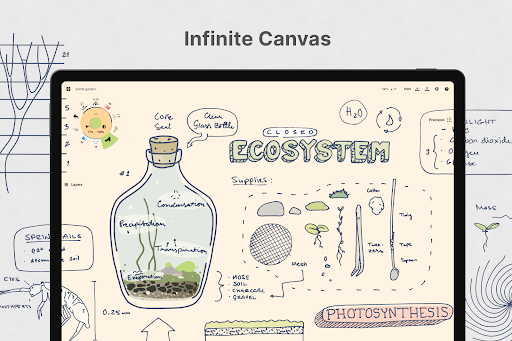
Sketch, plan, take notes and illustrate on an infinite canvas.
Concepts reimagines the ideation stage – offering a safe and dynamic workspace to explore your ideas, organize your thoughts, experiment with and iterate designs before sharing them with friends, clients and other apps.
With our infinite canvas, you can:
• sketch out plans and whiteboard ideas
• make notes, doodles, and mindmaps
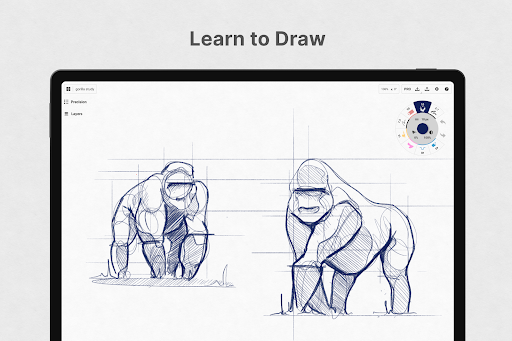
• draw storyboards, product sketches and designs
Concepts is vector-based, making every stroke editable and scalable. With our Nudge, Slice and Select tools, you can easily change any element of your sketch without redrawing it. Concepts is optimized for the latest pen-enabled devices and Chrome OS™, making it fast, smooth and responsive.
Talented creators at Disney, Playstation, Philips, HP, Apple, Google, Unity and Illumination Entertainment use Concepts to develop and realize extraordinary ideas. Join us!
Concepts has:
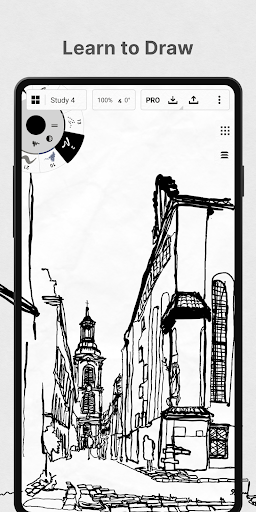
• realistic pencils, pens and brushes that respond to pressure, tilt and velocity with adjustable live smoothing
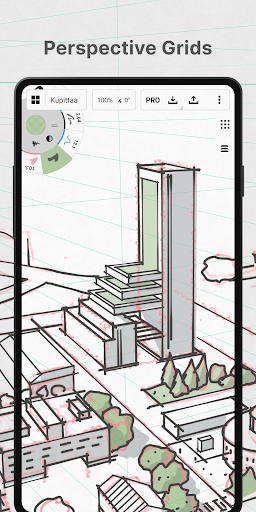
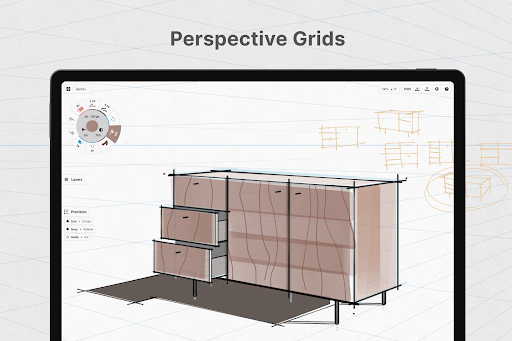
• an infinite canvas with many paper types and custom grids
• a tool wheel or bar you can customize with your favorite tools and presets
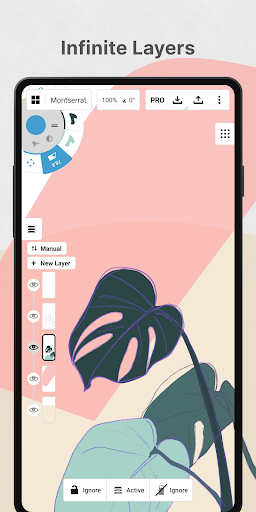
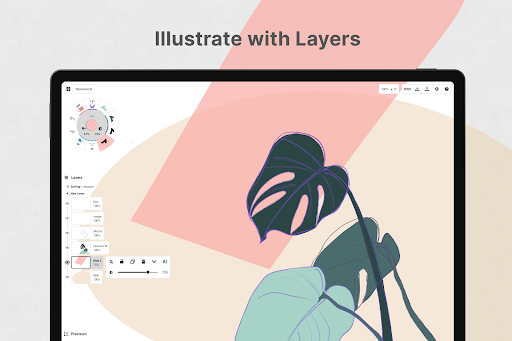
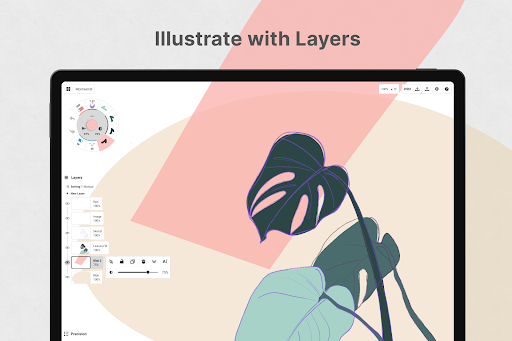
• an infinite layering system with automatic sorting & adjustable opacity
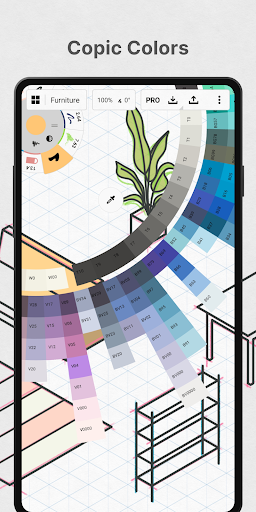
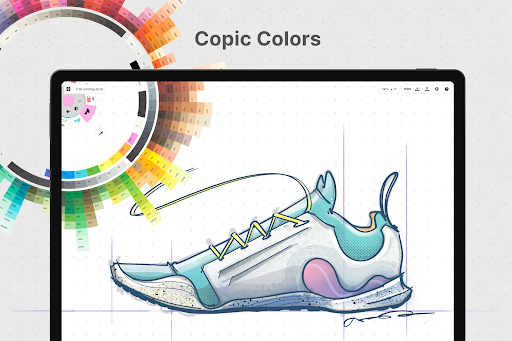
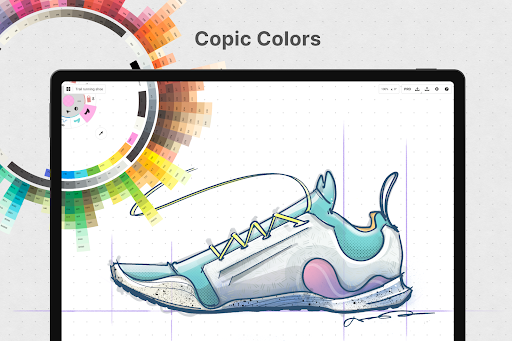
• HSL, RGB and COPIC color wheels to help you choose colors that look great together
• flexible vector-based sketching – move and adjust what you’ve drawn anytime by tool, color, size, smoothing and scale
With Concepts, you can:
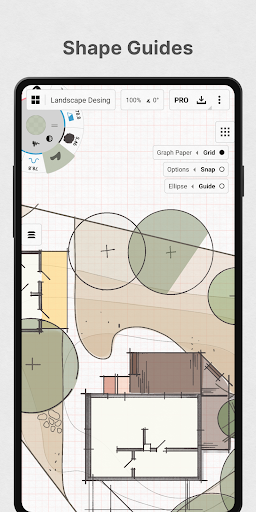
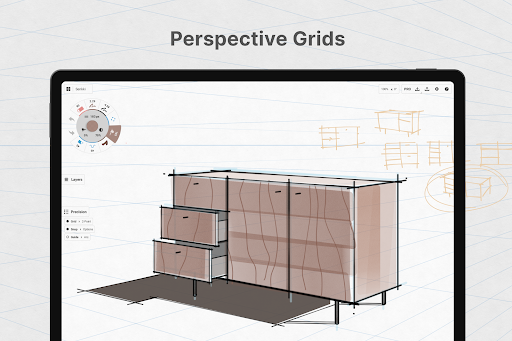
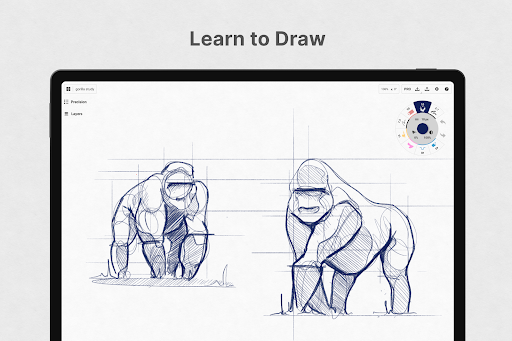
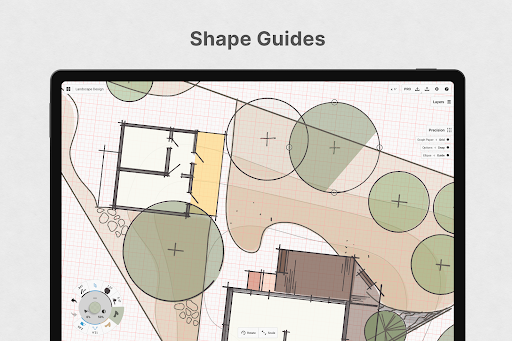
• draw with precision using shape guides, live snap and measurement for clean and accurate sketches
• personalize your canvas, tools, gestures, everything
• duplicate your work for easy iterations in the gallery and on canvas
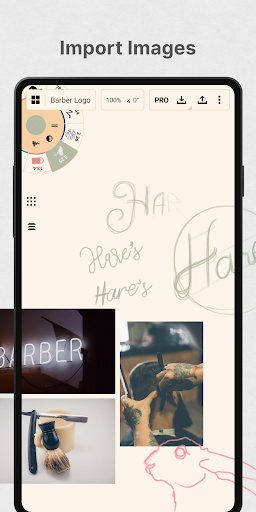
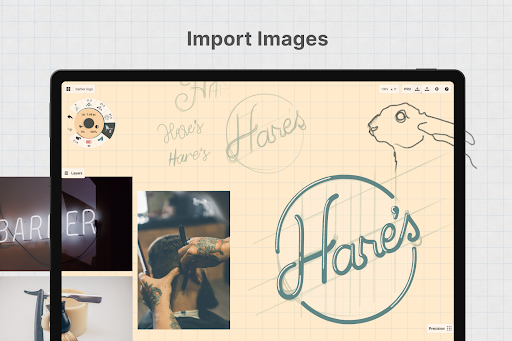
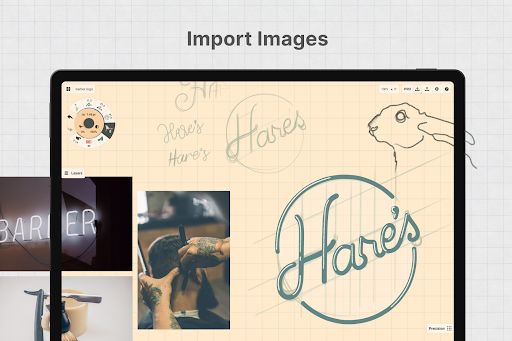
• drag+drop images straight onto the canvas as references or for tracing
• export images, PDFs, and vectors for printing or fast feedback between friends and clients
FREE FEATURES
• Endless sketching on our infinite canvas
• A selection of paper, grid types & tools to get you started
• The full COPIC color spectrum + RGB and HSL color wheels
• Five layers
• Unlimited drawings
• JPG exports
PAID/PREMIUM FEATURES
Subscribe and master your creative potential:
• Access every library, service and feature, with new updates arriving all the time
• Unlocks everything across Android, ChromeOS, iOS and Windows
• TRY PREMIUM FREE FOR 7 DAYS
One-time-purchases:
• Buy the Essentials for life and unlock selection & editing tools, infinite layers, shape guides, custom grids, and exports to PNG / PSD / SVG / DXF.
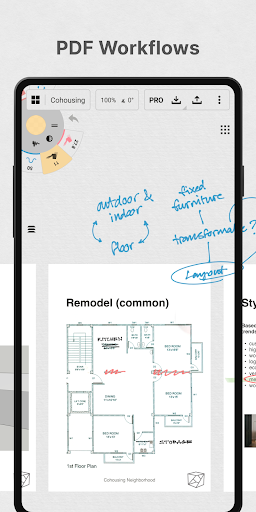
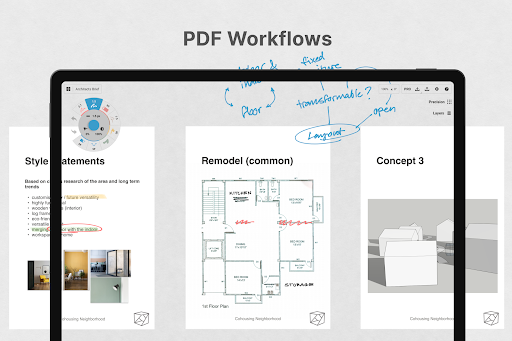
• Pay for advanced features as you need them – professional brushes & PDF workflows are sold separately
• Limited to the platform you purchase on.
Terms & Conditions:
• Monthly and yearly subscription payments are charged to your Google Play Account at the time of purchase.
• Your plan will renew automatically at the price shown within 24 hours after the billing period ends unless canceled beforehand.
• You can cancel or make changes to your subscription at any time in your Google Play Account settings.
We’re dedicated to quality and update our app frequently based on your feedback. Your experience matters to us. Chat with us in-app via Ask Us Anything, email us at concepts@tophatch.com, or find us anywhere with @ConceptsApp.
COPIC is the trademark of Too Corporation. Many thanks to Lasse Pekkala and Osama Elfar for the cover art!
What's New
This release addresses rendering issues on certain devices and improves stability.
Read more at https://concepts.app/android/roadmap. If you appreciate what we’re doing, send us feedback or leave a review!
In-app purchases
$1.99 - $29.99 per item
Version Information
- Version
- 2025.12.7
- Downloads
- 5M+
- Updated on
- Dec 22, 2025
- Released
- Nov 16, 2018
- Requires
- Android 8.0
Statistics
Google Play Rating History
Rating Distribution
Downloads Over Time
Concepts: Sketch, Note, Draw has been downloaded times. Over the past 30 days, it averaged downloads per day.
Shaded area shows 30-day prediction based on historical trends
Historical data collection started recently. More data points will be available over time.
Concepts: Sketch, Note, Draw - Google Play Rankings
Top Rankings
| Rank | Country | Category | List | Change |
|---|---|---|---|---|
| — |
Ranking History in
No ranking data available yet. Rankings are updated daily.
#34 in Top Grossing Art And Design in United States
 AI Kiss&Twerk Video-WonderSnap
Concepts: Sketch, Note, Draw
AI Kiss&Twerk Video-WonderSnap
Concepts: Sketch, Note, Draw
 AI Video Generator - Clips AI
#88 in Top Free Art And Design in United States
 Doodle Art: Magic Drawing App
Concepts: Sketch, Note, Draw
Doodle Art: Magic Drawing App
Concepts: Sketch, Note, Draw
 Glow Spinner: Finger Draw Art
#17 in Top Grossing Art And Design in Spain


#20 in Top Grossing Art And Design in United Kingdom

Concepts: Sketch, Note, Draw users say on Google Play
 Hirunaツ
I've always wanted an infinite canvas for notes taking and I think this is the best app for it. I don’t do much drawings even tho I think this is designed to mainly be a drawing app. but its also great for note taking and mind maps. I would love it if it had more features from note taking apps and maybe 2 sections devided for notes and drawings. one improvement would be when importing pdfs that the popup to add pages does not go afterwards so I cam add pages when i want without reimporting it.
 David Larson
Almost perfect. I wish there was cross save between android and windows. That would really help with my workflow. Edit: Yes it's "possible" to get synced folders to work with FolderSync but it's takes a while to set up and is very clunky to maintain. For paid software this should be built in.
 P M
P M
After trying out the pro version, I and of all the apps I've tried, this is unfortunately the best and most expensive. Which makes me sad, because it could be so much better! Some features are missing, like custom brush and palette, which is really bad by itself, it was requested many years ago. There is a weird limit to min. brush thickness, although wire can go under that, why? Gridlocked turning makes lines uneven,,, this could be easily fixed. Will keep an eye out and update accordingly.
 Adam Antoni Dobrowolski
I really wanted to love it and bought it. after half a year, exporting to svg hangs infinitely, and i stopped being able to edit a curve via dragging its end. It never could join lines, nor cut lines to other lines which is a total shame. shapes are not very handy on a tablet and all ones to buy are always there. So i never use them. I bought this app and it was broken for me with some random update I didn't need. Don't recommend it. edit: before writing this I tried contact mentioned by dev
 Noel Garner
The mobile Android freezes about every 10 minutes. Concepts do not have an answer except to encourage me to use the PC version. 30.10.25 Now freezes after approx 15 seconds of use and have to close and reopen. Repeats indefinitely. The app on my Android Duo 2 is unuseable. I have tried deleting and reinstalling. Will you ever have an answer? Am I the only one with this issue?
ApkTrusted Ratings & Reviews
Similar Apps

Canva: AI Photo & Video Editor
Free

Photoroom AI Photo Editor
Free

Adobe Acrobat Reader: Edit PDF
Free
Microsoft Whiteboard
Free

Clip Studio Paint
Free

Picsart AI Photo Editor, Video
Free

Video Editor & Maker - InShot
Free

CamScanner- scanner, PDF maker
Free

komoot - hike, bike & run
Free
Photoshop Express Photo Editor
Free

Yousician: Learn & Play Guitar
Free

Storytel - Audiobooks & Books
Free

Notion: Notes, Tasks, AI
Free
Strava: Run, Bike, Hike
Free

Duolingo: Language Lessons
Free

Free
Scan this QR code to download

Forwarding you to the page at Google Play market in seconds...
Open Google Play market now