PhotoSync – Transfer Photos v4.2.4
touchbyte


About this app
Developer Description
Transfer, backup and share photos and videos to computer, NAS and cloud services
★ Over 10,000 positive reviews, thousands of happy users and millions of photo transfers
★ Number one cross-platform solution with native apps for Android, iOS, Windows & Mac
★ Reliable and secure software – operating 10 years in the market and continuously updated
★ Total user control and fully customisable
ABOUT PHOTOSYNC
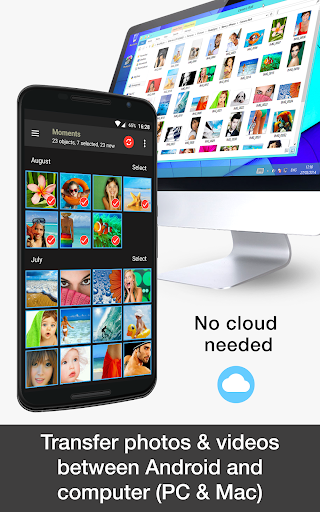
• Transfer photos & videos to and from computer (Windows PC and Mac)
• Share photos & videos between phones and tablets (Android and iOS)
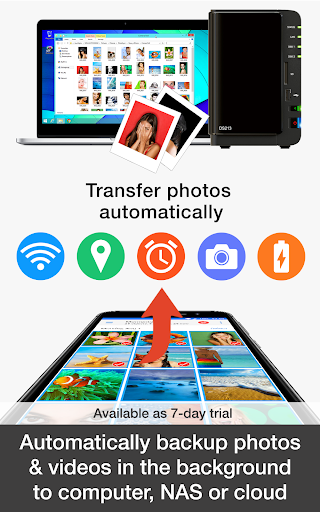
• Automatically backup photos & videos in the background to pre-selected targets (computer, NAS, cloud and photo services)
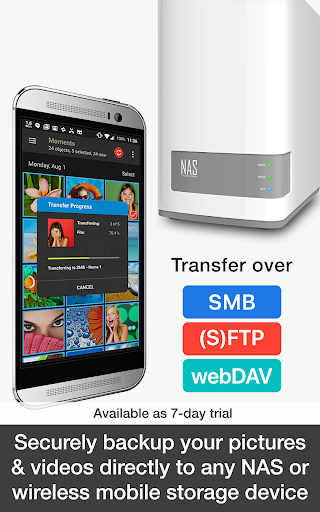
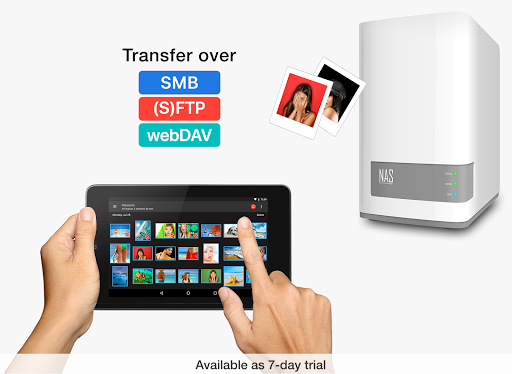
• Transfer photos & videos to and from NAS over SMB, (S)FTP and WebDav
• Share photos & videos to and from cloud and photo services
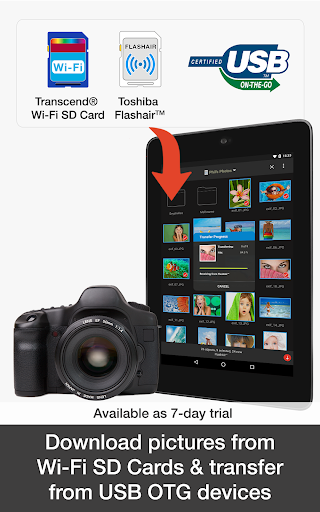
• Download photos, videos & RAWs from Wi-Fi SD cards in Camera to Android
Key transfer features:
TRANSFER TO AND FROM COMPUTER *** FREE ***
• Backup photos & videos from Android phone / tablet to computer over WiFi or Portable WiFi Hotspot
• Drag & drop photos & videos from Windows PC or Mac to Android directly over the local network
(Requires either a web browser or the recommended, FREE PhotoSync Companion utility installed on your computer. Download the PhotoSync Companion from our website: https://www.photosync-app.com/downloads)
TRANSFER BETWEEN PHONES AND TABLETS *** FREE ***
• Directly send photos & videos from one Android device to another over WiFi or Portable WiFi Hotspot. No computer or cloud needed!
• Exchange photos & videos between Android devices and iPhone / iPad over the local network
(Requires PhotoSync for iOS installed on iPhone / iPad / iPod touch)
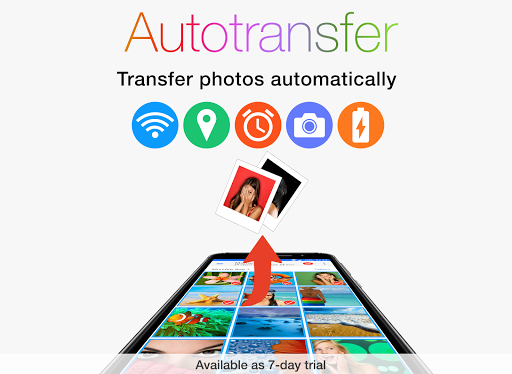
AUTOTRANSFER – AUTOMATICALLY BACKUP PHOTOS & VIDEOS IN THE BACKGROUND
• Automatically backup photos & videos directly from Android to computer (PC & Mac)
• Securely auto upload photos & videos straight from Android to NAS, wireless mobile storage device or remote server
• Automatically copy and share photos & videos directly from Android to supported cloud / photo services
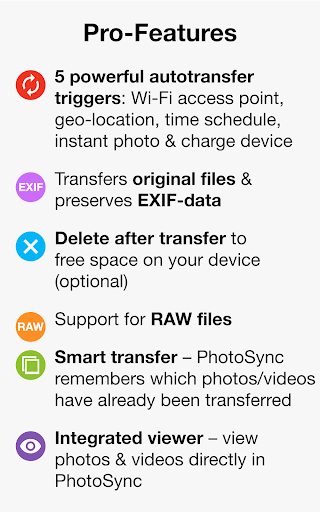
Automatically and wirelessly backup photos & videos, whenever:
- You take a new picture or video [Instant transfer]
- Your device connects to a pre-selected WiFi network [Wi-Fi access point (SSID)]
- You arrive at a pre-selected geolocation [Location based transfer]
- You charge your device [Trigger transfer]
- A pre-set time schedule is met [Time schedule]
– 7 day trial available! –
TRANSFER TO AND FROM NAS
• Securely backup photos & videos to your NAS, remote server or personal cloud over SMB, (S)FTP or WebDav
• Download and view photos & videos on SMB, (S)FTP and WebDAV servers
• PhotoSync supports NAS storage devices, servers and personal cloud services from:
- Synology
- QNAP & Buffalo NAS
- ownCloud
- NextCloud
- WD MyCloud
- FreeNAS
- OpenMediaVault
- Seagate Personal Cloud
- NETGEAR ReadyNAS
- and many more …
• Quickly upload and download photos & videos whilst on-the-go to your wireless portable hard drive over SMB, (S)FTP and WebDav
• PhotoSync supports all major mobile storage solutions (wireless USB sticks, portable hard drives…) from:
- Western Digital
- Seagate
- Toshiba (http://www.canvio.jp/apps/en/)
- HyperDrive
- SanDisk
- and many more …
– 7 day trial available! –
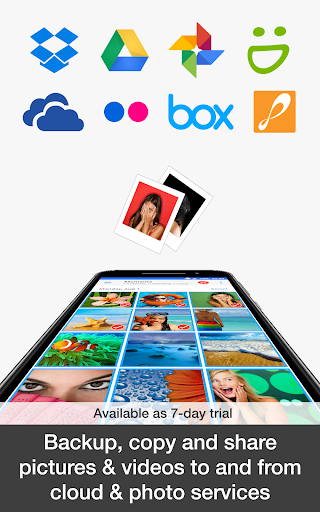
TRANSFER TO AND FROM CLOUD AND PHOTO SERVICES
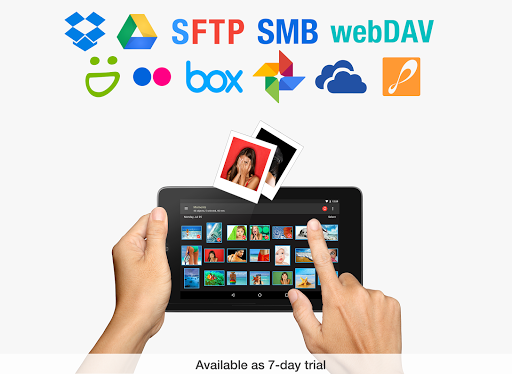
• Upload and share photos & videos from Android straight to supported cloud and photo services over 3G / LTE
• Import photos & videos stored on cloud and photo services directly to Android. Import selected, all or new photos / videos
• PhotoSync supports:
- Dropbox
- Google Drive
- Google Photos
- Flickr
- OneDrive
- SmugMug
- Box
- Zenfolio
- PhotoPrism
– 7 day trial available! –
What's New
In-app purchases
$0.99 - $22.99 per item
Version Information
- Version
- 4.2.4
- Downloads
- 1M+
- Updated on
- Sep 2, 2025
- Released
- Apr 3, 2014
- Requires
- Android 8.0
Statistics
Google Play Rating History
Rating Distribution
Downloads Over Time
PhotoSync – Transfer Photos has been downloaded times. Over the past 30 days, it averaged downloads per day.
Shaded area shows 30-day prediction based on historical trends
Historical data collection started recently. More data points will be available over time.
PhotoSync – Transfer Photos users say on Google Play
 Trevor Thornhill
I've used this app for several years on several phones & 2 laptops and it has worked perfectly for me. Open the app on the phone, open the companion app in Windows and it's very easy to copy photos & videos in either direction. I had an issue today for the first time where it wasn't picking up the new photos I'd taken, so contacted the developer and they got back to me within 5 minutes with the solution. Have now set up an autotransfer to OneDrive for all new photos. Brilliant! Thanks guys!
 Gary Waters
syncs my camera photos, but can't select other folders like download.
 Soph & Liam
Autotransfer set up and then after it automatically crashes when going back to edit. As soon as you hit Autotransfer (under Transfer Targets) it crashes. It didnt before, but after the update it does. (Android 15, tried on 3 different phones.)
 N EE
N EE
Last update lost the sync history and all my photos appear as non synced!
 Patrick Fletcher-Jones
Worked for a bit, thought it was brilliant. Paid for all the options and now does not work. Once again poxy software that works for a bit then the joy of Windows.. How difficult can it be to transfer photos from your phone to a laptop...
ApkTrusted Ratings & Reviews
More from touchbyte
See more apps
Similar Apps

Smart Switch - File Transfer
Paid

WeTransfer : File Transfer
Free

Send Anywhere (File Transfer)
Free

DAVx⁵ – CalDAV CardDAV WebDAV
Paid

AT&T Personal Cloud
Free

INTEGRA CONTROL
Free

Arenti
Free

Eventer - Unforgettable Events
Free

celebrate: share photo & video
Free

Simple Gallery Pro
Paid

Personio
Free

Photo Scan App by Photomyne
Free

My Verizon For Business
Free

Brightline
Free

Video Converter Pro
Paid

Collect by WeTransfer
Free
Scan this QR code to download

Forwarding you to the page at Google Play market in seconds...
Open Google Play market now