PhotoSync Autotransfer Add-On v3.4.1
touchbyte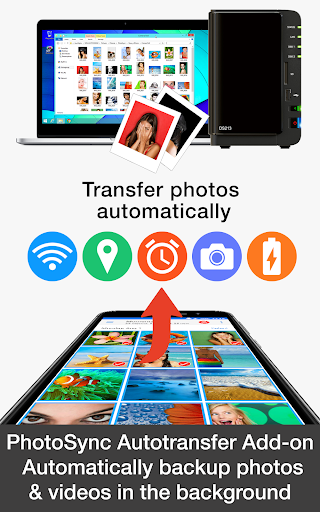

About this app
Developer Description
Automatically backup your photos and videos to computer, NAS and Cloud services
★ Over 10,000 positive reviews, thousands of happy users and millions of photo transfers
★ Number one cross-platform solution with native apps for Android, iOS, Windows & Mac
★ Reliable and secure software – operating 10 years in the market and continuously updated
★ Total user control and fully customisable
ABOUT PHOTOSYNC AUTOTRANSFER ADD-ON VERSION
• Automatically and wirelessly backup photos and videos in the background to computer, private cloud, NAS and supported cloud / photo services.
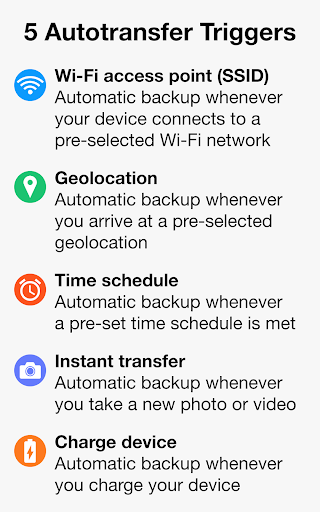
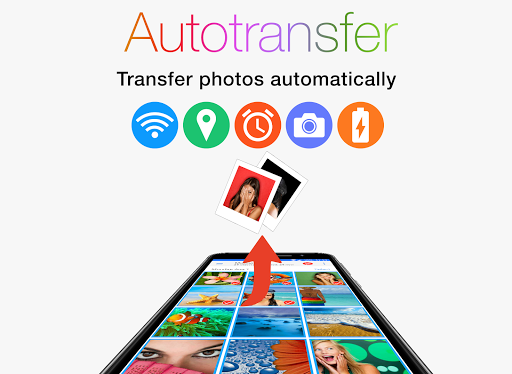
• Five configurable Autotransfer triggers: Wi-Fi access point (SSID), geolocation, time schedule, take a photo and charge device
• No ads
HOW IT WORKS:
1. Download and Install PhotoSync at https://play.google.com/store/apps/details?id=com.touchbyte.photosync
2. Download and install 'PhotoSync Autotransfer Add-On License'
3. PhotoSync will automatically upgrade to PhotoSync Autotransfer Add-On version upon the installation of PhotoSync Autotransfer Add-On License
PHOTOSYNC AUTOTRANSFER HIGHLIGHTS
Easy and reliable transfer solution for automatically and wirelessly backing up your photos and videos in the background to pre-selected targets.
Automatically backup your photos and videos
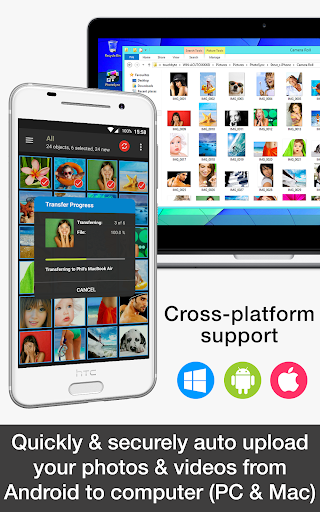
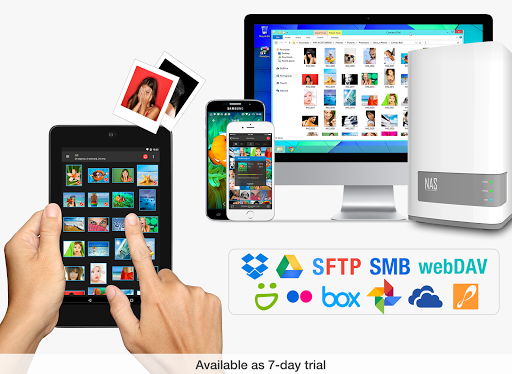
• Securely auto backup your photos and videos directly from your Android phone / tablet to computer (PC and Mac) over WiFi or Portable WiFi Hotspot
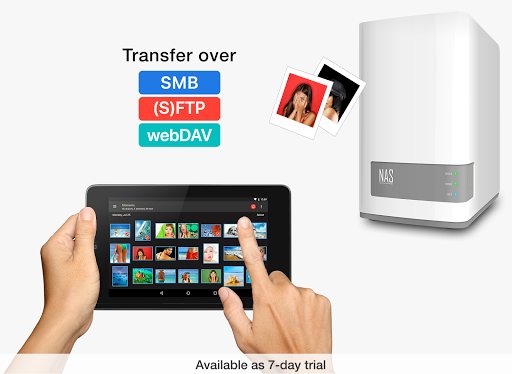
• Safely auto upload your photos and videos straight from Android to any NAS, wireless mobile storage device or remote server over SMB, (S)FTP or WebDav. (Requires PhotoSync NAS Add-On – all major NAS and mobile storage devices are supported!)
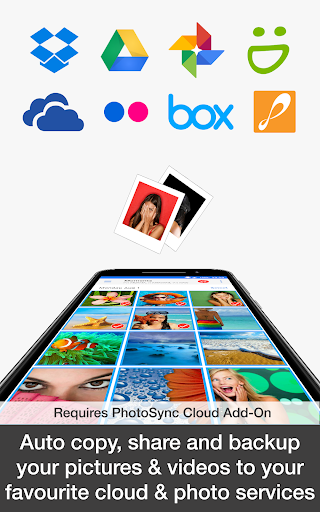
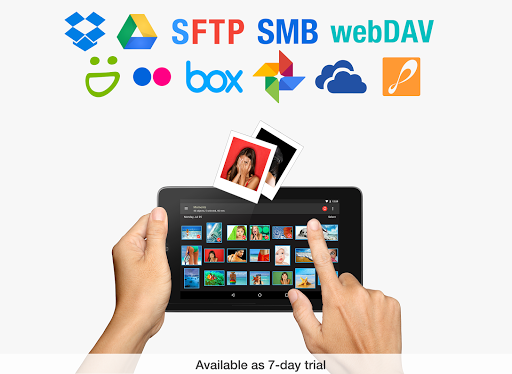
• Securely auto copy, share and backup your photos and videos directly from your Android phone / tablet to your favourite cloud and photo services over WiFi and Cellular network. (Requires PhotoSync Cloud Add-On – Dropbox, Google Drive, Google Photos, Flickr, OneDrive, SmugMug, Box, Zenfolio and PhotoPrism are supported!)
Five Autotransfer options
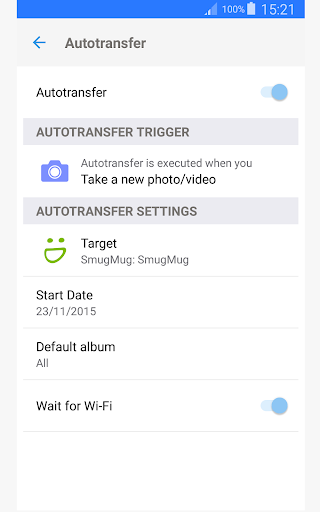
• Automatically backup your photos and videos whenever you take a new picture or video [Instant transfer]
• Automatically backup your photos and videos whenever your device connects to a pre-selected WiFi network [WiFi access point based (SSID) transfer]
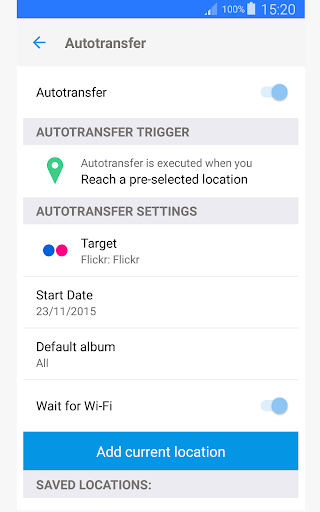
• Automatically backup your photos and videos whenever you arrive at a pre-selected geolocation [Location based transfer]
• Automatically backup your photos and videos whenever you charge your device [Trigger transfer]
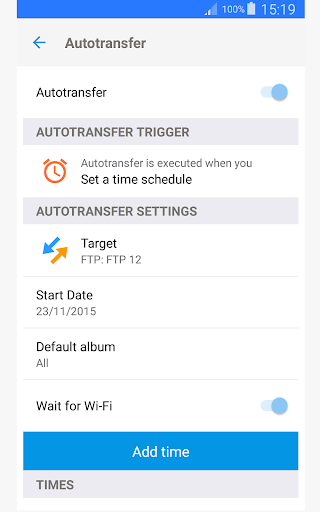
• Automatically backup your photos and videos whenever a pre-set time schedule is met [Time schedule]
ABOUT FREE PHOTOSYNC VERSION
• Safely and securely backup photos and videos from Android devices to computer (PC & Mac) over WiFi
• Send pictures & videos from computer to Android phone and tablet over WiFi or Portable WiFi Hotspot
• Transfer photos and videos between Android phone and tablet over your local network (WiFi or Portable WiFi Hotspot)
• Copy and move photos and videos between Android devices and iPhone / iPad over WiFi
• Ad-supported
What's New
Version Information
- Version
- 3.4.1
- Downloads
- 10K+
- Updated on
- Aug 21, 2025
- Released
- Aug 10, 2016
- Requires
- Android 8.0
Statistics
Google Play Rating History
Rating Distribution
Downloads Over Time
PhotoSync Autotransfer Add-On has been downloaded times. Over the past 30 days, it averaged downloads per day.
Shaded area shows 30-day prediction based on historical trends
Historical data collection started recently. More data points will be available over time.
PhotoSync Autotransfer Add-On - Google Play Rankings
Top Rankings
| Rank | Country | Category | List | Change |
|---|---|---|---|---|
| — |
Ranking History in
No ranking data available yet. Rankings are updated daily.
#38 in Top Paid Photography in United States


#11 in Top Paid Photography in Canada

#12 in Top Paid Photography in Germany


#30 in Top Paid Photography in Vietnam


PhotoSync Autotransfer Add-On users say on Google Play
 Sarmad Kalamchi
Great and flexible software. Only issue I have had is automatic transfer is now broken since Android 11 update. Can't seem to get it to work. Real shame.
 A Google user
I am very happy with this app.... it saves all my photos to the desktop computer which is backed up. The automatic feature I paid extra for works sometimes but it doesn't take much to do it manually..... a lot easier than having to plug in.... would be 5 star if it always automatically saved my photos.
 Dean Wellard
OK, does the job but it needs to be shown the target often. Also the auto upload only works when it wants to. I have to check to see if it is uploading. It also doesn't always rember I only want one folder to be uploaded. It adds all folders which I don't want. I only have one folder I like to keep a copy of on my PC. GreT potential but still far behind. Plex Camera upload was far superior, which is now obsolete and this was recommended as a close second. Long way to come yet.
 Dave S
Great toy when working, but buggy. Frequent issues finding target, despite correct IP and settings. Works, then suddenly next day won't work. No obvious reason, no fix, no meaningful support. Find a better solution than this one.
A Google user
This app doesn't work consistently, I setup it to send newly taken photos to Google Drive, but sometimes it just hangs and accumulates photos without sending them. It starts to work again once I open the main app. I want it to automatically send my photos to Google as a Background job totally unnatended.
ApkTrusted Ratings & Reviews
More from touchbyte
See more apps
Scan this QR code to download

Forwarding you to the page at Google Play market in seconds...
Open Google Play market now