
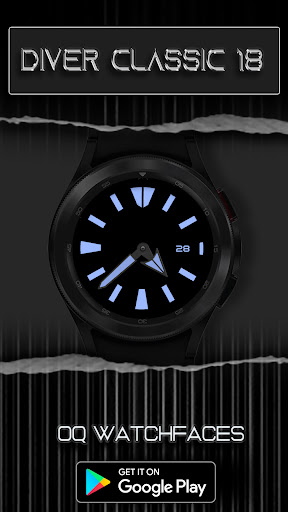
Diver Classic 18 Wear OS 4 vVARY
OQ Watchfaces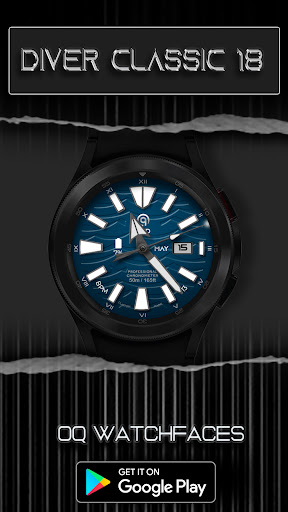


/
About this app
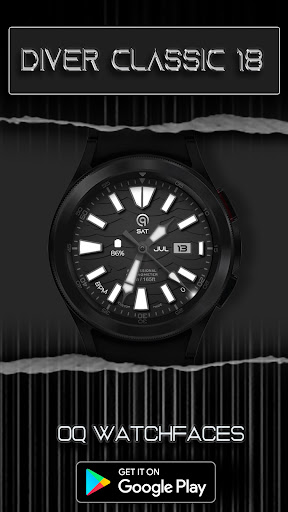
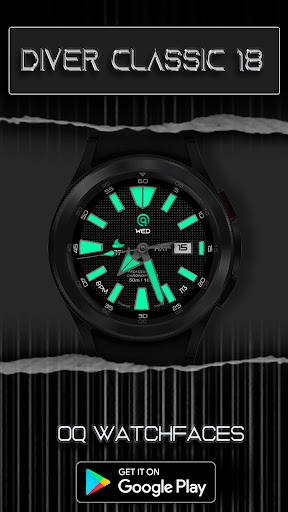
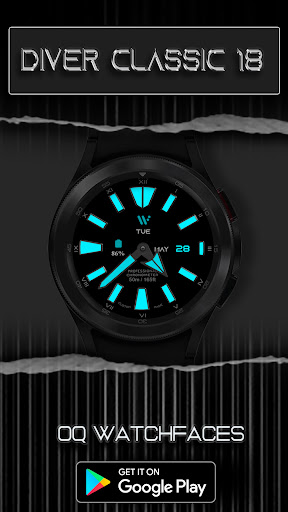
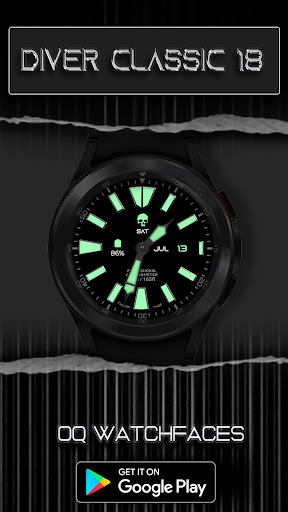
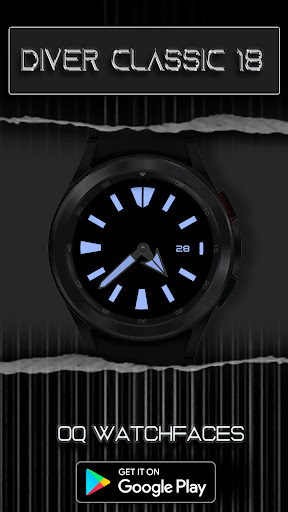
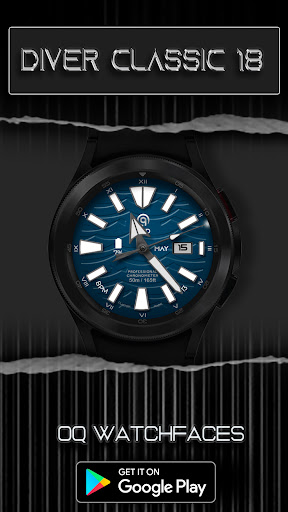
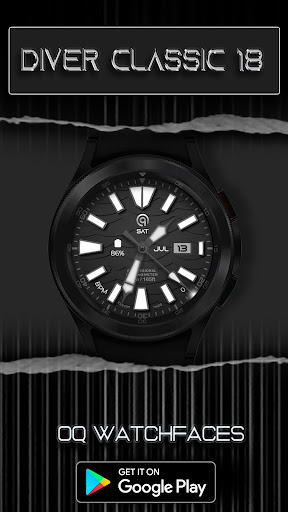
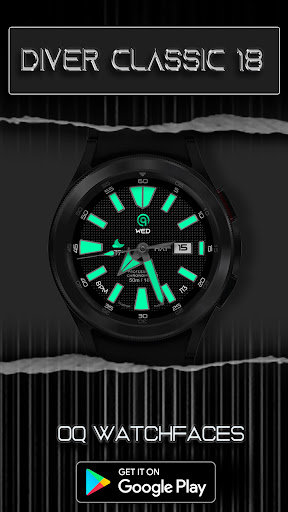
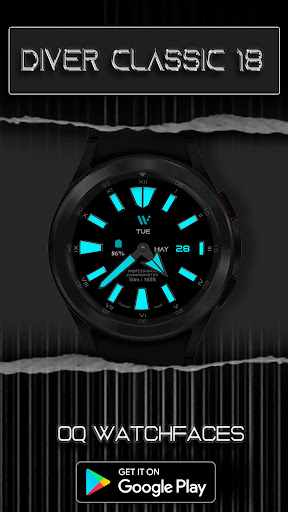
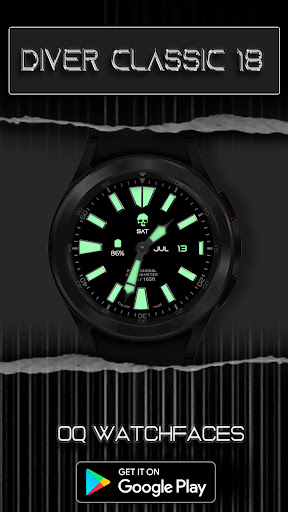
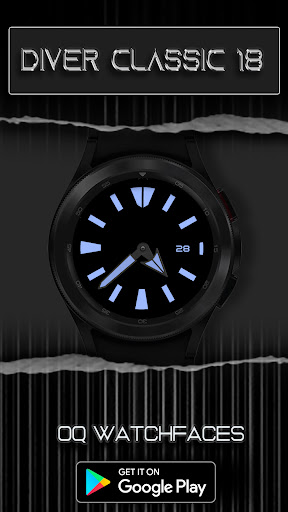
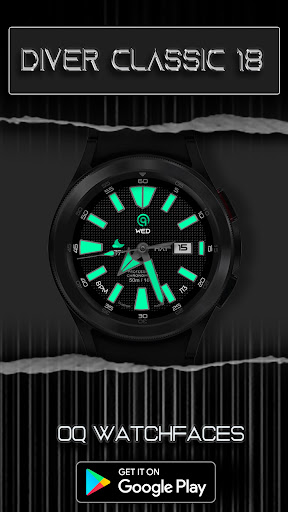
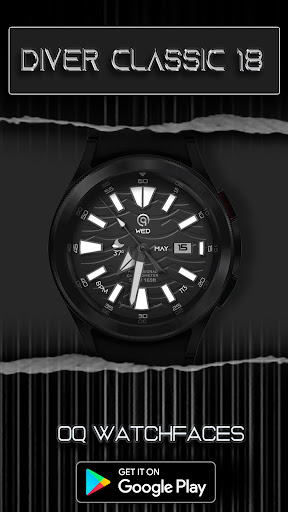
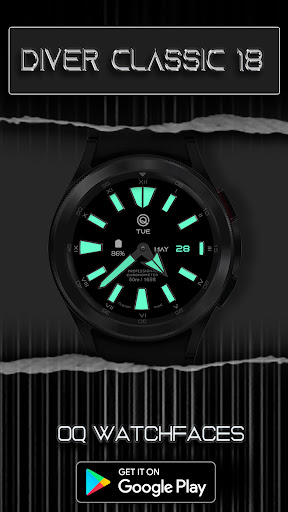
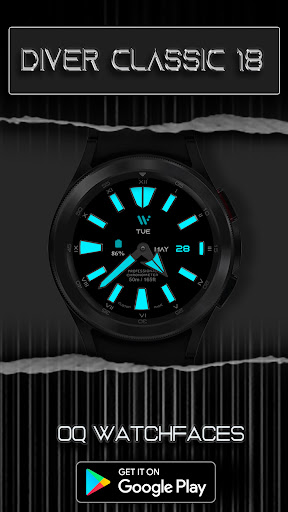
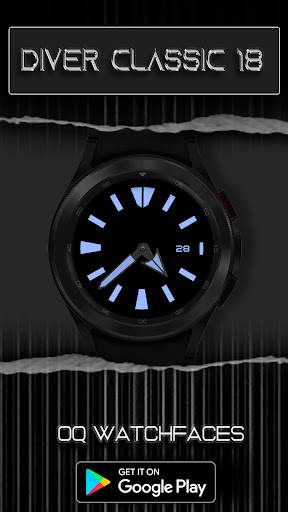
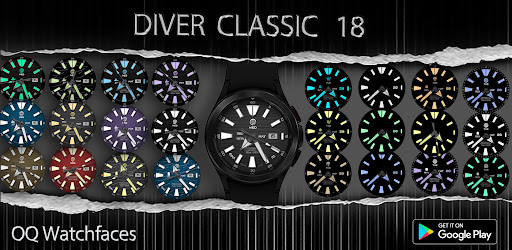
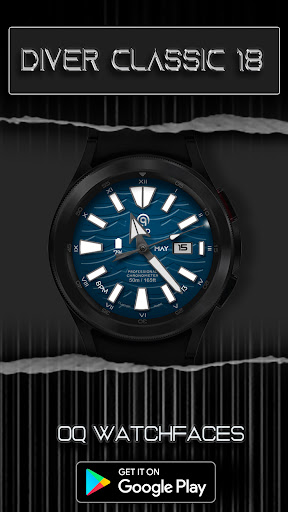
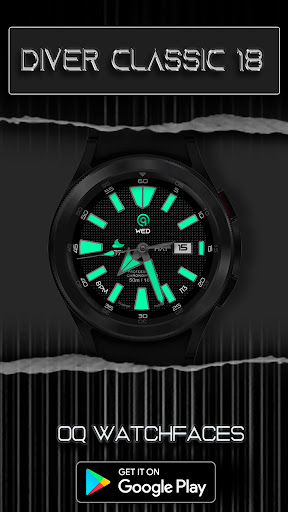
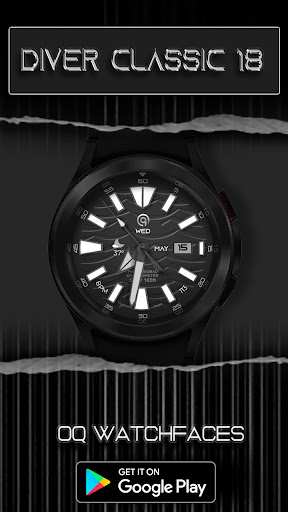
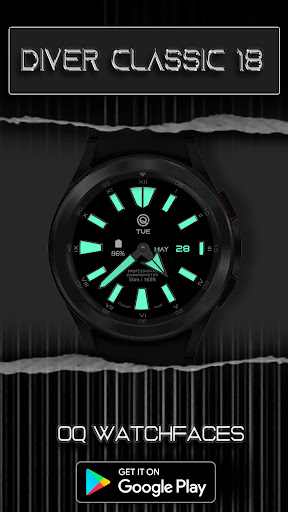
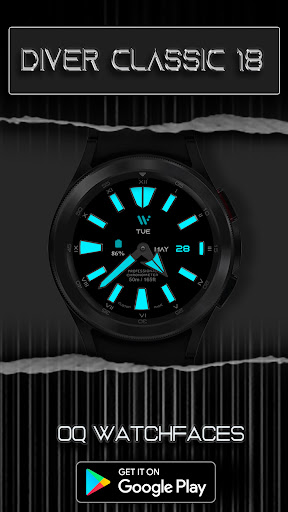
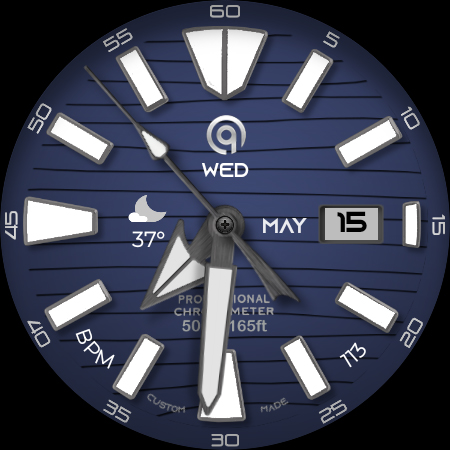
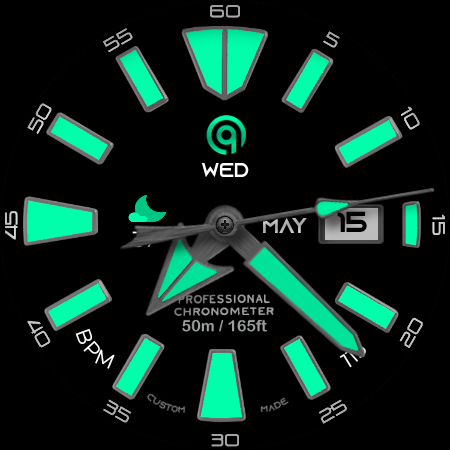
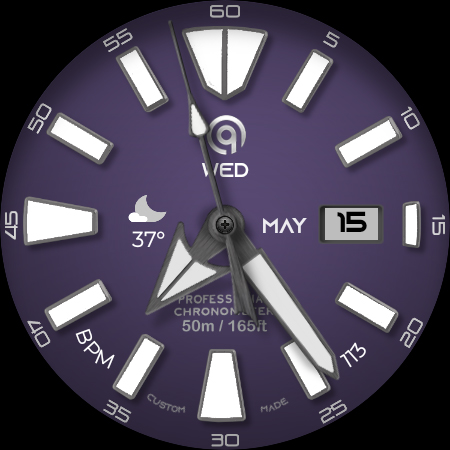
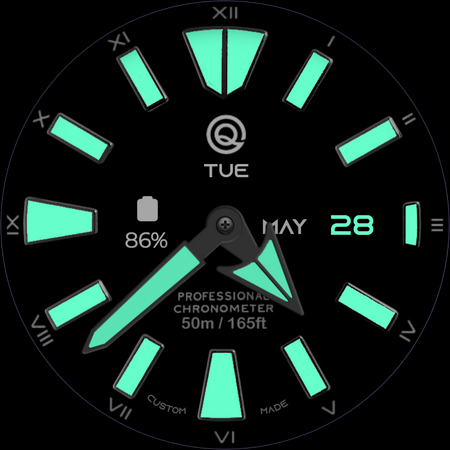
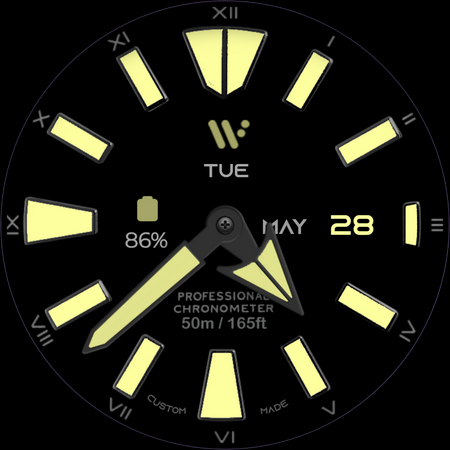
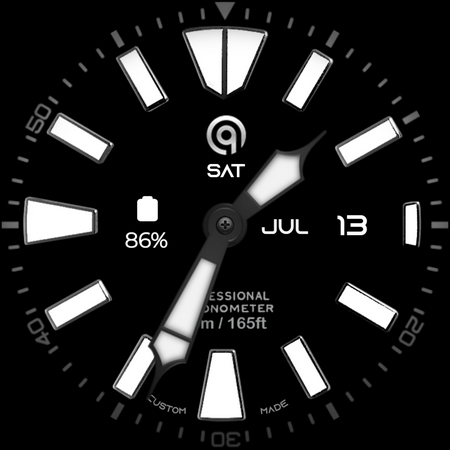
Diver Analog Watchface for Wear OS with many customizations & theming options.
The watch face has following features:-
1. Tap at 9 o clock hour index circle to open watch phone app.
2. Background lines option in customization menu puts an overlay of a pattern on the watchface to make it more unique. 5 x options are available that includes the default . Last option when selected will turn off this pattern.
3. 3 x Seconds styles options are available via watch face customization menu. Last option turns off seconds hands.
4. 5 x options including default for logo displayed are available via watch face customization menu.
5. Tap On Day text shown and it will open watch alarm app.
6. Tap On Month text shown and it will open watch calendar app.
7. Outer Minutes Index has 4 different styles including the default style and is customizable via watch face customization menu.
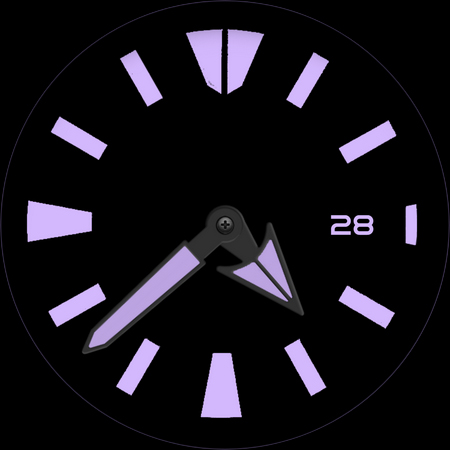
8. AoD Hide option Month/Day/Complication in customization menu does what it says.
9. 8 x Customizable Complications are available to user in the customization menu.
1x complication slot visible and 6x hidden complications shortcuts for you to place shortcut of your favorite apps.
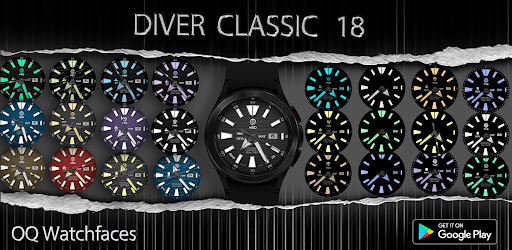
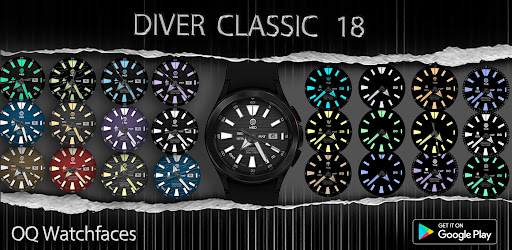
10. 30 x different color styles are available to suite your varying needs.Each part of color style consist of 3 x color schemes. And they are linked as below.
a. 1st Color part represents the Background color code on main display of WF.
b. 2nd Color part represents the Hands, Inner Index color code on AoD display of WF.
c. 3rd Color part represents the Hands color code on Main display of WF.
11. 2 x Pair of Analog Hands for Hours and Minutes added . changeable via longpress on watch by customization menu.
DEVELOPER'S TELEGRAM GROUP
1. https://t.me/OQWatchface
2. https://t.me/OQWatchfaces
1. Tap at 9 o clock hour index circle to open watch phone app.
2. Background lines option in customization menu puts an overlay of a pattern on the watchface to make it more unique. 5 x options are available that includes the default . Last option when selected will turn off this pattern.
3. 3 x Seconds styles options are available via watch face customization menu. Last option turns off seconds hands.
4. 5 x options including default for logo displayed are available via watch face customization menu.
5. Tap On Day text shown and it will open watch alarm app.
6. Tap On Month text shown and it will open watch calendar app.
7. Outer Minutes Index has 4 different styles including the default style and is customizable via watch face customization menu.
8. AoD Hide option Month/Day/Complication in customization menu does what it says.
9. 8 x Customizable Complications are available to user in the customization menu.
1x complication slot visible and 6x hidden complications shortcuts for you to place shortcut of your favorite apps.
10. 30 x different color styles are available to suite your varying needs.Each part of color style consist of 3 x color schemes. And they are linked as below.
a. 1st Color part represents the Background color code on main display of WF.
b. 2nd Color part represents the Hands, Inner Index color code on AoD display of WF.
c. 3rd Color part represents the Hands color code on Main display of WF.
11. 2 x Pair of Analog Hands for Hours and Minutes added . changeable via longpress on watch by customization menu.
DEVELOPER'S TELEGRAM GROUP
1. https://t.me/OQWatchface
2. https://t.me/OQWatchfaces
Version Information
- Version
- -
- Downloads
- 5K+
- Updated on
- Aug 23, 2024
- Released
- May 16, 2024
- Requires
- Android Varies with device
What's New
V1.0.4 Change Log:-
1. Seconds Glow Dot On/Off Option added in Customization menu.
1. Seconds Glow Dot On/Off Option added in Customization menu.
Ratings & Reviews
Developer Response
More from OQ Watchfaces
See more apps
Analog Basic 16 Wear OS 4+
Paid
Analog Basic 12 Wear OS 4+
Paid

Analog Basic 14 Wear OS 4+
Paid

Analog Basic 13 Wear OS 4+
Paid

Digital Basic 4 Wear OS 5+
Paid

Diver Classic 2 Wear OS 4+
Paid

Analog Classic 5 Wear OS4
Free
Analog Basic 21 Wear OS 4+
Paid
Analog Basic 11B Wear OS 5+
Paid

Digital Basic 8 Wear OS 4+
Paid
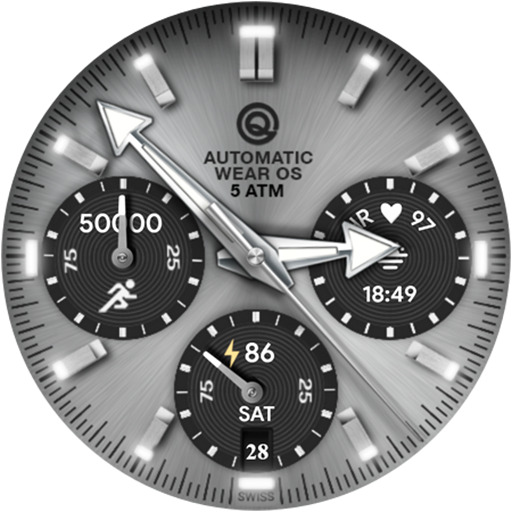
Analog Basic 16C Wear OS 4+
Paid

Analog Basic 20 Wear OS 4+
Paid

Analog Basic 22 Wear OS 4+
Paid

Analog Basic 23 WEAR OS 4+
Paid

Analog Basic 24 Wear OS 4+
Paid
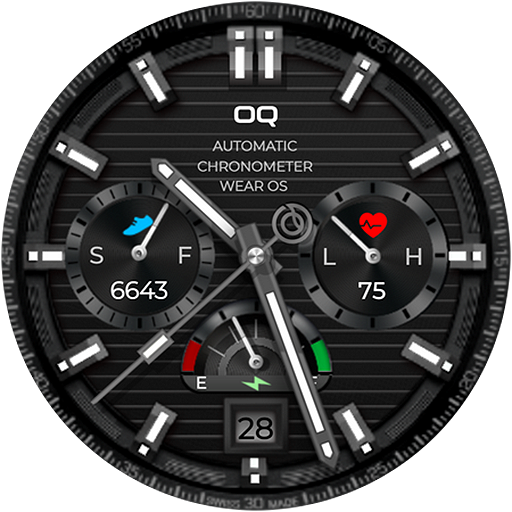
Analog Basic 25 Wear OS 4+
Paid
Similar Apps
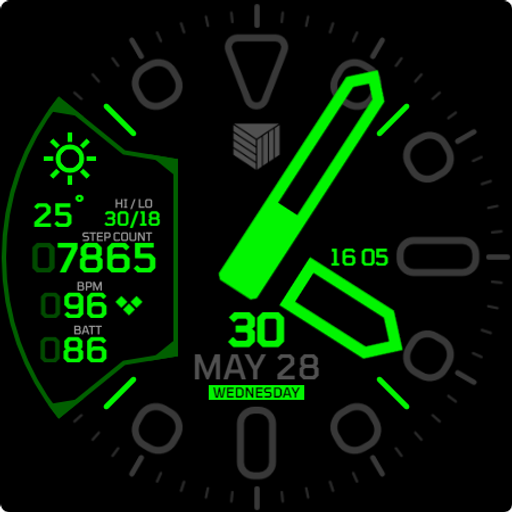
IWF Diver watchface
Paid
![AE AQUARACER [EXPEDITION] icon](https://play-lh.googleusercontent.com/cJijDJO7J5hgmptsURw_2eqGeyV2NGUuSRnjDf4ETTY7YR9unXqpjS2qzmpQAkP_yA)
AE AQUARACER [EXPEDITION]
Free

JW230 LUMINOUS
Paid

IWF AllNew Diver SE
Free

IWF DM1 watchface
Free

Aeronaut Watch Face V9
Paid

CELEST5541 Diver Watch
Paid

Roolex Submarine
Paid

Aquastellar: Diver Watch Face
Paid
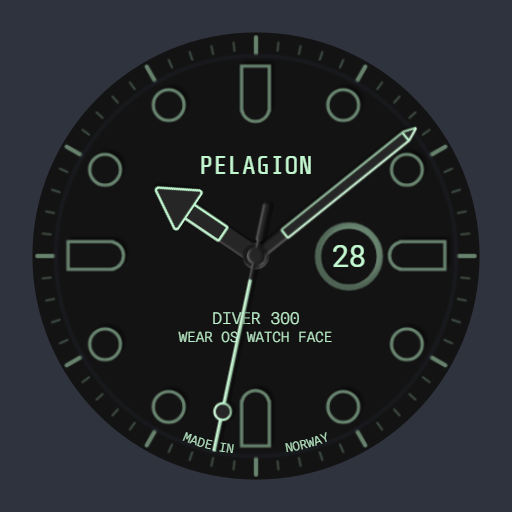
Pro Diver Luminous
Paid
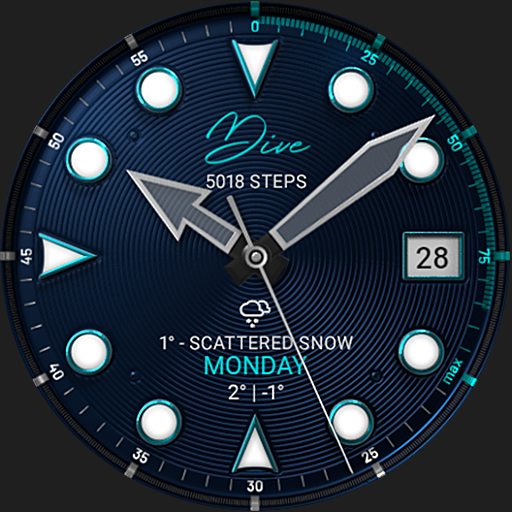
S4U Dive - Diver watch face
Free

TAG Heuer Aquaracer
Paid
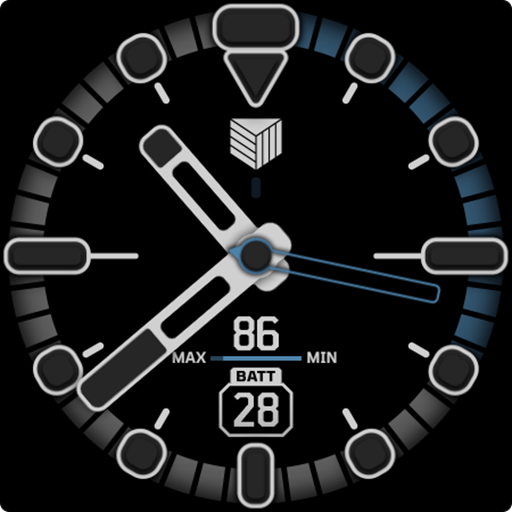
IWF D6 watchface
Paid

CELEST5410 Diver Watch
Paid

IWF AllNew Diver II watchface
Free

Blue Rugged Clean Diver
Paid