S4U Race digital watch face vVARY
styles4you
About this app
Developer Description
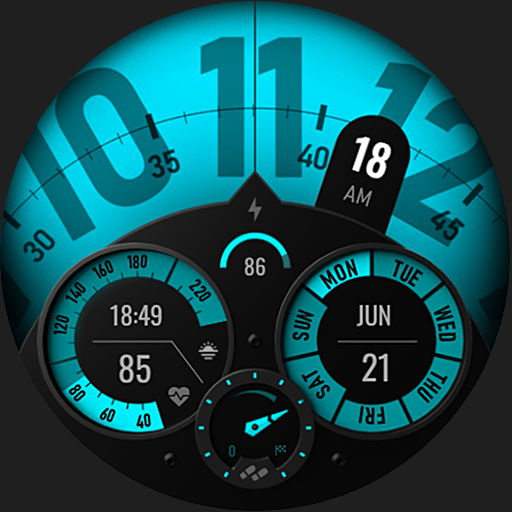
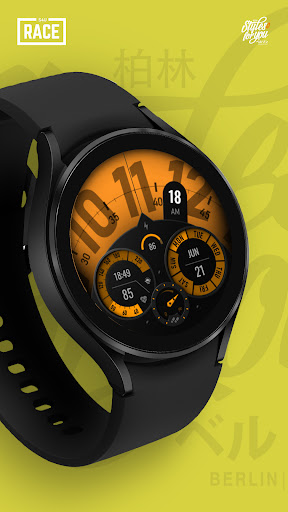
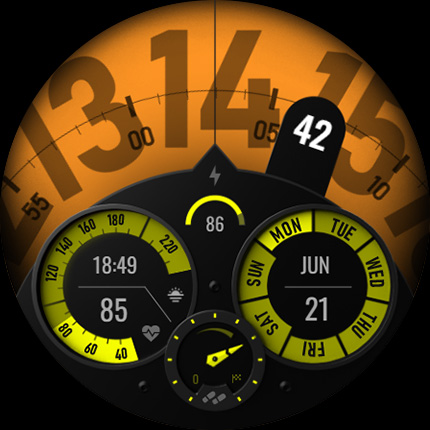
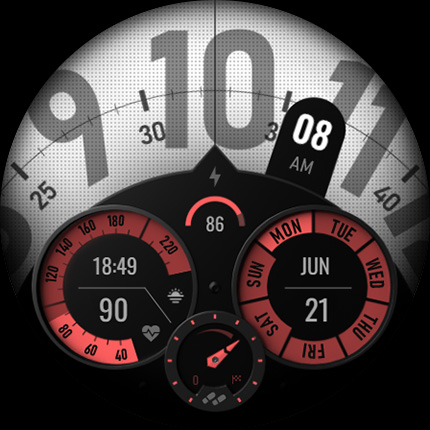
The S4U Race is an sporty digital watch face with many customization options.
⚠️ IMPORTANT: Compatibility
This is a Wear OS Watch Face app and supports only smartwatches running Wear OS 4 or higher (Wear OS API 33+).
Compatible devices include:
- Samsung Galaxy Watch 4, 5, 6, 7, 8 (incl. Ultra and Classic Versions)
- Google Pixel Watch 1–3
- Other Wear OS 5+ smartwatches
If you experience any issues with installation or downloading, even on a compatible smartwatch:
1. Open the companion app provided with your purchase.
2. Follow the steps in the Install/Issues section.
Still need help? Feel free to email me at wear@s4u-watches.com for support.
****
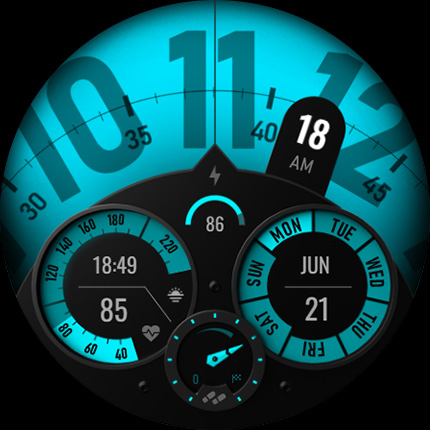
This sporty watch face displays the time, full date, your heart rate, battery status, pedometer percentage (100% = 10.000 steps). In addition, it has an individual data container in which you could display the weather, for example.
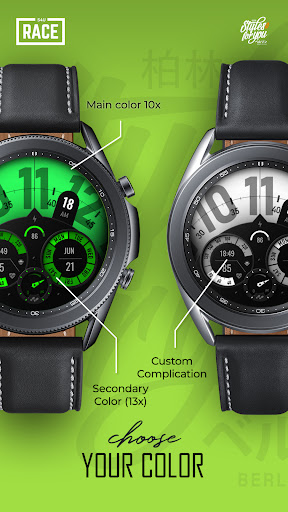
For customization, there are a total of 10 main colors that you can also combine with the 13 secondary colors. You can set up to 5 custom shortcuts to open your favorite watch app with just one click.
✨ Key Features:
- Sporty digital watch face
- multiple color customization
- 5 individual shortcuts (reach your favorite app/widget with just one click)
- 1 individual data container (e.g. display for weather information, sunrise/sunset, steps etc.)
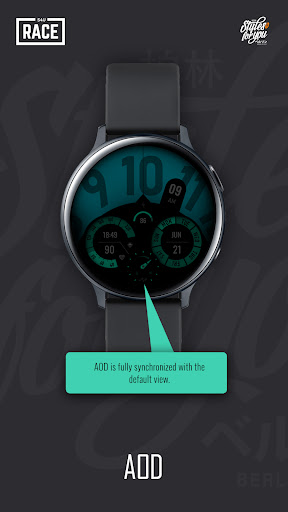
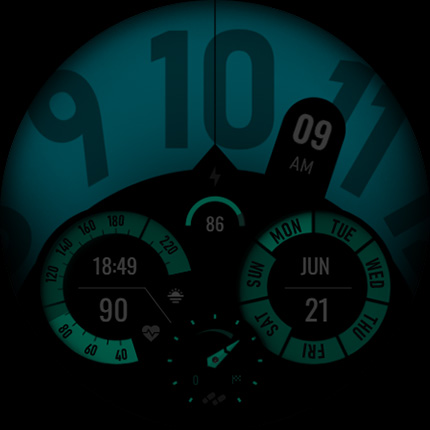
- Always on Display (colors are synchronized with the default view)
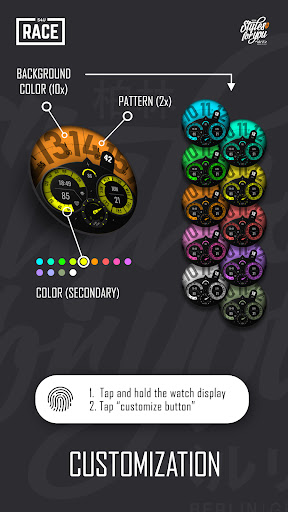
🎨 CUSTOMIZATION OPTIONS
1. press and hold finger on the watch display.
2. press the button to adjust.
3. Swipe left or right to switch between the different customizable items.
4. Swipe up or down to change the options/color of the items.
Available customization options:
Main Color (10x)
Color (Secondary color) (13x)
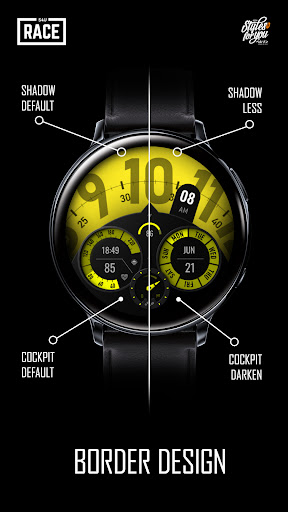
Cockpit (default, darken)
Pattern (off, dots, stripes)
Shadow (default, less shadow)
Weekdays (eng, ger, spa, fra, ita, rus, kor)
****
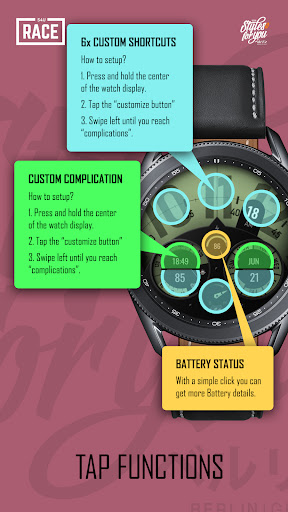
Setting up shortcuts (6x) or the individual data container* (2x):
1. press and hold the clock display.
2. press the customize button.
3. swipe from right to left until you reach the "complications".
4. 6 areas will be highlighted. 5 areas serve as a simple widget shortcut and one area serves as a data container that can display different information such as weather, world clock, etc.
*not all data provider are supported. Working well with weather, steps, sunrise and some more.
****
Additional option:
Single tap on the battery indicator open the battery details widget.
****
That's it. :)
I would appreciate any feedback on the play store.
For quick contact with me, use the email. I also would be happy for every feedback in the play store.
****
📬 Stay Connected
If you enjoy this design, be sure to check out my other creations! I’m constantly working on new watch faces for Wear OS. Visit my website to explore more:
🌐 https://www.s4u-watches.com
Feedback & Support
I’d love to hear your thoughts! Whether it’s something you like, dislike, or a suggestion for future designs, your feedback helps me improve.
📧 For direct support, email me at: wear@s4u-watches.com
💬 Leave a review on the Play Store to share your experience!
Follow Me on Social Media
Stay up to date with my latest designs and updates:
📸 Instagram: https://www.instagram.com/matze_styles4you/
👍 Facebook: https://www.facebook.com/styles4you
▶️ YouTube: https://www.youtube.com/c/styles4you-watches
🐦 X: https://x.com/MStyles4you
What's New
Update to comply with the new Google policy for the Target SDK 34. Starting with this version, the watch face only supports Wear OS 5 or higher.
Version Information
- Version
- -
- Downloads
- 5K+
- Updated on
- Jul 31, 2025
- Released
- Sep 12, 2022
- Requires
- Android Varies with device
Statistics
Google Play Rating History
Rating Distribution
Downloads Over Time
S4U Race digital watch face has been downloaded times. Over the past 30 days, it averaged downloads per day.
Shaded area shows 30-day prediction based on historical trends
Historical data collection started recently. More data points will be available over time.
S4U Race digital watch face users say on Google Play
 Mike Mallia
A different watch face to my usual analogue look preference, but a nice change. I like the choice of colours, but more would make it even better👌
 David
David
Obviously this is a beautiful watch face, high quality. Took 1 star out because there is no space for custom complication icons, which means if you change 6 shortcuts, you have to remember which is which. I wish i could see my Buds controller or Google wallet icons.
 Llama Rama
Awesome looking face. Terrible AOD. The AOD is so dark it can't really be seen. Too bad, I like the design.
David
Looks good but as others have mentioned, the AOD is way too dark, we can't see anything, which renders it useless. Also, it's a shame there's no app icon when we assign a complication to an app. It's difficult to remember which app is assigned to which shortcut.
 Richard Culp Sr
DID NOT GET THE FACE I ORDERED. No will talk to me WHAT IS YOUR GOD DAM PROBLEUM
ApkTrusted Ratings & Reviews
More from styles4you
See more apps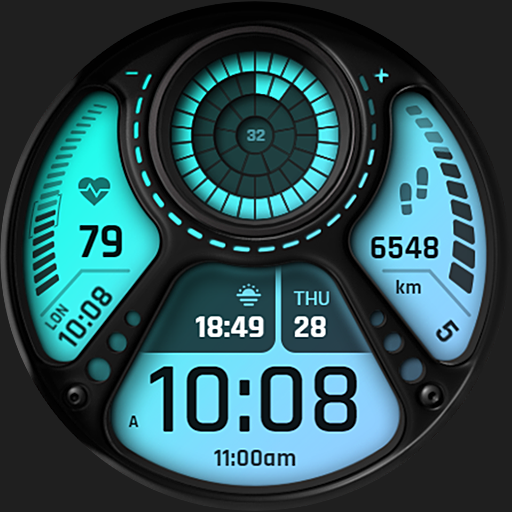
S4U EYE2 - digital watch face
Paid

S4U Abandon Time watch face
Paid
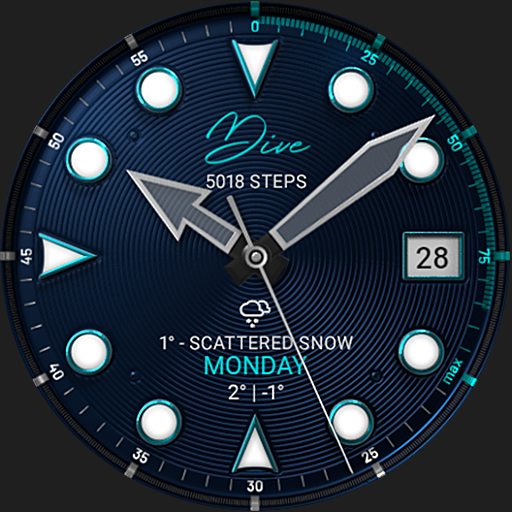
S4U Dive - Diver watch face
Paid
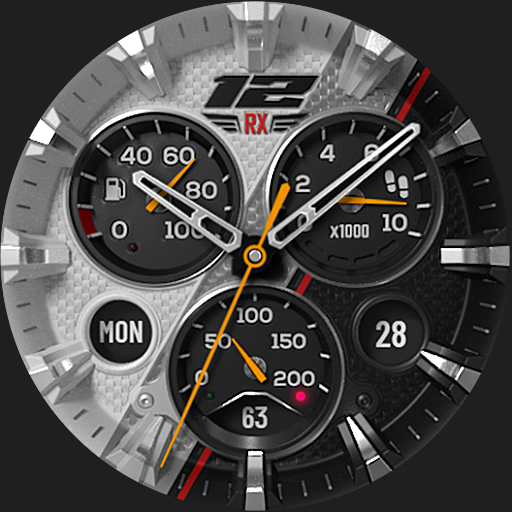
S4U Macau RX Racing Watch face
Paid
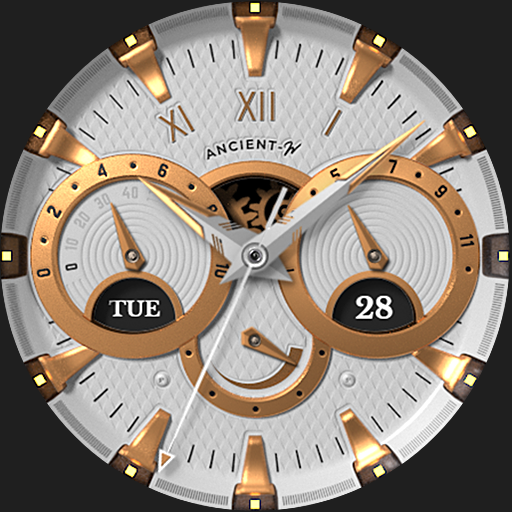
S4U Ancient Winter watch face
Paid

S4U Assen - Hybrid watch face
Paid

S4U Davos - Classic watch face
Paid
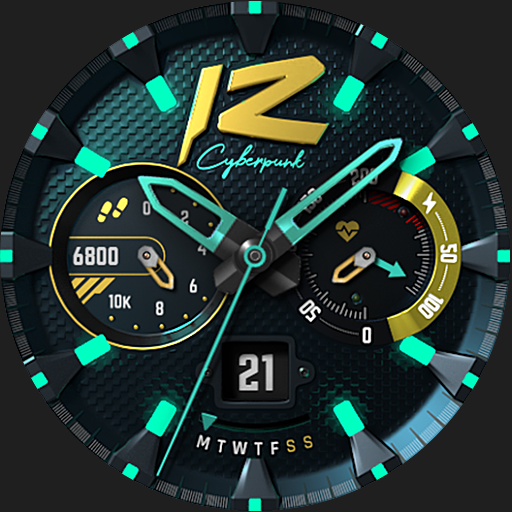
S4U Cyberpunk watch face
Paid
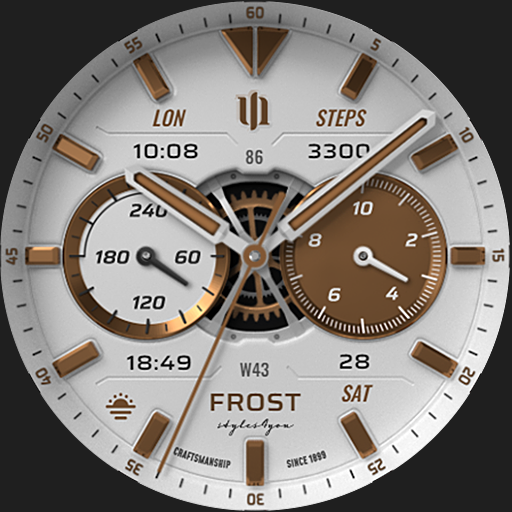
S4U Frost - classic watch face
Paid
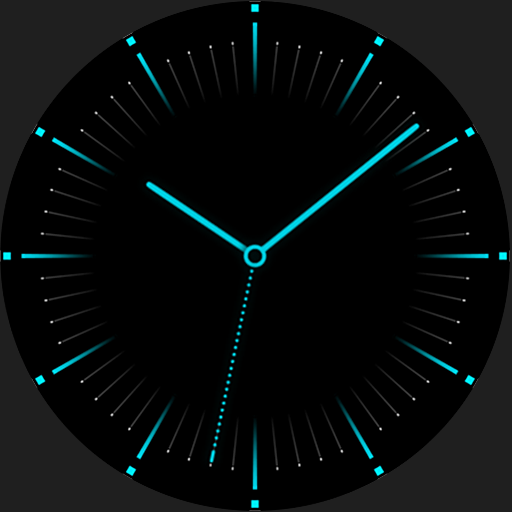
S4U Arctic Blue watch face
Free
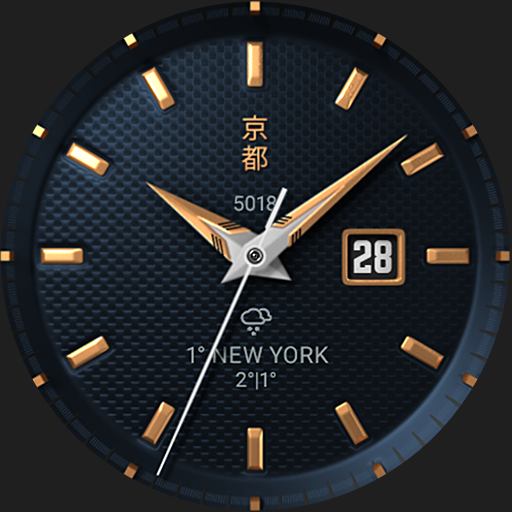
S4U Kyoto realistic watch face
Paid

S4U Chicago Golden watch face
Paid

S4U Ancient Gold Watch Face
Paid
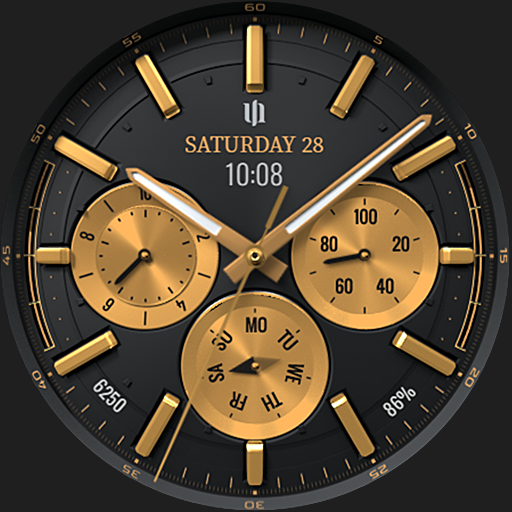
S4U Atlanta
Paid

S4U Ancient SE watch face
Paid

S4U Dive Winter - watch face
Paid
Scan this QR code to download

Forwarding you to the page at Google Play market in seconds...
Open Google Play market now