Watch face CNW-35 vVARY
10h08.com - Wear Os Watch Face





About this app
Developer Description
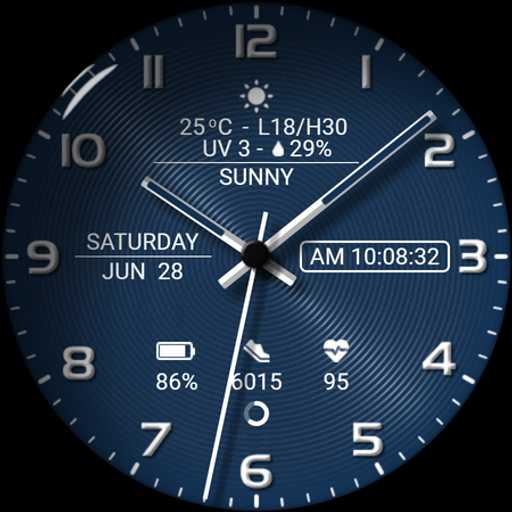
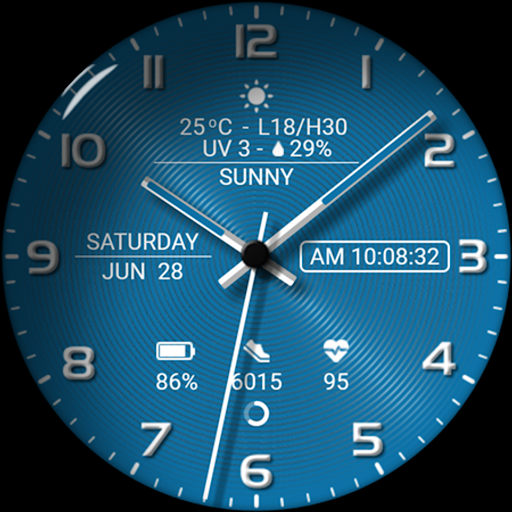
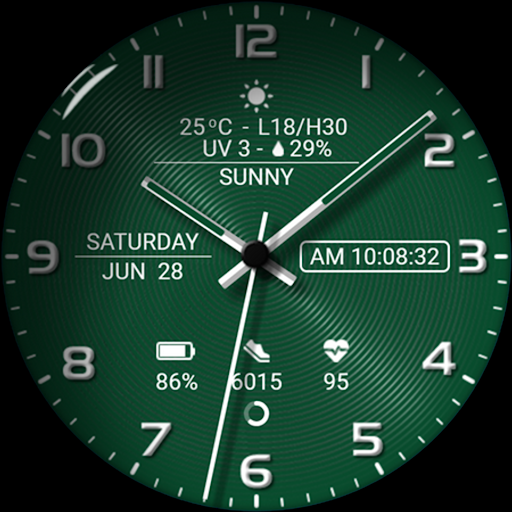
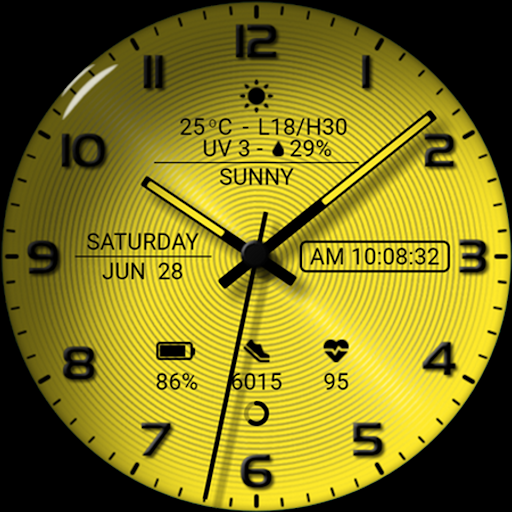
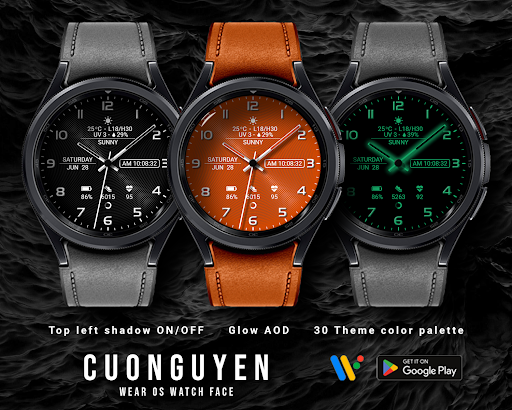
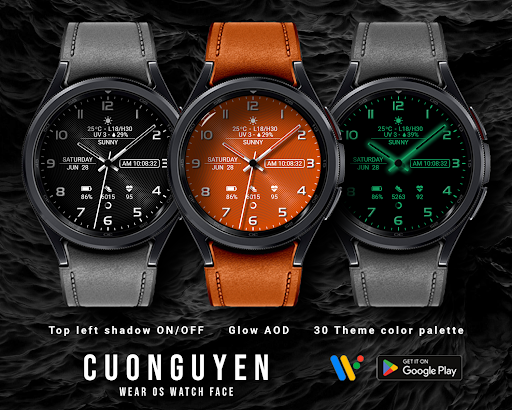
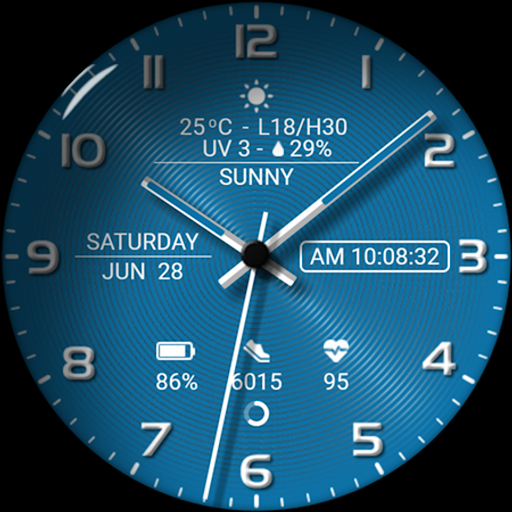
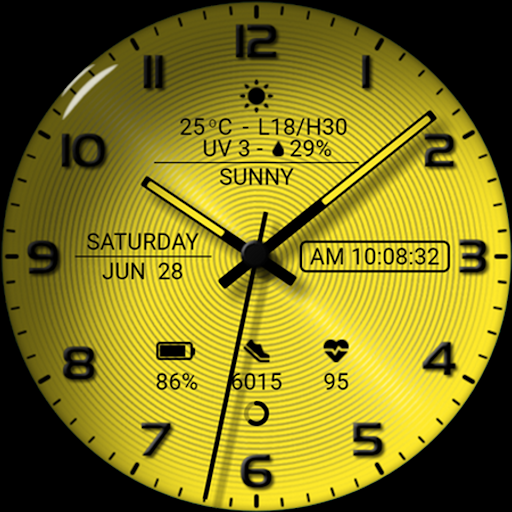
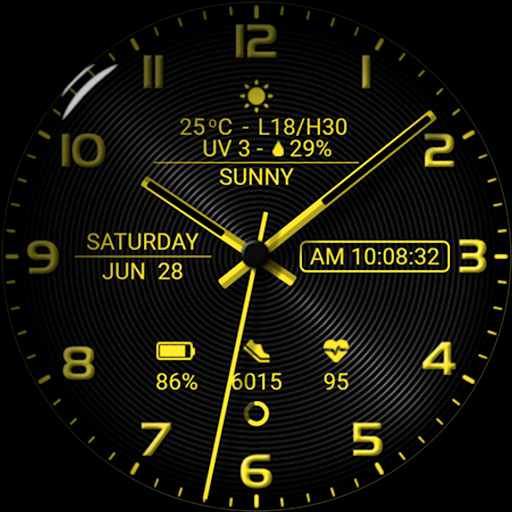
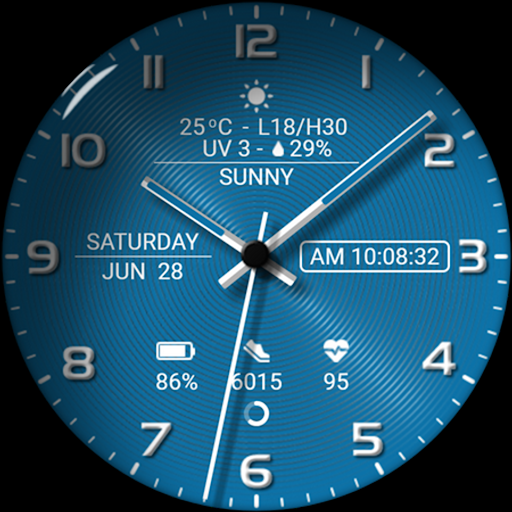
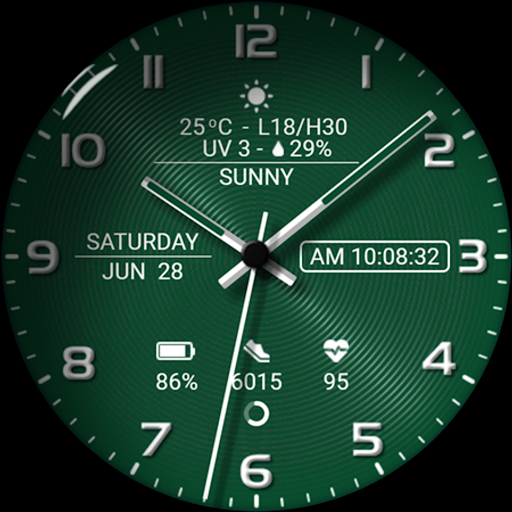
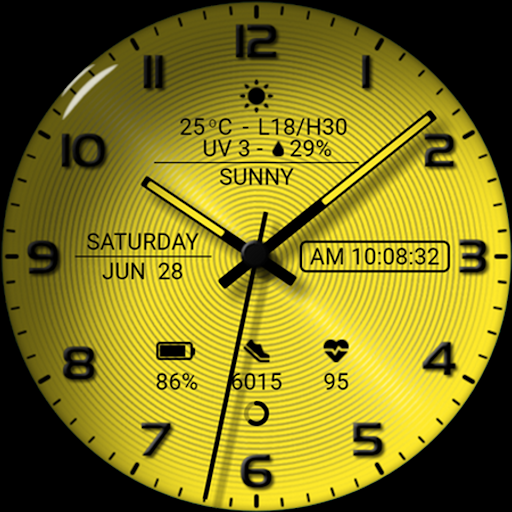
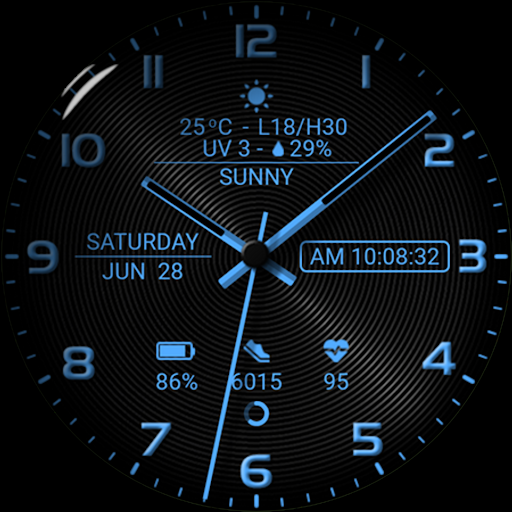
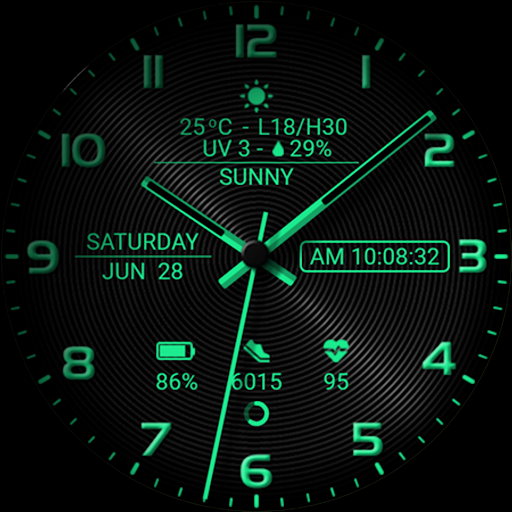
High resolution. Sport style. Weather infomation. 30 themes color palette
🟥 Information:
- High resolution, sharp image quality
- Sport style
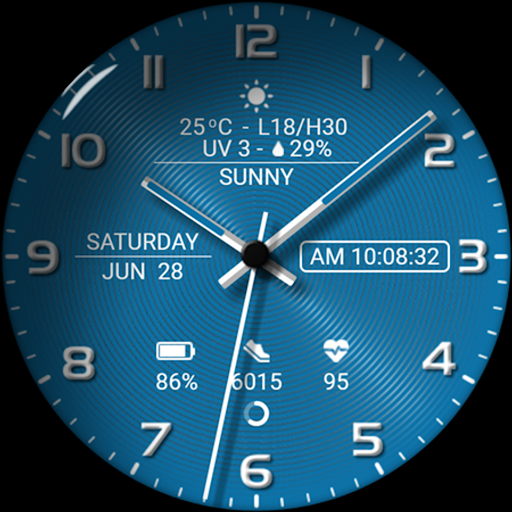
- Digital/Analog time
- Day, date, month
- Weather: icon, current temperature, lowest temperature, highest temperature, UV, rain percent
- Step count, step goal, heart rate
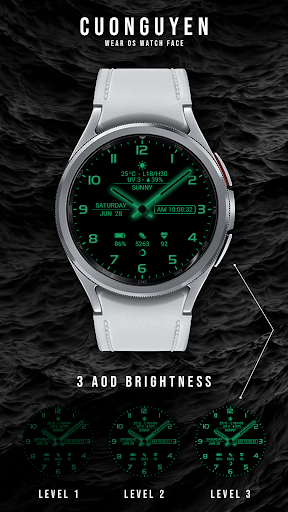
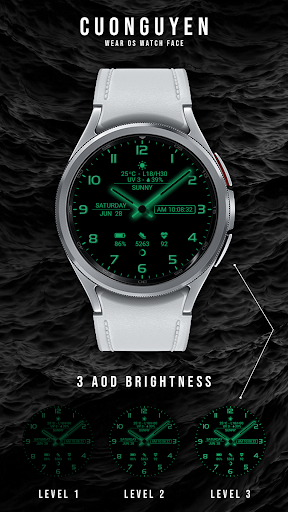
- Battery level, battery optimization with three AOD brightness levels
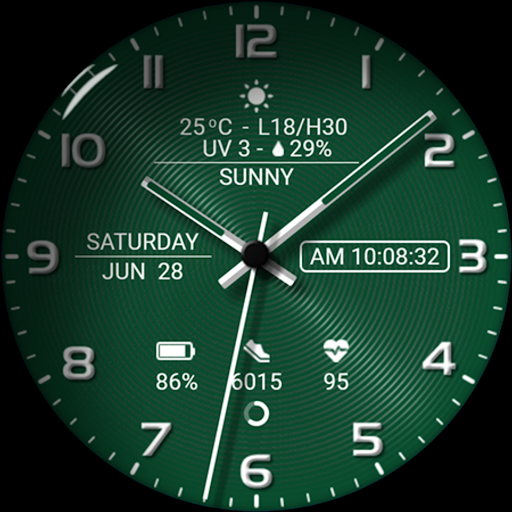
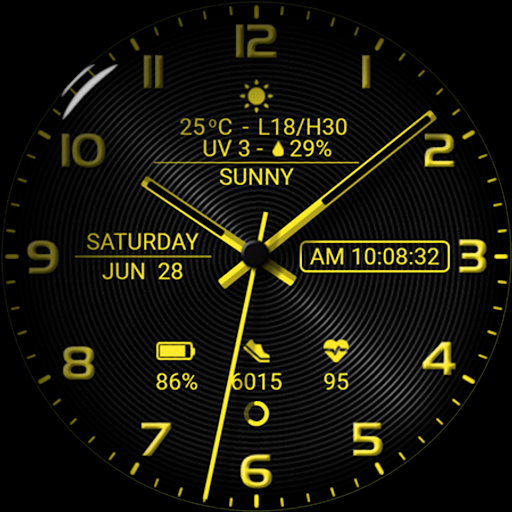
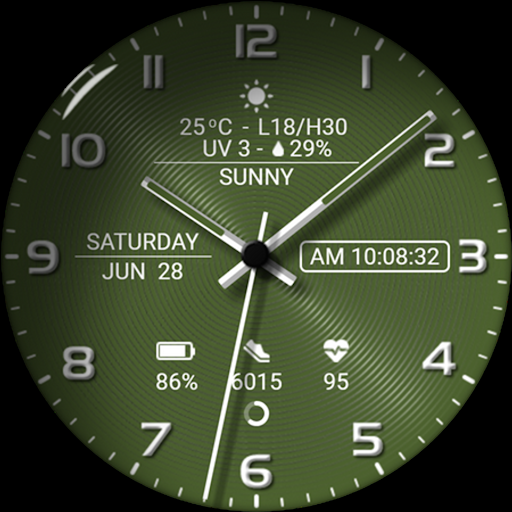
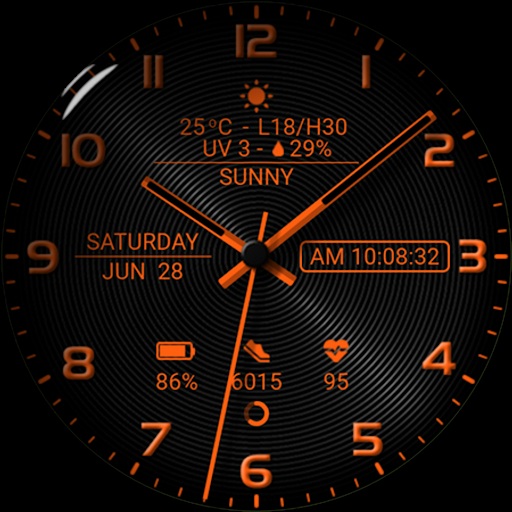
- 30 themes color palette: See more photos on Google Play store
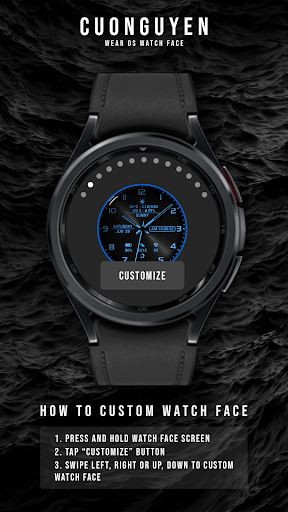
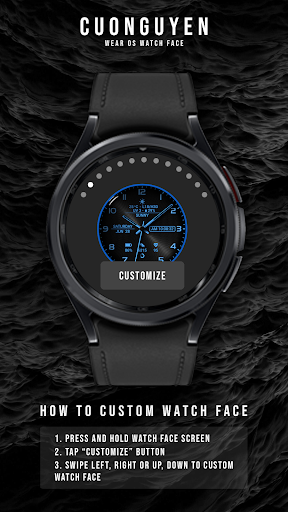
🟨 How to custom this watch face?
1. Press and hold watch face screen
2. Tap “Customize” button
3. Swipe left or right, up or down to customize watch face
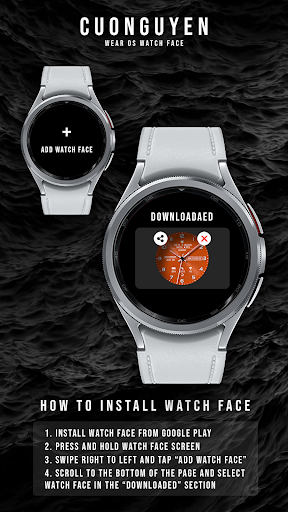
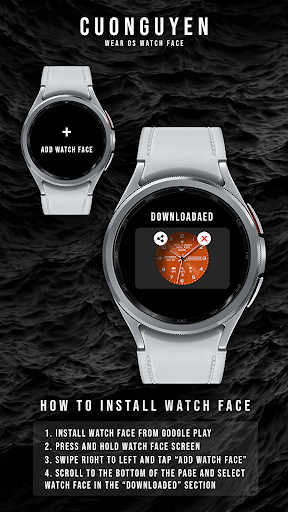
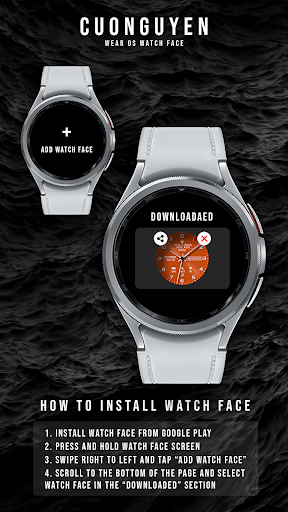
🟦 How to install watch face on your watch?
1. Install watch face from Google Play store
2. Press and hold watch face screen
3. Swipe right to left and tap “Add watch face”
4. Scroll to the bottom of the page and selectwatch face in the “downloaded” section
🟧 Compatible with smart watches running Wear OS 5+ SDK 34+
For example: Galaxy Watch 6, Galaxy Watch 7 Ultra, Ticwatch Pro 5, Pixcel Watch 2, Watch 2 Pro,...
🟩 See all my paid watch faces & free watch faces: https://play.google.com/store/apps/developer?id=cuonguyen
🟪 Follow my social media pages for the latest watch face updates:
https://www.facebook.com/cnwwatchface
https://www.instagram.com/cnwwatchface
https://www.pinterest.com/cnwwatchface
https://x.com/cnwwatchface
https://www.threads.com/@cnwwatchface
What's New
Version Information
- Version
- -
- Downloads
- 1K+
- Updated on
- Jul 3, 2025
- Released
- Jun 24, 2025
- Requires
- Android Varies with device
Statistics
Google Play Rating History
Rating Distribution
Downloads Over Time
Watch face CNW-35 has been downloaded times. Over the past 30 days, it averaged downloads per day.
Shaded area shows 30-day prediction based on historical trends
Historical data collection started recently. More data points will be available over time.
Watch face CNW-35 users say on Google Play
 Luke
Luke
Gorgeous, but needs to be rerelased with customizable complications.
 Red Hagar
It looks good...but the shadow on/off feature does nothing on my Watch Ultra. I would prefer to edit the complications but I cannot. Also, a darker blue with orange numbers would go well with my new blue/orange watch ultra but I cannot use custom colors.
 A G
A G
please return my money.. when trying to install on the watch.. it shows as if I did not pay.. and it is asking me to pay again...bad. It's really bad.. return my money.. or learn to submit new watch faces
ApkTrusted Ratings & Reviews
More from 10h08.com - Wear Os Watch Face
See more apps
Watch face CNW0009
Free
Watch face CNW0017
Free
Watch face CNW0022
Paid

Watch face CNW0010
Paid
Watch face Vintage CNW0011
Free
Watch face CNW0012
Paid
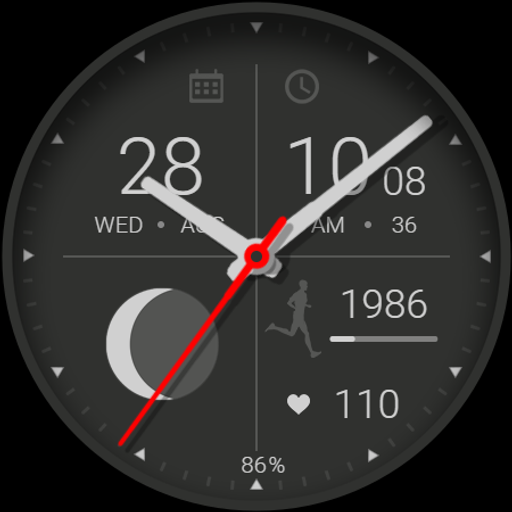
Watch face CNW0013
Free

Watch face 10h08.com 54
Paid
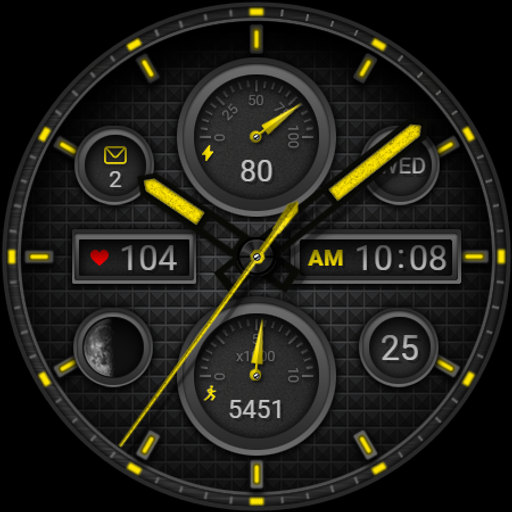
Watch face CNW0018
Paid
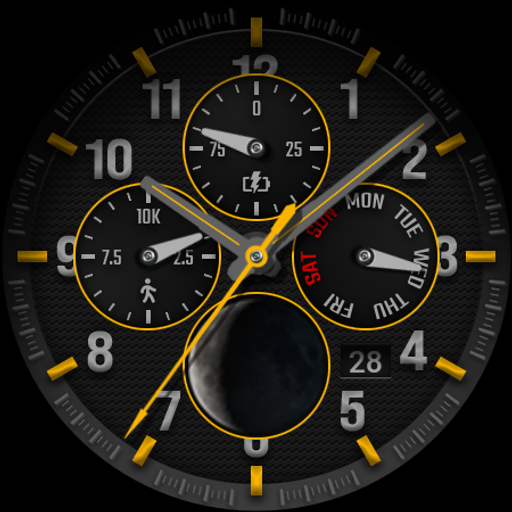
Watch face CNW0014
Paid

Watch face CNW0021
Paid

Watch face 10h08.com #60
Paid
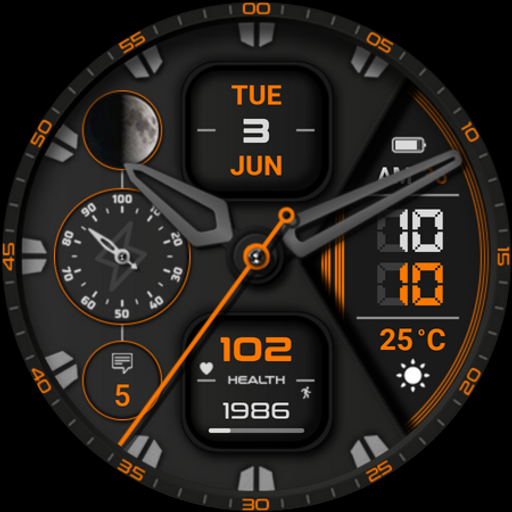
Watch face CNW0023
Paid
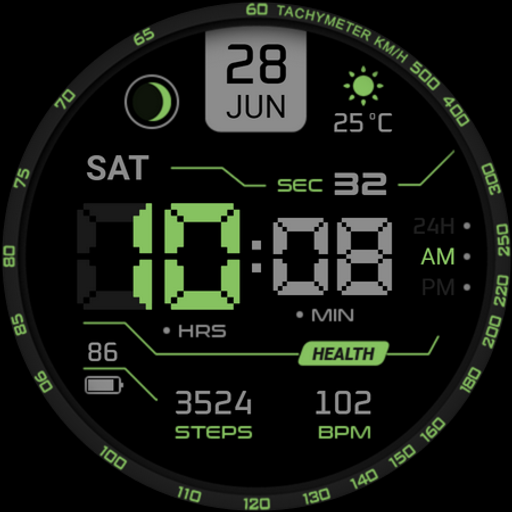
Watch face CNW0024
Paid
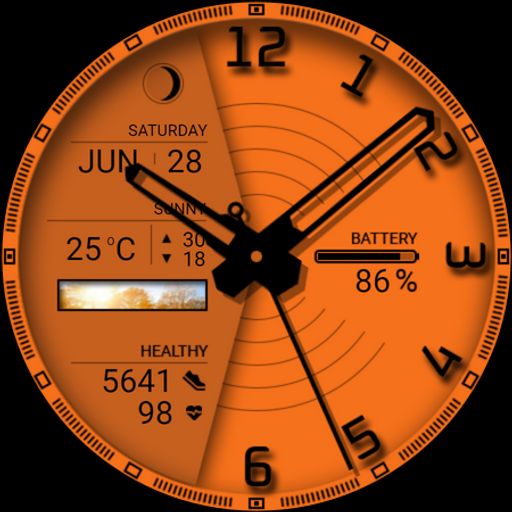
Watch face CNW0025
Paid
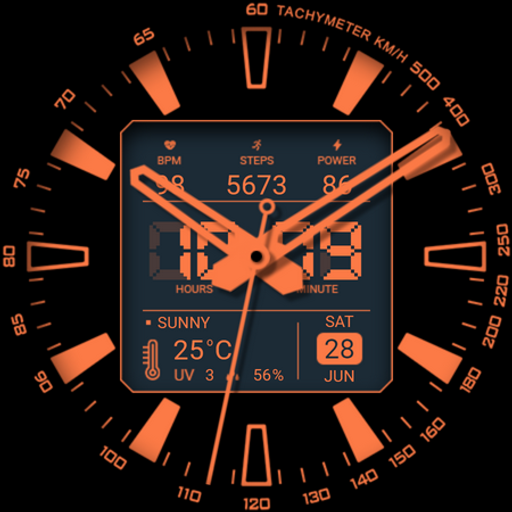
Watch face CNW0026
Free
Similar Apps

WaTchG015: Analog watch face
Paid

DADAM94: Analog Watch Face
Paid
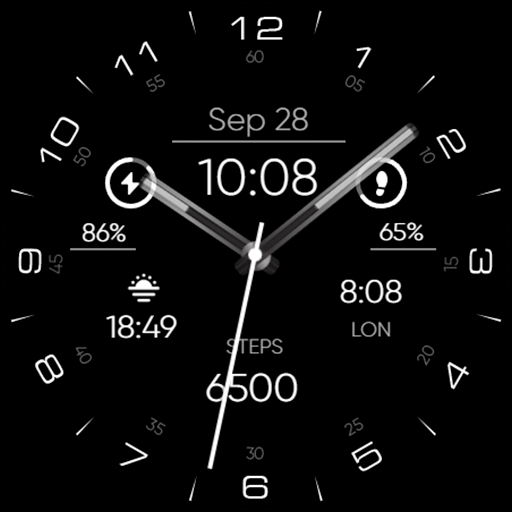
Minimal - Analog - RE29
Paid

V Slim
Free

Minimal MINOL URX55 Watch face
Paid

Minimal - Classic - RE31
Paid

NTV001 - N-Minimal Watch face
Paid

WAW011 Minimal & Customizable
Paid

Dark Radiance
Paid
Interinight - watch face
Paid
Simplicity Analog 15
Free
Minimalist Analog M Watch Face
Paid

Hybrid Sport SULBB Watch face
Free

SPRiNGING SPLoTCH watch face
Paid

PW21 Analog Refined Beauty
Paid

Minima 4 Minimal Watchface
Paid
Scan this QR code to download

Forwarding you to the page at Google Play market in seconds...
Open Google Play market now