
Everything Adaptive Icons v3.6
NARIK DESIGN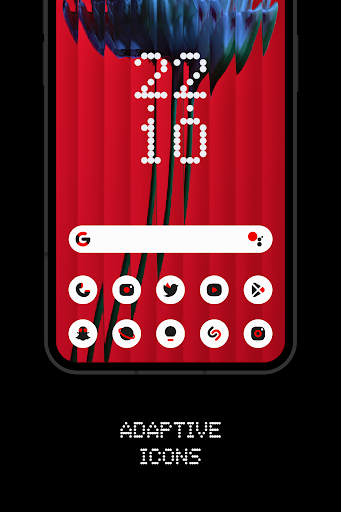
About this app
Developer Description
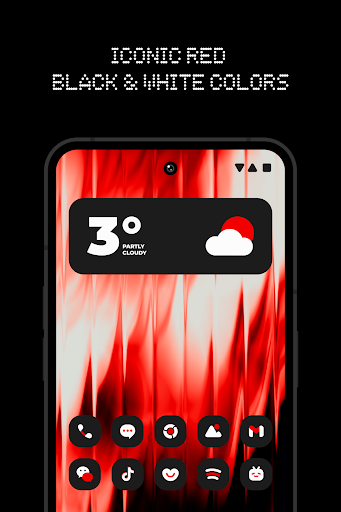
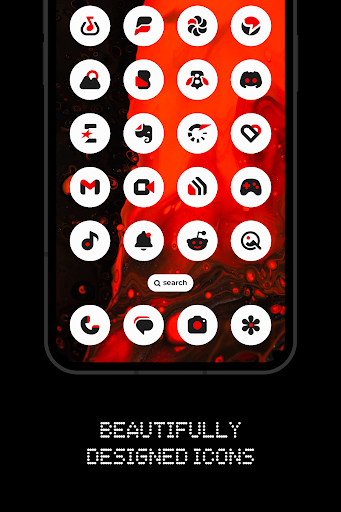
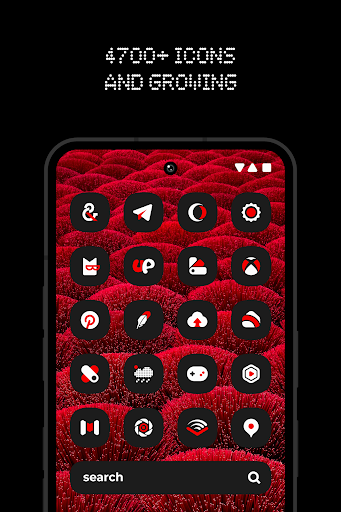
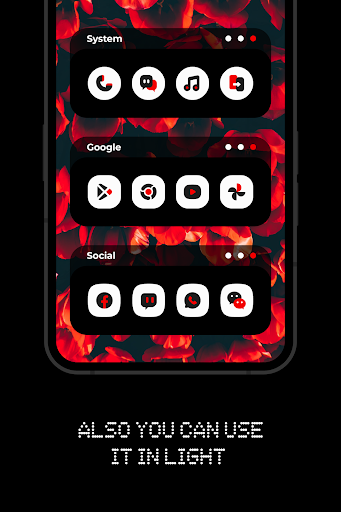
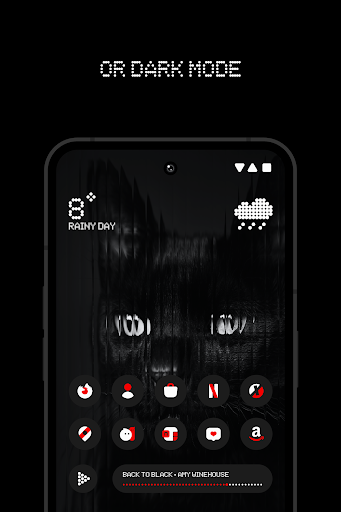
Harmony with red, black and white colors
FEATURES:
• 5400+ Premium adaptive icons
• 13 Kustom widget
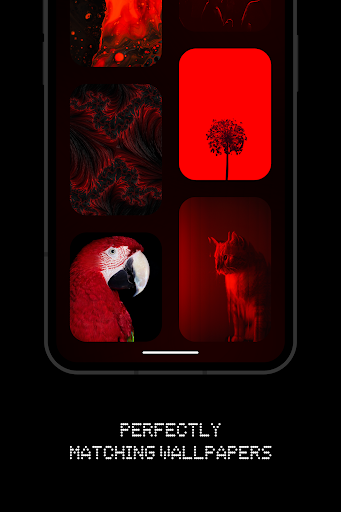
• Cloud-based Wallpapers that perfectly match the icons
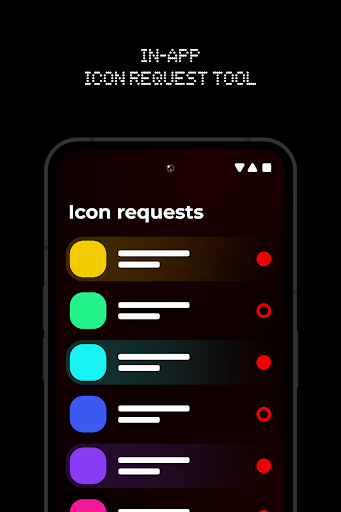
• Icon request tool
• Regular Updates
How to use this Icon pack?
• Install a supported Launcher
• Open Everything Adaptive Icons, go to Apply section and Select Launcher to apply. If your launcher is not in a list make sure you apply it from your launcher settings.
How do I change to light / dark mode?
After changing device theme to light / dark, you need to reapply icon pack (or apply another icon pack, and then this one immediately).
SUPPORTED LAUNCHERS:
• Nothing Launcher
• Nova Launcher
• Lawnchair Launcher v2
• Niagara Launcher
• Smart Launcher 6
• Rootless Pixel Launcher
• Shade Launcher
• Lean Launcher
• Hyperion Launcher
• Posidon Launcher
• Action Launcher
• Stario Launcher
• Ruthless Launcher
• Motorola Launcher
Colors Changing Automatically only with:
• Lawnchair 12.1 latest Dev version
• Hyperion Beta
• Niagara Launcher
• Stario Launcher
• Smart Launcher 6
DISCLAIMER
• Dark mode only works on Android 10 and above devices!
• You need to re-apply icon pack to change to light / dark mode. Except Lawnchair 12.1 latest Dev version, Hyperion Beta, Niagara, Smart Launcher 6 or Stario Launcher
• If you can't change the shape of the icon, you NEED a custom launcher that can do that.
• A supported launcher is required to use this icon pack!
• In Pixel Launcher (stock launcher in Pixel devices) work with app Shortcut Maker.
• In Stock One UI Launcher use Theme Park.
• Kustom Widgets requires KWGT and KWGT PRO app (paid app)! It won't work without KWGT PRO.
• This app is not developed by NOTHING.
• FAQ section inside the app which answers a lot of questions you may have. Please read it before you emailing your question.
CONTACT ME:
Twitter: https://twitter.com/narikdesign
Telegram: https://t.me/narikdesign
Instagram: https://www.instagram.com/narikdesign
What's New
• Added 160 new icons
• Fixed some icons not applying automatically
In-app purchases
$0.99 - $9.99 per item
Version Information
- Version
- 3.6
- Downloads
- 10K+
- Updated on
- Nov 16, 2025
- Released
- Nov 27, 2022
- Requires
- Android 5.0
Statistics
Google Play Rating History
Rating Distribution
Downloads Over Time
Everything Adaptive Icons has been downloaded times. Over the past 30 days, it averaged downloads per day.
Shaded area shows 30-day prediction based on historical trends
Historical data collection started recently. More data points will be available over time.
Everything Adaptive Icons - Google Play Rankings
Top Rankings
| Rank | Country | Category | List | Change |
|---|---|---|---|---|
| — |
Ranking History in
No ranking data available yet. Rankings are updated daily.
#14 in Top Paid Personalization in India


#17 in Top Paid Personalization in Spain


#35 in Top Paid Personalization in Philippines


#39 in Top Paid Personalization in Mexico

Everything Adaptive Icons users say on Google Play
 Kunal Madaan
The icons look pretty cool and elegant. I noticed that only a few of my apps are missing icons, probably because they're not as frequently used. Nevertheless, I've submitted a request to add those icons, so hopefully, they'll be included in the next update.
 Nodan Kumar
Recently got update for app..many icons are optimised..but still there are few icons need to be optimised. Edited: From the long time no updates to the icons. Literally non updated icons looking bad on my home screen. Waiting for update from last 2 updates. Atleast one icon is not updated from my list of icons
 Avijit Das
Long term review of this app ✌️I really love the black and red design of the icon pack. It looks really clean and aesthetic. The icons looks pretty slick but as you install new apps daily many of them will not support the icon pack then you have to request them from the developer and the developer will take a lot of time to add your app to the icon pack. So think wisely before spending your money.
 Karim Saad Abdelaziz Ismael Shawarma
While certainly looking good, a whole bunch of icons are missing. I struggled for a while before even figuring out how to request icons, to the point where I had to join the telegram group for support. While I understand that the artist(s) is/are probably very busy, I nonetheless have to remove stars since none of my requests have been added in the past months.
 Midi
Midi
it is the worst icon park and when request a refund they say it's not in their policy.
ApkTrusted Ratings & Reviews
More from NARIK DESIGN
See more apps





Similar Apps

Everything Widgets
Paid

OneUI Widgets
Paid

Borealis - Icon Pack
Paid
Retro Mode - Icon Pack (Neon)
Paid

Retro Mode - Icon Pack (Light)
Paid

PurpleLine Icon Pack : LineX
Paid

Ares Dark Icon Pack
Paid

OxygenOS 16 Icon pack
Free

Vera Icon Pack: shapeless icon
Paid

KWGT Kustom Widget Maker
Free

Ares Light: Pastel Icon Pack
Paid

Launcher OS™ Pro
Paid
Widget Lab:Wallpapers & Themes
Free

One4Wall: 4K Wallpapers & Live
Free

StandBy Mode Pro Smart Display
Free
Niagara Launcher ‧ Home Screen
Free
Scan this QR code to download

Forwarding you to the page at Google Play market in seconds...
Open Google Play market now