Structured - Daily Planner v3.3.10
unorderly GmbH

About this app
Developer Description
Calendar, reminder, and to-do list to organize your everyday schedule and habits
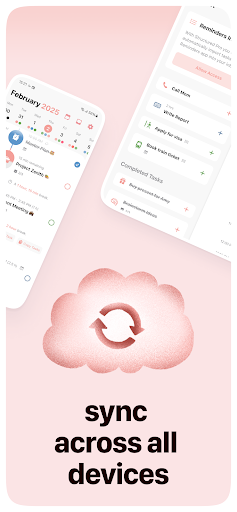
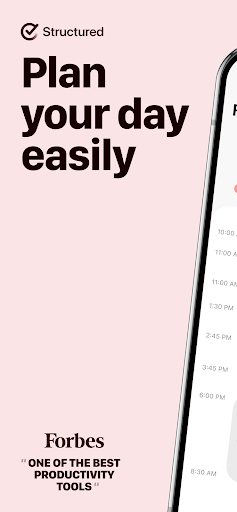
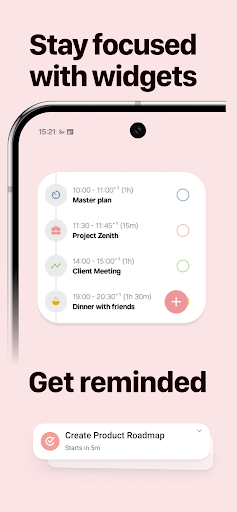
Calendar, tasks, and to-dos – all in one clean, easy-to-use timeline.
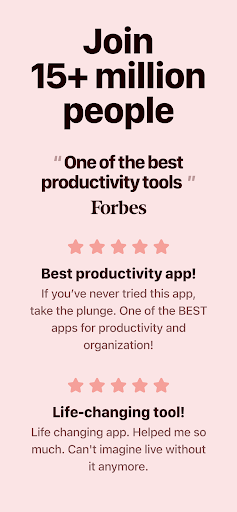
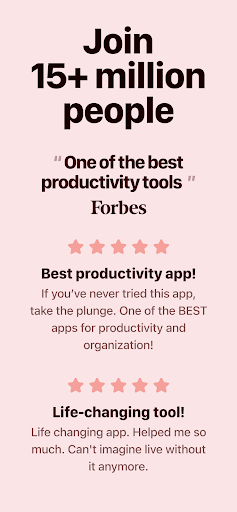
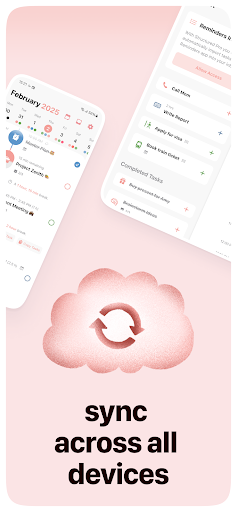
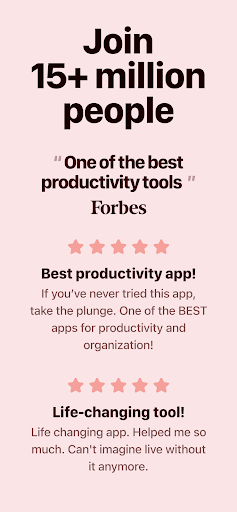
Already loved by millions, now on Android. Join the community, plan smarter, and make every day less chaotic.
Why Structured?
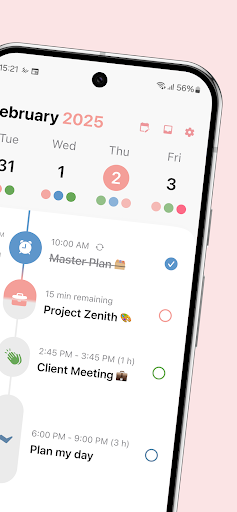
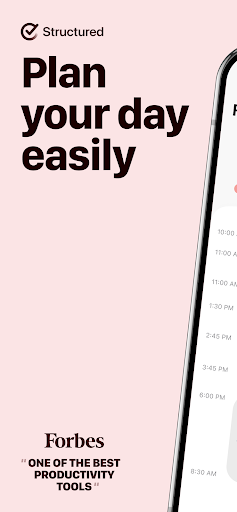
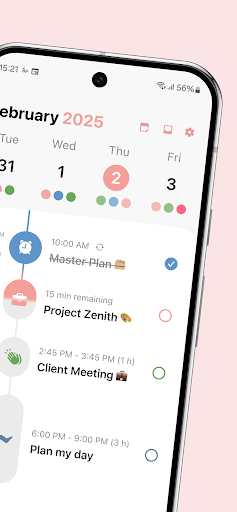
Planning shouldn’t feel like homework. With a timeline at its core, Structured brings together meetings, personal events, and to-dos in one simple flow.
Create tasks in seconds, set deadlines, and shape your day your way. Whether you’re juggling work, uni, ADHD, or just looking for more balance – Structured helps you stay on track without the stress.
Start free and:
- See your whole day in a clear timeline
- Capture thoughts quickly in the Inbox – organize them later when it suits you
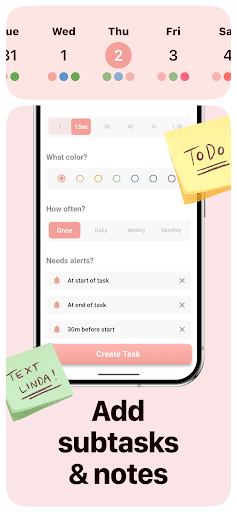
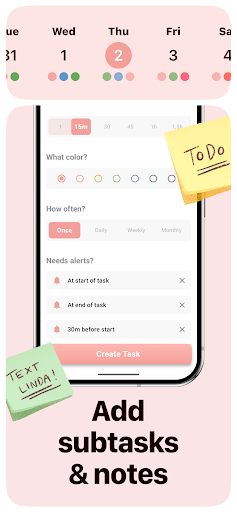
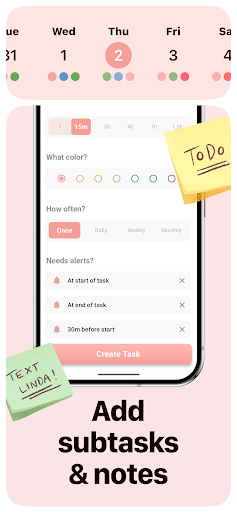
- Break down big goals into smaller steps with notes & subtasks
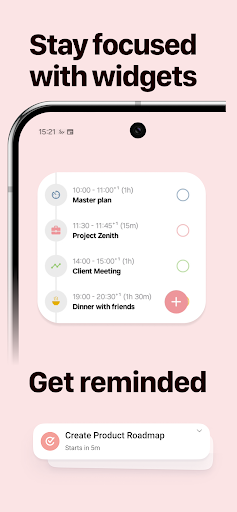
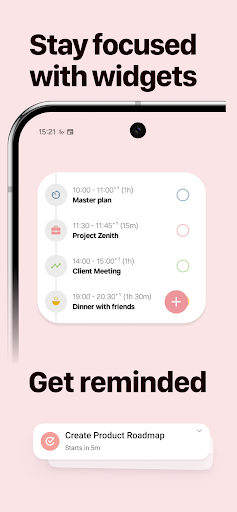
- Stay on top of deadlines with smart reminders
- Boost focus with color-coding & a wide range of task icons
- Match your vibe with custom app colors
- Track your daily energy with the Energy Monitor, built with experts
Go Pro to unlock more power:
- Create repeating tasks for effortless planning
- Use Structured AI to build your schedule with natural language
- Personalize notifications for every situation
Structured Pro is available monthly, yearly, or as a one-time Lifetime plan.
What's New
In-app purchases
$6.49 - $64.99 per item
Version Information
- Version
- 3.3.10
- Downloads
- 1M+
- Updated on
- Jan 22, 2026
- Released
- Nov 11, 2023
- Requires
- Android 11
Statistics
Google Play Rating History
Rating Distribution
Downloads Over Time
Structured - Daily Planner has been downloaded times. Over the past 30 days, it averaged downloads per day.
Shaded area shows 30-day prediction based on historical trends
Historical data collection started recently. More data points will be available over time.
Structured - Daily Planner users say on Google Play
 Mackenzie Niswonger
I have used this app for around two years, and I absolutely love it. I consider it an essential for my daily life. I was so happy when cloud rolled out, and I can tell that it is constantly getting better. The only thing I would change are the AI features. Quite frankly, I wish they weren't there at all, but I would be happy with simply an option to hide the tab so I don't have to see it. Overall, I am very happy with my experience and intend to remain a premium subscriber
 Csaba Hoffmann
it's an almost perfect calendar app. Its already helping me a lot. Two things are missing for me. First is to have an option to change the gradient progression indicator to solid, it's really hard to see where I'm at on long tasks durring the day, it would be nice if it would be like in the header in the subscription screen. Second is if I could drag and drop tasks from my inbox to my timeline. The add task (+) button is not offering me my inbox tasks. It's an instabuy if these are implemented.
 Akhil Gupta
I got this app hoping to have better schedule for myself. and it honestly is not so bad (hence 3 star) I upgraded to annual Pro and noticed some annoying issues. First, you cant remove the alert 15 mins before a task, even if you have another one set for 5 mins before task. then, you get alerts even for deleted tasks (can't delete them from scheduled alert). lastly, the AI is good for creating tasks, but not for help. if there is a way to resolve this or get human help, it's not visible easily
 Jamie Jacopelle
As an android user who works mainly on a desktop/laptop, this isn't doing it for me. The features I see advertised, which do look great, are only available on apple devices. I can't import my tasks from other apps (or in a csv file). The web app doesn't seem to have any customization options, so unless I'm mistaken, I'd have to do the majority of my planning and setup in the phone app anyways. I was very excited about this app but it doesn't have the android/PC options I need.
 Shemah Eliza Lim
Does it really not store plans from months ago when you sign in to your account on another app—even when you’re using Pro? This has already happened to me twice, and it’s extremely frustrating. Months of planning were completely erased the moment I signed in on a new app. It’s honestly discouraging and makes me hesitant to plan at all. What, then, is the purpose of cloud storage if it doesn’t actually preserve your data as it’s supposed to?
ApkTrusted Ratings & Reviews
Similar Apps

Daily Planner Organizer: Brite
Free

Journal it! Productivity, Note
Free

Routine Planner, Habit Tracker
Free

Morning Habits - Daily Routine
Free

HabitNow Daily Routine Planner
Free
Perfect Day: Organize Your Day
Free
School Planner
Free
TickTick:To Do List & Calendar
Free

Hizo: Habit Tracker & Todo
Free
Sectograph. Day & Time planner
Free
WaterDo:To Do List & Schedule
Free
To-do list - tasks planner
Free

Motivated: Habit Tracker
Free
To-Do List - Schedule Planner
Free

Todoist: To Do List & Calendar
Free
Disciplined - Habit Tracker
Free
Scan this QR code to download

Forwarding you to the page at Google Play market in seconds...
Open Google Play market now