Panecal Scientific Calculator v7.6.1
Appsys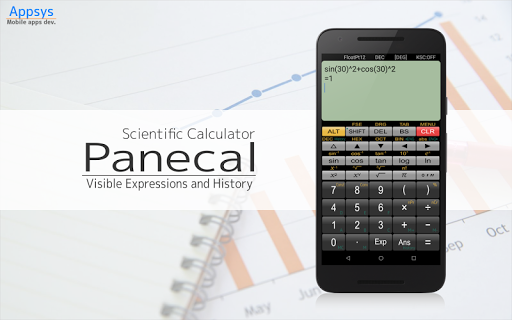
About this app
Developer Description
For engineers and students
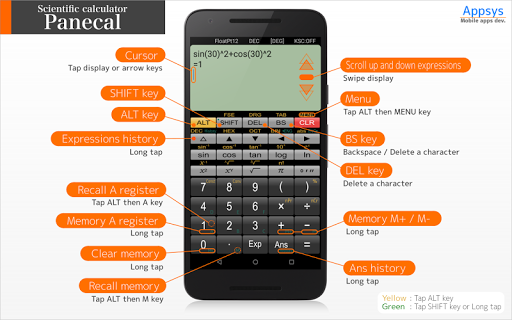
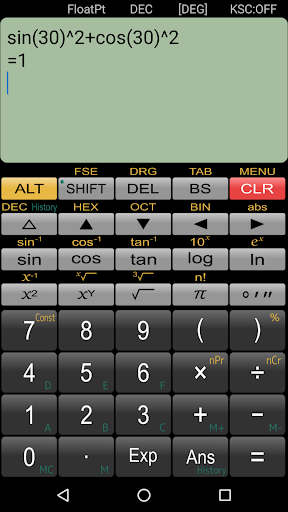
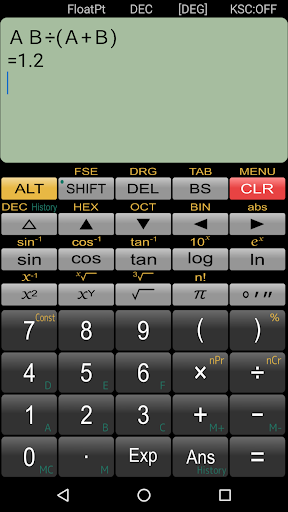
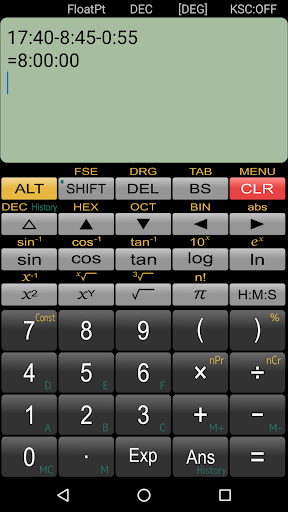
The display shows the cursor, and you can tap or press the arrow keys to quickly navigate to where you want to edit. It has a powerful, flexible and intuitive user interface with support for swiping to scroll through formulas and long-tap to copy and paste.
Features
- Easy editing formulas by using a cursor operation
- Copy and paste text
- Formulas history and answers history table
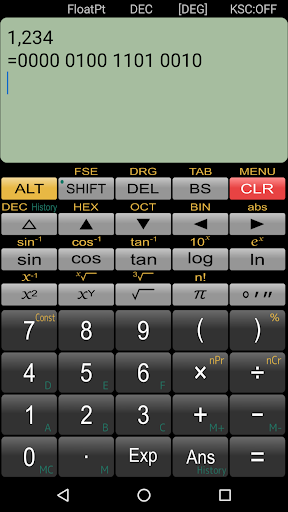
- N-base number calculation and conversion (Max.32bits)
- Memory and variable(A-F) memory
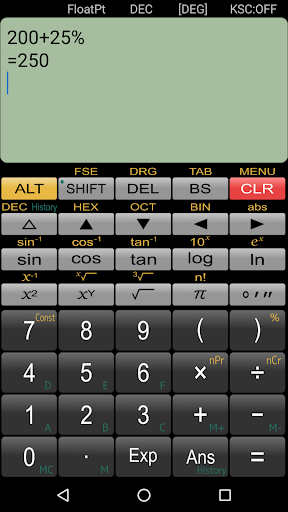
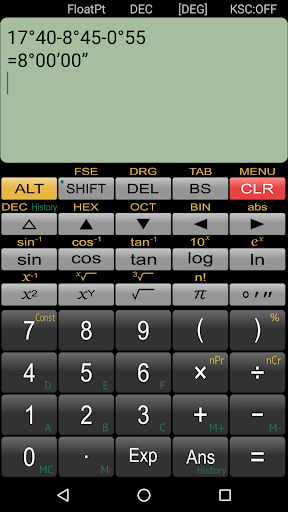
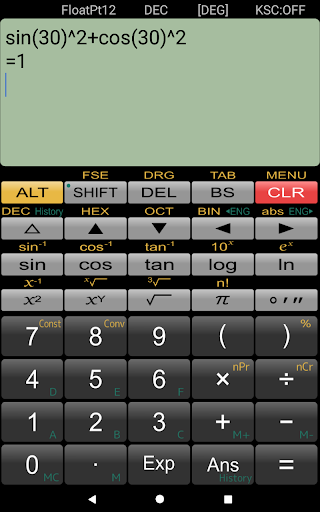
- Arithmetic operations, trigonometric functions, logarithmic functions, degrees-minutes-seconds and percent calculations
- Angle units (DEG,RAD,GRAD)
- Decimal point character and grouping separator settings
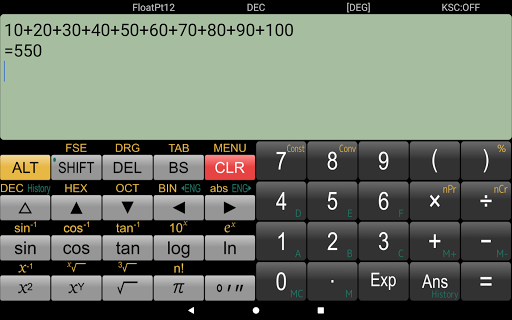
- Portrait and Horizontal screen settings
- Vibration settings
Disclaimer
Please note in advance that Appsys is not responsible for any damage or lost profits caused by the use of this software, or any claims from third parties.
What's New
- Updated libraries.
Version Information
- Version
- 7.6.1
- Downloads
- 5M+
- Updated on
- Jul 15, 2025
- Released
- Feb 12, 2011
- Requires
- Android 6.0
Statistics
Google Play Rating History
Rating Distribution
Downloads Over Time
Panecal Scientific Calculator has been downloaded times. Over the past 30 days, it averaged downloads per day.
Shaded area shows 30-day prediction based on historical trends
Historical data collection started recently. More data points will be available over time.
Panecal Scientific Calculator users say on Google Play
 Eyal Kohn
I love this calculator! Fully Scientific with all of the regular functions, and history of calculations. Nothing Less than awesome!
 Jhon Mirbel
Simply excellence I used it for quiet a time top class
 Pepe le Vamp
Needs to let you change the vertical size of the buttons. Advert puts me off even though I would purchase it, I don't trust it because of the advert. Can't change background color of numbers. Just be big numbers & buttons please
 عبدالفتاح الشويعر
Why this calculater doesn't solve the equation below ? It gives 1 as an answer, while the correct answer is 4. 14÷7(1+1)= U put me in bad situation . Your reply is funny !!and misleading.!! How can the user know that he need to go to setting and change some features ?!!. All I know is that the calculater can and should solve the equation . At least U need to warn the user to go to setting whenever he write an equation with bracktes.
 TheCaptain
Used to be a great sci-calc. It's garbage now. Too many ads. It's no longer as intuitive as it once was. Should be avoided now.
ApkTrusted Ratings & Reviews
More from Appsys
See more apps

Similar Apps
Scientific Calculator
Free
HiPER Scientific Calculator
Free
Champ Scientific Calculator
Free
Real Scientific Calculator
Free
Scientific Calculator He-580
Free
Graphing Scientific Calculator
Free

CalcTape Calculator with Tape
Free

Scientific Calculator Pro
Paid
Smart Calc: Daily Calculator
Free
Simple Calculator
Free
HiPER Calc Pro
Paid

OneCalc: All-in-one Calculator
Free
Calculator Pro: Calculator App
Free

Calculator
Free
All in One Calculator
Free

Desmos Graphing Calculator
Free
Scan this QR code to download

Forwarding you to the page at Google Play market in seconds...
Open Google Play market now