Rotation Control v6.0.0
CloudEx Inc.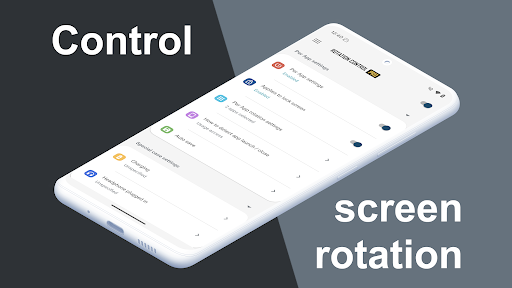
About this app
Developer Description
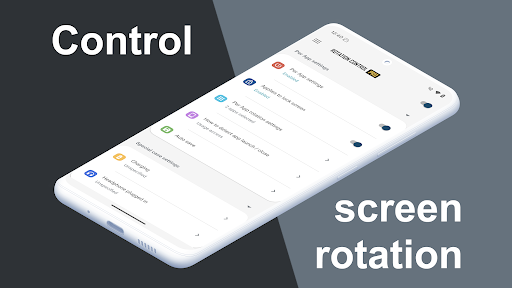
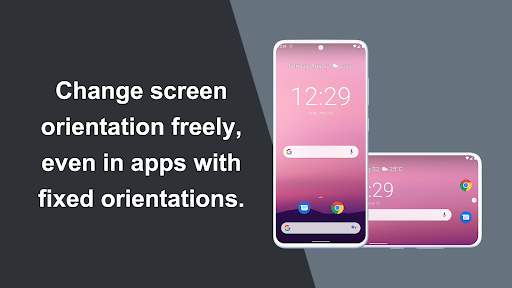
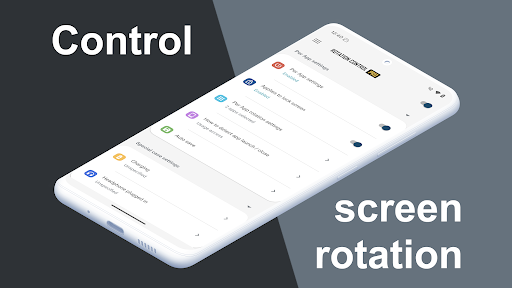
Rotation Control App. Controls the rotation of the screen.
A simple design with functions that are easy to understand and use.
=-=-=-=-=-=-=-=-=-=-=-=-=-=-=-=
Recommended for people who:
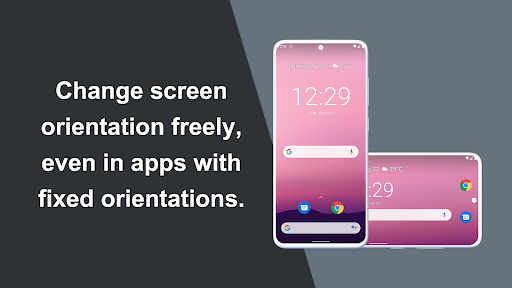
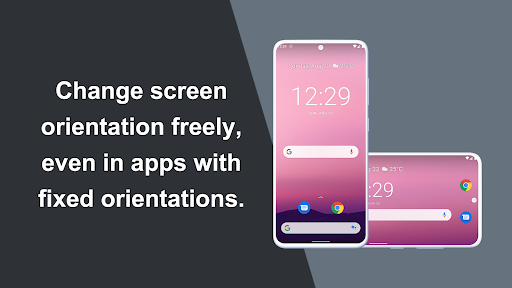
- Want to use their smartphone home screen in landscape mode
- Want to use landscape mode games or video apps in portrait mode
- Want to always use their tablet in landscape mode
- Want to switch between fixed orientations with one tap via the status bar
=-=-=-=-=-=-=-=-=-=-=-=-=-=-=-=
Features
►Rotation settings
Can configure the rotation of the screen.
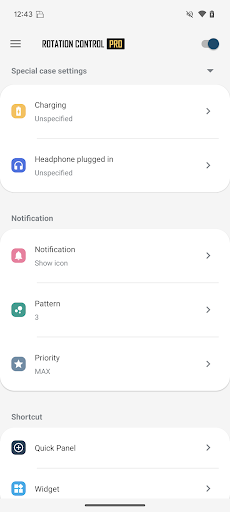
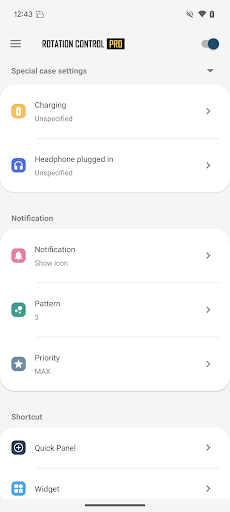
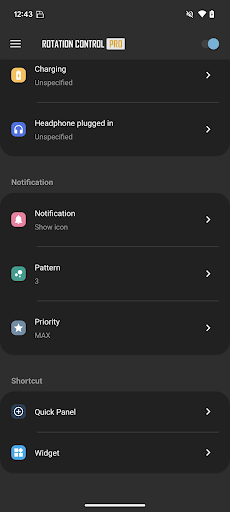
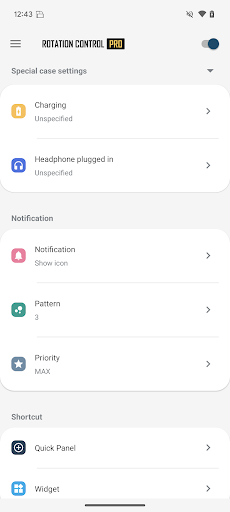
►Notification settings
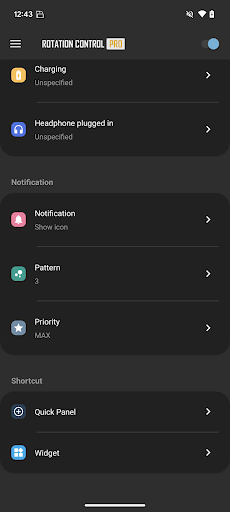
Control the rotation of the screen easily from the notification bar.
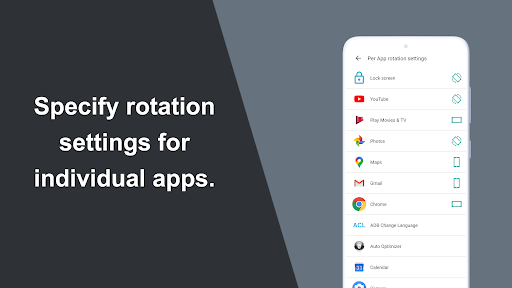
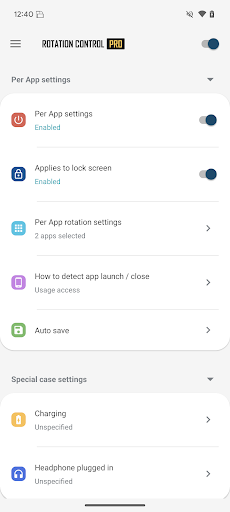
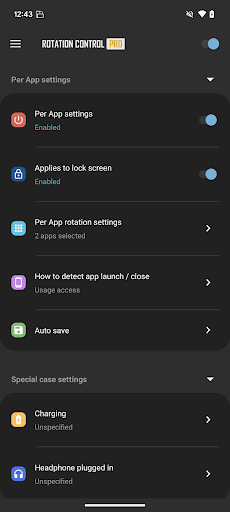
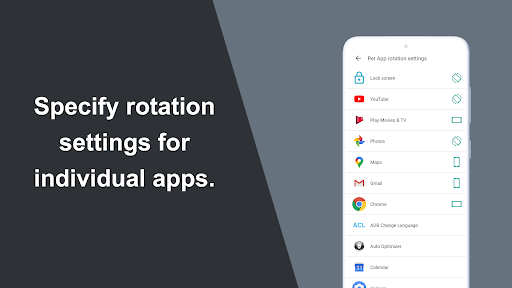
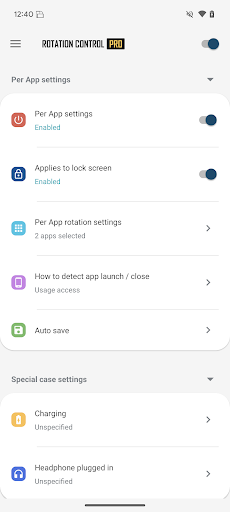
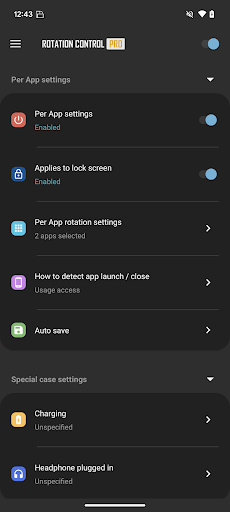
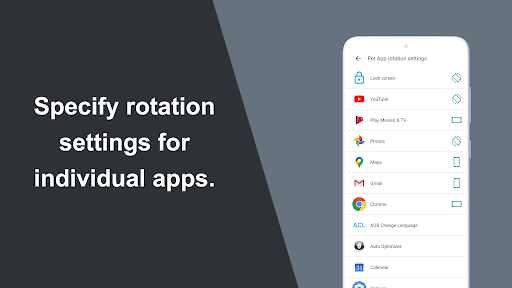
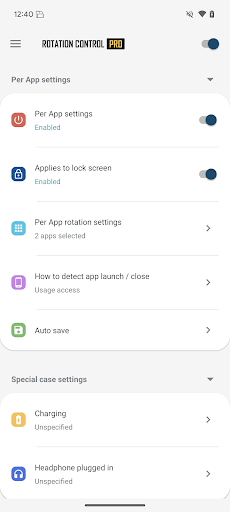
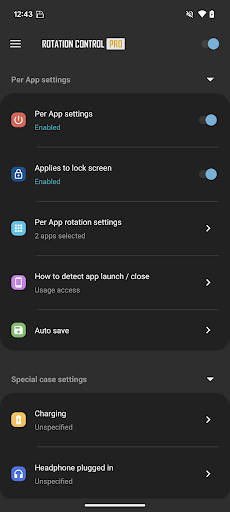
►Per App rotation settings
Can configure different rotations for each apps.
Rotates to your preset screen orientation upon starting the application.
Returns to the original screen orientation on closing the application.
►Special case settings
Detects when chargers or earphones are connected and rotates to your preset screen orientation.
Returns to the original screen orientation when they are removed.
Difference from PRO version
This is a free version that allows you to check the app's operations and functions.
It will expire 2 days after installation.
Pro version
https://play.google.com/store/apps/details?id=jp.snowlife01.android.rotationcontrolpro&referrer=store
Rotation
Automatic : the screen rotates based on a sensor.
Landscape : the screen is fixed to a horizontal orientation.
Landscape (Reverse) : the screen is fixed horizontal upside down.
Landscape (Auto) : rotates automatically to a horizontal orientation based on a sensor.
Portrait : the screen is fixed to a vertical orientation.
Portrait (Reverse) : the screen is fixed vertical upside down.
Portrait (Auto) : rotates automatically to a vertical orientation based on a sensor.
* Some of the direction of rotation may not correspond depending on device specifications. This is not an issue with the app.
【For OPPO users】
This app needs to run a service in the background to detect which app has started.
OPPO devices require special settings to operate app services in the background due to their unique specifications. (If you do not do this, services running in the background will be forcibly terminated, and the app will not operate properly.)
Please drag this app a little down from the recent apps history and lock it.
If you do not know how to set, please search for "OPPO task lock".
What's New
Therefore, controlling screen rotation on the lock screen is no longer supported.
We apologize for the inconvenience and appreciate your understanding.
Version Information
- Version
- 6.0.0
- Downloads
- 1M+
- Updated on
- Nov 7, 2025
- Released
- Oct 26, 2016
- Requires
- Android 8.0
Statistics
Google Play Rating History
Rating Distribution
Downloads Over Time
Rotation Control has been downloaded times. Over the past 30 days, it averaged downloads per day.
Shaded area shows 30-day prediction based on historical trends
Historical data collection started recently. More data points will be available over time.
Rotation Control users say on Google Play
 Charan Babu
it's very useful and 100 💯 percent working so accurately without any ads...I love it
 M. C.
M. C.
Great. It works well and I like that I can have a "quicktile" in the homescreen's dropdown menu to toggle a small 'set-screen-orientation-this-way-buttons' notification to choose the orientation you want to set. It uses the accessibility settings to function. It can also tie specific orientation settings to app's and automatically switch the orientation when that app is in use. ☆☆☆☆¤
 Mer Asha
It's ok 👌
 Pseudo Life
Im giving it 5 stars but since you need to purchase it to keep using the app then im changing it to 2
 Creative Studio
rotation control all app usage access permission is not inherently trusted. It's crucial to carefully evaluate the app's purpose and the developer's reputation before granting such permissions. While some apps genuinely need this access to enhance usability or support accessibility features, others might misuse it to collect sensitive data or track user activity.
ApkTrusted Ratings & Reviews
More from CloudEx Inc.
See more apps







Similar Apps

Taskbar
Free

Quick Share: File Transfer
Paid

Castro Premium - system info
Paid
Macrorify - Image Auto Clicker
Free

Loom – Screen and Cam Recorder
Free

Quikshort: Shortcut Creator
Free

Video Recorder
Paid
CPU Monitor - temperature
Free
Code Studio
Free
App Limit - Limit apps
Free

G-CPU:Monitor CPU, RAM, Widget
Free

F-Secure Mobile Security
Free
UserLAnd - Linux on Android
Free

SwitchBot
Free

RealVNC Viewer: Remote Desktop
Free
Glip Screen Recorder
Free
Scan this QR code to download

Forwarding you to the page at Google Play market in seconds...
Open Google Play market now