
ReadEra – book reader pdf epub v25.12.16+2240
READERA LLC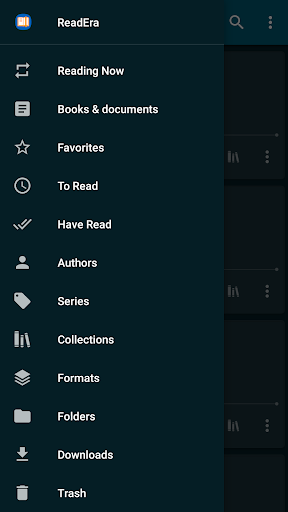




About this app
Developer Description
Read books PDF, EPUB, WORD, KINDLE, MOBI! Your ebook reader among reading apps.
No ads
Read books without ads. The ReadEra program for reading books and viewing PDF documents neither contains ads nor imposes internal purchases.
No register
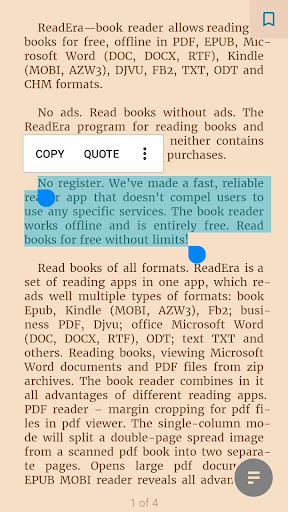
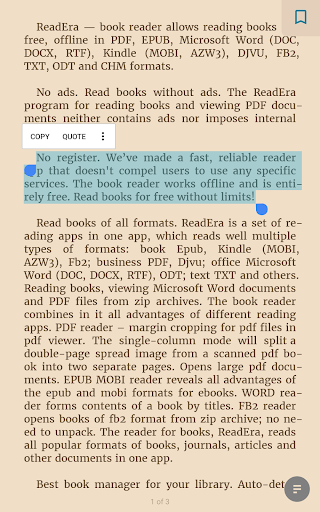
We’ve made a fast, reliable reader app that doesn't compel users to use any specific services. The book reader works offline and is entirely free. Read books for free without limits!
Read books of all formats
ReadEra is a set of reading apps in one app, which reads well multiple types of formats: book Epub, Kindle (MOBI, AZW3), Fb2; business PDF, Djvu; office Microsoft Word (DOC, DOCX, RTF), ODT; text TXT and others. Reading books, viewing Microsoft Word documents and PDF files from zip archives.
The book reader combines in it all advantages of different reading apps.
PDF reader – margin cropping for pdf files in pdf viewer. The single-column mode will split a double-page spread image from a scanned pdf book into two separate pages. Opens large pdf documents.
EPUB reader & MOBI reader reveals all advantages of the EPUB and MOBI formats for eBooks.
WORD reader forms contents of a book by titles.
FB2 reader opens books of fb2 format from zip archive; no need to unpack.
The reader for books, ReadEra, reads all popular formats of books, journals, articles and other documents in one app.
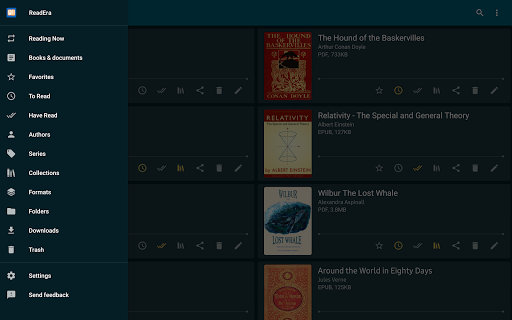
Best book manager for your library
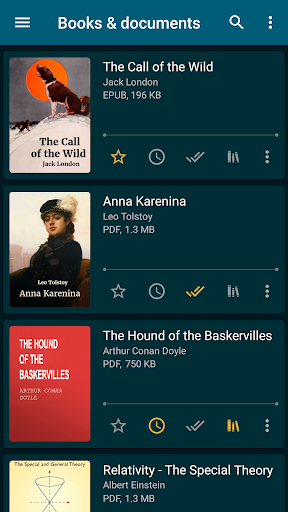
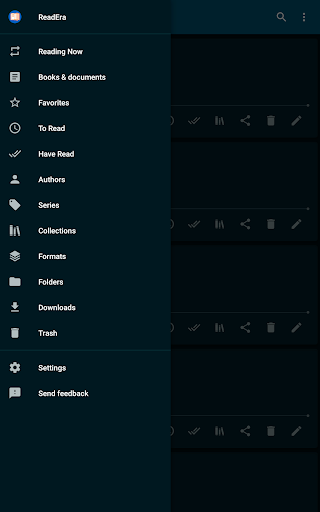
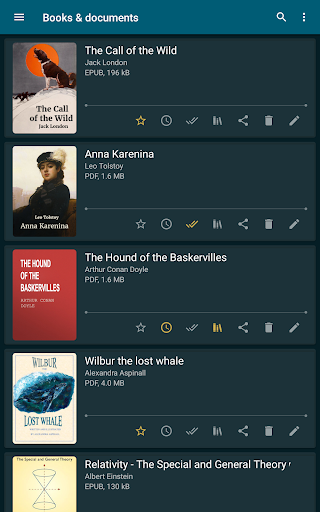
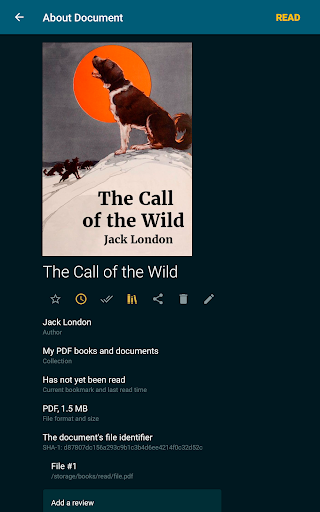
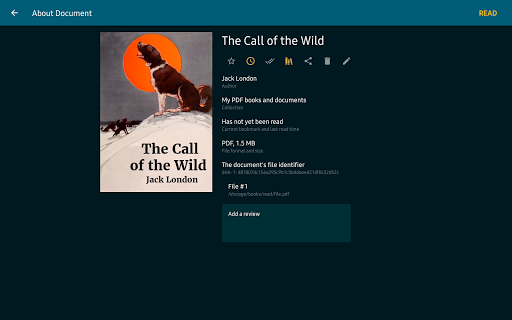
Auto-detection of books and documents. Just download an Epub book, PDF journal, Microsoft Word documents or PDF article from the Internet so they appear in the reader for reading. Easy navigation through folders and downloads. Grouping books by authors and series. Book reading lists: To Read, Have Read, Favorites. The Collections tool (bookshelves) allows creating personal thematic collections. Books and documents can be added to one or several collections at the same time. We do our best to ensure order in your eBook library.
Navigation through a book
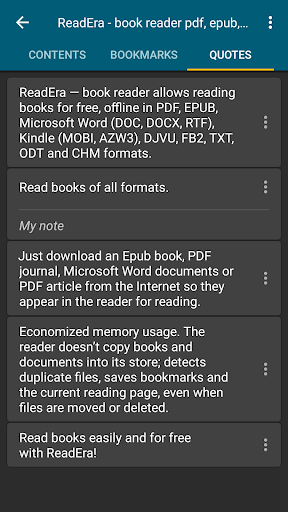
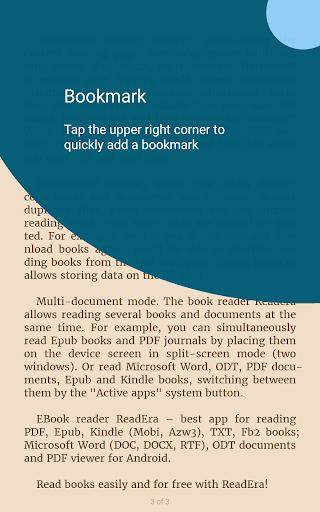
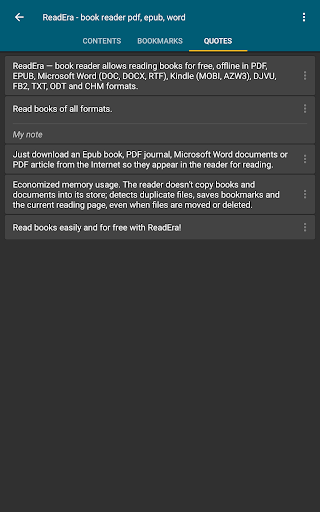
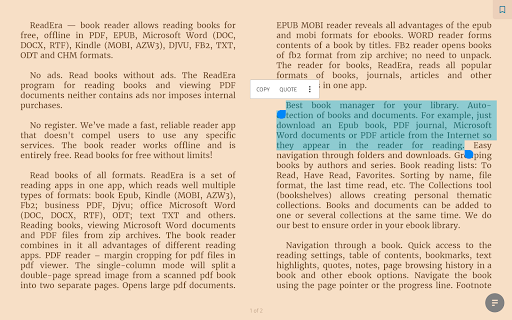
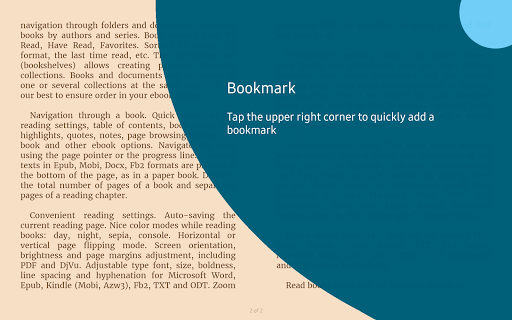
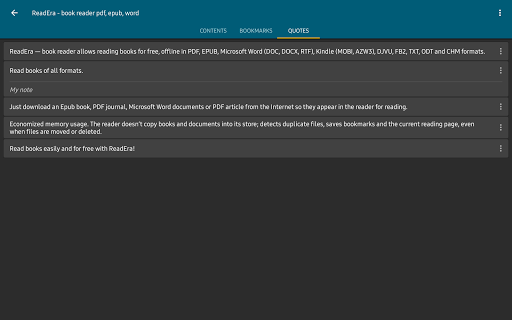
Quick access to the reading settings, table of contents, bookmarks, text highlights, quotes, notes, page browsing history in a book and other eBook options. Navigate the book using the page pointer or the progress line. Footnote texts in Epub, Mobi, Docx, Fb2 formats are printed at the bottom of the page, as in a paper book. Displays the total number of pages of a book and separately pages of a reading chapter.
Convenient reading settings
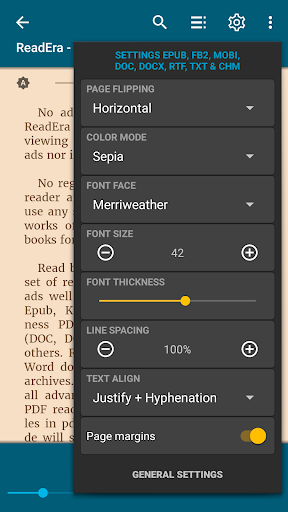
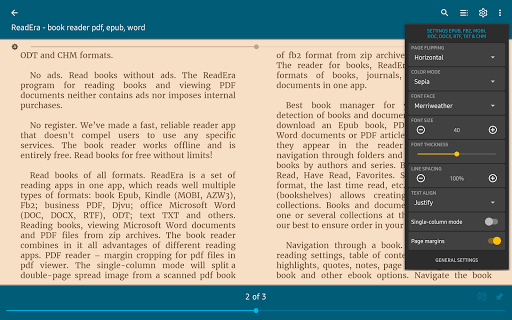
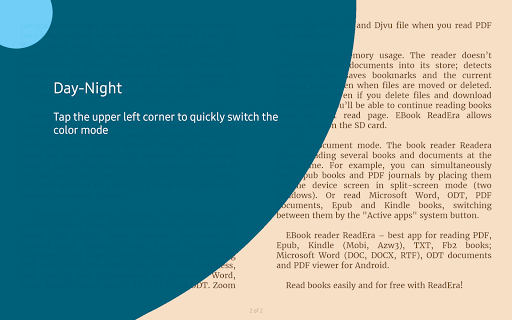
Auto-saving the current reading page. Nice color modes while reading books: day, night, sepia, console. Horizontal or vertical page flipping mode. Screen orientation, brightness and page margins adjustment, including PDF and DjVu. Adjustable type font, size, boldness, line spacing and hyphenation for Microsoft Word, Epub, Kindle (Mobi, Azw3), Fb2, TXT and ODT. Zoom option for PDF file and Djvu file when you read PDF and read Djvu.
Economized memory usage
The reader doesn’t copy books and documents into its store; detects duplicate files, saves bookmarks and the current reading page, even when files are moved or deleted. For example, even if you delete files and download books again, you’ll be able to continue reading books from the last read page. EBook ReadEra allows storing data on the SD card.
Multi-document mode
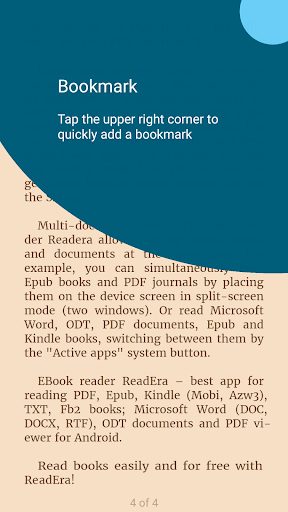
The book reader Readera allows reading several books and documents at the same time. For example, you can simultaneously read Epub books and PDF journals by placing them on the device screen in split-screen mode (two windows). Or read Microsoft Word, ODT, PDF documents, Epub/Mobi and Kindle books, switching between them by the "Active apps" system button.
EBook reader ReadEra – best app for reading PDF, Epub, Kindle (Mobi, Azw3), TXT, Fb2 books; Microsoft Word (DOC, DOCX, RTF), ODT documents and PDF viewer for Android.
Read books easily and for free with ReadEra!
What's New
• Optimized cover extraction, display of quotes, footnotes, and table of contents in some rare books for an even more comfortable reading experience.
• Enhanced Japanese text support: line breaks when displaying ruby (furigana), alignment of inline images; display of enlarged characters and some dialogues.
• Improved display of Chinese text in TXT files.
• Improved TTS (text-to-speech) performance.
Version Information
- Version
- 25.12.16+2240
- Downloads
- 50M+
- Updated on
- Dec 16, 2025
- Released
- Mar 31, 2017
- Requires
- Android 4.1
Statistics
Google Play Rating History
Rating Distribution
Downloads Over Time
ReadEra – book reader pdf epub has been downloaded times. Over the past 30 days, it averaged downloads per day.
Shaded area shows 30-day prediction based on historical trends
Historical data collection started recently. More data points will be available over time.
ReadEra – book reader pdf epub - Google Play Rankings
Top Rankings
| Rank | Country | Category | List | Change |
|---|---|---|---|---|
| — |
Ranking History in
No ranking data available yet. Rankings are updated daily.
#34 in Top Free Books And Reference in United States
 Holy Bible Launcher: KJV+Audio
ReadEra – book reader pdf epub
Holy Bible Launcher: KJV+Audio
ReadEra – book reader pdf epub
 Battle Royale Chapter5 Season2
#3 in Top Free Books And Reference in Spain

#5 in Top Free Books And Reference in Russia


#7 in Top Free Books And Reference in Netherlands


ReadEra – book reader pdf epub users say on Google Play
 Vivan Atiusan
awesome app
 Prakriti Karn
one of the best app for pdf to audio books only one problem is that you can not use other app while using it and cant turn off the screen but it in the premium version over all a good but i am the developer to make a pc versions pls
 Wordnerd
I just want to download it but the Play store is showing me a double screen view which is making it impossible to find a download button. what's the joke Google?
 Eh Feh
Can't read Shakespeare with this dumb app because it uses paragraph frames that cannot be disabled and it bothers to no end. No other reader does this. Detest. Also, I might consider buying the pro version of an app but certainly not if you display an ad in the menu at all times.
 Anne Patkau
ReadEra was 5* till a crown popped onto the top line and "Go to Premium". offline may be extra. i like English guy's voice, but not to be pushed.
ApkTrusted Ratings & Reviews
More from READERA LLC
See more apps
Similar Apps

eBoox: ePub PDF e-book Reader
Free
PocketBook reader - any books
Free
eReader Prestigio: Book Reader
Free

FBReader: Favorite Book Reader
Free

Kobo | eBooks & Audiobooks
Free
Bookshelf-Your virtual library
Free
Bookmory - reading tracker
Free

Libby, the Library App
Free
Goodreads: Book Reviews
Free

Scribd: 300M+ documents
Free

Bookmate: books & audiobooks
Free

LeapAhead - Daily Book Cast
Free

Amazon Kindle
Free

Storytel - Audiobooks & Books
Free

Galatea: Books & Audiobooks
Free

Wikipedia
Free
Scan this QR code to download

Forwarding you to the page at Google Play market in seconds...
Open Google Play market now