
Moonphase Day-Date Watch Face vVARY
WatchBase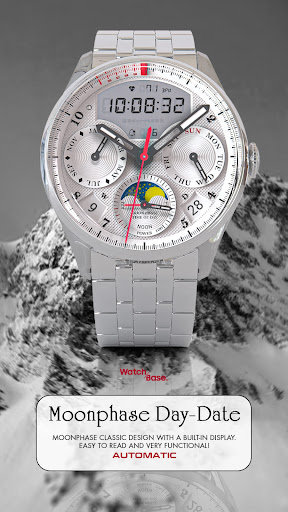


About this app
Developer Description
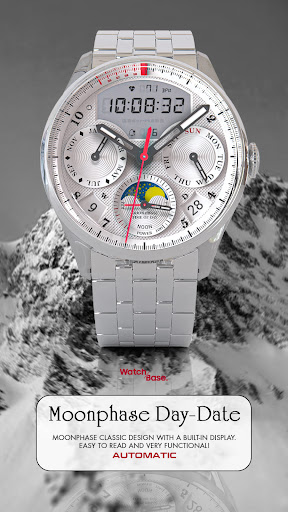
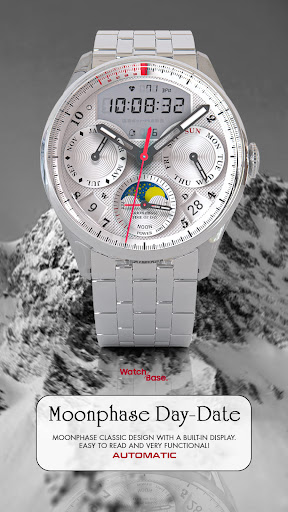
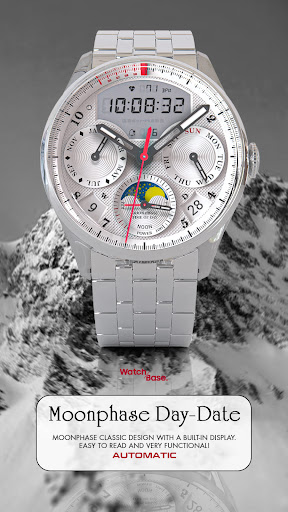
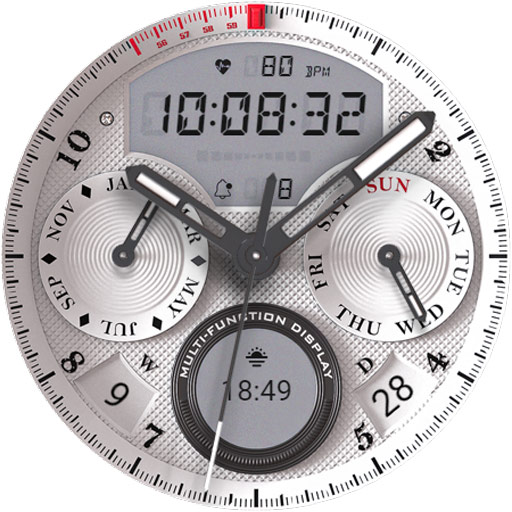
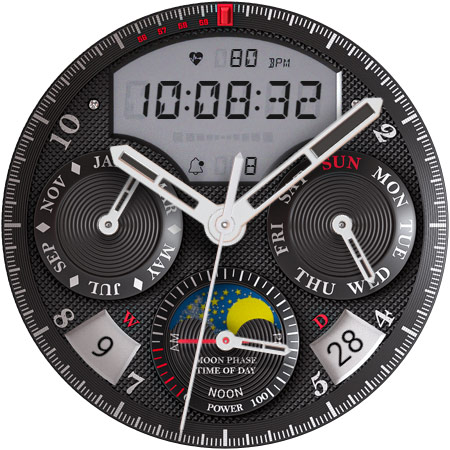
Realistic watch face with great legibility and functionality!
Great legibility, superb graphics, additional complication and clear Always On Display!
NOTE: Please read the how to section and installation section !!!
ⓘ Features:
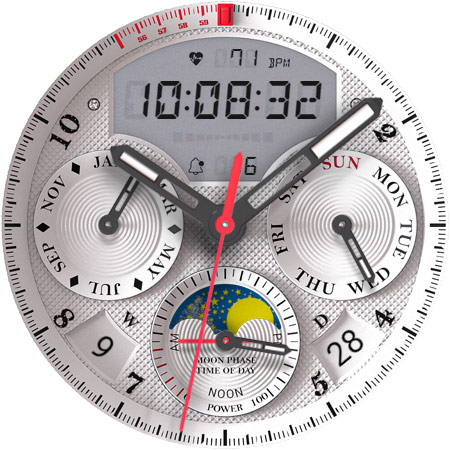
- Realistic design.
- Hybrid analog/digital design.
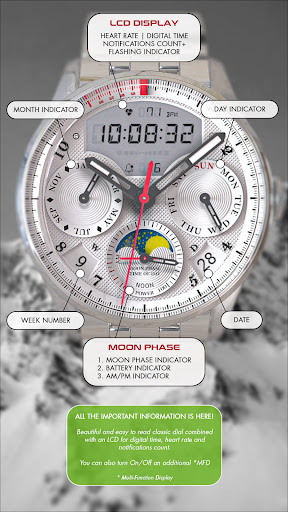
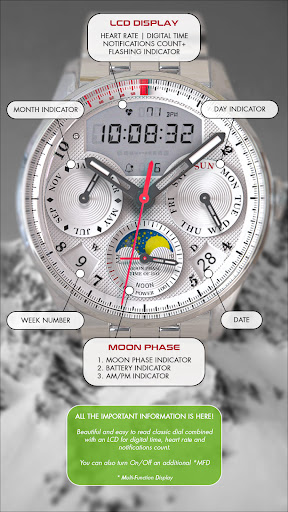
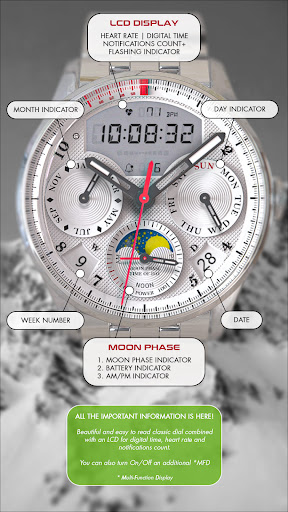
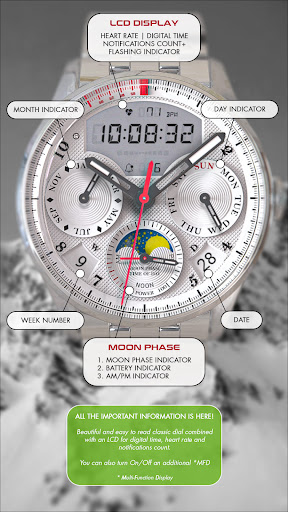
- LCD display with digital time, heart rate and notifications indicator.
- AUTO 12/24h mode for digital time.
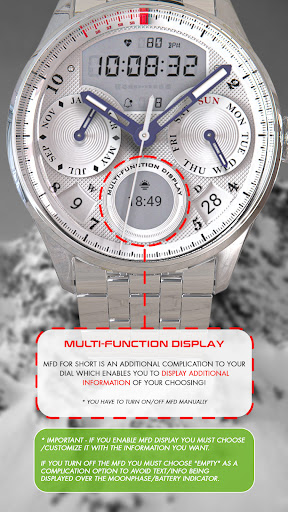
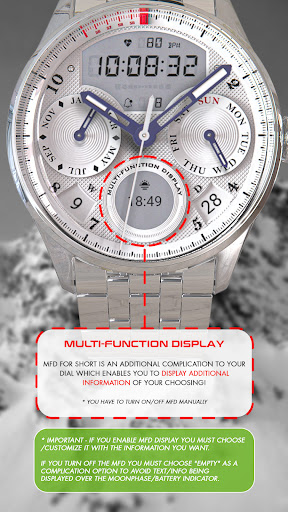
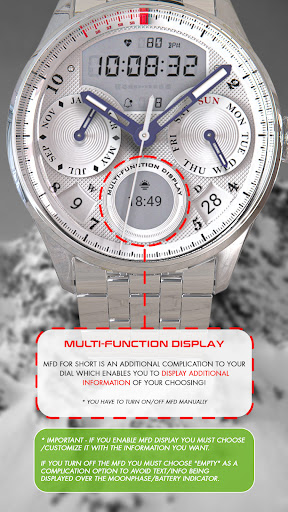
- Additional custom complication.
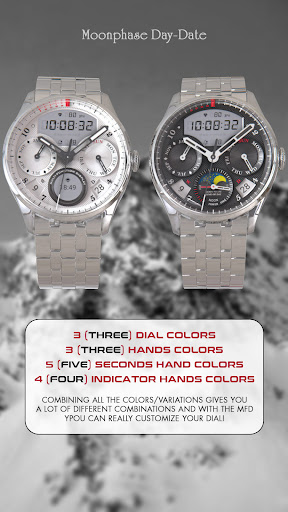
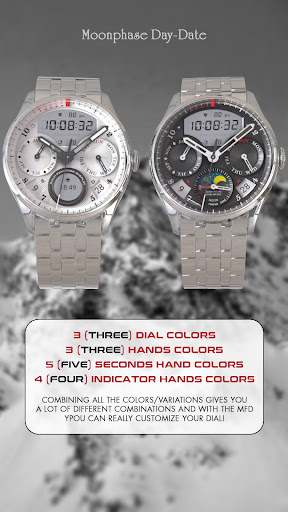
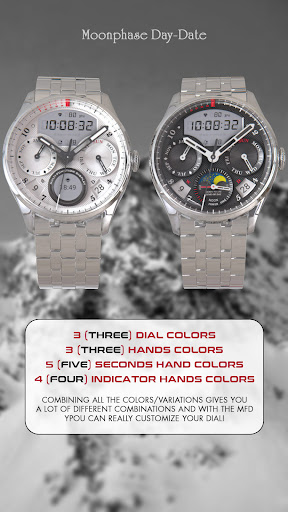
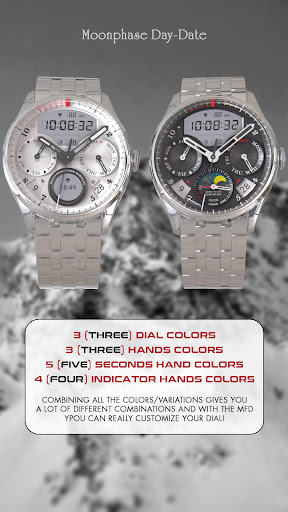
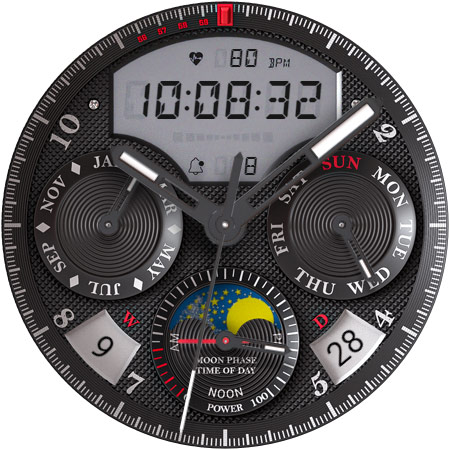
- 3 different colors changeable MAIN hands.
- 5 different colors changeable SECONDS hand color.
- 4 different colors changeable INDICATOR hand color.
- 3 changeable BACKGROUND color/theme.
- Black theme, white theme, deep blue theme.
- Day and Date.
- Moonphase indicator.
- Battery indicator.
- AM/PM indicator.
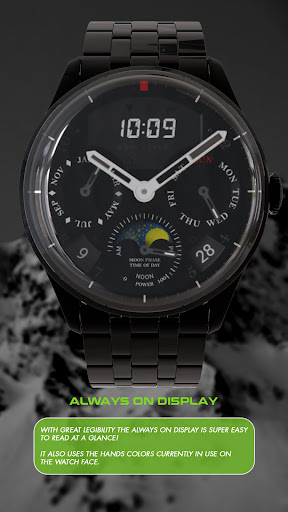
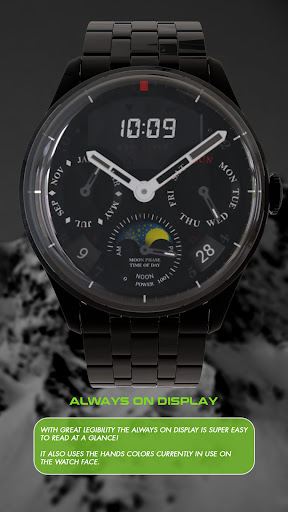
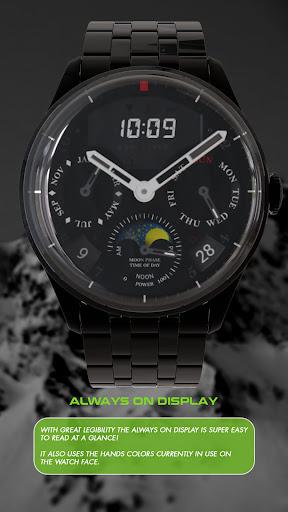
- AOD (Always on display).
ⓘ How to:
- To customize your watch face, touch and hold on the screen, then tap on customize.
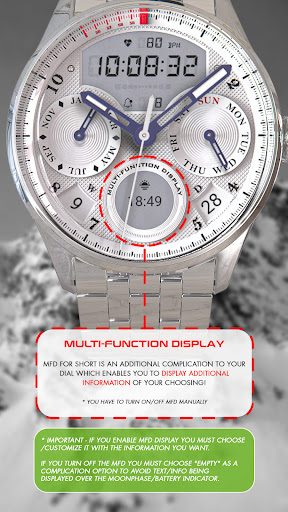
* IMPORTANT - if you enable MFD display you must choose/customize it with the information you want.
If you turn off the MFD you must choose "Empty" as a complication option to avoid text/info being displayed over the Moonphase/battery indicator.
ⓘ Flashing indicator below digital time:
- Below digital time there's an indicator which will flash if you have an unread notification/s.
Don't miss out our top REALISTIC watch faces:
LUNA BENEDICTA - https://play.google.com/store/apps/details?id=wb.luna.benedicta
ILLUMINATOR Digital - https://play.google.com/store/apps/details?id=wb.illuminator.digital
VOYAGER WorldTimer - https://play.google.com/store/apps/details?id=wb.voyager.automatic
ⓘ Installation
How to install: https://watchbase.store/static/ai/
After installation: https://watchbase.store/static/ai/ai.html
* Luna Benedicta watch face shown in "How to install" and "After installation". The same installation process is valid for all of our watch faces.
If you have any issues installing the watch face, please note that we have no control over the installation process or any other Google Play / Watch processes. The most common issue that people face is after they buy the watch face and install it, they can't see/find it.
In order to apply the watch face after you install it, touch and hold on the main screen (your current watch face) the swipe left to look for it. If you can't see it, tap on the " + " sign at the end (add a watch face) and find our watch face there.
We use a companion app for the phone to make the installation process easier. If you buy our watch face, tap on the install button (on the phone app) you must check your watch.. a screen will appear with the watch face.. tap install again and wait for the installation to finish. If you already bought the watch face and it still asks you to buy it again on the watch, don't worry you will not be charged twice. This is a common synchronization issue, just wait a little or try to restart your watch.
Another solution for installing the watch face is to try to install it from a browser, logged with your account (google play account that you use on the watch).
JOIN WatchBase.
Facebook group (General watch faces group):
https://www.facebook.com/groups/1170256566402887/
Facebook page:
https://www.facebook.com/WatchBase
Instagram:
https://www.instagram.com/watch.base/
SUBSCRIBE to our YouTube channel:
https://www.youtube.com/c/WATCHBASE?sub_confirmation=1
https://www.youtube.com/c/WATCHBASE
Version Information
- Version
- -
- Downloads
- 1K+
- Updated on
- Oct 29, 2025
- Released
- Feb 9, 2024
- Requires
- Android Varies with device
Statistics
Google Play Rating History
Rating Distribution
Downloads Over Time
Moonphase Day-Date Watch Face has been downloaded times. Over the past 30 days, it averaged downloads per day.
Shaded area shows 30-day prediction based on historical trends
Historical data collection started recently. More data points will be available over time.
Moonphase Day-Date Watch Face users say on Google Play
 Steve May
Fantastic, highly detailed design. Highly recommended! 👌
 Joshua MacBain
I like the look. I just wish you could put half hourly chimes in it. Please!?!
 Jose Pena
I got this face because it had the moon plase. Unfortunately, it's nonfunctional. I'm totally disappointed. Thought it had moon and sun phase.
ApkTrusted Ratings & Reviews
More from WatchBase
See more apps
Dashboard Ultra HWF
Paid

BIG Dash Pro | "RPM"
Free

EVERYDAY 10-Hands Style
Paid
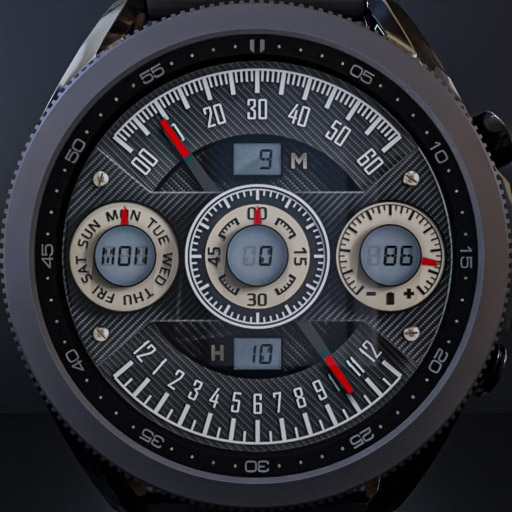
WatchBase. Dashboard
Free
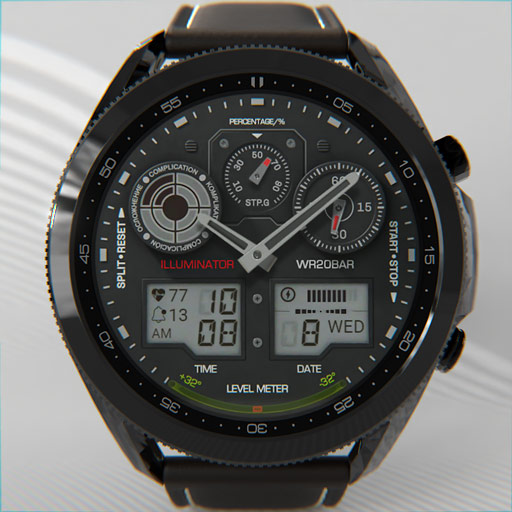
Illuminator 2.0 Watch face
Paid
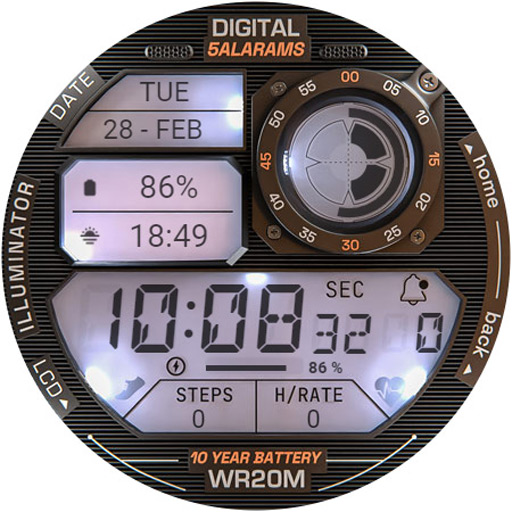
ILLUMINATOR Digital Watch face
Paid

ILLUMINATOR Hybrid-LCD
Paid

HUD Digital Animated
Paid
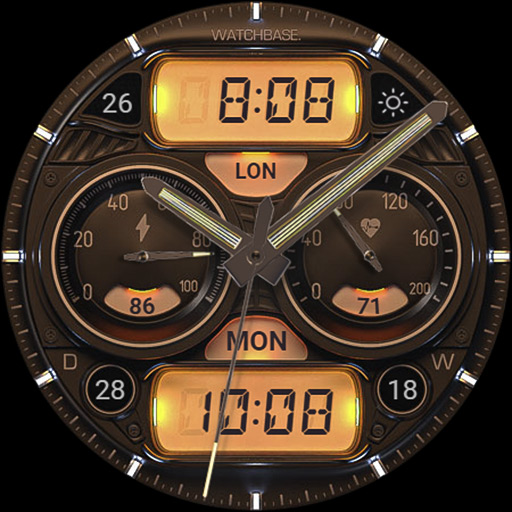
ILLUMINATOR Hybrid Legacy
Paid
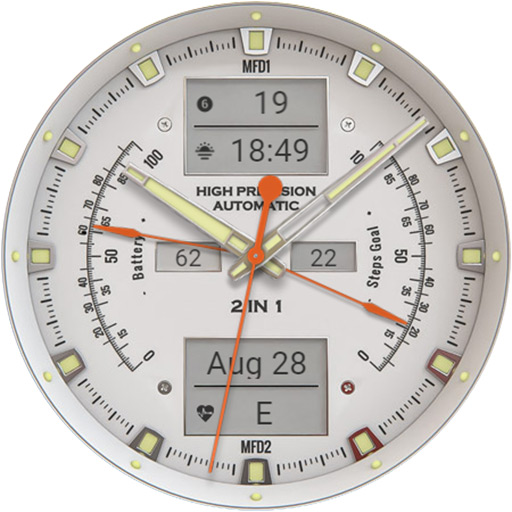
ANALOG MASTER Watch face
Paid
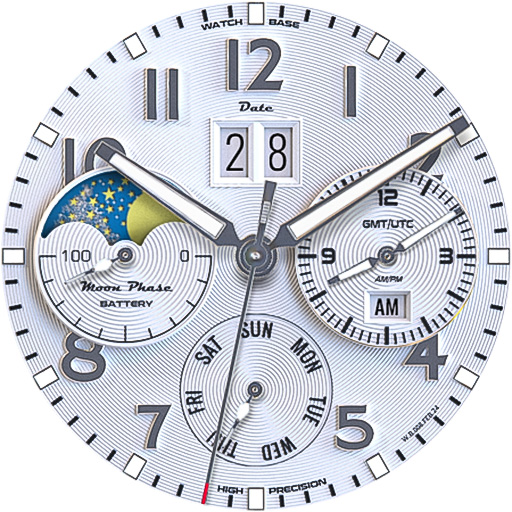
ALPINIST Moon Phase - GMT
Paid

Harmony GT Premium
Paid
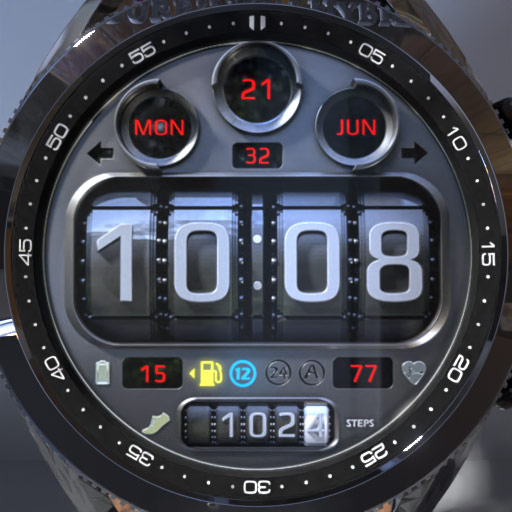
BIG Dash Pro | Odo
Free

Classic GMT President
Paid

Airman AFI 36-2903
Free

Predator's Watch | Illuminator
Paid
Similar Apps

AWD SIGNATURE W watchface
Paid

JW079 jwstudio
Paid

JW029 jwstudio
Paid

JW085 jwstudio
Paid

Tancha Montana
Paid

WTW M14L6 Analogue watch face
Free

JW241 jwstudio
Paid
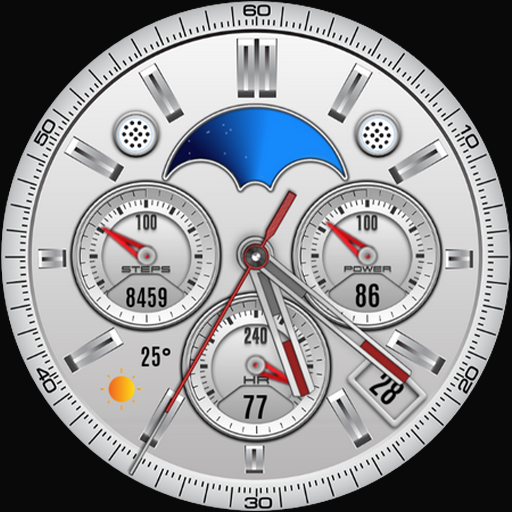
Silver Classic Watch Face
Paid

JW116 jwstudio
Paid

W-Design WOS083 - Watch Face
Paid

SamWatch Analog Mut
Paid

ACROWatch Classic Sion D700
Paid

GYA013 | Titanium Epoch Analog
Free

MB281 Analog Watch Face
Free

JW087 jwstudio
Paid

JW018 jwstudio
Paid
Scan this QR code to download

Forwarding you to the page at Google Play market in seconds...
Open Google Play market now