Alarm Clock for Me v2.85.3
Mosaic Srl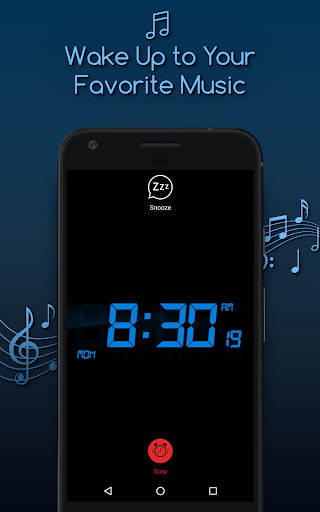




About this app
Developer Description
Wake up to this great alarm clock and use a stylish clock to be always on time.
Main features:
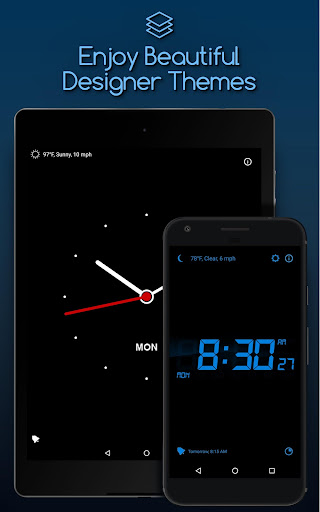
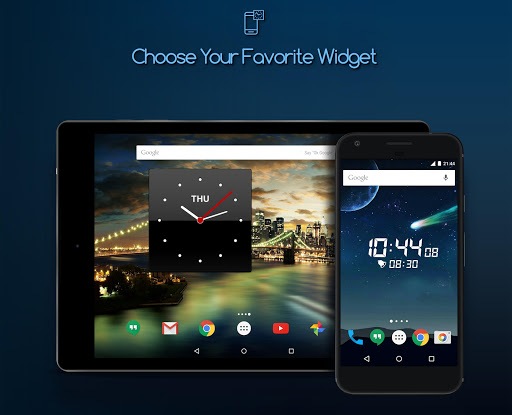
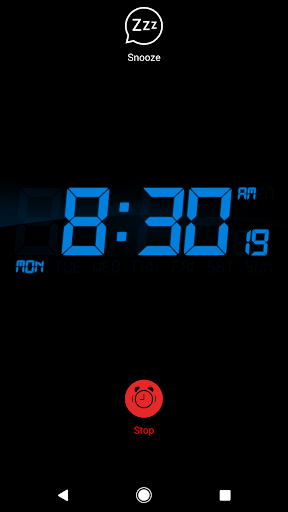
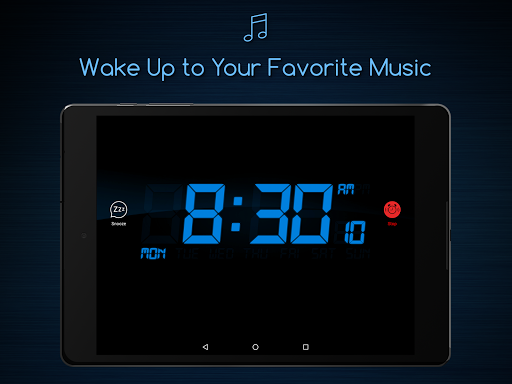
• Alarm clock: wake up to your favorite music and decorate your home screen with beautiful alarm clock widgets
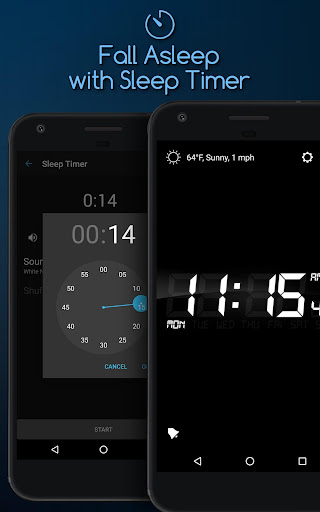
• Sleep Timer: fall asleep to your favorite songs or sounds from our collection;
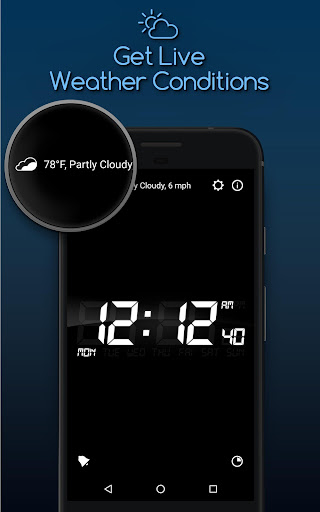
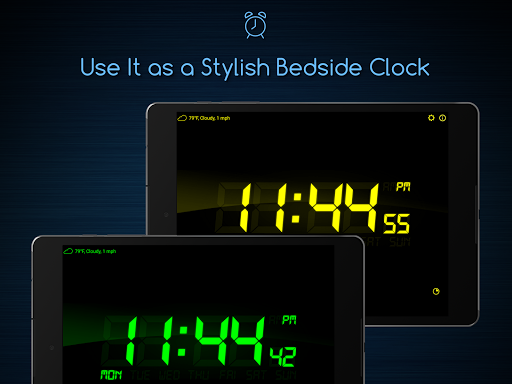
• Current temperature: check it in the morning to pick out a perfect outfit for your day;
• Unlimited support: set as many alarms you need — and you’ll never oversleep or miss an important event;
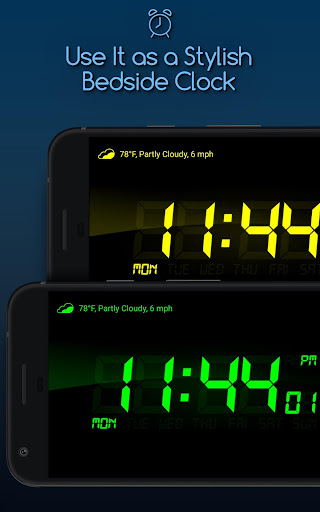
• Nightstand mode: see what the time is at night while your Android is charging;
• Background support: alarm will go off even if the app is not running;
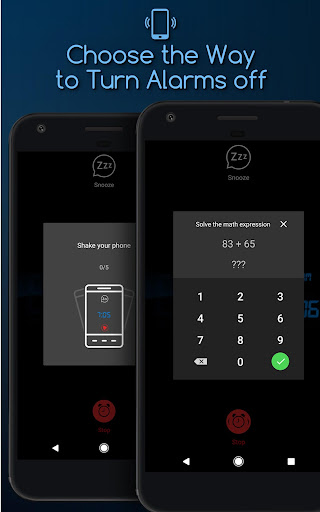
• Two new ways to turn off an alarm: math alarm clock to kick-start your brain or shake alarm option to wake up your body;
• Vibrate / Fade in / Snooze options for making your awakening more gentle.
Other features enhancing the overall experience:
• Use the customizable clock widgets on your Home screen.
• Adjust the screen brightness so that it doesn’t blind you after a good night’s sleep.
• Take advantage of Perfect Bedtime Reminder to go to sleep at the right time in the evening.
• Enable Gentle PreAlarm to enjoy easy and gentle awakening in the morning.
• Use the shortcut on the main screen to go directly to the app’s settings and all active alarms.
• You can also choose between vertical and horizontal modes, or prevent the main screen from auto-rotation by fixing the position of the clock on your screen.
Enjoy a perfect balance of beauty and functionality with this beautiful and reliable alarm clock app!
Privacy Policy: https://support.bendingspoons.com/privacy?app=4975488948500399178
Terms of Service: https://support.bendingspoons.com/tos?app=4975488948500399178
What's New
In-app purchases
$2.99 per item
Version Information
- Version
- 2.85.3
- Downloads
- 50M+
- Updated on
- Dec 22, 2025
- Released
- Mar 5, 2013
- Requires
- Android 6.0
Statistics
Google Play Rating History
Rating Distribution
Downloads Over Time
Alarm Clock for Me has been downloaded times. Over the past 30 days, it averaged downloads per day.
Shaded area shows 30-day prediction based on historical trends
Historical data collection started recently. More data points will be available over time.
Alarm Clock for Me users say on Google Play
 sparky pi
this app has been reliably my alarm for many years now. I rate it 4.5 stars because it's worth 5, but sometimes Android pushes a system update that breaks it. most recent: Used to be able to shut off alarms on the lock screen to stop them. Now have to do weird stuff, sometimes have to unlock the phone to get it to work (which is hard while groggy). No shade on the devs, this is a system level issue that takes time to fix. Just wish it didn't hit at my most tired 😆. GL, and TY for the app!
 Glenn Dulaney
Sound works great now, but what is it with the screen becoming dim? I can hardly see what's on the screen when the alarm is going off and it's all dim until I remove the alarm from the screen. It is bright and everything is clear except when the alarm app is on the screen
 Shaliah Haith
I don't know what happened. When I first downloaded the app, it was working beautifully. Now, it no longer works. I thought it might have needed an update, but there are no updates posted. I really wish I didn't have to uninstall this app, but when downloading any app,... RELIABILITY is "key," and this app has unfortunately lost that capability.
 Emily Hostetler
This is a reliable app. That's is it's only redeeming quality. It always goes off for me, always has, at the time I set it to. There are several problems with it. 1. Ads. I'm too cheap for the ad free version. 2. The alarm doesn't stop after sliding it away. This is very frustrating because trying to turn off an alarm while half asleep is already challenging. But when it doesn't go off after sliding away, that's even worse. 3. The default alarm sounds are really bad.
 Jacque Steyn
I've had this alarm for years from the Amazon Appstore which worked perfectly. Now that Amazon shut down I had to purchase again from here. I bought it instead of using the free version because it worked so well for so long. Well this version doesn't. Screen can't be dimmed. Fade-in alarm no longer works. Snooze and stop buttons no longer show on the screen. You have to go through the menu to turn it off. I contacted support. Just got automated reply sending me to the FAQ. No help. Uninstalled.
ApkTrusted Ratings & Reviews
More from Mosaic Srl
See more apps
Scan Hero: Scanner App
Free
Weather Live°
Free

Blossom - Plant Identifier
Free

Confide - secure messenger
Free

Clime: NOAA Weather Radar Live
Free

Planes Live - Flight Tracker
Free
Pixomatic - Background eraser
Free

Robokiller - Spam Call Blocker
Free

Productive - Habit tracker
Free

Window - Fasting tracker
Free
TapeACall: Call Recorder
Free

Typeright: Grammar Checker
Free

Storm Shield
Free

iTranslate Translator
Free

Filmic Firstlight - Photo App
Free

Filmic Remote Legacy
Free
Similar Apps

The Clock: Alarm Clock & Timer
Free
Simple Alarm Clock
Free
Clock Phone 16, Alarm & Timer
Free
Alarm Clock Xtreme & Timer
Free
Simple Alarm Clock
Free
Challenges Alarm Clock
Free
Talking Alarm Clock Beyond
Free
Alarm Clock
Free
Digital Clock Widget
Free

Mr. Screamy - Loud Alarm Clock
Free
Alarmy - Alarm Clock & Sleep
Free

Clock
Free
Timer Plus - Workouts Timer
Free
To Do List with Reminder
Free
Sleep Cycle: Sleep Tracker
Free

MultiTimer: Multiple timers
Free
Scan this QR code to download

Forwarding you to the page at Google Play market in seconds...
Open Google Play market now