Quick Remote for Alexa & Roku v1.3.6
Appestry






About this app
Developer Description
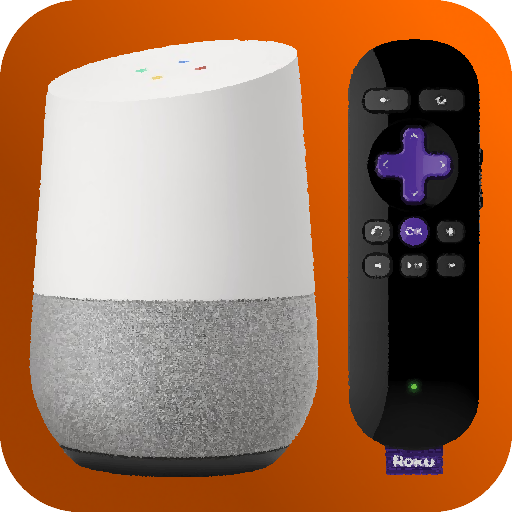
Voice control your Roku from Alexa! No hub or additional hardware required!!
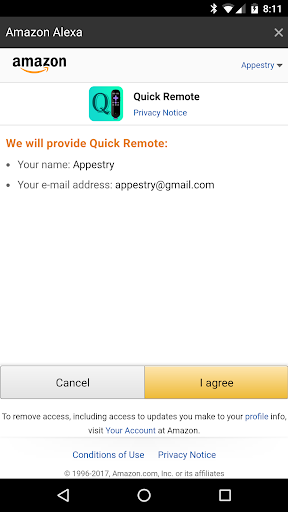
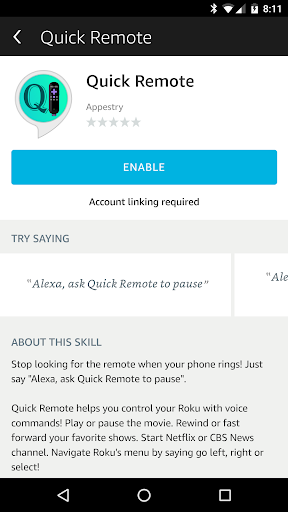
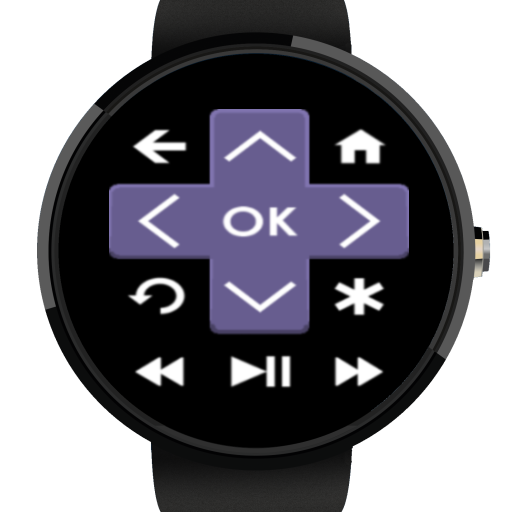
Quick Remote helps you control your Roku with voice commands! Play or pause the movie. Rewind or fast forward your favorite shows. Start Netflix or CBS News channel. Navigate Roku's menu by saying go left, right or select!
It can follow multiple commands at once and also control multiple Rokus! You can even ask for it to wait for your next command.
Quick Remote Alexa Skill: http://amzn.to/2o9ipvB
UK English: http://amzn.to/2fpd3wK
This app works with the following Alexa powered devices from Amazon:
Amazon Echo : http://amzn.to/2AdVmWk
Echo Plus: http://amzn.to/2zs2aCV
Echo Spot: http://amzn.to/2iUR81J
Echo Show: http://amzn.to/2xU191X
Echo Dot : http://amzn.to/2ngg2ZT
Amazon Tap : http://amzn.to/2nXTVoi
Alexa Hands-free Fire HD Tablet: http://amzn.to/2w80ZmP
Amazon Dash Wand with Alexa: http://amzn.to/2uRHsJh
Echo Look: http://amzn.to/2vC1nKl
No hub or additional hardware required! You will never touch the Roku remote again!!
Quick Start:
In Amazon Alexa app or alexa.amazon.com:
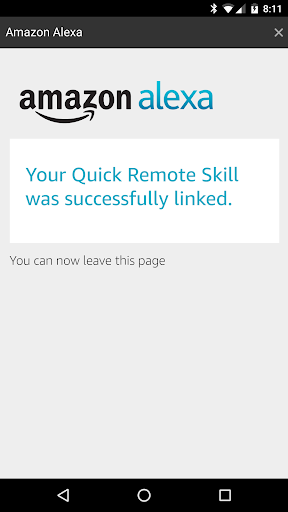
• Enable the Quick Remote skill
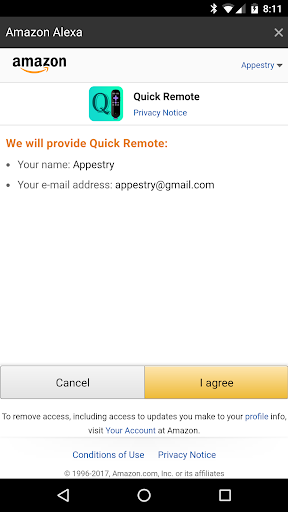
• Link to Quick Remote using your Amazon account
• Using 'Login with Amazon' your email will only be used to link with the mobile app
In your phone:
• Install this mobile app in your phone
• Connect your phone to the same Wi-Fi network as your Roku device
• In your phone's Wi-Fi settings set it to keep Wi-Fi ALWAYS on during sleep
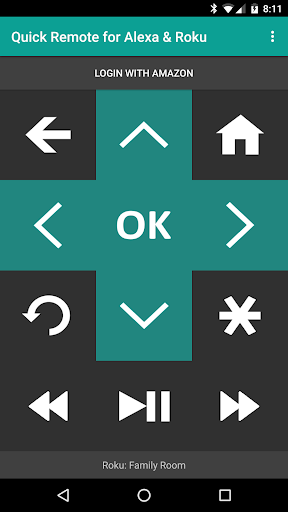
• Select the Roku device you want to control in the devices menu
• Login with Amazon using the same account as your Alexa app -- your email will only be used for linking
IMPORTANT: Your phone's Wi-Fi needs to ALWAYS stay on during sleep for it to receive commands from Alexa devices and send it to your Roku. Also, if your phone has trouble connecting with your Roku then turn off battery optimization for this app in Android Settings > Battery Optimization
Back at your Alexa device:
• Say "Alexa, ask Quick Remote to pause" -- Voila! your Roku will do as you say!
• Say "Alexa, ask Quick Remote to go home, right, down and select" -- it will follow multiple commands at once!
• Say "Alexa, ask Quick Remote to start Netflix and wait" -- it will start a channel and wait for your next command!
• Say "Alexa, ask Quick Remote to switch to Family Room Roku" -- it will even control multiple Rokus!
Help & FAQs: http://www.appestry.biz/qra
Demo Video: https://youtu.be/SGVWIT2ov9Q
The free version has a limit of 50 commands per calendar month. Upgrade to Full Pass subscription to use Quick Remote without limits!
Full Pass Subscription is needed to use more than 50 voice commands per month.
Monthly Full Pass: $0.99/month + tax
Includes 1 week free trial
Annual Full Pass: $9.99/year + tax
Includes 2 weeks free trial
Cancel your subscription any time in Google Play Store > Tap Menu > Subscriptions
What's New
• Raise or lower the volume by 5, 10, 15 or 20 points - adjust it in the settings
• Set your phone's Wi-Fi settings to ALWAYS STAY ON during sleep
---
Thank you all for your feedback!
In-app purchases
$0.99 - $9.99 per item
Version Information
- Version
- 1.3.6
- Downloads
- 100K+
- Updated on
- May 21, 2020
- Released
- Mar 27, 2017
- Requires
- Android 4.0
Statistics
Google Play Rating History
Rating Distribution
Downloads Over Time
Quick Remote for Alexa & Roku has been downloaded times. Over the past 30 days, it averaged downloads per day.
Shaded area shows 30-day prediction based on historical trends
Historical data collection started recently. More data points will be available over time.
Quick Remote for Alexa & Roku users say on Google Play
 Elmer Bober
I love this app it works great
 Kira Woodling
I got my account linked to my alexa but the app cannot find my roku tv, and every time I try to add manually, it tells me app is not working and I need to force close it. Was really hoping this would work since my echo dot will not open, play, or pause Netflix 😕 Edit: I realize now it's because I was running on 5g and almost all wifi connections need to run on a regular 2.4ghz so I swapped connections and it worked. Still not able to rename the device without a force close but im happy now!
 Steve Mc
Its okay, but the app is useless with the amount of ads on it, the subscription is a piss take, clearly the author thinks its okay to bombard the free version with ads so it forces you to take the subscription, which is way too expensive for a remote control app, would be better buying a real one of amazon. What would make this better ? a one off purchase.
 Anthony Malik
It's not sync with alexa
 marilyn ring
I can't even log in. It keeps trying to log into my Amazon account when it's a dead account. I don't use mine anymore. Everything Amazon related is signed in with my husband's account (that we share) and there's no area that says "not you?" It just keeps insisting that I give permission from my own account (not even sure where it is getting that info from, I'm not logged in with that email anywhere) all the alexa stuff is again, under my husband's account. It's a shame this app is useless to us.
ApkTrusted Ratings & Reviews
More from Appestry
See more apps


Scan this QR code to download

Forwarding you to the page at Google Play market in seconds...
Open Google Play market now