RoMyo vVARY
Appestry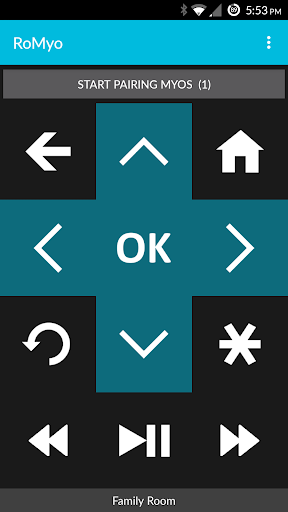






About this app
Developer Description
Control your Roku with a wave of your hand using Myo gesture armband!
RoMyo app lets you control your Roku using your Myo armband. It reads your Myo gestures and converts them to remote control commands, which are sent to your Roku through Wi-Fi. Here is a list of available gestures and their mapping to remote control commands:
Hand pointing at the TV:
• Wave Left = Rewind
• Fingers Spread = Play/Pause
• Wave Right = Fast Forward
• Fist = Instant Replay
Hand pointing upwards:
• High + Wave Left = Back
• High + Fingers Spread = Select
• High + Wave Right = Home
• High + Fist = Info
Hand pointing downwards:
• Low + Wave Left = Left
• Low + Fingers Spread = Up
• Low + Wave Right = Right
• Low + Fist = Down
• Double Tap = Lock or Unlock Myo
Quick Start:
• Put on your Myo and sync your arm
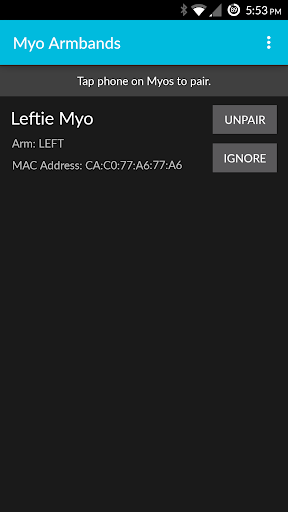
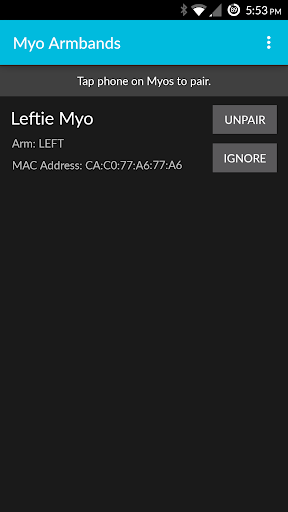
• Pair your Myo with RoMyo app in the armbands menu
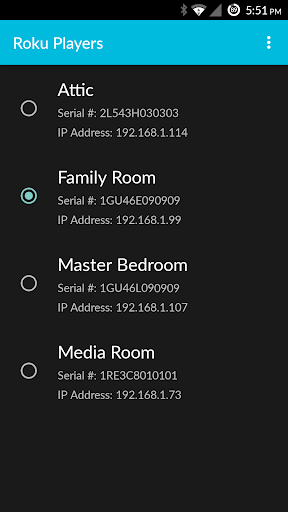
• Select the Roku player you want to control form the players menu
• Double tap your thumb and middle finger to unlock your Myo
• Follow the gestures listed above to control your Roku!
Other features:
• Long vibration in your Myo if Roku is unreachable to let you know of the error
• Connect up to 4 Myo armbands to your phone and control your Roku
• Ignore and unpair individual Myo armbands from the armbands menu
• Adjust the timeout period to lock your Myo when idle
• Enable or disable double tap gesture to lock your Myo
• Show or hide gestures on the screen as they are recognized
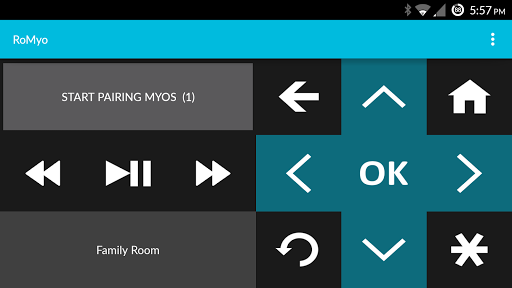
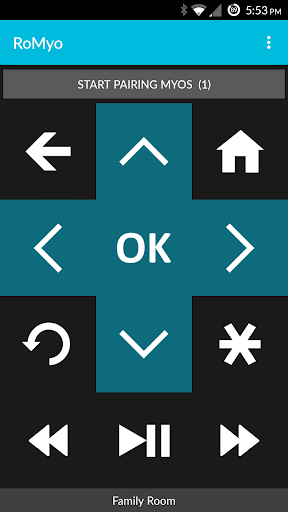
• Use the phone remote separately from the Myo armband
Upgrade to the Mo' Myo Edition to control your Roku devices without ads or time limits. In the free version, the phone remote contains ads and the armband pairing has a 10 minute trial limit, after which it unpairs. After the trial period you can restart pairing and begin a new 10 minute trial!
Help & FAQs: http://www.appestry.biz/romyo
RoMyo in Myo Market: https://market.myo.com/app/55581324e4b009b896cb56f6/romyo
RoMyo featured in Myo Developer Blog: http://developerblog.myo.com/romyo-control-your-roku-with-myo/
This app is not affiliated with Roku Inc. or Thalmic Labs Inc.
In-app purchases
$0.99 per item
Version Information
- Version
- -
- Downloads
- 1K+
- Updated on
- -
- Released
- May 20, 2015
- Requires
- Android Varies with device
Statistics
Google Play Rating History
Rating Distribution
Downloads Over Time
RoMyo has been downloaded times. Over the past 30 days, it averaged downloads per day.
Shaded area shows 30-day prediction based on historical trends
Historical data collection started recently. More data points will be available over time.
RoMyo users say on Google Play
 A Google user
Romyo, O Romyo! Wherefore art thou yaw control, Romyo? 11/6/2015: Thanks for the response. So it's goofing up even if you getYaw onUnlock? I saw they're releasing updates, not sure what all is new yet. But my hunch is, maybe you need to ditch the MyoSDK and rebase the app on D4rken's MyoLib. Much more comprehensive and exact. I myself am working on a system of unlocks that expand 5 gestures into 25, without even touching pitch, yaw, and roll. So, you can do it! I believe in you!
ApkTrusted Ratings & Reviews
More from Appestry
See more apps



Scan this QR code to download

Forwarding you to the page at Google Play market in seconds...
Open Google Play market now