
Max Compass vVARY
MAXCOM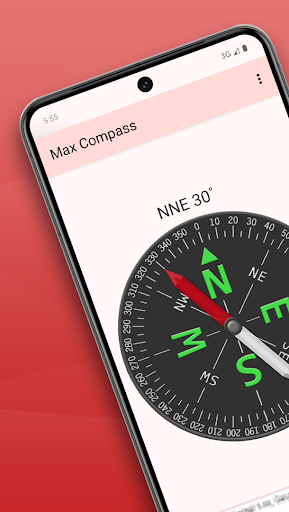

About this app
Developer Description
A Convenient and Handy Compass App.
Key Features:
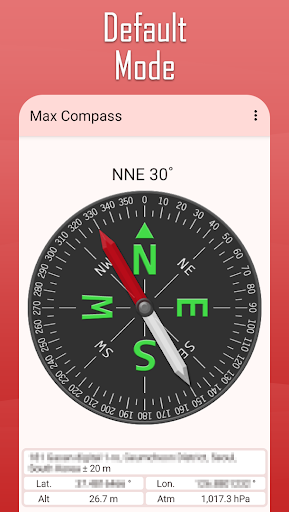
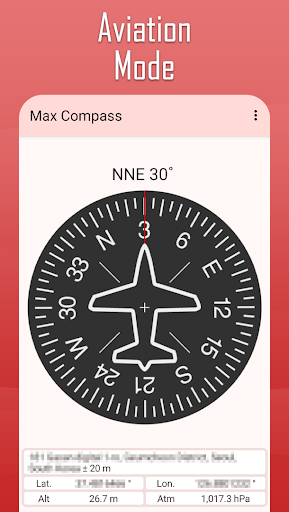
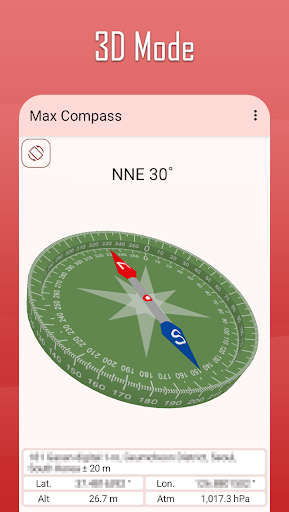
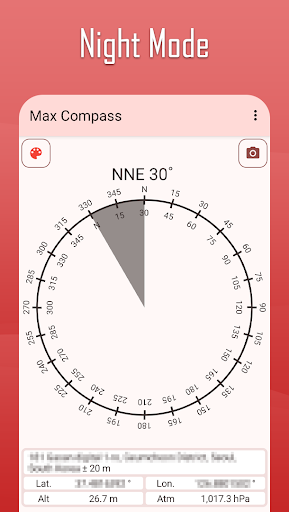
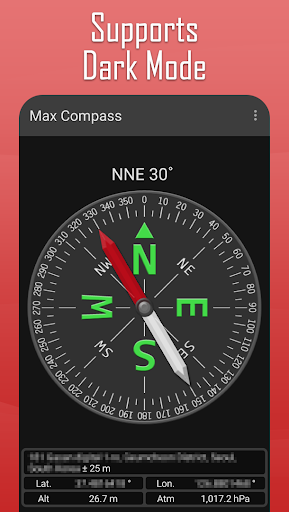
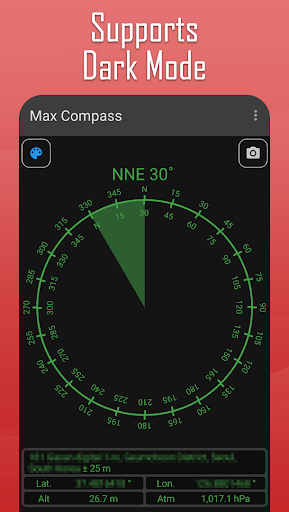
1. Various Compass Modes: Default, 3D Mode, Night Mode, and more.
2. Choose Between True North or Magnetic North: Adapt to your needs.
3. Address and Location Information Display: View your current address, latitude, and longitude.
4. Pressure Display: Check atmospheric pressure on supported devices.
How to Use
1. Launch the app and place your device on a stable surface.
2. The compass will automatically rotate to detect north and then stop.
3. Check the numbers at the top of the screen to determine the exact direction.
4. Use the title bar menu to change compass modes and adjust settings.
Find your way effortlessly with Max Compass anytime, anywhere!
What's New
- Added camera support in 3D mode.
- Added auto-focus based on touch position.
- Updated settings options.
Version Information
- Version
- -
- Downloads
- 1M+
- Updated on
- Jul 28, 2025
- Released
- Oct 4, 2010
- Requires
- Android 8.0
Statistics
Google Play Rating History
Rating Distribution
Downloads Over Time
Max Compass has been downloaded times. Over the past 30 days, it averaged downloads per day.
Shaded area shows 30-day prediction based on historical trends
Historical data collection started recently. More data points will be available over time.
Max Compass users say on Google Play
 A Google user
It works very well on my Tracfone LG39C. Not too accurate indoors unless you stand by a window that you estimate faces north, but outdoors is very accurate. The Level is very accurate and is handy when a level is no place near. Also, the ads are not intrusive. Very happy with this APP.
A Google user
Good compass. The displayed altitude keeps disappearing. Also needs a function to select between feet or meters for altitude and inHg and mb for pressure.
A Google user
Ok
A Google user
The leveler works great, however the compass is completely wrong as it keeps telling me that I'm in the opposite direction of where I really am. The compass is correct in writing @ times however it still points in the completely opposite direction to what the writing says. Luckily I had another compass. Using this would never have got me to where I needed to be. Will be uninstalling this app. Very disappointed
A Google user
copass not running
ApkTrusted Ratings & Reviews
More from MAXCOM
See more apps
Max Unit Converter
Free

ToolBox
Paid

ToolBox
Free

Max Ruler
Free

Max Stopwatch
Free

Max Mag Detector
Free

Max Protractor
Free
Max Timer
Free
Biorhythm
Free

D-Day Counter & Memo Widget
Free

D-Day Counter & Memo Widget
Free

Max Altimeter
Free

Max Color Picker
Free

Max Counter
Free

Max Decibel Meter
Free

Biorhythm
Free
Scan this QR code to download

Forwarding you to the page at Google Play market in seconds...
Open Google Play market now