accessDEPOSIT® by Citizens v3.0.6
Citizens Bank, N.A.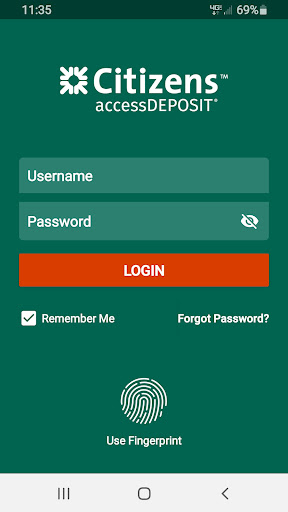
About this app
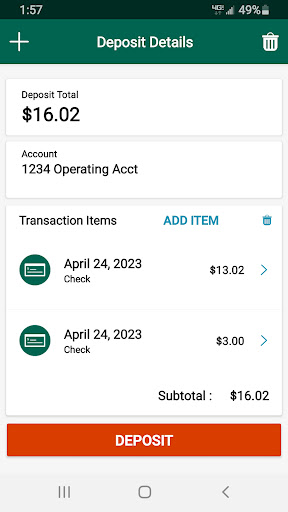
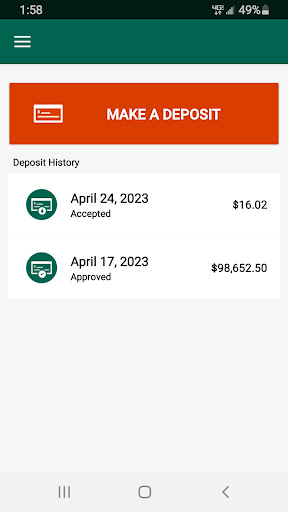
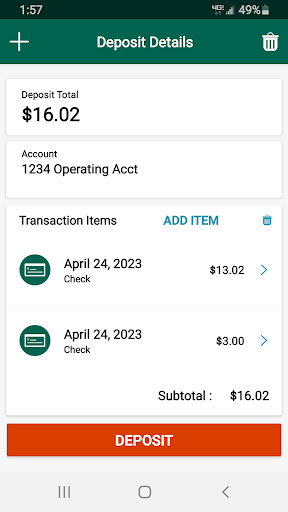
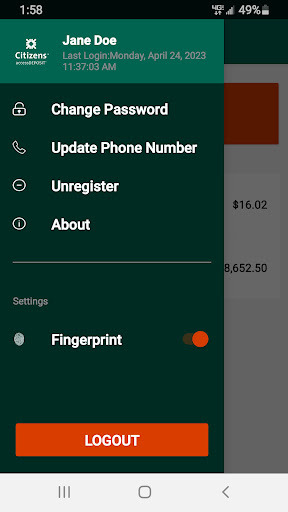
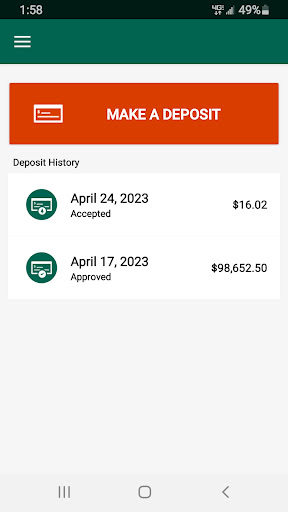
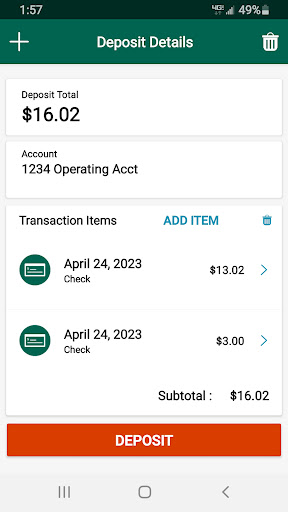
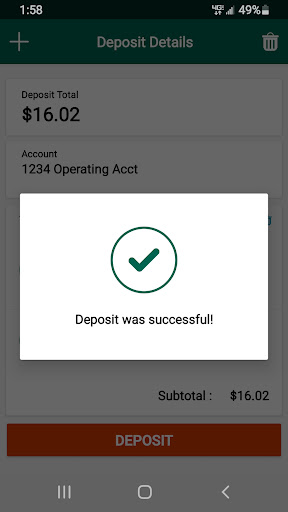
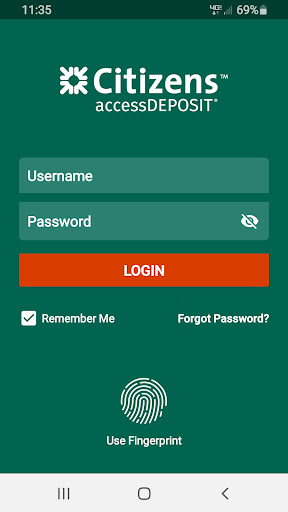
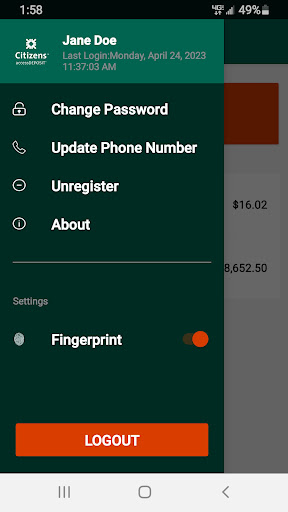
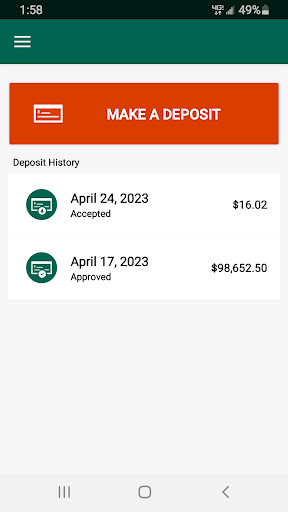
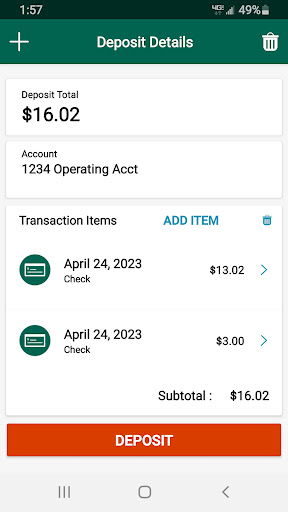
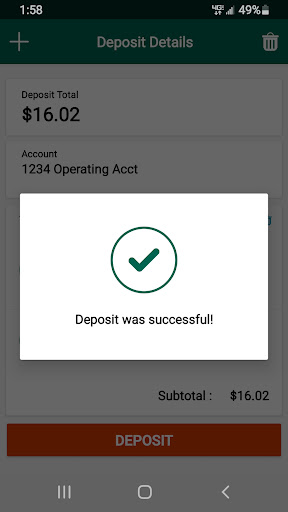
The accessDEPOSIT app by Citizens Bank solves the problem of remote deposit management for commercial banking clients, allowing them to securely deposit checks and manage their accounts on the go. This app benefits most commercial banking clients who need to manage their finances efficiently and remotely. Compared to alternatives in the Finance category, accessDEPOSIT stands out with its user-friendly interface and robust security features. However, its limited functionality and lack of widespread user reviews may make it fall short for some users.
Pros
- The app has a good user rating of 3.6/5, indicating a generally positive user experience, which is a testament to the developer's commitment to quality.
- The app is free to download and use, with no in-app purchases or ads, making it a cost-effective solution for commercial banking clients.
- The developer, Citizens Bank, is a reputable financial institution, which adds to the app's credibility and trustworthiness.
- The app requires Android 8.0 or higher, ensuring a relatively modern and secure operating system, which is a plus for security-conscious users.
- The app has a simple and intuitive interface, making it easy for users to navigate and manage their deposits.
Cons
- The app has limited functionality, primarily focused on remote deposit management, which may not be enough for users who need more comprehensive banking features.
- The app has a relatively low number of downloads, which may indicate limited social proof and a smaller user community.
- The app's permission requests are minimal, but users should still be cautious when granting access to their device's camera and storage, as this may pose some privacy risks.
- The app's compatibility is limited to Android 8.0 or higher, which may exclude some older devices or users who prefer other operating systems.
Best for: The ideal user for the accessDEPOSIT app is a commercial banking client who needs to manage their finances remotely, values security and ease of use, and is familiar with mobile banking apps, likely falling within the 25-55 age range with moderate to high technical skill levels.
Developer Description
accessDEPOSIT® Mobile by Citizens Commercial Banking
In today’s fast-paced world, corporate and small business users need instant access to their business accounts and financial information from any location. That’s why Citizens Commercial Banking is pleased to offer accessDEPOSIT Mobile, an easy-to-use mobile app that delivers functionality that complements your Remote Deposit Capture web application. With accessDEPOSIT Mobile, you can bring your office to the virtual world, with the ability to make decisions and conduct critical business at any time - so you’re never out of touch, and always in control.
FEATURES:
accessDEPOSIT Mobile is a clean, intuitive application from which you can quickly and easily:
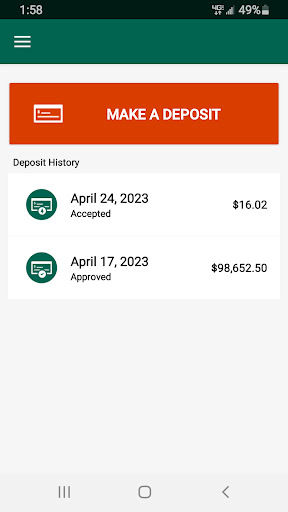
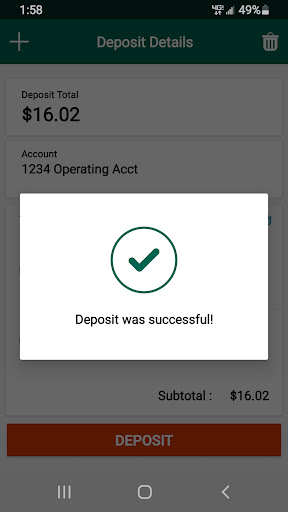
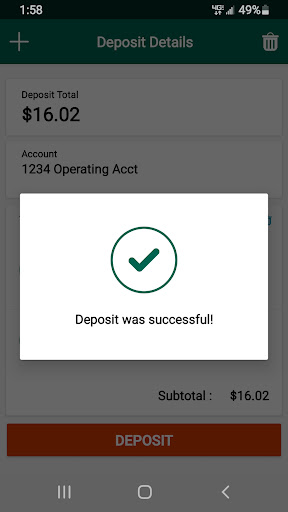
• Make deposits, safely and securely from your mobile device
• Capture multiple checks in one deposit
• Key associated payment information with your check deposits
• Capture Remittance or Invoice images
• Review up to 14 days of historical data
SECURITY and PRIVACY:
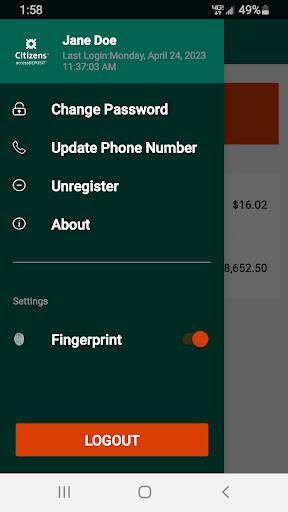
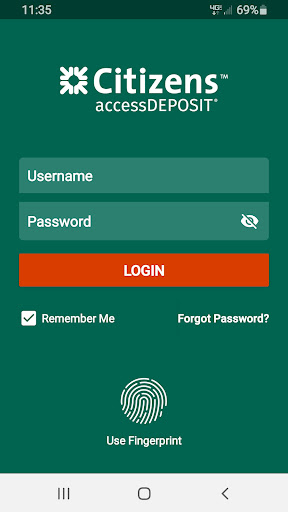
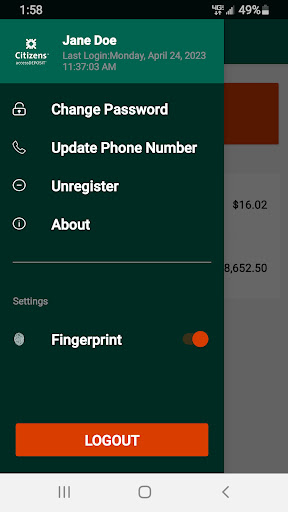
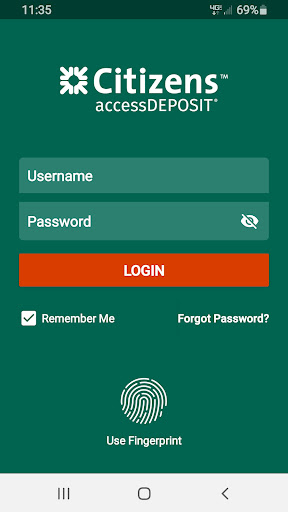
Using state-of-the-art security protocols, accessDEPOSIT Mobile provides a secure channel through which your company’s encrypted data and transactions can be safely and reliably transmitted. Additionally, accessDEPOSIT Mobile’s multi-factor authentication process guards against unauthorized use, providing further protection of your accounts and data.
*You must subscribe to a web application (accessDEPOSIT or E-Z Deposit) in order to use accessDEPOSIT Mobile.
accessDEPOSIT Mobile is a registered trademark of Citizens Financial Group, Inc. All rights reserved. Citizens Commercial Banking is a brand name of Citizens Bank, N.A. and Citizens Bank of Pennsylvania. Member FDIC. Connectivity to accessDEPOSIT Mobile is provided by your mobile operator or wireless provider.
Privacy
Given the app's minimal permission requests, users should still be mindful of the data they share and store on their device. It is essential to regularly review and update the app to ensure the latest security patches and features. Additionally, users should only download the app from trusted sources, such as the Google Play Store, to minimize the risk of malware or other security threats.
Tips
To get the most out of the accessDEPOSIT app, users should first familiarize themselves with the app's interface and features, taking advantage of the tutorial or guide provided. Users should also ensure their device's camera and storage are properly configured to facilitate smooth deposit management. Regularly checking for updates and maintaining a stable internet connection will also help optimize the app's performance and security.
What's New
Version Information
- Version
- 3.0.6
- Downloads
- 1K+
- Updated on
- Oct 16, 2023
- Released
- May 13, 2017
- Requires
- Android 8.0
Statistics
Google Play Rating History
Rating Distribution
Downloads Over Time
accessDEPOSIT® by Citizens has been downloaded times. Over the past 30 days, it averaged downloads per day.
Shaded area shows 30-day prediction based on historical trends
Historical data collection started recently. More data points will be available over time.
ApkTrusted Ratings & Reviews
More from Citizens Bank, N.A.
See more apps




Similar Apps

Regions Bank
Free

Huntington Mobile Banking
Free

OneMain Financial
Free

NB|AZ Mobile Banking
Free

Westlake MyAccount
Free

Truist Mobile
Free

Oriental Bank
Free

PNC Mobile
Free

Credit One Bank Mobile
Free

Gusto Mobile
Free

Fifth Third: 53 Mobile Banking
Free

Goosehead Insurance
Free

SDFCU Digital Banking
Free

USAA Mobile
Free

COLDEST
Free

Frost Bank
Free
Scan this QR code to download

Forwarding you to the page at Google Play market in seconds...
Open Google Play market now