Miracast Mirror App - MirrorTo v4.8.3
Shenzhen iMyfone Technology Co., Ltd.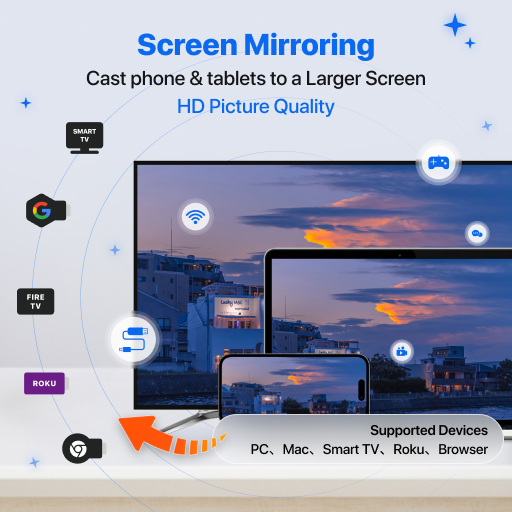





About this app
Developer Description
Screen Mirroring App Helps you Cast Phone to PC/Mac/TV/Web Browser Fast & Stably
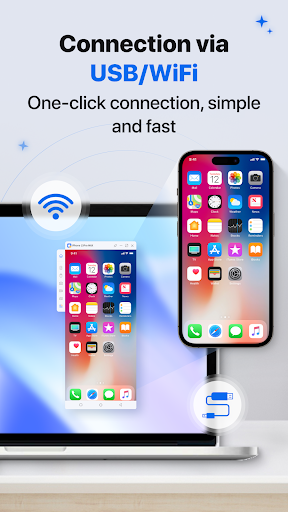
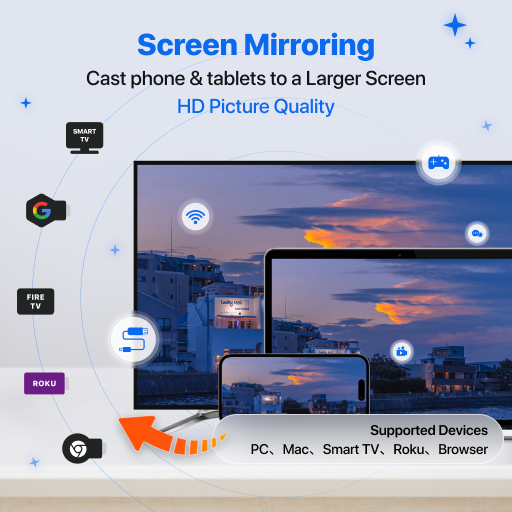
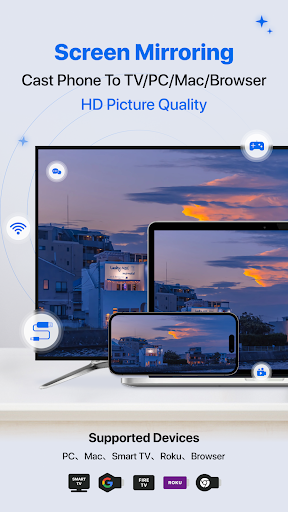
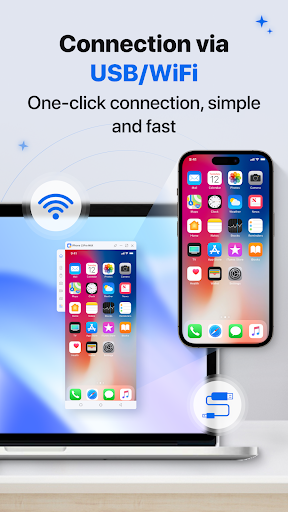
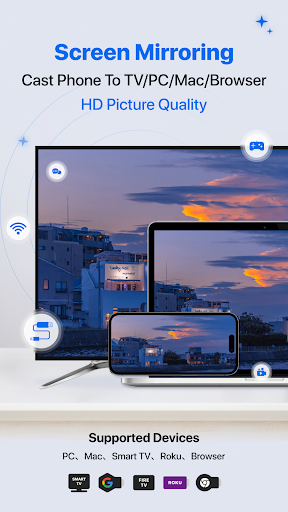
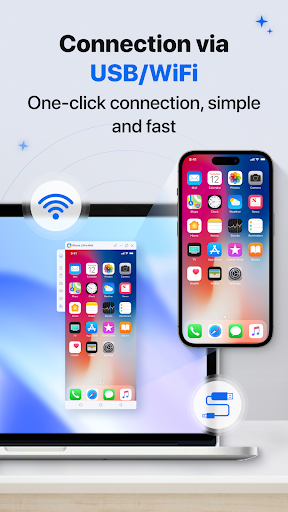
- Mirror your Android or iPad to your PC, Mac, TV, and browsers easily and stably with audio.
- Control Android screen from your PC to type, click, swipe, and scroll.
- Transfer files quickly between Android and PC.
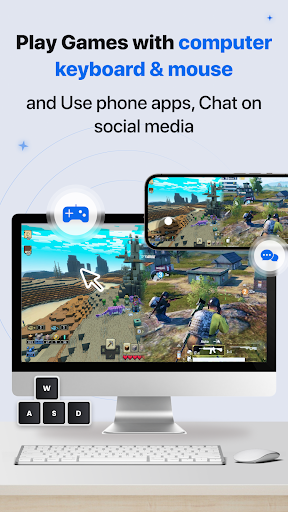
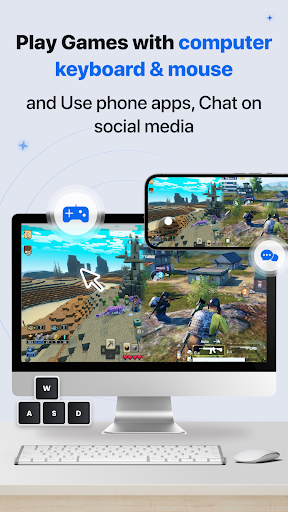
- Enjoy mobile games on PC with customizable keyboard mappings.
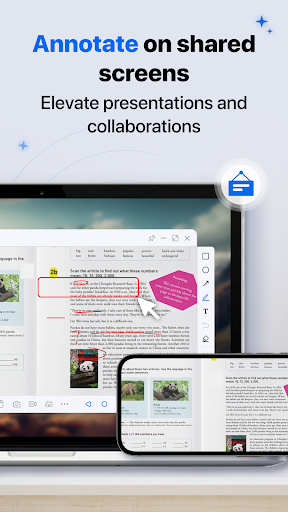
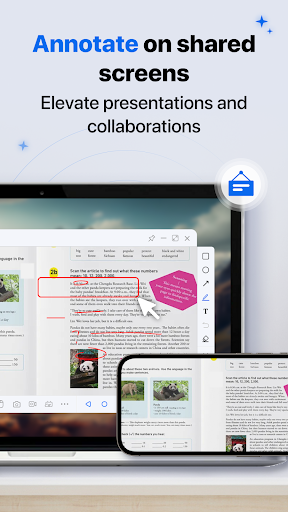
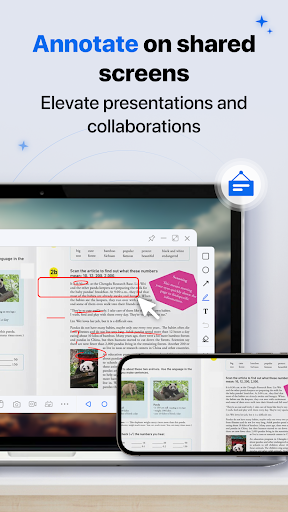
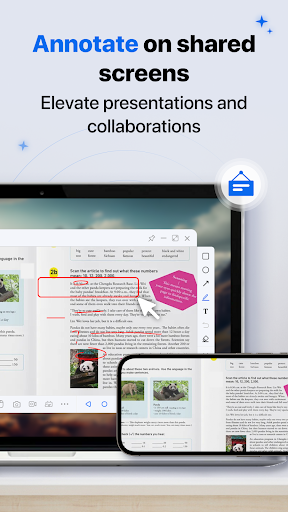
- HD screen and interactive whiteboard for online teaching or meetings.
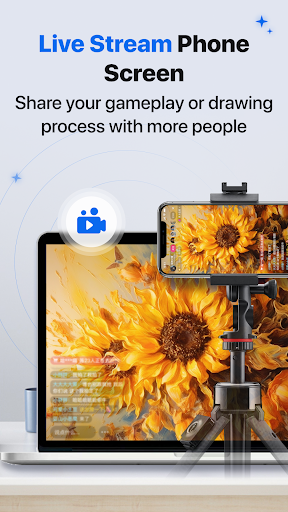
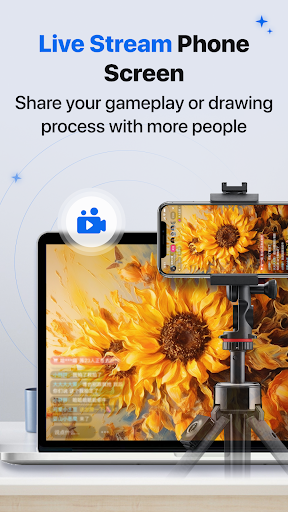
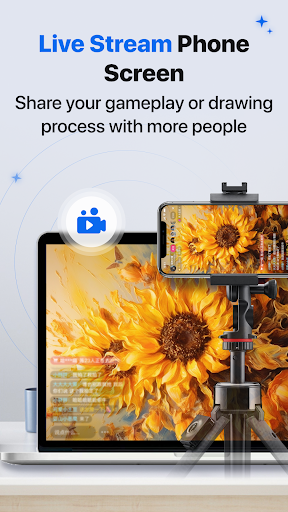
- Live stream your phone screen to YouTube, Zoom, and more!
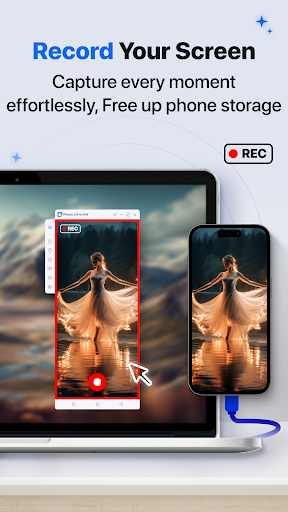
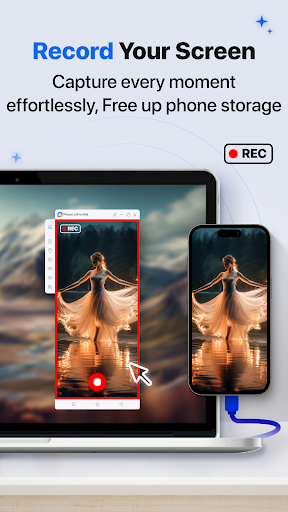
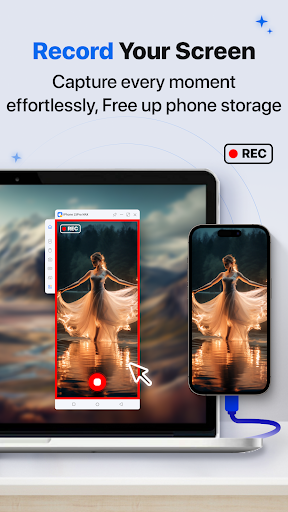
- 1080P screen recording with audio for the mirrored screen.
- Stream football matches from your phone to PC/Mac/TV/Browser on YouTube, Twitch, and TikTok.
- Record & Capture football matches on your computer.
【Ideal for Various Screen Mirroring Scenarios】
- Personal use
- Leisure and entertainment
- Business meetings
- Online classes / Education
- Live streaming from YouTube, Twitch, Facebook, Instagram, TikTok, etc.
- Movie and sports video mirroring
- Presentations
- Remote work
Supported Devices:
* PC/Mac/TV/Browser
* Android/iOS/iPad
This screen mirroring and screen share App needs to be used with the desktop program.Get MirrorTo Desktop Program here: https://www.imyfone.com/screen-mirror/
After our product is successfully connected to cast screen, you need to use the accessibility function permission of the mobile device to realize the PC side for the mobile device control, when the user needs to use the mouse control we will need to get this permission, after that the user can normally click and slide on the mobile device in the PC side to use, support the user to watch videos, play games, use other applications, push stream and other scenarios to use.
MirrorTo requires the "Foreground Service" permission on Android devices to utilize the following features during use:
1. Through the program's running status reminder in the notification bar, users can quickly enter the App interface and manage related functions. The "Foreground Service" ensures that users can still manage screen mirroring status even if they accidentally close the App.
2. With the "Foreground Service," MirrorTo can keep running and synchronize related information in the background at any time, such as screen mirroring disconnection signals from the PC, mouse control between the PC and App, and clipboard information synchronization.
Feedback:
1. Contact us at feedback@imyfone.com
2. Send feedback from "Settings" > "Feedback" on the MirrorTo desktop program.
Privacy Policy:https://www.imyfone.com/company/privacy-policy-2018-05/
EULA:https://www.imyfone.com/company/terms-conditions-2018-05/
Auto-renewal Agreement:https://www.imyfone.com/company/auto-renewal/
iMyFone Technology Co., Ltd is a hi-tech corporation, specialized in providing professional solutions for iOS or Android device and helping global customers to run their mobile devices better.
What's New
In-app purchases
$9.99 - $59.99 per item
Version Information
- Version
- 4.8.3
- Downloads
- 100K+
- Updated on
- Nov 5, 2025
- Released
- Feb 22, 2023
- Requires
- Android 6.0
Statistics
Google Play Rating History
Rating Distribution
Downloads Over Time
Miracast Mirror App - MirrorTo has been downloaded times. Over the past 30 days, it averaged downloads per day.
Shaded area shows 30-day prediction based on historical trends
Historical data collection started recently. More data points will be available over time.
Miracast Mirror App - MirrorTo users say on Google Play
 Jimmy T Ward Jr (Bear)
I love this app, helps me see whats on my phone and watch sometimes cant see it due to my eye's just being old. I can still enjoy the tech.
 chris wilson
This app is perfect for the Galaxy A series phones. I connected my Galaxy A13 5G to my laptop, but the app is a little buggy on android. The desktop app sometimes doesn't recognize my phone and never connects on a wired connection. The wireless connection is completely broken, so I'm only able to use the wired connection
 Torrey SquaD
Need I say more
 Calista Shearer
When I opened the app i was met with a subscription screen. One I couldn't close. So basically you have to put down at least $10 before you can even use the app. There is no free option. Which I find annoying.
ApkTrusted Ratings & Reviews
More from Shenzhen iMyfone Technology Co., Ltd.
See more apps



Similar Apps

Send Anywhere (File Transfer)
Free

Quick Share: File Transfer
Paid

RealVNC Viewer: Remote Desktop
Free

TeamViewer Remote Control
Free

Video Recorder
Paid

Taskbar
Free

Loom – Screen and Cam Recorder
Free

spacedesk - USB Display for PC
Free

Elgato Stream Deck Mobile
Free

Lib of Dev (Open Source)
Free

RICOH Smart Device Connector
Free

HQ Video Player & Casting
Paid

AirDroid: File & Remote Access
Free

ScreenStream
Free

Lorex Classic
Free

SuperCam Plus
Free
Scan this QR code to download

Forwarding you to the page at Google Play market in seconds...
Open Google Play market now