
LastPass Authenticator v2.25.0
LastPass US LP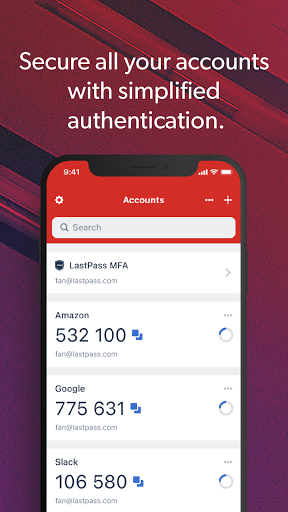


About this app
Developer Description
Effortless two-factor authentication for your LastPass account and apps.
ADD MORE SECURITY
Safeguard your LastPass account by requiring two-factor authentication codes when signing in. Two-factor authentication improves your digital security by protecting your account with an additional login step. Even if your password is compromised, your account can’t be accessed without the two-factor authentication code.
You can even mark a device as “trusted”, so you won’t be prompted for codes on that device while your account remains protected by two-factor authentication.
TURNING IT ON
To turn on LastPass Authenticator for your LastPass account:
1. Download LastPass Authenticator to your mobile device.
2. Log in to LastPass on your computer and launch “Account Settings” from your vault.
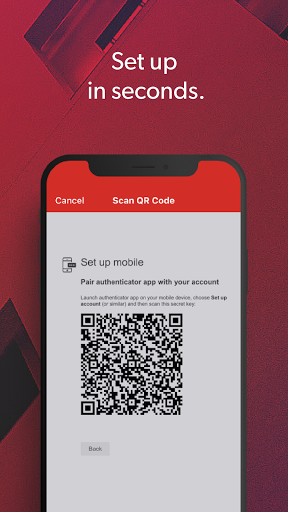
3. In “Multifactor Options”, edit LastPass Authenticator and view the barcode.
4. Scan the barcode with the LastPass Authenticator app.
5. Set your preferences and save your changes.
LastPass Authenticator can also be turned on for any service or app that supports Google Authenticator or TOTP-based two-factor authentication.
LOGGING IN
To login to your LastPass account or other supported vendor service:
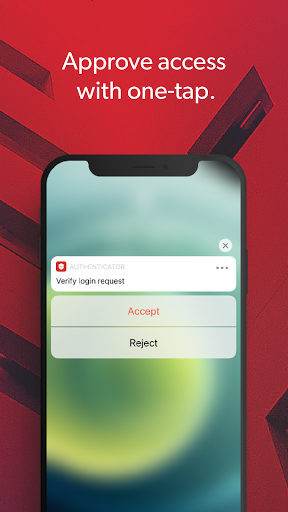
1. Open the app to generate a 6-digit, 30-second code OR approve/deny an automated push notification
2. Alternatively, send SMS code
3. Enter the code into the login prompt on your device OR hit approve/deny request
FEATURES
- Generates 6-digit codes every 30 seconds
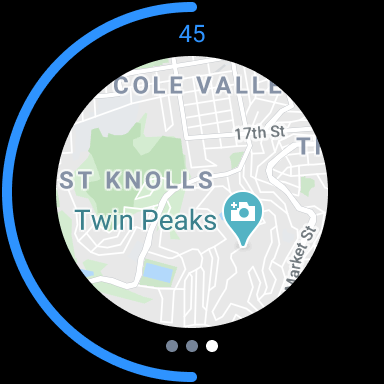
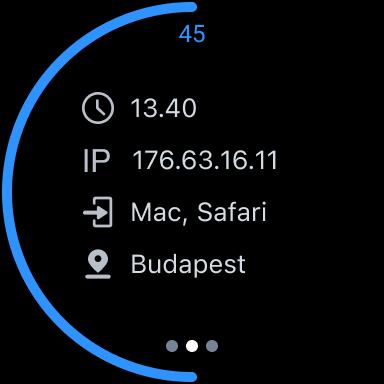
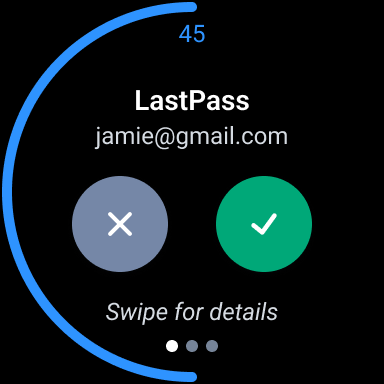
- Push notifications for one-tap approval
- Free encrypted backup to restore your tokens on a new/reinstalled device
- Support for SMS codes
- Automated set-up via QR code
- Support for LastPass accounts
- Support for other TOTP-compatible services and apps (including any that support Google Authenticator)
- Add multiple accounts
- Available on Android and iOS
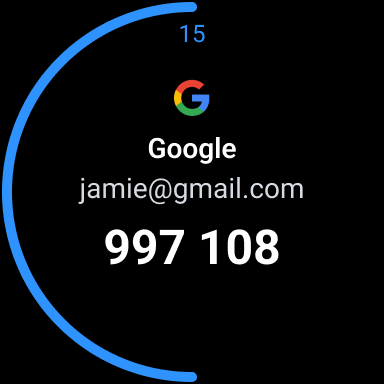
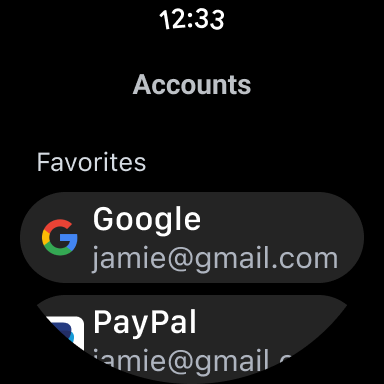
- Wear OS support for LastPass Premium, Families, Business and Teams customers
What's New
Version Information
- Version
- 2.25.0
- Downloads
- 1M+
- Updated on
- Dec 2, 2025
- Released
- Mar 16, 2016
- Requires
- Android 12
Statistics
Google Play Rating History
Rating Distribution
Downloads Over Time
LastPass Authenticator has been downloaded times. Over the past 30 days, it averaged downloads per day.
Shaded area shows 30-day prediction based on historical trends
Historical data collection started recently. More data points will be available over time.
LastPass Authenticator users say on Google Play
 Tom Dalrymple
No more customizable notification sounds? I had a unique tone set for the app. Now there's no options to set one. It works as described. No issues with the current update. Still getting push notifications from the websites that use that. Using Android 14 and a Pixel 6a.
 Kevin Maloney
This is still my favorite authenticator, primarily because of the advance notice of the next code. I just wish they would add a way to sort the accounts by alphabet .
 Ian Yates
Not quick and easy to log in. I have biometric login set up. I also have the authenticator app on the same phone. But why does logging into the main Lastpass app require approval in the Lastpass authenticator app as well? They both use the same biometric login so it is totally pointless and no more secure. Not to mention annoying.
 Lars Fuglsang
It’s okay, but not if you use it on multiple devices! It won’t automatically sync your logins between apps on different devices, and when you ask it to, it always prompts you to replace all logins with those from the current device. So you have to figure out which device has all your up-to-date logins. What a mess! We all ended up here because, back in the day, Google didn’t back up logins in its authenticator. Now it does, and I’m back to using Google.
 Duston Barton
every time I authenticate it cancels my request. can't login
ApkTrusted Ratings & Reviews
More from LastPass US LP
See more apps
Similar Apps

Aegis Authenticator - 2FA App
Free
2FA Authenticator (2FAS)
Free
1Password: Password Manager
Free

Enpass Password Manager
Free

Bitwarden Password Manager
Free

Twilio Authy Authenticator
Free

RoboForm Password Manager
Free

Authenticator App - OneAuth
Free

Okta Verify
Free

LockTrip
Free

Bitdefender Central
Free

Duo Mobile
Free

Proton Pass: Password Manager
Free

Keeper Password Manager
Free

Timely – Bookings & payments
Free

Trend Micro ID Protection
Free
Scan this QR code to download

Forwarding you to the page at Google Play market in seconds...
Open Google Play market now