
Authenticator App - OneAuth vVARY
Zoho Corporation


About this app
The Authenticator App - OneAuth, developed by Zoho Corporation, solves the problem of securing online accounts by enabling Two Factor Authentication, benefiting individuals and organizations seeking to enhance their online security. Compared to alternatives in the Tools category, OneAuth stands out due to its simplicity and the reputation of its developer, Zoho. However, it falls short in terms of user ratings, indicating some concerns that need to be addressed. With over 1 million downloads, it has a good social proof, but its mixed user rating suggests room for improvement.
Pros
- OneAuth has a significant advantage due to its zero-permission requirement, ensuring that users' data and device security are not compromised by unnecessary access requests.
- The app's simplicity and ease of use make it accessible to a wide range of users, from those who are technically savvy to those who are less familiar with security measures.
- Being part of Zoho's suite of services, OneAuth benefits from the reputation and reliability associated with Zoho Corporation, a well-established player in the productivity and security software market.
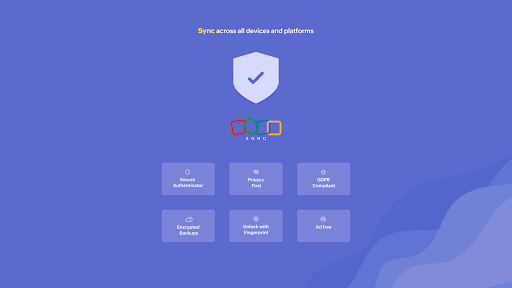
- The absence of ads and in-app purchases enhances the user experience, suggesting that the developer prioritizes functionality and user satisfaction over monetization.
- With its focus on Two Factor Authentication, OneAuth provides a critical layer of security for online accounts, addressing a significant need in today's digital landscape.
Cons
- One of the concerns with OneAuth is its mixed user rating, which indicates that some users may encounter issues or have unmet expectations, possibly related to the app's functionality or user interface.
- The variability in version and size with the device might lead to inconsistencies in performance or compatibility issues across different Android devices.
- Despite its security focus, the app's effectiveness can be undermined if users do not properly understand how to use Two Factor Authentication or if they use weak passwords or security questions.
- The lack of detailed information about the data collected and how it is used might raise privacy concerns among some users, even though the app does not require any permissions.
Best for: The ideal user for OneAuth is an individual or organization seeking to bolster their online security with a straightforward and reliable Two Factor Authentication solution, likely someone who values simplicity, ease of use, and the assurance of a reputable developer like Zoho Corporation, and is looking to protect their digital assets without compromising on user experience.
Developer Description
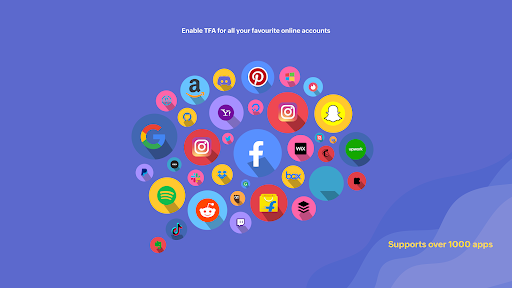
Enable Two Factor Authentication & secure your online accounts with Zoho OneAuth
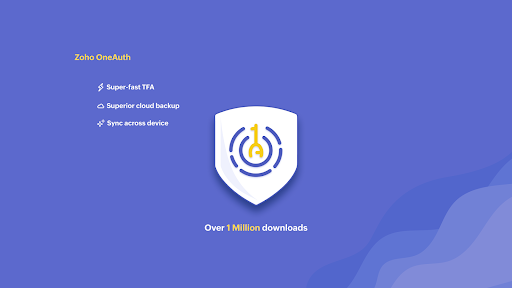
Over 1 million users trust OneAuth to enable 2FA and secure their online accounts.
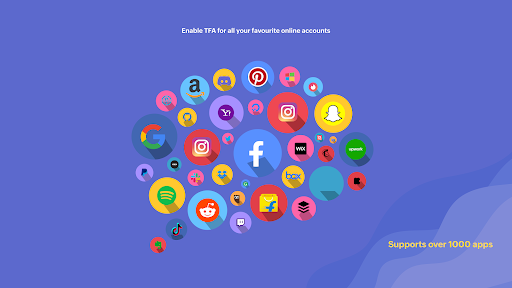
Take charge of your online security with two factor authentication
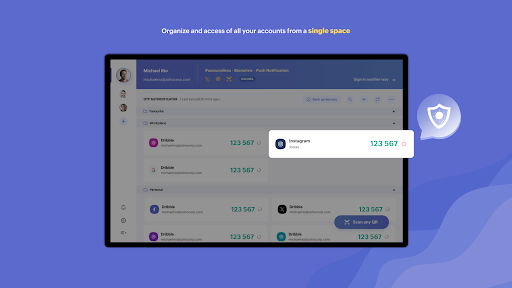
- Add online accounts to OneAuth easily by either scanning a QR code or manually entering the details.
- Authenticate your online accounts using time-based OTPs. These OTPs can be accessed offline too.
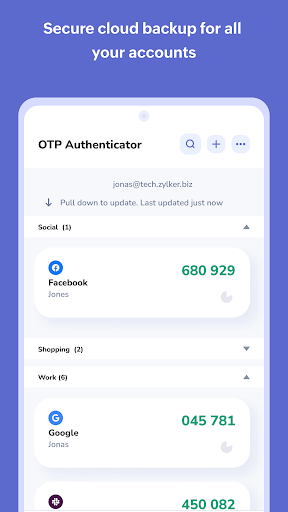
- Backing up your online accounts in OneAuth is easy. We offer encrypted backup for all your online accounts and they can be recovered securely with passphrase. The passphrase is unique and known only to you and aids in recovery in case of lost or broken devices.
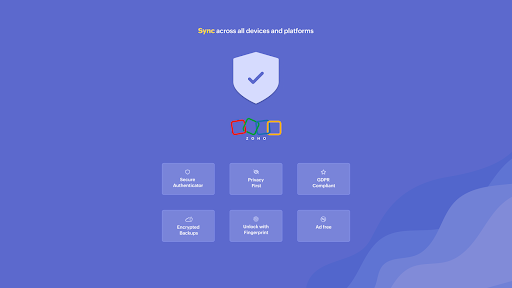
- OneAuth syncs your OTP secrets across all your devices, making it easy for you to access OTPs from anywhere.
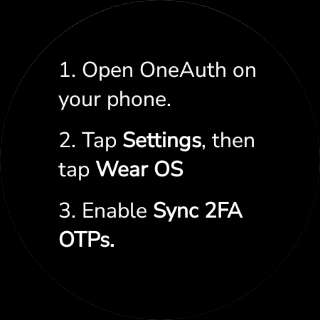
- Experience OneAuth's secure authentication on Android and Wear OS devices.
- See your 2FA OTPs on the Wear OS app, and approve sign-in push notification on the go.
App shortcuts: Quickly reach and perform key actions on OneAuth directly from the home screen.
Dark theme: Reduce strain and improve your user experience by turning on dark mode.
An authenticator app that provides enhanced user experience
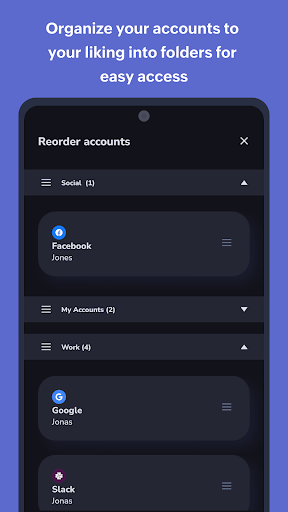
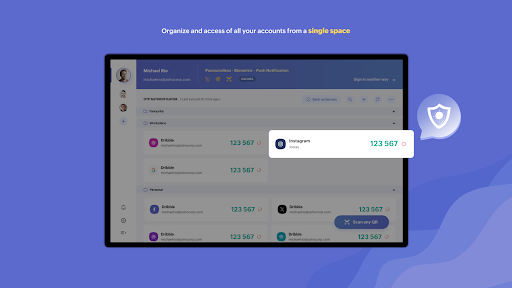
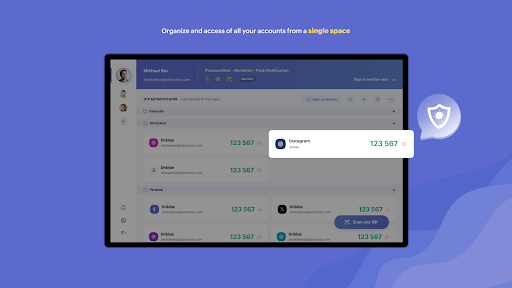
- Create folders to organize your TFA accounts to your convenience. You can create and reorder personal and work folders separately for easy access. You can also move accounts within and in between folders.
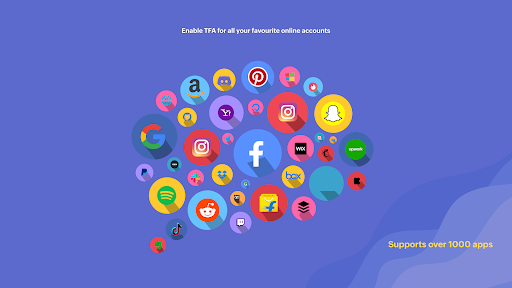
- Identify your 2FA accounts easily by associating them with their brand logos.
- Search and find your accounts quicker with OneAuth's inbuilt search.
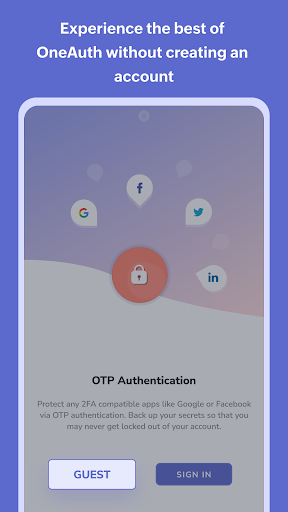
- Explore OneAuth to its fullest potential without creating an account. Guest users can use the export and import option while switching to a new device.
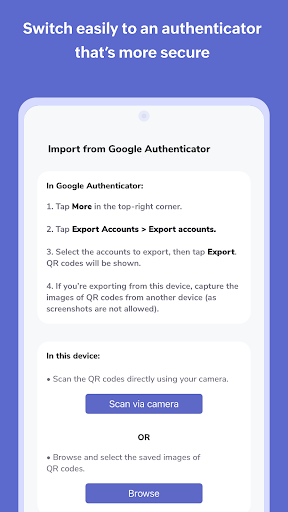
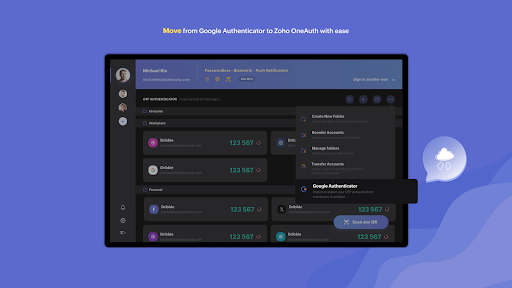
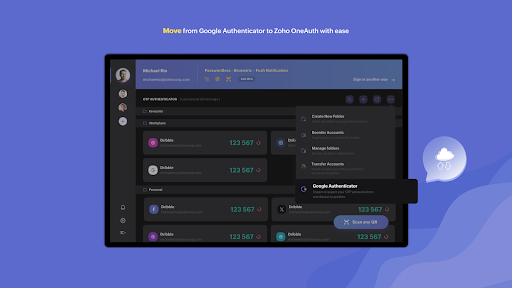
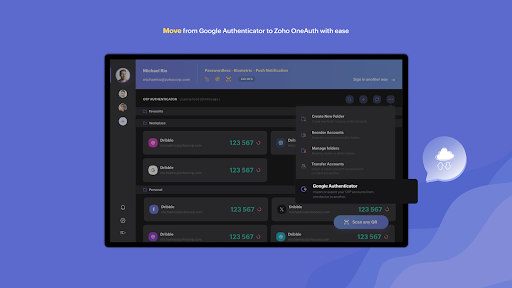
- Users can also migrate their existing online accounts to OneAuth easily from Google Authenticator.
Greater security for your Zoho accounts with multi-factor authentication
Passwords are just not enough. You need additional layers to ensure your account is properly safeguarded. OneAuth does that for you!
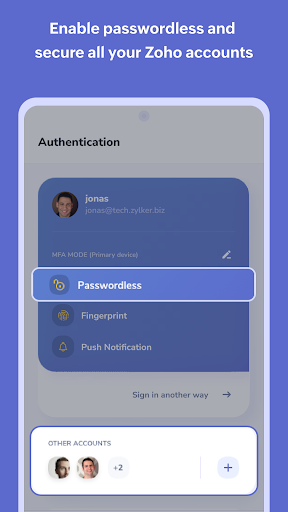
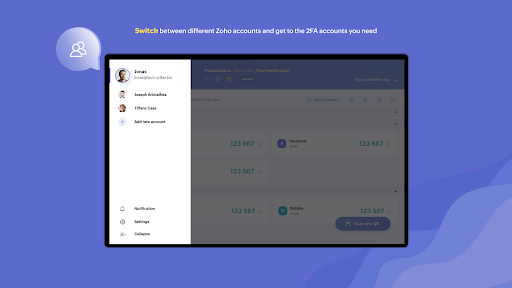
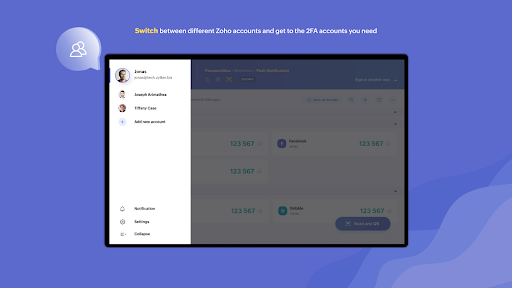
- With OneAuth, you can enable MFA for all your Zoho accounts.
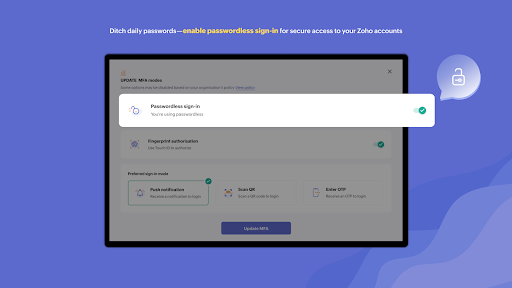
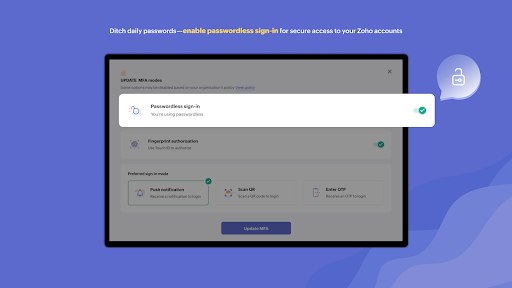
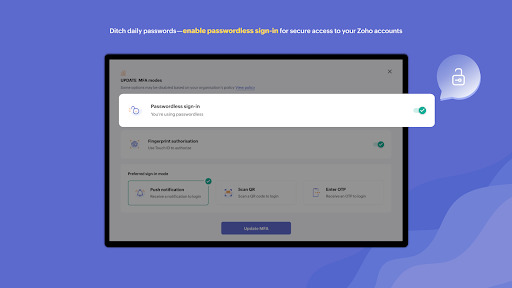
- Set up passwordless sign-in. Avoid the everyday hassle of typing out your passwords.
- Choose from multiple sign-in modes. You can select from sign-in options like push notification (to your phone or Wear OS device), QR code, and time-based OTP. In case you're offline, you can access your account with time-based OTPs.
- Toughen up your account security. Ensure only you can access your account by enabling biometric authentication (fingerprint recognition).
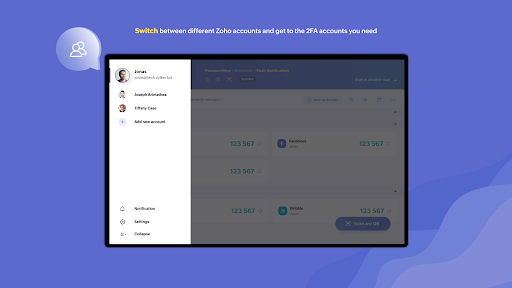
- Monitor devices and sessions in OneAuth, track login locations and designate devices into primary and secondary.
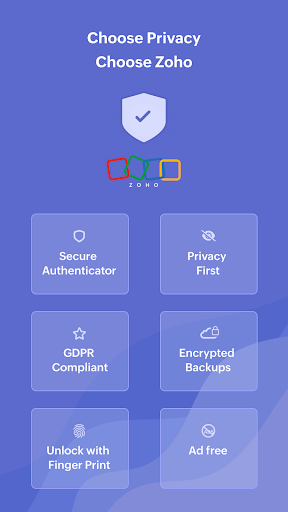
Think Privacy. Think Zoho.
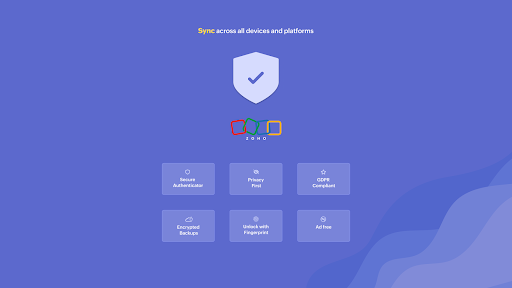
At Zoho, data privacy and security is core to our business.
We believe that every individual has a right to access the internet securely and thus our authenticator app OneAuth will be free forever.
SUPPORT
Our help channels are available 24*7 for customers. Email us at support@zohoaccounts.com
Download today!
Privacy
Given that OneAuth does not require any permissions, it presents a low risk in terms of data collection and privacy invasion. However, users should still be cautious with their account credentials and ensure that their device is secure. It's also advisable to review Zoho's privacy policy to understand how data related to the service might be handled.
Tips
For the best experience with OneAuth, users should start by carefully reading the setup instructions to ensure they understand how to properly configure Two Factor Authentication for their accounts. Additionally, regularly reviewing and updating the list of authenticated accounts can help maintain security. Users can also explore Zoho's other security tools to enhance their overall online protection.
What's New
Version Information
- Version
- -
- Downloads
- 1M+
- Updated on
- Jan 20, 2026
- Released
- Sep 26, 2017
- Requires
- Android Varies with device
Statistics
Google Play Rating History
Rating Distribution
Downloads Over Time
Authenticator App - OneAuth has been downloaded times. Over the past 30 days, it averaged downloads per day.
Shaded area shows 30-day prediction based on historical trends
Historical data collection started recently. More data points will be available over time.
Authenticator App - OneAuth users say on Google Play
 Divyesh Patel
i have been using this app for almost 4-5 month and never seen any technical issues. This is one of the best application for security and storing credentials. however I wish there was an open to store plain texts as well which can be encrypted with this app like encrypted plain text just like auth option for credentials. so users can store their backup token id in plain text. this feature will make it one of the best application on play Store.
 Prince Mallick
Almost everything is perfect about this app. I'm giving it a four star just because of one feature is missing in my opinion - add the section of keeping the Back-up Codes in the VAULT section of this app, It would be a lot better to keep both the things Password and Back-up Codes at one place. 😊
 Magics Gina
I hate this thing with all my heart. sending emails back and forth with support team for 3 days now, and I'm still not in. why can't we reset password an easier way. this is rubbish. well they called we resorted the issue.
 Esada Iwe
This app is very annoying and frustrating. Device was changed and app was un-installed. Can't login again. All backup codes not working. The backup code the support team provided said incorrect. I have been locked out of zoho books for over 2weeks now. When i try to login into OneAuth app it Keeps sending push notification to the old device. OneAuth support has not been helpful, right now they have stopped responding to my mail. Please can this issue be Fix. Edit: Issue finally fixed. Thanks
 O A
O A
Waste of time and energy. a simple sms with a code is the easier option. but no.. they should complicate the issue. and force you to use this useless app. we are seriously thinking about replacing the whole service now. email, cliq and all.
ApkTrusted Ratings & Reviews
More from Zoho Corporation
See more apps
Bigin by Zoho CRM
Free

Barcode & QR Code Generator
Free

Arattai Messenger
Free

Customer App - Zoho Assist
Free

Site24x7
Free
Card Scanner - business cards
Free

Zoho Scanner–Document PDF OCR
Free

Zoho Backstage for Organizers
Free

Zoho Assist - Remote Desktop
Free

Zoho One Admin
Free
Zoho Calendar
Free

Search across Zoho- Zia Search
Free

Zoho Backstage for Attendees
Free

Zoho POS (Formerly Zakya)
Free

Business Manager by Zoho POS
Free

Pannai - Farm Management App
Free
Similar Apps

Okta Verify
Free

EU Login
Free
Duo Mobile
Free

Salesforce
Free

SAP SuccessFactors Mobile
Free

LastPass Password Manager
Free

Darwinbox
Free

Aegis Authenticator - 2FA App
Free

Twilio Authy Authenticator
Free
1Password: Password Manager
Free

Keeper Password Manager
Free

Microsoft Authenticator
Free
2FA Authenticator (2FAS)
Free

SAP Concur
Free

Azure Information Protection
Free

Viva Engage
Free
Scan this QR code to download

Forwarding you to the page at Google Play market in seconds...
Open Google Play market now