
Azure Information Protection v2.8
Microsoft Corporation


About this app
The Azure Information Protection app solves the problem of securely collaborating with others by viewing and sharing protected files, making it a valuable tool for professionals and businesses. However, its below-average user rating of 2.0/5 raises concerns about its effectiveness and user experience. Compared to other productivity apps, Azure Information Protection stands out with its focus on security and file protection, but its limited functionality and lack of features may make it less appealing to some users. Overall, the app's unique selling point is its ability to securely collaborate, but it falls short in terms of user satisfaction and overall experience.
Pros
- The app's ability to securely view and share protected files is a significant advantage, especially for professionals and businesses that handle sensitive information, as it provides an additional layer of security and protection.
- Microsoft's reputation as a developer is a significant pro, as it lends credibility and trust to the app, and users can expect a certain level of quality and support.
- The app's moderate download numbers of 500,000+ indicate a level of social proof and popularity, suggesting that many users have found it useful for their needs.
- The fact that the app contains no ads and has no in-app purchases is a significant advantage, as it provides a distraction-free and uninterrupted user experience.
- The app's compatibility with Android 8.1 and above ensures that it can be used on a wide range of devices, making it accessible to a broader audience.
Cons
- The app's below-average user rating of 2.0/5 is a significant concern, as it suggests that many users have experienced issues or dissatisfaction with the app, which may be related to its limited functionality or user interface.
- The lack of permissions requested by the app is unusual and may indicate that it does not have access to the necessary features and functionality to provide a comprehensive user experience, which could be a limitation for some users.
- The app's limited functionality and lack of features compared to other productivity apps may make it less appealing to some users, who may be looking for a more comprehensive solution to their productivity needs.
- The app's developer support and update frequency are unclear, which may be a concern for users who rely on the app for critical tasks and need timely support and updates.
Best for: The ideal user for the Azure Information Protection app is a professional or business user who regularly handles sensitive information and needs to securely collaborate with others, such as a financial analyst, lawyer, or government employee, who values security and protection above all else and is willing to compromise on features and functionality to achieve it.
Developer Description
Securely collaborate with others by viewing and sharing protected files.
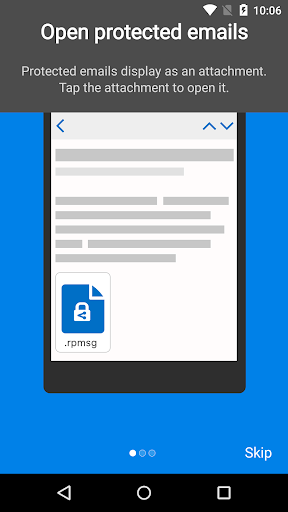
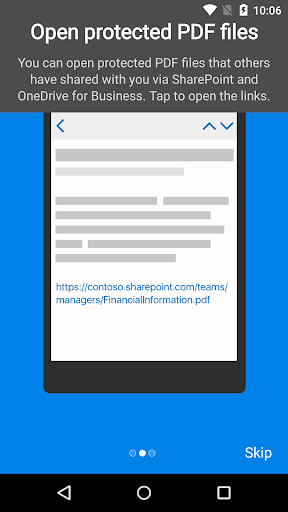
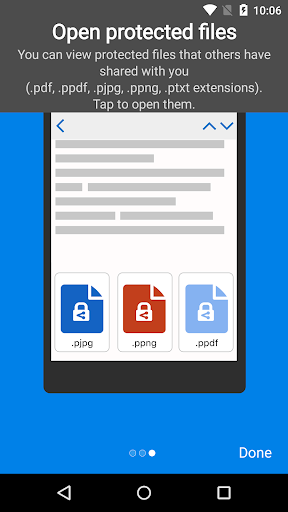
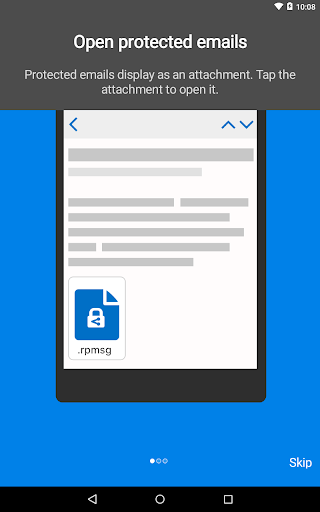
Azure Information Protection app enables you to securely collaborate with others. You can view protected files (Rights protected email messages, PDF files, pictures, text files, and any other file format that is protected as a .pfile) that others have shared with you.
Azure Information Protection app lets you breathe easy knowing your files are safe and can only be opened by users you trust and share with.
IT administrators can also deploy and manage the app for devices that are enrolled by Intune.
For more details, read our FAQ page http://go.microsoft.com/fwlink/?LinkId=828412
Privacy
Given that the app requests no permissions, it is likely that it does not collect any sensitive user data, which is a positive from a privacy perspective. However, users should still be cautious when sharing protected files and ensure that they are using the app in accordance with their organization's security policies. Additionally, users should regularly review the app's terms and conditions to ensure they understand any data collection or usage policies.
Tips
To get the most out of the Azure Information Protection app, users should first familiarize themselves with the app's features and functionality, and then use it in conjunction with other Microsoft productivity apps to enhance their workflow. Additionally, users should ensure that their device is running the latest version of Android to ensure compatibility and optimal performance. Finally, users should regularly check for updates to the app to ensure they have the latest security patches and features.
Version Information
- Version
- 2.8
- Downloads
- 500K+
- Updated on
- Sep 8, 2025
- Released
- Oct 3, 2013
- Requires
- Android 8.1
Statistics
Google Play Rating History
Rating Distribution
Downloads Over Time
Azure Information Protection has been downloaded times. Over the past 30 days, it averaged downloads per day.
Shaded area shows 30-day prediction based on historical trends
Historical data collection started recently. More data points will be available over time.
Azure Information Protection users say on Google Play
 Michael Marshall
seemed simple
 Jose Luis Duran
horrible
 Routh
Routh
too hard to use
 M Miller
Was redirected to this app while trying to download a VA file. For some very silly reason the VA still uses Microsoft Office and I couldn't open the file with my regular PDF viewer. This app is less than useless and I deleted it within a few minutes of my first use.
ApkTrusted Ratings & Reviews
More from Microsoft Corporation
See more apps
Microsoft Authenticator
Free

Microsoft Bing Search
Free

Microsoft Azure
Free

MSN
Free

MSN Money- Stock Quotes & News
Free

IoT Plug and Play
Free

MSN Weather - Forecast & Maps
Free

Microsoft Build
Free

Microsoft Bing Webmaster Tools
Free

Link to Windows
Free

Warehouse Management
Free

Bing Wallpapers
Free

Microsoft Advertising
Free

Microsoft Identity Pass
Free

As Dusk Falls Companion App
Free

SMS Organizer
Free
Similar Apps

Viva Engage
Free

Content - Workspace ONE
Free

Keeper Password Manager
Free

Okta Verify
Free

RealVNC Viewer: Remote Desktop
Free

fileee - No more paperwork
Free

CSV File Viewer - Smart CSV
Free

1Password: Password Manager
Free

UniFi
Free

Salesforce
Free

MobiDrive Cloud Storage & Sync
Free

Termius - Modern SSH Client
Free

Bitwarden Password Manager
Free

nzb360 - Media Server Manager
Free

Pushbullet: SMS on PC and more
Free

Aegis Authenticator - 2FA App
Free
Scan this QR code to download

Forwarding you to the page at Google Play market in seconds...
Open Google Play market now