
Assistive Touch iOS v2.6.8
LuuTinh Developer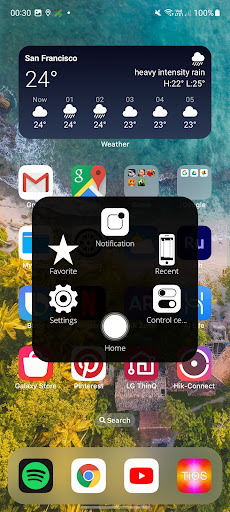

About this app
Developer Description
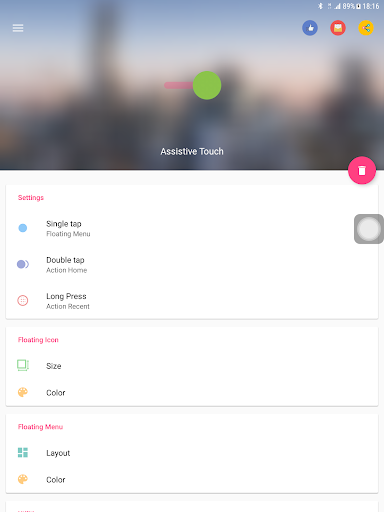
Assistive Touch to control your device, help you perform more actions quickly.
"This app uses the Device Administrator permission." It is necessary and used only for locking the device when you use feature turn off the screen. You need to enable Administration before it can be used that feature. To uninstall the app, please open my app and click the "Uninstall" button.
"This app uses Accessibility services." It is necessary and used only to perform a global action. For example going back, going home, opening recent, power dialog, notification etc. You need grant this permission to use that action.
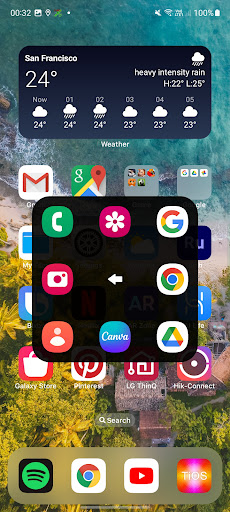
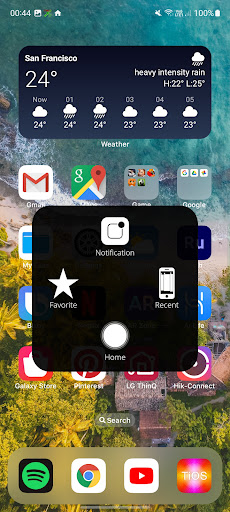
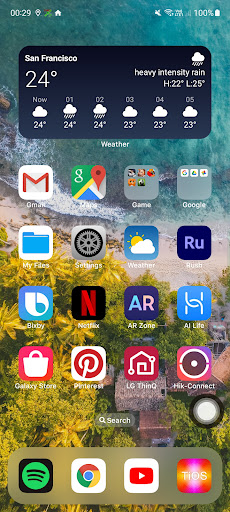
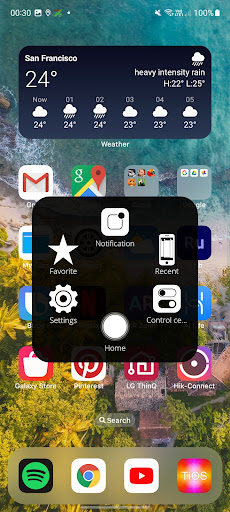
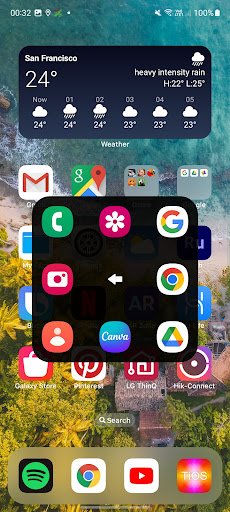
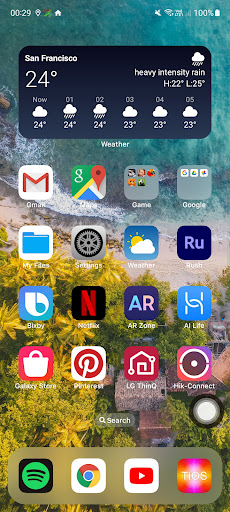
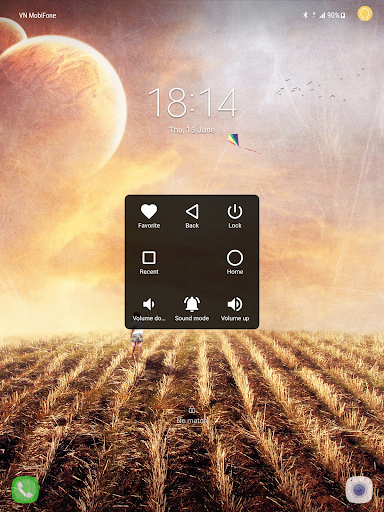
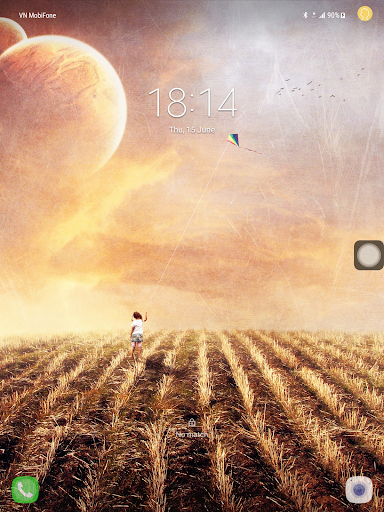
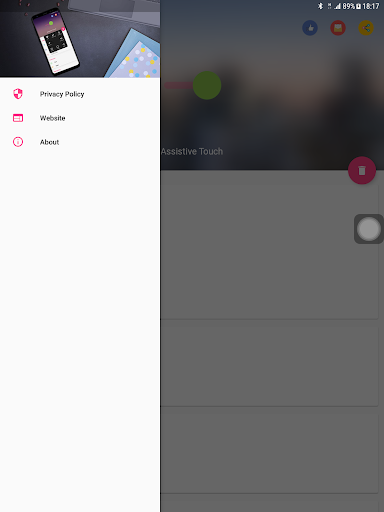
When you turn on Assistive Touch iOS 26, you’ll see the AssistiveTouch menu. You can drag it to any edge of the screen, then tap the menu to open it.
1. To turn on AssistiveTouch iOS 26:
Open my app > Switch on AssistiveTouch.
2. To use more actions:
Go to Settings > Accessibility > Services and turn on AssistiveTouch.
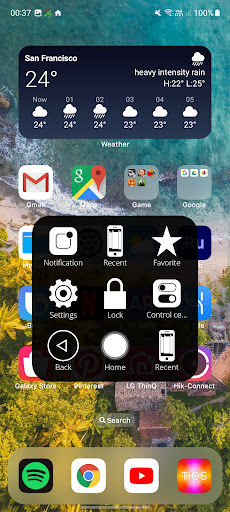
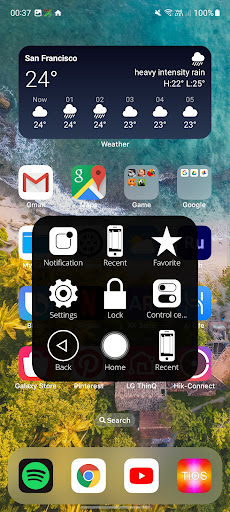
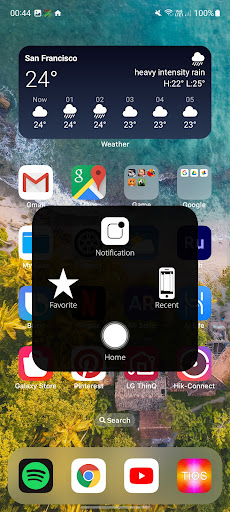
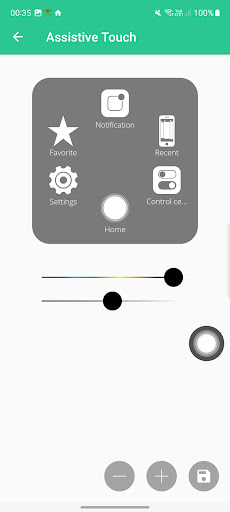
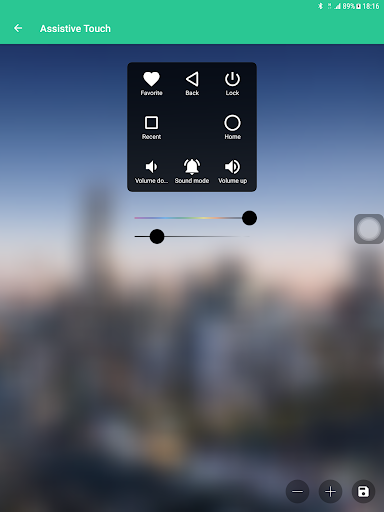
You can also use AssistiveTouch to access your Home screen, Recent screen and use Back Key. Just open the AssistiveTouch menu and tap Home, Recent, Back action.
To access your Notifications, open the AssistiveTouch menu and tap Notification. To get to the control, open the AssistiveTouch menu. From here, you'll be able to do things like turn Bluetooth on and off, use Wifi on and off, take screenshots, and more.
FEATURES:
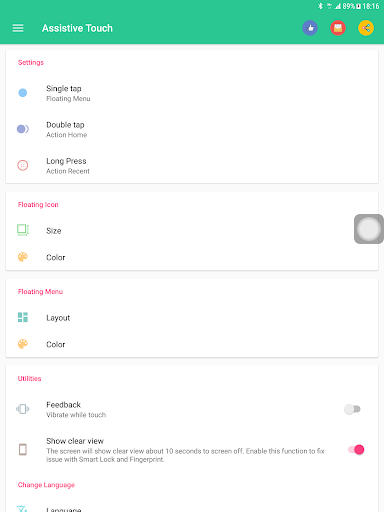
- Control your device with Assistive Touch menu.
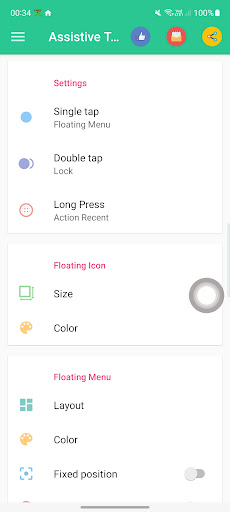
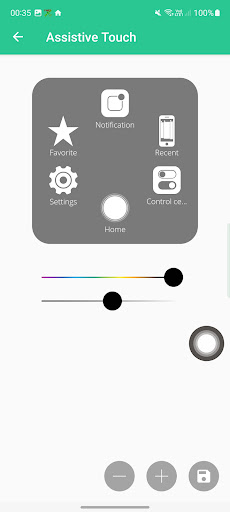
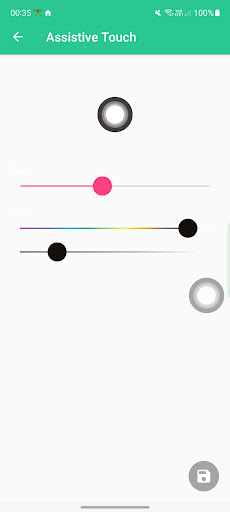
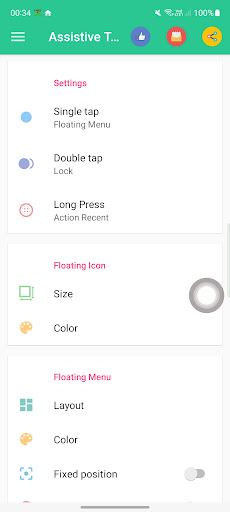
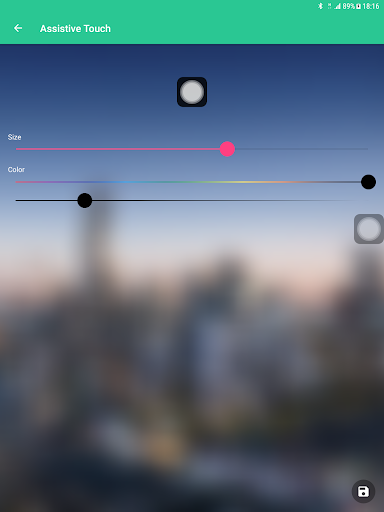
- Custom size and color Floating icon.
- Custom color Assistive Touch menu.
- And more.
SUPPORT:
- Email: andywill.itplus@gmail.com
- Website: https://www.luutinhdeveloper.com
THANKS FOR USING MY APPS.
What's New
- Make Assistive Touch smoother.
- Fixes crash issue and all bugs report by user.
IF YOU HAVE ANY PROBLEMS, PLEASE SEND EMAIL TO ME.
THANK YOU VERY MUCH FOR USING MY APP, I WILL TRY IMPROVE MY APP TO BETTER.
Version Information
- Version
- 2.6.8
- Downloads
- 10M+
- Updated on
- Jul 26, 2025
- Released
- Jun 12, 2017
- Requires
- Android 5.0
Statistics
Google Play Rating History
Rating Distribution
Downloads Over Time
Assistive Touch iOS has been downloaded times. Over the past 30 days, it averaged downloads per day.
Shaded area shows 30-day prediction based on historical trends
Historical data collection started recently. More data points will be available over time.
Assistive Touch iOS users say on Google Play
 Chaman Chandela
best
 Demon
Demon
good
 ice cube
Good
 Matheesha Rajapaksha
super
 Ami Amar
Nice
ApkTrusted Ratings & Reviews
More from LuuTinh Developer
See more apps
Assistive Touch iOS
Free
Launcher iOS 17 (TiOS) Lite
Free

Dream Live Wallpapers
Free
Control Center iOS 15
Free

Lock Screen iOS 26
Free

Launcher iOS 26
Free
Secure Incoming Call
Free
Blue Light Filter - Eye Care
Free
S20 Rounded Corners
Free

Smart Screen On Off
Free

Smart Screen On/Off Auto
Free
Double Tap Off
Free
Smart Screen On/Off Pro
Paid
Similar Apps

dynamicSpot - Dynamic Island
Free

Shortcut Maker
Free

Nuki Smart Lock
Free

Good Lock: Premium Lock Screen
Free

Taskbar
Free

Action Launcher: Pixel Edition
Free

Quikshort: Shortcut Creator
Free

Move to iOS
Free

Touch Screen Test
Free

Clock Widget: Photo & Music
Free

ADW Launcher 2
Free

KWGT Kustom Widget Maker
Free

One Hand Operation +
Free
HiOS Launcher - Fast
Free

Ares Dark Icon Pack
Paid
Magazine Lockscreen XOS
Free
Scan this QR code to download

Forwarding you to the page at Google Play market in seconds...
Open Google Play market now