
iWatermark Custom Watermarks v1.5.8
Plum Amazing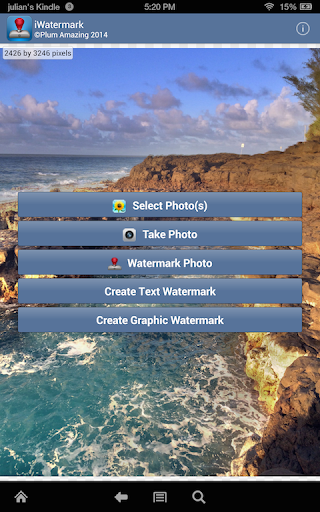
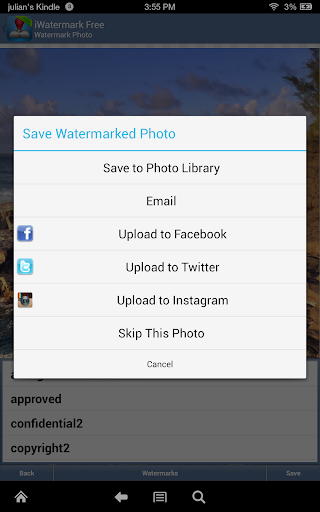
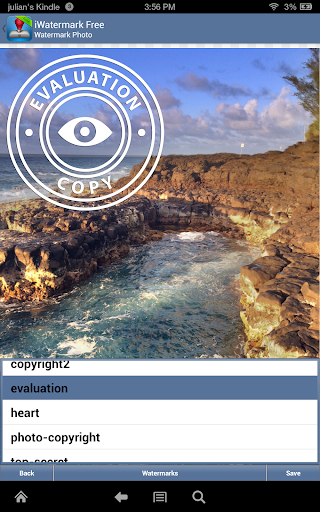
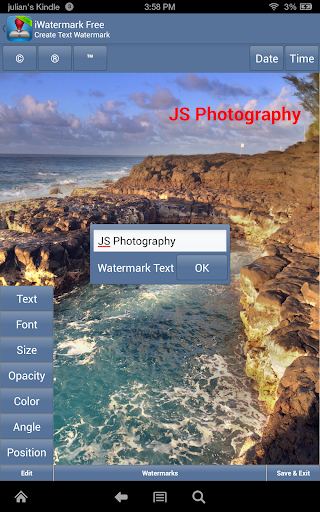
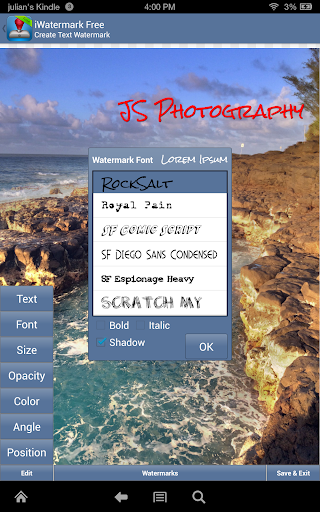
About this app
Developer Description
Watermark & Batch Photos With Logo, Text, Graphic, Signature, Caption, Overlay
🚫 No Ads
🚫 No In App Purchases
iWatermark, is the only watermarking tool available for all 4 platforms Android, iPhone/iPad, Mac and Windows. iWatermark is the most advanced utility for creating watermarks and watermarking photos.
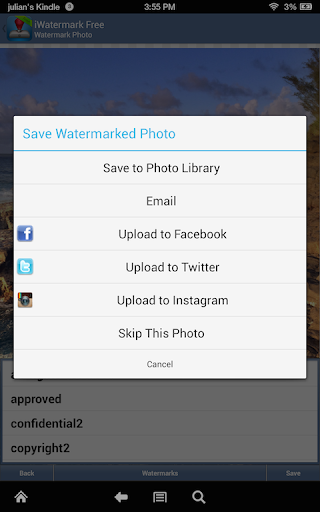
Easily secure and protect your photos/art with a visible text or graphic or QR watermark. Once added to a photo this visible watermark displays your creation and ownership. Watermarking is increasingly important and like signing your name to a photo to subtly display, no matter where your photo goes, that its yours. Watermarking can also be used to add a personal message or fun graphics to any photo.
Thanks to all iWatermark users for the great reviews, feedback and suggestions. We promise as Android evolves iWatermark will evolve.
Touch is what Android is all about. With iWatermark you can:
♦ With your finger click on the watermark to move it around on the page.
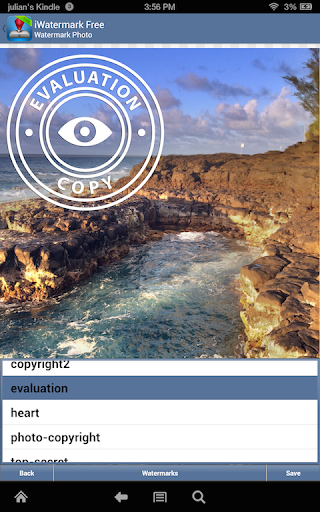
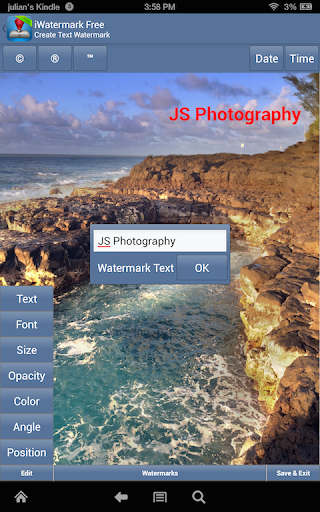
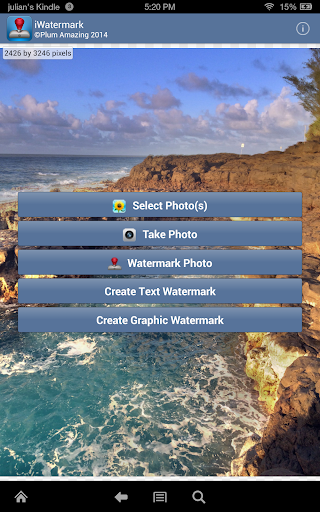
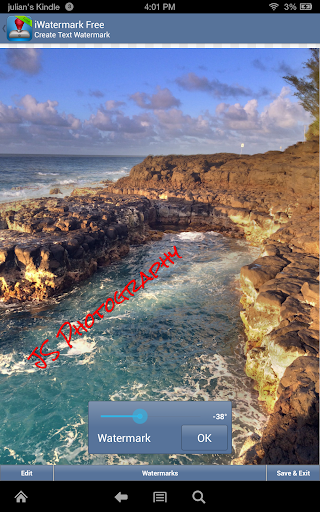
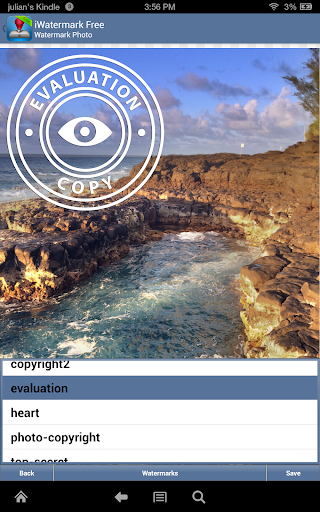
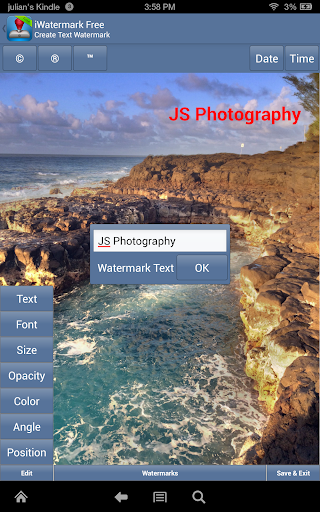
♦ Create your own text or graphic watermarks or select from the included example watermarks (both text and graphics).
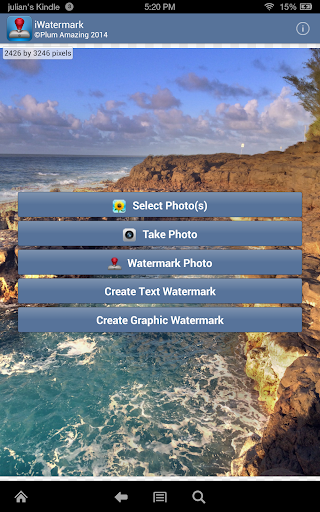
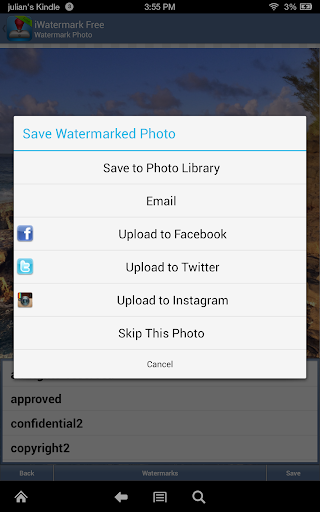
♦ Single or batch process many photos at a time.
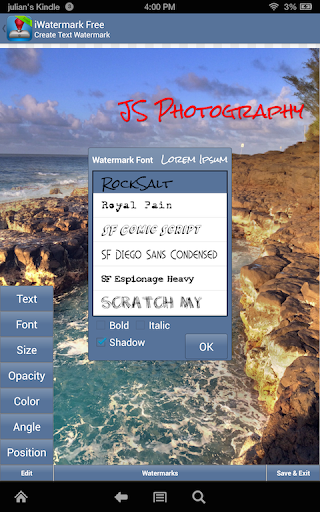
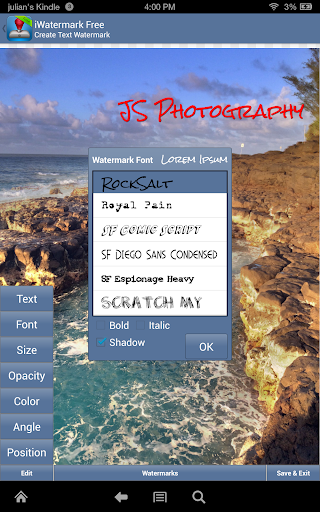
♦ Choose from the 157 fonts
♦ Use pinch/zoom to expand/contract the size of the watermark.
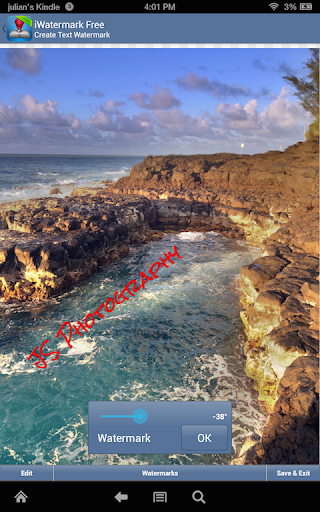
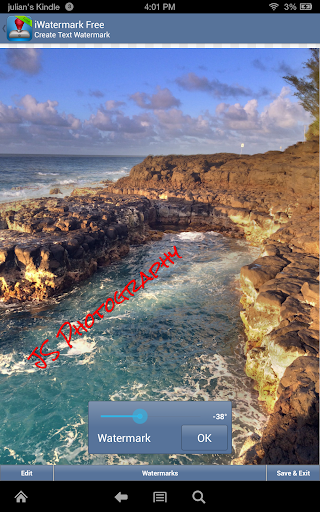
♦ Touch with two fingers at once and rotate to rotate the watermark.
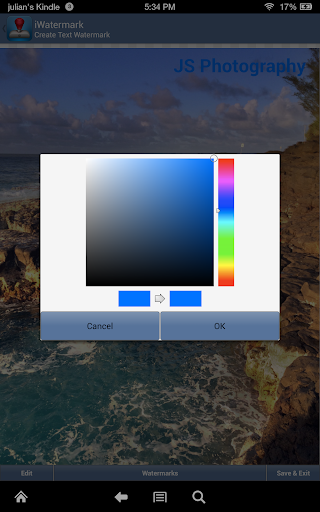
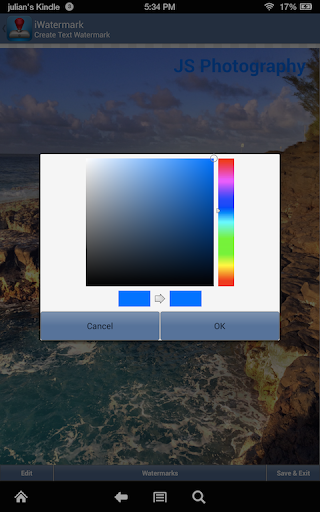
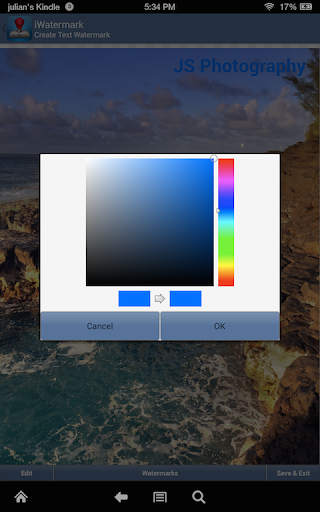
♦ By touch easily adjust the watermarks scale, opacity, font, color and angle.
Create your own watermark or use our included examples. Examples are both text (names, dates, etc) and graphic (signatures, logos, etc.) watermarks which can be used immediately.
Create your own text watermarks using any the Android fonts directly in iWatermark. Or you can import your own graphic watermarks to expand the range of possibilities. These can be signatures or logos which are made on your computer (which has more fonts and abilities, see FAQ below for more details) and then synched over via email and saved to the photo library.
A newer type of graphic watermark you can make directly in iWatermark is a QR code which is like a barcode. QR codes are very familiar to most Android users. QR codes can contain up to 4000 chars of information. QR codes can then be read with a scanner or smartphone with the right app revealing the info you encoded. Using QR codes as watermarks is one of iWatermarks unique and useful features.
Why Watermark?
Digitally sign your photos/artwork with iWatermark to claim, secure and maintain your intellectual property and reputation.
✔ Build your company brand, by having your company logo on all your images.
✔ Promote your company, name and website by using QR codes as watermarks.
✔ Avoid the surprise of seeing your photos and/or artwork elsewhere on the web or in an ad.
✔ Avoid the conflicts and headaches with plagiarists who claim they didn't know that you created it.
✔ Avoid the costly litigation that can be involved in these cases of misuse of ip.
✔ Avoid intellectual property squabbles.
Q: I want to use my signature as the visible watermark for my photos. How do I add graphic signature like the examples by Picasso, Ben Franklin, etc.?
A: To do that you need to make the .png graphics on your computer, save the png graphics direct to the phone storage or.email it to yourself, open the email on your phone and save to your photo album. In iWatermark create a graphic watermark and choose the graphic from your photo album to add it as a new watermark.
More details are in the manual:
http://www.plumamazing.com//android/iwatermark/iwatermarkhelp
IMPORTANT: The signatures of John Hancock, Ben Franklin, Galileo are just examples of graphic watermarks. They are the real signatures of these historic people. They are there for fun and as examples to show what is possible. We recommend you create your own text, grapic signature, logo or QR code watermark for your photos.
Contact us if you need help or have a suggestion.
What's New
[fix]: buttons getting hide under navigation buttons.
Version Information
- Version
- 1.5.8
- Downloads
- 10K+
- Updated on
- Oct 14, 2025
- Released
- Nov 22, 2011
- Requires
- Android 4.0
Statistics
Google Play Rating History
Rating Distribution
Downloads Over Time
iWatermark Custom Watermarks has been downloaded times. Over the past 30 days, it averaged downloads per day.
Shaded area shows 30-day prediction based on historical trends
Historical data collection started recently. More data points will be available over time.
iWatermark Custom Watermarks users say on Google Play
 A Google user
I've always loved this app is completely easy to use to have different colored names for your pictures! Is worth paying the extra $1.99 now since it was updated and has a clear Watermark at the top
A Google user
Easy to use. Would like an option for copywrite with signature rather than having to do separately. Also would like a silver or gold metallic color watermark color option. Few more options for font. For a free app, its great.
A Google user
Hellow. I just purchased this app. Hoping i can have the fix position of watermark everytime. I have read the instruction, but to avail. Please help. How to make this happen. Because i solely purchased this app because of this feature and bulk watermarking fearure of course. Thx a ton.. look forward to hear from u very soon..
 Sarah Butterfield
Buggy. Currently unusable. Keeps changing font from white to red and opacity from 25 to 100 for no reason. Every time I fix it, it just goes back to the wrong settings. It's always been buggy but this is ridiculous.
A Google user
Was a decent enough app prior to Android O, but now watermarks that are created only watermark the photos in that session. When you relaunch the app and go to use your existing watermarks, they fail to mark the image. This developer obviously does not embrace DevOps or any kind of continuous improvement or continuous integration.
ApkTrusted Ratings & Reviews
More from Plum Amazing
See more apps


Similar Apps

3D Photo: Imager
Paid

Printicular: Print Photos
Free

Boosted Ad Maker by Lightricks
Free

PhotoSpot: For Travel Planning
Free

KiWi Vault: Hide Photos, Video
Paid

Ai Logo Maker : Design Studio
Paid

eZy Watermark Photos Pro
Paid
Color Grab (color detection)
Free

Via Capitale Camera
Free

Photobook: Photo Books & Gifts
Free

Digimentor24
Free

LockMyPix Photo Vault PREMIUM
Paid
Scan this QR code to download

Forwarding you to the page at Google Play market in seconds...
Open Google Play market now