
Mobizen Screen Recorder v3.10.16.4
MOBIZEN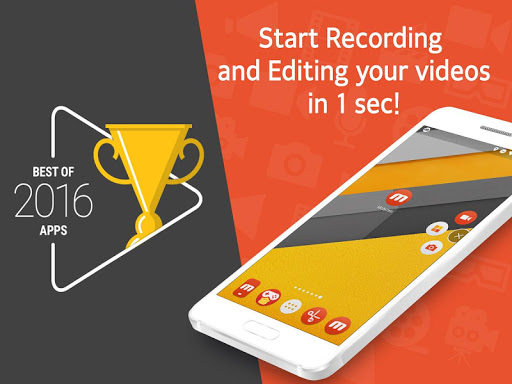
About this app
Developer Description
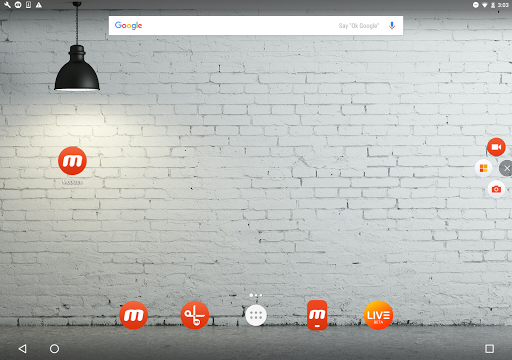
Screen Record, create GIF, edit, AutoTap, all from one single app, Mobizen!
The Screen Recorder you were looking for
▶ The “Best of 2016 Apps” selected by Google.
▶ Screen recorder selected by global 200 million users.
▶ Featured in Google Play.
----- Featured in many countries such as Korea, USA, Europe, Japan, North and South America
▶ Screen recording, capture, and editing functions are free.
▶ The video recorded with the Mobizen app is not saved on the server, only on the user device, so use it with confidence!
▶ Use it immediately without signing up (login).
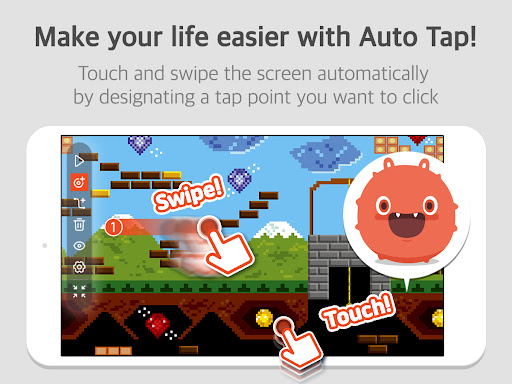
▶ Meet Auto Tap and screen recording on Mobizen!
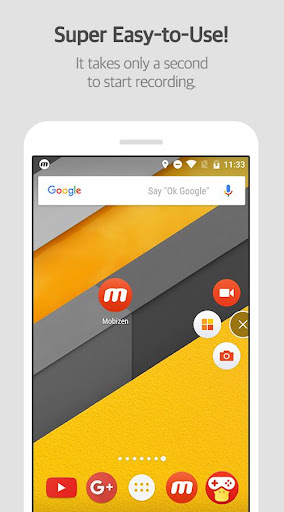
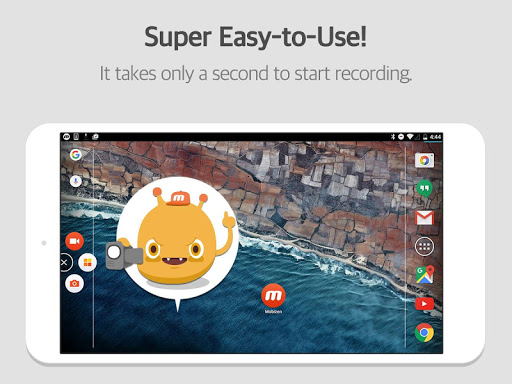
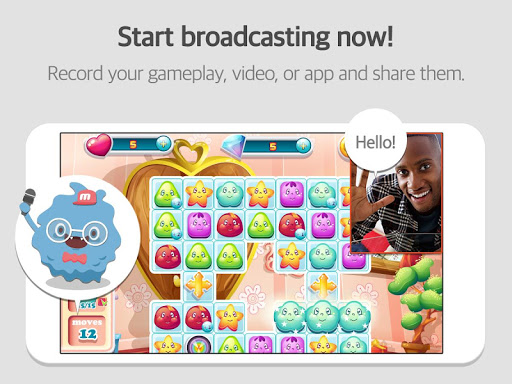
Download Mobizen Screen Recorder, which can start recording easily with one click, and start recording gameplay, video, and live broadcasting easily and conveniently!
Do you want your first screen recording to be perfect?
ㆍClean screen recording without a record button through Hide Air Circle mode!
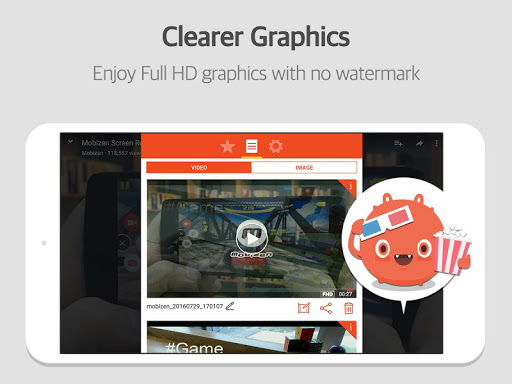
ㆍRecord the screen without watermark for free using Clean mode!
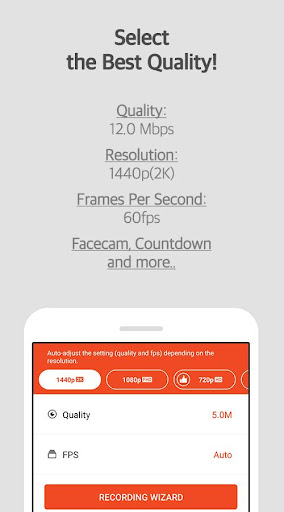
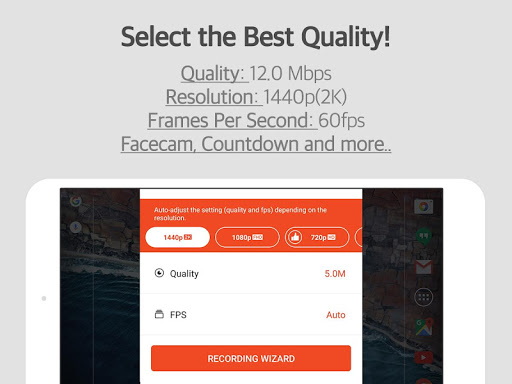
ㆍNot only FULL HD (FHD) screen recording, but also QUAD HD (QHD, 2K) screen recording! Supported maximum recording quality ▷ Recording resolution 1440P, recording quality 24.0Mbps, frame rate 60fps
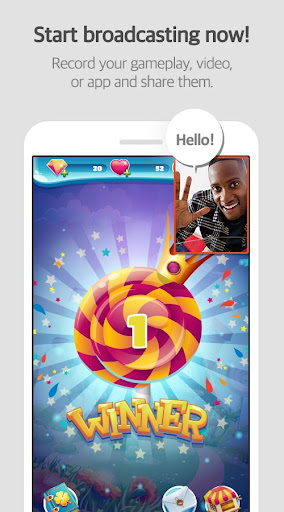
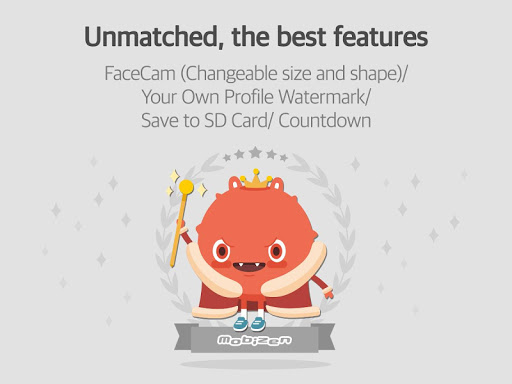
ㆍFacecam function! Express your reactions freely and record game sounds and voices together!
ㆍSave to external memory (SD card)! Record long screen recordings of more than an hour without worrying about memory!
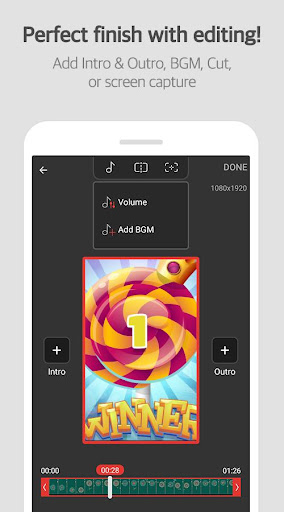
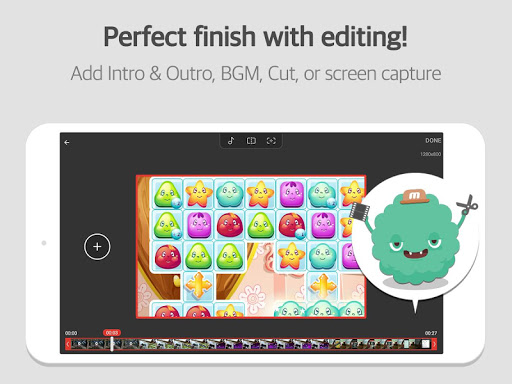
ㆍVarious image editing functions
Increase the quality of the recorded video!
Only in Mobizen
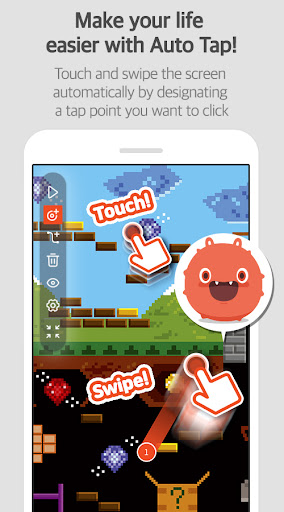
ㆍProvide Auto Tap and Auto Swiping functions!
ㆍHighlight important points through the drawing function!
ㆍCreate your own watermark!
ㆍCreate a GIF and create a fun meme!
ㆍChoose the type of Air Circle! (mini type, time bar type, transparent type)
Mobizen Recorder adopts AccessibilityService API to enable the core features Auto Tap and Auto Swiping.
1. Why is AccessibilityService API required?
▶ The AccessibilityService API allows to perform features such as Auto Tap and Auto Swiping.
2. Do you collect and/or transmit any personal data using AccessibilityService?
▶ No, we do not collect and/or transmit any personal data using AccessibilityService API.
Download it now and try it!
=====
ㆍHelpdesk: support.mobizen.com
ㆍYoutube channel: youtube.com/mobizenapp
Do you have any unnatural sounding text while using the Mobizen app?
ㆍSuggest a language☞ https://goo.gl/forms/pHGNRoD7nvalOU5l1
※ App access rights
ㆍRequired access rights
Storage: Used for saving and editing recorded video & image files.
ㆍOptional access rights
- Camera: Used for Facecam settings and Air Circle custom when recording screens.
- Microphone: Used for sound recording function during screen recording.
- Draw on top of other apps: To open Mobizen's Air Circle, you need to grant permission to draw on top of other apps.
- Notification: Used for top notification bar and some other functions from Mobizen.
* Please note that you can use the app even if you do not agree to the optional access rights.
* From Android OS 6.0 or higher, you can set and revoke access rights.
* If you are using Android OS version less than 6.0, you can modify the permissions after updating the software.
----
What's New
A new version has been released.
- Fixed import errors during video editing.
- Optimized ad services.
- Added support for 16KB memory page size (Google policy applied).
In-app purchases
$0.99 - $43.99 per item
Version Information
- Version
- 3.10.16.4
- Downloads
- 100M+
- Updated on
- Dec 5, 2025
- Released
- May 9, 2012
- Requires
- Android 6.0
Statistics
Google Play Rating History
Rating Distribution
Downloads Over Time
Mobizen Screen Recorder has been downloaded times. Over the past 30 days, it averaged downloads per day.
Shaded area shows 30-day prediction based on historical trends
Historical data collection started recently. More data points will be available over time.
Mobizen Screen Recorder - Google Play Rankings
Top Rankings
| Rank | Country | Category | List | Change |
|---|---|---|---|---|
| — |
Ranking History in
No ranking data available yet. Rankings are updated daily.
#30 in Top Free Productivity in Turkey

Mobizen Screen Recorder users say on Google Play
 FaMiLy CoLLAzO-GoNzALEz
the recording options are good everything is good the app is not bad okay I give it a 2.5 10 out but still it's a good recording app but I do hate The watermark but I wanted to remove it but maybe it will happen soon
 Thiên Phúc Hồ Vũ
great screen recorder! also for some reason the sound doesn't sync with the video when I record, can you guys fix that?
 ASHADH PRO
used to be good but now its bad because of the audio expanding slowly bug like audio is 2x doble longer than the vedio or something yeah before back in 2024 early it used to be good
 Rinch Go-Tyler
Problem is it doesn't fix the audio
 Mason
Mason
I have so many issues. 1: The app crashes and doesn't save, like I am trying to record LET ME RECOORRRDDD. 2: Too many ads, all of the ads are "ur phone has a virus" like come on! Moderate your ads!
ApkTrusted Ratings & Reviews
More from MOBIZEN
See more apps




Similar Apps

Screen Recorder - AZ Recorder
Free

ADV Screen Recorder
Free

Screen Recorder - XRecorder
Free

Screen Recorder - XRec Lite
Free

Screen Recorder Video Recorder
Free

Screen Recorder Video Recorder
Free
Screen Recorder GU Recorder
Free

Screen Recorder - Vidma REC
Free

Screen Recorder - AX Recorder
Free

Screen Recorder - Vidma Record
Free

Screen Recorder: Facecam Audio
Free

Screen Recorder
Free

Screen Recorder - Record Video
Free
Glip Screen Recorder
Free

Screen Recorder - G1REC
Free

Node Video - Pro Video Editor
Free
Scan this QR code to download

Forwarding you to the page at Google Play market in seconds...
Open Google Play market now