
AirDroid Business v1.2.2.0
SAND STUDIO


About this app
Developer Description
A powerful MDM solution for Android devices, including pos and kiosk machines.
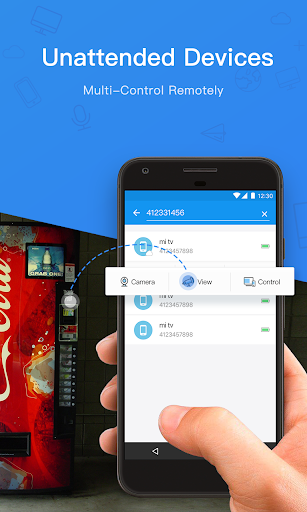
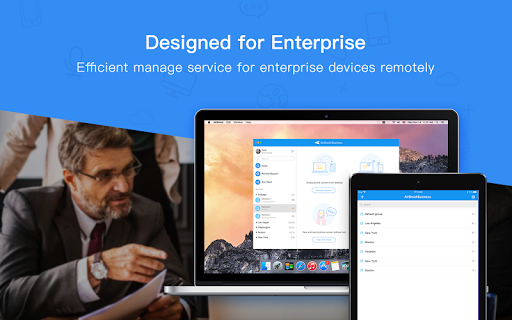
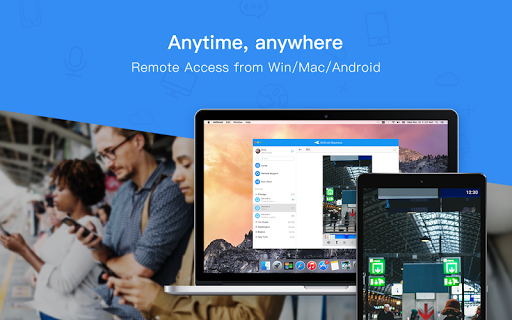
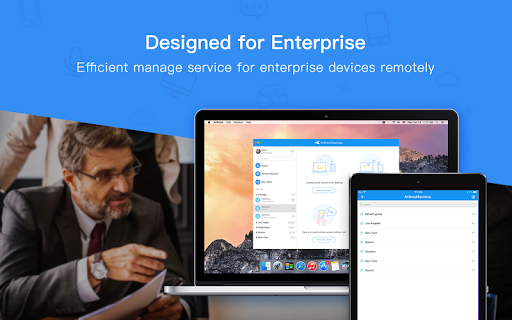
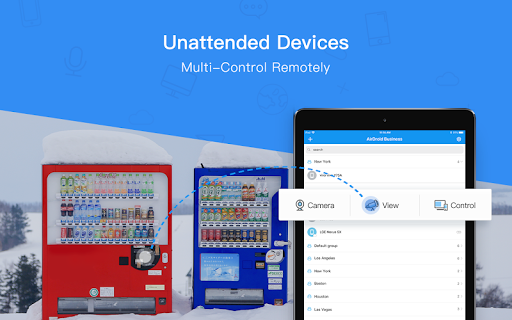
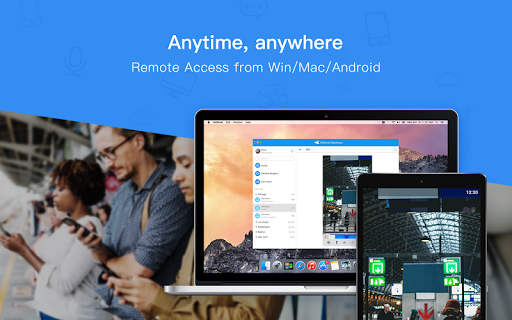
AirDroid Business is designed to run on different types of Android-based devices, such as POS, mPOS, digital signage, Android boxes, Corporate-owned devices, and unattended devices. AirDroid Business solutions serve a wide range of sectors, including logistics, retail, IT services, advertising and more.
Key Features
1. Android Kiosk Mode:
With Android Kiosk mode, any Android device can be turned into a digital kiosk. By locking down the user interface, users can only access applications and system settings configured by the system administrator.
- App Whitelist: Only applications added to the whitelist will be visible and available for access.
- Single App Mode and Multi Apps Mode lockdown.
- Automatically activate Kiosk mode after rebooting.
- Customize branding for the device home screen and lock screen layout.
- Password protection to prevent unauthorized access and tampering.
2. Application Management Service (AMS)
AMS is a management suite that enables businesses to update, release and maintain apps on remote devices. System administrators can plan and dictate how they want to update or release the apps to designated devices.
- Force Installation: install new apps or updates on Android devices
- Scheduled release: Release your apps at any time
- Staged rollout: Release app updates to reach only a percentage of users and minimize impact to productivity or service downtime
- App release on demand: Release apps to specific devices or groups
- Custom Branding: Tailor unique interface of App Library for your company
3. Remote Control
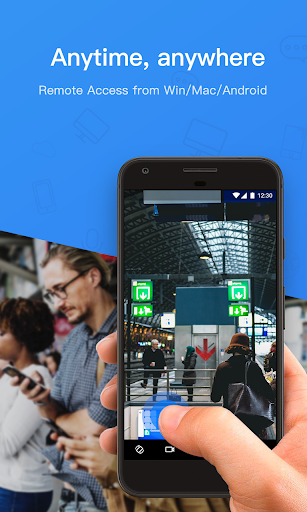
Access the Android devices of any brands and manufacturers remotely without needing root permission.
4. Device Location Tracking
Track the location of couriers and vehicles through the map in real-time or device location to see if it’s been stolen.
5. Device Wall
Administrators can see the screens of every managed device in one place and remotely monitor device status and information, as well as application status in real-time.
6. Files Transfer and Management
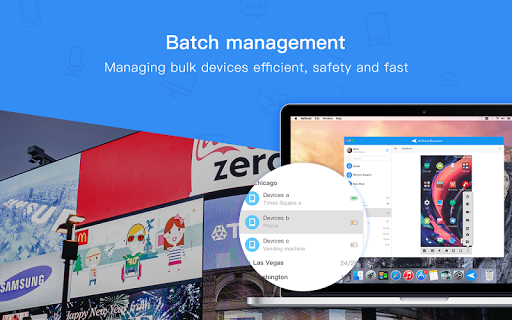
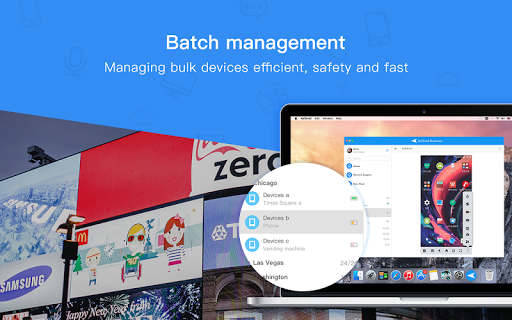
Businesses and enterprises can transfer files of different types and formats in batch to remote devices. It also supports deleting expired files in batch to make future file management much simpler. we also can share files and solve software issues quickly with our file transfer feature. Send files through the chat window and easily guide recipients through APK installation. Stay connected and productive with ease.
7. Group Management and Role-Based Access Control
Assign employees and devices into groups based on operational requirements. Members in an organization can be assigned to different roles with different levels of access rights, such as administrator, the team member with accessing right or view-only member.
**How to get started**
1. Install AirDroid Business - Kiosk Lockdown & MDM Agent and open it.
Tap ‘Get Free Trial’ shown below to get a 14-day free trial – with no credit card required.
or visit https://www.airdroid.com/bizApply.html directly.
2. Confirm activation of your trial, then log into AirDroid Business Admin Console https://biz.airdroid.com and start using it with full functionality.
To learn more about effective Android device management, visit https://www.airdroid.com/bizHome.html
To get started with AirDroid Business - Kiosk Lockdown & MDM Agent, visit https://help.airdroid.com/hc/en-us/sections/360000920073
What's New
Version Information
- Version
- 1.2.2.0
- Downloads
- 100K+
- Updated on
- Oct 29, 2024
- Released
- Aug 28, 2018
- Requires
- Android 7.0
Statistics
Google Play Rating History
Rating Distribution
Downloads Over Time
AirDroid Business has been downloaded times. Over the past 30 days, it averaged downloads per day.
Shaded area shows 30-day prediction based on historical trends
Historical data collection started recently. More data points will be available over time.
AirDroid Business users say on Google Play
 A Google user
an efficient tool to manage devices
 DAVID GORDON
Can' say much as yet
 Jasvir
I used this for my second phone which is kept at home with one app running 24/7 but have to update that app manually. In Airdroid Business trial everything was working good app can be updated, pinned unpinned to screen for 24/7 on screen but phone Bluetooth stopped working which lead to app as useless because that app uses Bluetooth. Otherwise airdroid business is good if Remote Calling future is added to this also.
 MURILLO
Does not work
ApkTrusted Ratings & Reviews
More from SAND STUDIO
See more apps
AirMirror: Remote control
Free

AirDroid Parental Control
Free

AirDroid Business Daemon
Free
AirDroid Cast-screen mirroring
Free

AirDroid: File & Remote Access
Free

AirDroid Parental Connector
Free

AirDroid Remote Support
Free

AirDroid Control Add-on
Free

AirDroid Browser - Safe Search
Free

AirDroid Cast TV
Free

GoInsight.AI
Free
Similar Apps

eloomi
Free

WaiverForever - Online Waiver
Free
Parental Control App- FamiSafe
Free

Glympse - Share GPS location
Free

ABAX Admin
Free

Pushbullet: SMS on PC and more
Free

Simpro Mobile
Free

AnyTracker - track anything!
Free

Anaesthesia Vault
Paid

Aegis Authenticator - 2FA App
Free

Quo (formerly OpenPhone)
Free
KidsGuard Pro-Phone Monitoring
Free

Unmutify
Free

Pinwheel Caregiver
Free

YourSweep
Free

TAP Kiln Control Mobile
Free
Scan this QR code to download

Forwarding you to the page at Google Play market in seconds...
Open Google Play market now