
One Talk v14.1.4
Verizon Consumer Group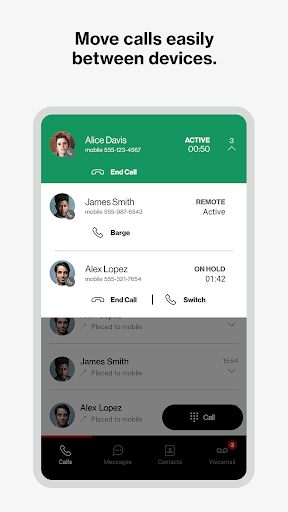
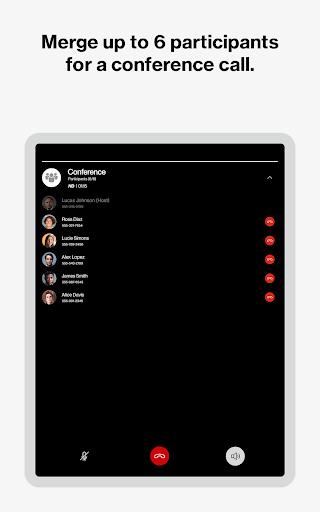
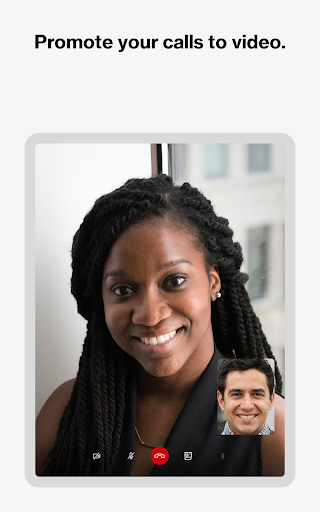

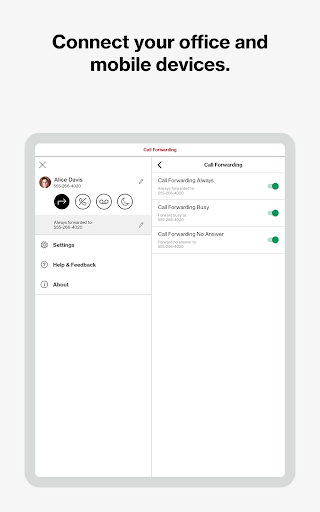
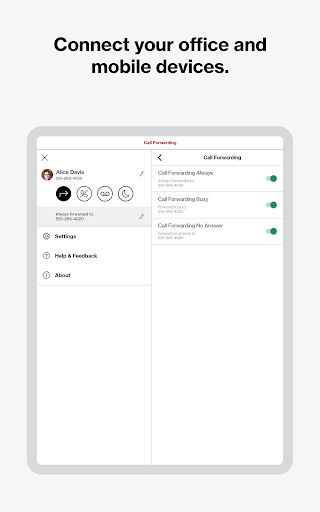
About this app
Developer Description
Verizon One Talk. One Business number connecting mobile and office phones.
Voice, video and messaging business solution
Your business is constantly evolving, so you need a phone and collaboration solution that can keep up. We have you covered for how you work today and in the future.
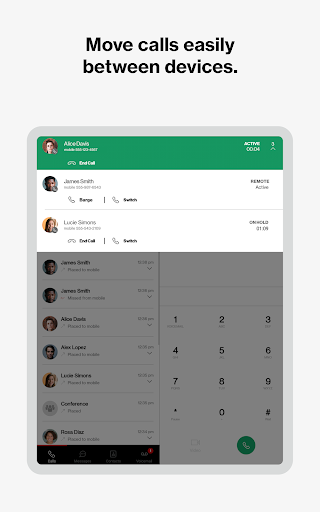
One Talk is a mobile-first business phone solution built for how you work today, allowing you to connect with customers, employees and others in the office or on-the-go. Easily manage features from the Verizon One Talk web portal or mobile app.
One Talk includes multiple user device & app options:
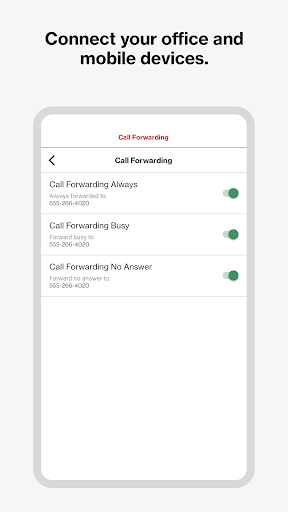
* Smartphone Native Dialer. Connect mobile employees to the office and customers from their smartphone native keypad— all over the reliable and award-winning Verizon network.
* Desk, conference, and cordless phones. Enhance calling and collaboration with a range of Voice over Internet Protocol (VoIP) phones, including the nation’s first 4G cellular enabled desk phone, and accessories for your office-based employees.
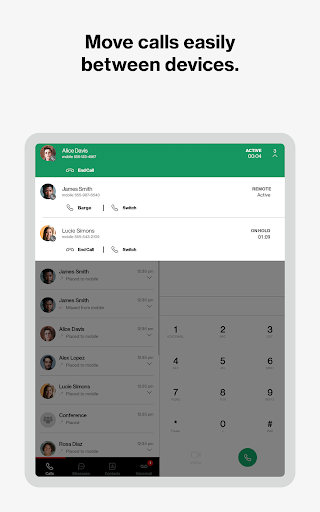
* Mobile App for smartphones and tablets. Enable employees using business-owned or personal smartphones and tablets (including other carrier devices) to access One Talk features from a single number.
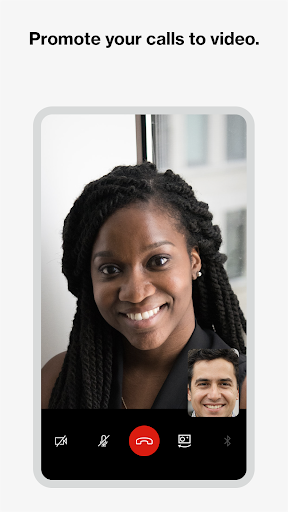
* Desktop App for computers. Easily make and receive voice/ video calls and SMS/text messages on your computer (PC or Mac®), similar to using your smartphone.
One Talk has 50+ powerful features to enhance communications, providing:
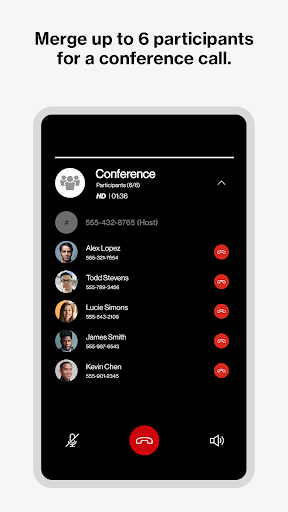
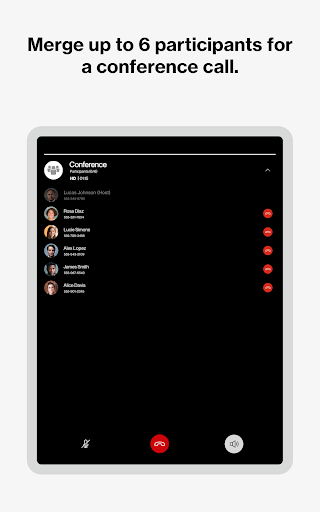
* Robust calling options. Provide flexibility and a better calling experience with options to use VoIP calling or your native phone number connection for best reliability.
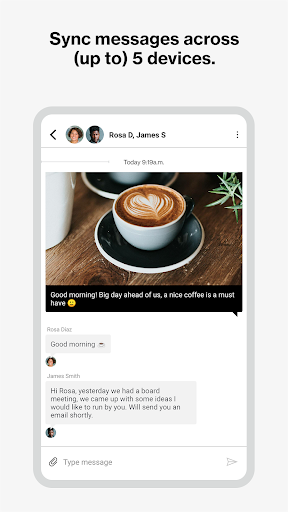
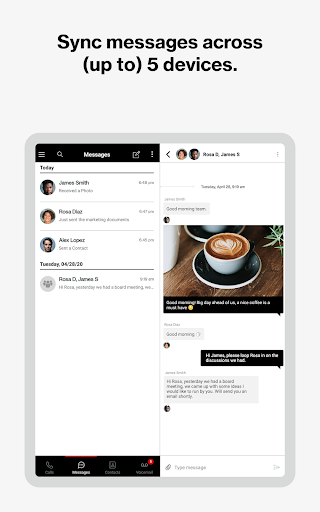
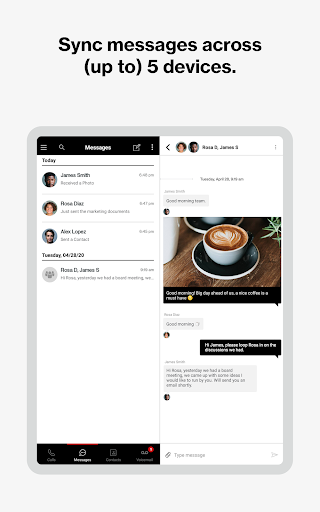
* Easy collaboration. Boost your employees’ ability to collaborate more effectively with messaging (chat, SMS and IM), voicemail and calling on a single app.
* Contacts: Easy message your colleagues by using the One Talk directory and popular cloud contact services.
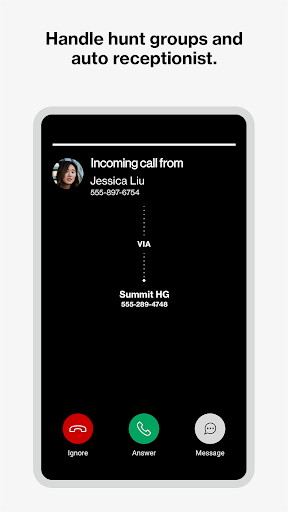
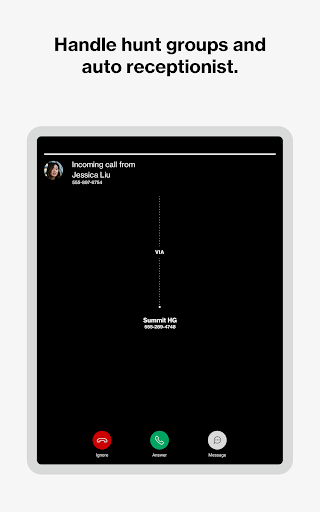
* Engaging customer experience. Connect callers to the people they need with features like Auto Receptionist, Hunt Groups and more.
Get started:
1. Subscribe to the Verizon One Talk service
2. Install the One Talk app. Enter your One Talk phone number. Request PIN
3. An email will be sent to the email associated with your number with an activation PIN. Enter your PIN and complete setup
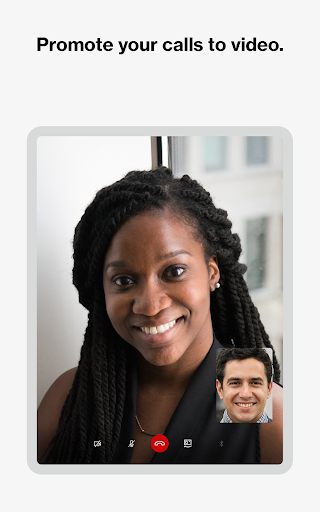
4. Start using the One Talk App for calling, video and messaging.
One Talk Terms and Conditions Apply. See OneTalk.com for more information.
Version Information
- Version
- 14.1.4
- Downloads
- 100K+
- Updated on
- Dec 29, 2025
- Released
- Dec 15, 2016
- Requires
- Android 10
Statistics
Google Play Rating History
Rating Distribution
Downloads Over Time
One Talk has been downloaded times. Over the past 30 days, it averaged downloads per day.
Shaded area shows 30-day prediction based on historical trends
Historical data collection started recently. More data points will be available over time.
One Talk users say on Google Play
 Colt Cardenas
this application is very handy for business. essentially you do not have to give out your personal cell number or by another work line. I've had zero issues with it it's very train line and seamless great application. 100 recommend if you run a business
 Sabrina Schocke
I do like it, but I wish you could silence it when calls come through sometimes
 Valerie Kote-Tawia
UPDATE: Updating from 1 star to 3 because my main complaint was due to a setting I selected. User error 🙃. Still not the best, but probably not the worst. INITIAL REVIEW: The interface is clunky and not user-friendly at all. One of the biggest issues is that it doesn't identify incoming calls from the app, making it impossible to tell if it's a personal or office call. On top of that, the call log is often inaccurate, which makes it difficult to track important conversations.
 Andrew King
At best, it is serviceable at a bare minimum level. At worst it is buggy and cumbersome. Call quality is poor unless you use the call through feature. Have to uninstall and reinstall frequently because outbound calling with this feature stops working out of nowhere and gives the vague "something went wrong" error when trying to switch back. Considering what else is available in the the unified communications space, this feels like a step backward.
 Ralek Kolemios
This is quite possibly the worst experience I've ever had with a service I pay for. If you're considering this for your business, don't. Over half of all my calls are dropped mid-call. Half of all my calls out say the number has been disconnected when it hasn't. About half of all my calls don't even ring my phone and the missed call notification doesn't show up for another minute to 20 minutes. It happens on my Pixel, it happens on my iPhone, it happens on my android, it doesn't matter.
ApkTrusted Ratings & Reviews
More from Verizon Consumer Group
See more apps
Verizon Call Filter
Free

Verizon Protect
Free

Verizon Family
Free

My Verizon For Business
Free
Content Transfer
Free

Verizon Visa Card
Free

Verizon Home
Free

Inside Verizon
Free

Verizon Cloud
Free

VZ Intelligent Track & Trace
Free

Verizon PTS Dialer
Free

Virt Comm Express
Free

Verizon Push to Talk Plus
Free

Verizon Connected Vehicle
Free

Business Digital MobileConnect
Free

Verizon Family Companion
Free
Similar Apps

TracFone My Account
Free

Mint Mobile
Free

My CenturyLink
Free
AT&T Device Help
Free

AT&T Personal Cloud
Free

YouMail: Block Spam on Android
Free

Truist Mobile
Free

Vivint
Free

Quo (formerly OpenPhone)
Free

Cloaked: Protect your privacy
Free

Pushbullet: SMS on PC and more
Free

AT&T ActiveArmor®
Free

JobNimbus: All-In-One Roof App
Free

RingCentral
Free

HS Team
Free

Till: Debit Card for Kids
Free
Scan this QR code to download

Forwarding you to the page at Google Play market in seconds...
Open Google Play market now