
Teleprompter for Video v3.9.2
Norton Five Ltd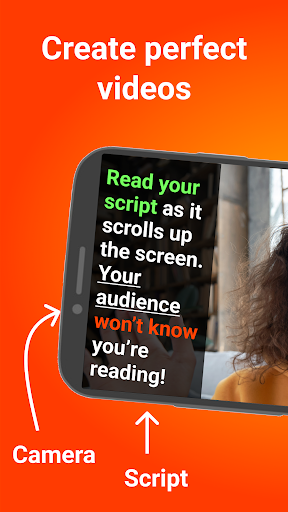





About this app
Developer Description
Read prompter, record video & add captions / subtitles. Vlog like a pro!
It's perfect for anyone wanting to record a vlog, practise a speech or give a business communication. The app helps actors film self-tape auditions, religious leaders give sermons, job seekers create video resumes and much more.
Used by over 1 million people worldwide!
Here's how it works...
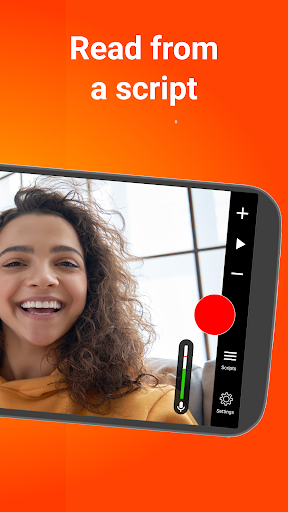
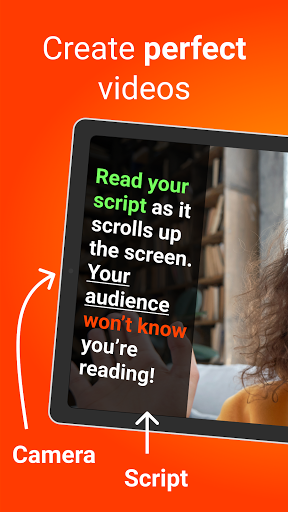
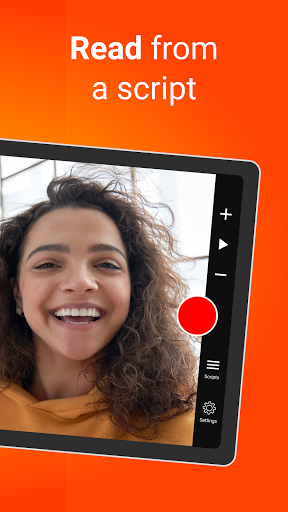
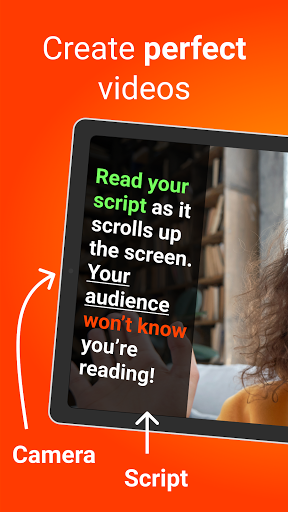
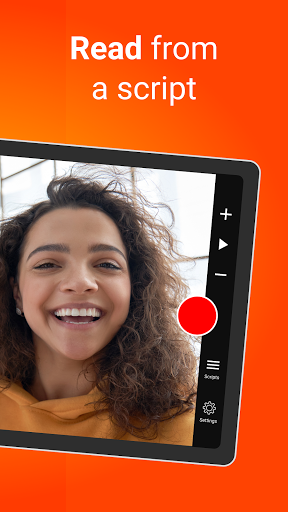
Read from a prompt while filming yourself in high definition. The teleprompter script (or autocue) scrolls next to the camera lens, helping you make eye contact with your audience.
They won't know you're reading from a prompt!
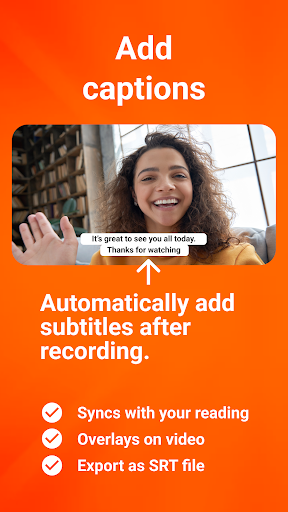
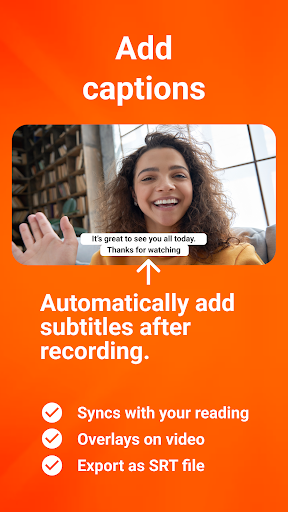
Then, edit your video after recording. Add a logo and automatically caption the video using the timings from your recording (or export a .srt file for uploading captions on social media).
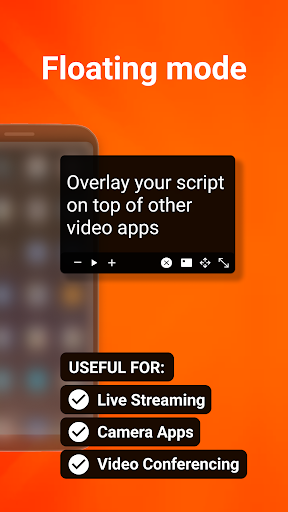
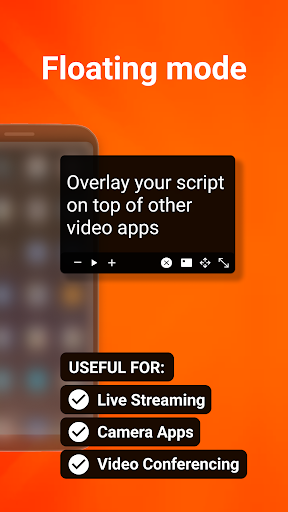
Use the floating mode to overlay your script on other video apps, allowing you to read from a script while live streaming, video conferencing, or using other specialist video apps.
Here's a summary of all the features:
RECORD PRO VIDEOS WITHOUT EXPENSIVE EQUIPMENT
* Record videos using the front and rear-facing cameras.
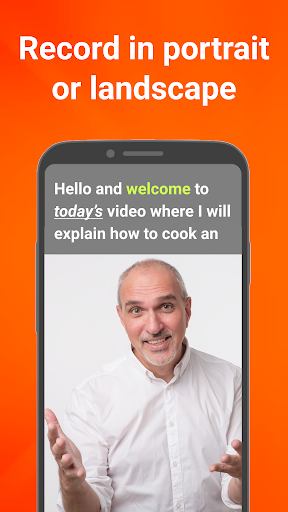
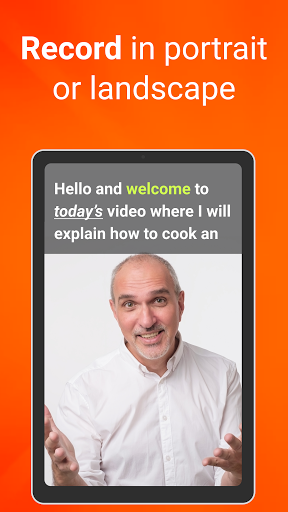
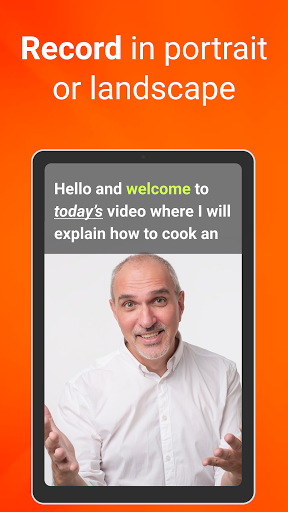
* Record your video in landscape or portrait.
* Choose your camera resolution and frame rate based on what your device supports.
* Record sound using in-built and external microphones.
* Long tap to set AE/AF Lock.
* Pinch the screen to zoom.
* Display a 3x3 grid to help you position yourself.
A SIMPLE-TO-USE TELEPROMPTER
* Set a countdown to get into position and a countdown to automatically end recording when the teleprompter script reaches the end.
* Control the teleprompter app with a Bluetooth remote control, wireless keyboard or foot pedal. Using a remote control, you can start and stop the video recording as well as control the scrolling script (start / pause / resume / adjust speed).
* Mirror the script for use in a pro teleprompter rig device.
* Adjust the font size, scrolling speed and many other settings.
EASILY MANAGE SCRIPTS ON MULTIPLE DEVICES
* Import your scripts from Dropbox, Google Drive, OneDrive or iCloud in .doc, .docx, .txt, .rtf, and .pdf formats.
* Share teleprompter scripts across different devices.
* Format your scripts in Rich Text to make them easier to read.
EDIT VIDEOS AFTER RECORDING
* All videos are saved in the app for editing later.
* Automatically add captions / subtitles to your videos or export a .srt file to import your captions into YouTube, Facebook or other video platforms.
* Add an image or logo to your videos (in-app purchase required).
* Add text to your video.
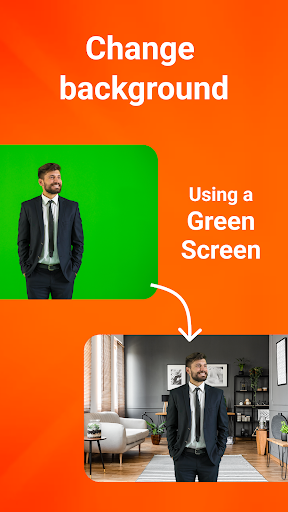
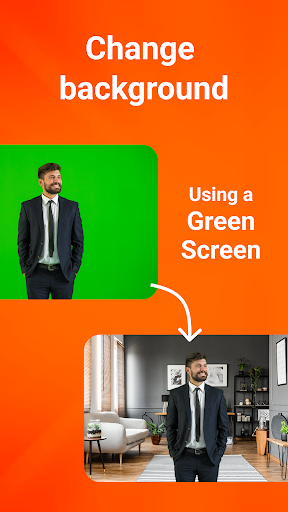
* Change the video background after recording using the smart green screen / chroma key filter.
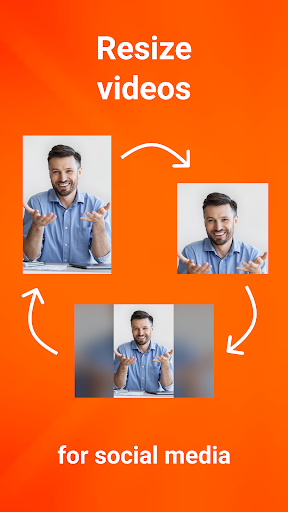
* Resize the video to landscape, portrait or square. Perfect for uploading to social media.
PREMIUM SUBSCRIPTION AVAILABLE
Teleprompter for Video is free for scripts of up to 750 characters. That's around 1 minute of video with no watermarks. The Premium version allows you to:
* Write longer teleprompter scripts.
* Add a logo to your videos.
* Play royalty-free music to your videos.
* Float the script on top of other apps.
* Rewrite your scripts using AI.
What's New
In-app purchases
$5.49 - $21.99 per item
Version Information
- Version
- 3.9.2
- Downloads
- 1M+
- Updated on
- Dec 12, 2025
- Released
- Mar 31, 2021
- Requires
- Android 8.0
Statistics
Google Play Rating History
Rating Distribution
Downloads Over Time
Teleprompter for Video has been downloaded times. Over the past 30 days, it averaged downloads per day.
Shaded area shows 30-day prediction based on historical trends
Historical data collection started recently. More data points will be available over time.
Teleprompter for Video - Google Play Rankings
Top Rankings
| Rank | Country | Category | List | Change |
|---|---|---|---|---|
| — |
Ranking History in
No ranking data available yet. Rankings are updated daily.
#49 in Top Grossing Productivity in Spain


#52 in Top Grossing Productivity in Brazil

Teleprompter for Video users say on Google Play
 B Zijverden
free version is great, no ads and no heavy limits. Could've continue to use without paying, but ended up getting a subscription because I want to support the Devs and I highly appreciate that they didn't heavily cap the free version!
 Patricia Mae Tadoy
Hi there. I'm reaching out to ask for a refund on my subscription. The charge happened by mistake — I'd signed up for the three-day free trial but forgot about it, so when I added money to my account, the system automatically took 1,200. I'd really appreciate help getting this refund because I never planned to keep the subscription; the free features work perfectly for what I need.
 John P. (Dan)
would rate higher if ANYTHING I EVER NEEDED TO PASTE TO READ WASNT JUUUUUUST OVER THE LIMIT OF TEXT. gay. ain't paying for a text reader when I could just print out a sheet
 MARIA ANGELICA NAVATO
how do you even record in landscape and rotating the script?
 Adham Elwakil
asking for payment out of the door, unusable without subscription due to limitations, which is not mentioned in the description. don't waste your time on this money grab. you can keep your 3 days "payment method needed" trial to yourself.
ApkTrusted Ratings & Reviews
More from Norton Five Ltd
See more apps
Similar Apps
Teleprompter with Video Audio
Free

BIGVU Teleprompter & Captions
Free

Teleprompter.com
Free

Screen Recorder
Free

ScreenMaster:Screenshot Markup
Free

Screen Recorder - Vidma REC
Free

ADV Screen Recorder
Free

Captions Lite
Free

Screen Recorder - AZ Recorder
Free

Blink Captions by Vozo AI
Free

Screen Recorder: Facecam Audio
Free

Add Music To Video & AI Editor
Free

celebrate: share photo & video
Free

RecCloud - AI Speech to Text
Free

PowerDirector - Video Editor
Free

POV – Disposable Camera Events
Free
Scan this QR code to download

Forwarding you to the page at Google Play market in seconds...
Open Google Play market now