
Screen Recorder: Nuts Recorder v1.1.29
Nuts Mobile Inc.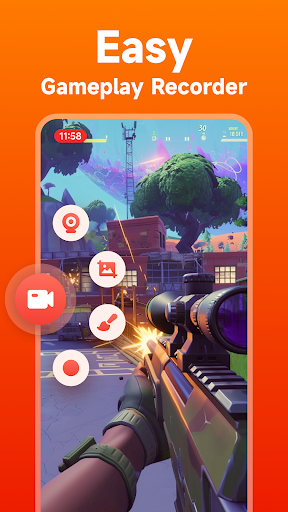








About this app
The Screen Recorder: Nuts Recorder app solves the problem of capturing high-quality screen recordings without the need for root access, making it a valuable tool for content creators, educators, and individuals who need to demonstrate app functionality. This app benefits users who require flexible screen recording capabilities without watermarks or time limits, setting it apart from some alternatives in the Tools category. However, its lack of permissions raises questions about its ability to deliver on all its promised features. Compared to other screen recording apps, Nuts Recorder's simplicity and ease of use are notable, but its limited features might not satisfy advanced users.
Pros
- With over 1 million downloads and a 3.9-star rating, Screen Recorder: Nuts Recorder has demonstrated its reliability and user satisfaction, indicating a well-designed and functional app.
- The app's ability to record screens without root access, watermarks, or time limits is a significant advantage for users who need to create tutorials, reviews, or demonstrations.
- The developer's commitment to updates, as evidenced by the version history, suggests a dedication to improving the app and addressing user feedback.
- The absence of permissions requests is a positive aspect, as it minimizes potential privacy and security risks, though it also raises questions about the app's capabilities.
- The option for in-app purchases provides users with the flexibility to enhance their experience without being forced into a one-size-fits-all model.
Cons
- The presence of ads in a screen recording app could potentially disrupt the user experience, especially during critical recording sessions, and may not be ideal for professional or educational use.
- The limited feature set compared to other screen recording apps might not meet the needs of advanced users who require more sophisticated editing tools or customization options.
- The lack of permissions, while generally a positive, might limit the app's ability to access certain device features that could enhance its functionality, such as microphone access for better audio quality.
- Some users might find the in-app purchase model confusing or frustrating, especially if essential features are locked behind a paywall.
Best for: The ideal user for Screen Recorder: Nuts Recorder is likely an individual or educator who needs a straightforward, easy-to-use screen recording tool for creating tutorials, demonstrations, or reviews, and values simplicity and ease of use over advanced features, with a medium to high level of technical skill to navigate the app's settings and potential limitations.
Developer Description
HD Screen Recorder, no need root, no watermark and no limit recording time
Nuts Screen Recorder can help you capture smooth screen videos and games easily. Whenever you come across an amazing moment like breathtaking hits in games, shots in a football match, brilliant dance show... Screen recorder will capture everything that's displayed on your screen.
Features of Nuts Screen Recorder:
✅Easy operation, simple interface : ensure that every user knows how to use
✅Support suspend recording: suspend the recording when you need to
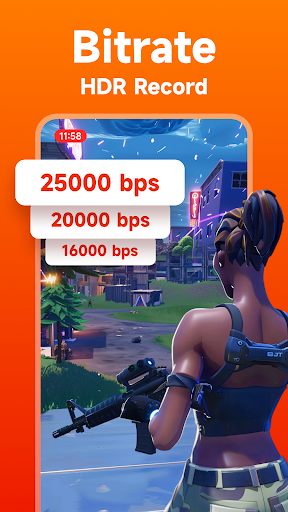
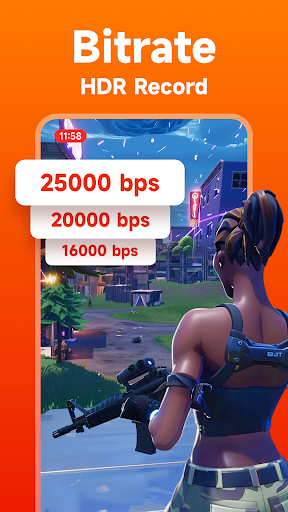
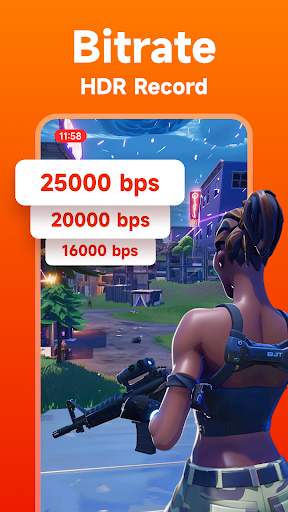
✅Set bit rate: the higher the bit rate, the clearer screen recordings you get
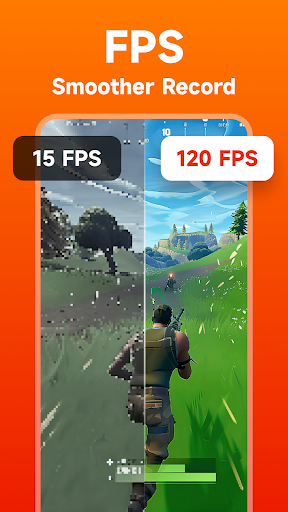
✅Set FPS (frames per second): the higher the FPS, the smoother your recordings
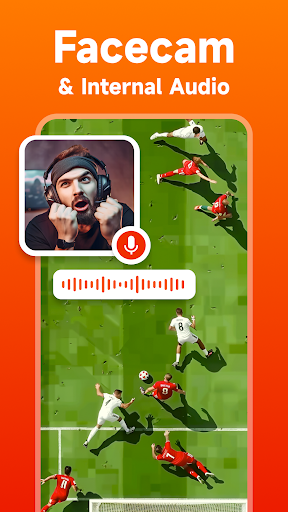
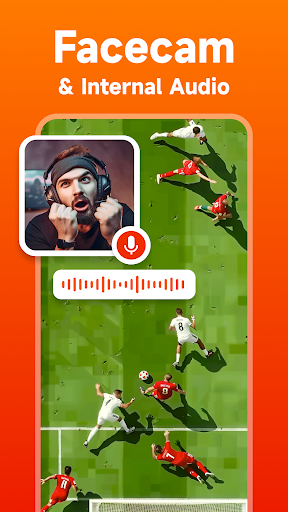
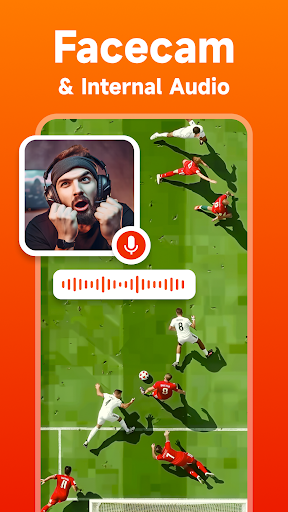
✅Record games or videos with audio : use microphone to record sound
✅Capture screen in a considerate way: record without time limit and watermarks
✅Love sharing: fast to share with your friends, or post it to Instagram, Facebook, and Twitter...
✅Prepare your record: countdown before start
✅Easy to stop recording: shake your phone to stop
✅Record in different orientation: landscape and portrait
Use our screen recorder, game recorder and live stream recorder to better record and save your fun and memory. If you are a game lover, you'd better record your game glories and capture the joyful moment in the game with our Screen Recorder. If you usually collect videos and love to share them, you can now use our screen recorder to capture the things you like.
Download this Screen Recorder and Video Recorder to capture every important moment.
Privacy
Given that Screen Recorder: Nuts Recorder does not request any permissions, the risk of data collection or privacy breaches appears to be minimal. However, users should still be cautious when using any screen recording app, especially when recording sensitive information, and ensure they understand what data the app might collect through its in-app purchases or ads. It's also advisable to review the developer's privacy policy for more detailed information.
Tips
To get the most out of Screen Recorder: Nuts Recorder, users should first familiarize themselves with the app's settings to optimize video quality and storage settings according to their device's capabilities. Additionally, ensuring a stable internet connection before recording can help prevent interruptions, and regularly checking for updates can provide access to new features and improvements. For better performance, closing unnecessary apps during recording can also help.
What's New
* Fixed some issues
* Optimize floating ball
In-app purchases
$0.99 - $19.99 per item
Version Information
- Version
- 1.1.29
- Downloads
- 1M+
- Updated on
- Sep 16, 2025
- Released
- Jan 12, 2021
- Requires
- Android 7.0
Statistics
Google Play Rating History
Rating Distribution
Downloads Over Time
Screen Recorder: Nuts Recorder has been downloaded times. Over the past 30 days, it averaged downloads per day.
Shaded area shows 30-day prediction based on historical trends
Historical data collection started recently. More data points will be available over time.
Screen Recorder: Nuts Recorder users say on Google Play
 M Sajid
I gave it 5stars because it's very easy to use and I can even give it to capcut easily it does not even randomly go when I'm playing Brookhaven in Roblox the other apps do go so that's why I gave it 5stars I hope this helped everyone else! ⭐⭐⭐⭐⭐Stars
 Emms Isti
i love this app specially for the compressor. maintains the high quality and yet saves space. but, can't set auto orientation, also can't go more than 15 FPS. I'll like this to be fixed please.
 OP's OC
AAA for video screencap... Audio, however, is at 80Kb/s and cannot be changed (according to ffmpeg).
 Princess ayesha jewel Cariño
Only 1 stars because when I played dress to impress in roblox when I was going to freeplay mode it suddenly go away so only 1 star this happend to other
ApkTrusted Ratings & Reviews
More from Nuts Mobile Inc.
See more apps
Equalizer, Volume Bass Booster
Free

ID Photo & Passport Portrait
Paid

Volume Booster
Free

Video Maker & Video Editor
Free

ID Photo & Passport Portrait
Free

Gallery: Photo Vault & Album
Free
Bass & Vol Boost - Equalizer
Free

Equalizer Bass & Volume Boost
Free

Notepad: Notes & Easy Notebook
Free

Photo Editor Plus
Free
Weather Forecast
Free

Weather - Live weather radar
Free
DJ Mixer - DJ Music Remix Pro
Paid
File Manager
Free
DJ Mixer - DJ Music Remix
Free

All-in-One Measuring Tool
Free
Similar Apps

Screen Recorder - AX Recorder
Free

Screen Recorder GU Recorder
Free

Screen Recorder: Facecam Audio
Free

Screen Recorder Unlimited
Free

Screen Recorder - AZ Recorder
Free

Screen Recorder Video Recorder
Free

Screen Recorder - XRec Lite
Free

Screen Recorder - G1REC
Free

ADV Screen Recorder
Free

Screen Recorder Video Recorder
Free

Screen Recorder - Record Video
Free

Screen Recorder - Vidma Record
Free

Screen Recorder - Vidma REC
Free

Mobizen Screen Recorder
Free

Screen Recorder
Free

Screen Recorder - XRecorder
Free
Scan this QR code to download

Forwarding you to the page at Google Play market in seconds...
Open Google Play market now