
Andacious vVARY
UserLAnd Technologies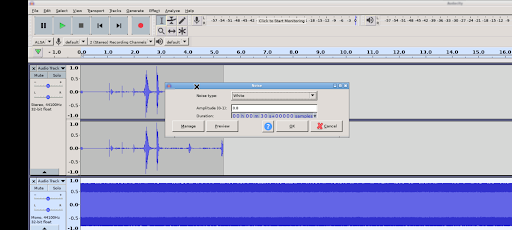
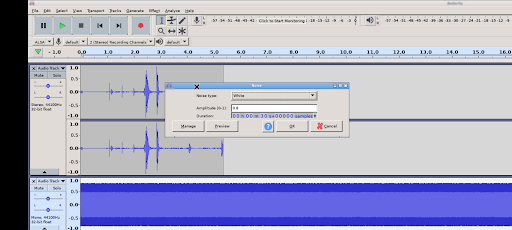
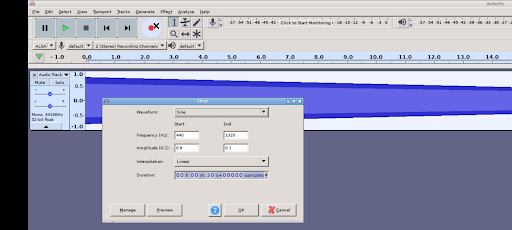
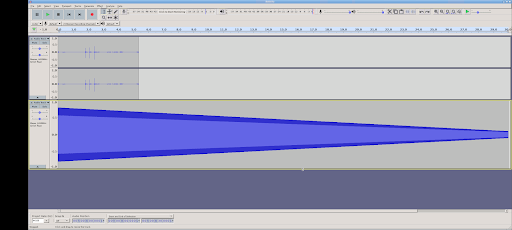
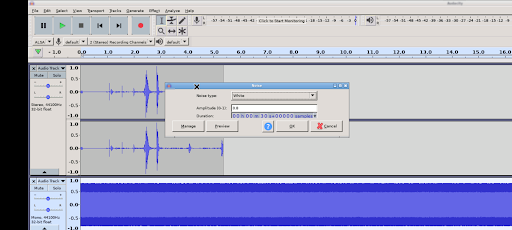
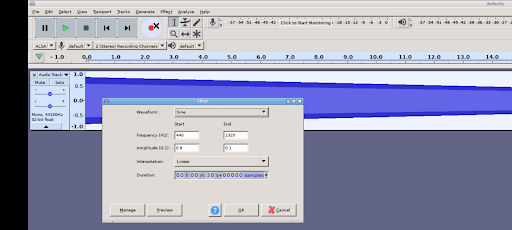
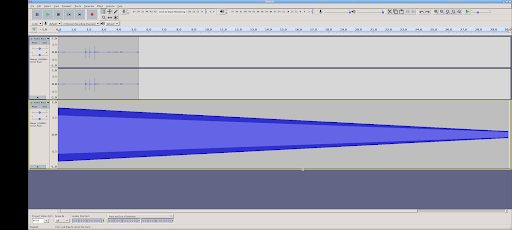
About this app
Developer Description
Andacious - Runs Audacity on Android
This is a powerful and feature rich audio recorder, editor and mixer.
What is Andacious?
Andacious is not Audacity itself and is not a built or maintained by the Audacity team or the Muse Group. Instead, it is a compatibility layer that sets up a Linux desktop Audacity build, launches it, renders it and provides a way to interact with it.
What features does running Andacious provide?
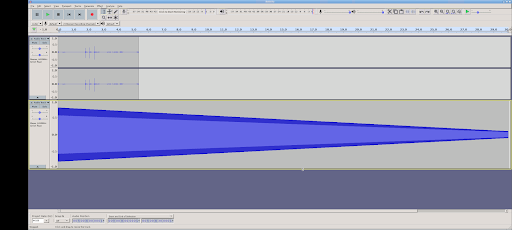
In short, everything you can normally do with Audacity including:
* Record live with a microphone or mixer. Or digitize imported recordings.
* Edit your tracks fast with intuitive tools, including cutting, pasting and smooth volume mixing.
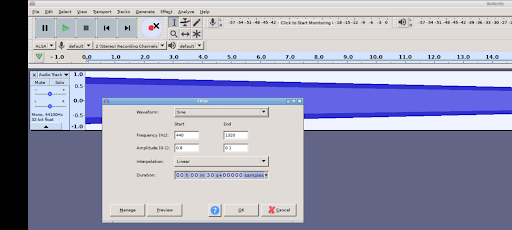
* Perfect your audio with more advanced effects:
* Reduce background static with noise reduction tools.
* Adjust tempo without altering pitch or vice versa.
* Alter frequencies with equalizers, high and low-pass filters and more.
* Reduce or isolate vocals in stereo tracks.
* Add impact with distortion, echo, reverb and more effects.
* Import, export and convert files in every popular audio format, including mp3, m4a, AIFF, FLAC, WAV and more. You can even combine clips from multiple formats into the same project.
* Take your editing to the next level with an extensive selection of third-party effects plugins, designed by the passionate Audacity, open-source community.
* Visualize and analyze your audio clips in Spectrogram view.
* Etc
Description provided via the CC-by 4.0 https://creativecommons.org/licenses/by/4.0/
You can read more details here: https://www.audacityteam.org/FAQ/
How to Use Andacious?
Use it just like normal. But here are some specifics to the app.
* Tap with one figure to click.
* Tap with two fingers to right click
* Pinch to zoom.
* Slide one finger to pan.
* Slide two fingers to scroll.
* If you want to bring up a keyboard, tap on the screen to get a set of icons to appear and then click the keyboard icon.
Other tidbits:
Andacious uses standalone libraries built from the bVNC project and the Termux project which are provided via the GPL and hosted here:
https://github.com/CypherpunkArmory/
Version Information
- Version
- -
- Downloads
- 100+
- Updated on
- -
- Released
- Mar 28, 2024
- Requires
- Android Varies with device
Statistics
Google Play Rating History
Rating Distribution
Downloads Over Time
Andacious has been downloaded times. Over the past 30 days, it averaged downloads per day.
Shaded area shows 30-day prediction based on historical trends
Historical data collection started recently. More data points will be available over time.
Andacious users say on Google Play
 Henri Lawrence
tops
 Rakesh kumar
I can't import or open my audio in it..makes it completely useless
 Kahlil Nurse
I was not able to use the microphone to record nor could I import any type of music file.
ApkTrusted Ratings & Reviews
More from UserLAnd Technologies
See more apps
BirdBox
Paid

UserLAnd - Linux on Android
Free

OG Munchers - Munch Numbers
Paid

FoxBox
Paid

OG Carmen - Stop VILE Agents
Paid

Octave
Paid

OG Arcade - 150+ Retro Games
Paid

IDLE - Develop with Python
Paid
deVStudio
Paid

CraftBox
Free

LibreDocs
Paid

Inky - Run Inkscape on Android
Paid

GIMP
Paid

gnuplot
Paid

OG Quest
Paid

OG Fighter
Paid
Scan this QR code to download

Forwarding you to the page at Google Play market in seconds...
Open Google Play market now