BirdBox v25.04.18
UserLAnd Technologies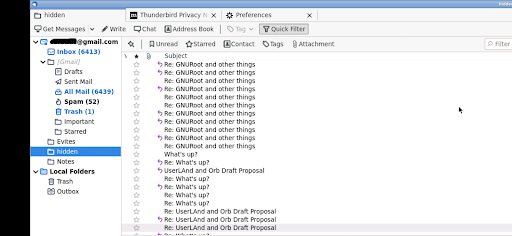
About this app
Developer Description
BirdBox: Run Thunderbird on Android
What is BirdBox?
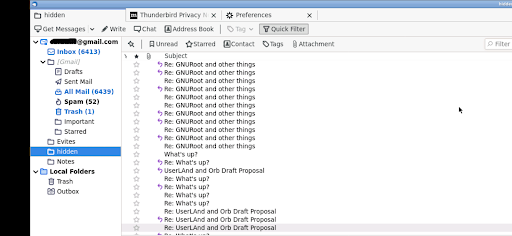
BirdBox is not Thunderbird itself and is not a Mozilla project, but instead is a compatibility layer that sets up a Linux desktop with Thunderbird, launches it, renders it and provides a way to interact with it.
What features does it provide?
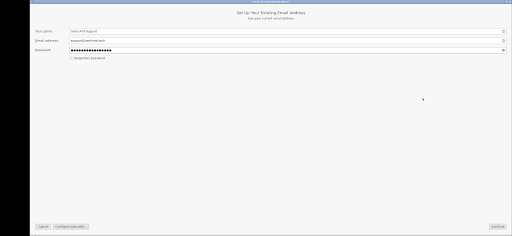
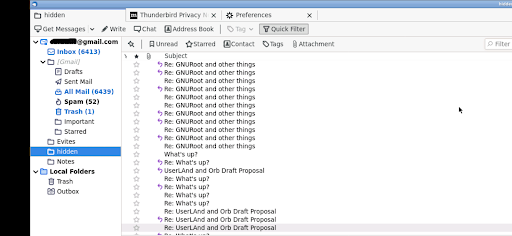
*Send and receive emails
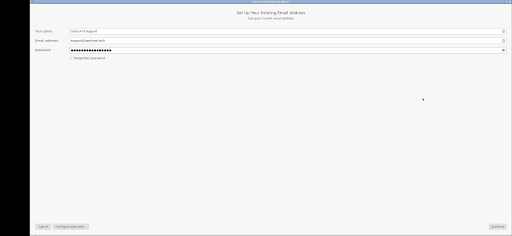
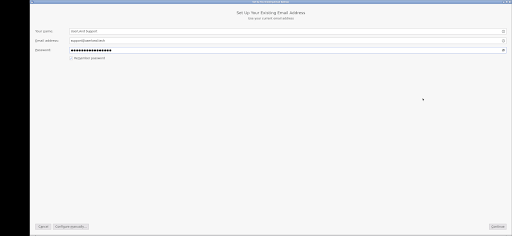
*Mail account setup wizard
*Tabbed emails
*Search tools
*Attachment reminders
*Contacts management
*Etc
How to Use BirdBox?
Use it just like normal. But here are some specifics to the app.
* Tap with one figure to click.
* Pinch to zoom.
* Slide two fingers up and down to scroll.
* If you want to bring up a keyboard, tap on the screen to get a set of icons to appear and then click the keyboard icon.
* Hold and slide one finger to pan (useful when zoomed in).
* If you want to do the equivalent to a right click, tap with two fingers.
* If you want to change the scaling or the dns settings, find the service android notification and click the settings. You have to stop and restart the app after changing these settings for them to take effect.
Why Use BirdBox?
BirdBox is the only way to get Thunderbird on Android. Also desktop Thunderbird has a different set of features than the planned Thunderbird mobile app.
Other tidbits:
BirdBox is fully open source with the source code posted on github: https://github.com/CypherpunkArmory/BirdBox
What's New
Those files can be accessed from the Thunderbird file browser at /sdcard/
For example, /sdcard/Documents will be your Android Documents directory
Version Information
- Version
- 25.04.18
- Downloads
- 100+
- Updated on
- Apr 18, 2025
- Released
- Oct 8, 2022
- Requires
- Android 5.0
Statistics
Google Play Rating History
Rating Distribution
Downloads Over Time
BirdBox has been downloaded times. Over the past 30 days, it averaged downloads per day.
Shaded area shows 30-day prediction based on historical trends
Historical data collection started recently. More data points will be available over time.
BirdBox users say on Google Play
 Poke Chamfriend
Quite good for a first version. It really is Thunderbird on Android. There are some obvious nits, like waiting for it to load, but kudos!
 Alexander Champion
Works with my Gmail account. Some pinch and zoom required for small screens. Pretty cool.
ApkTrusted Ratings & Reviews
More from UserLAnd Technologies
See more apps
UserLAnd - Linux on Android
Free
OG Munchers - Munch Numbers
Paid
FoxBox
Paid

OG Carmen - Stop VILE Agents
Paid
Octave
Paid

OG Arcade - 150+ Retro Games
Paid

IDLE - Develop with Python
Paid
deVStudio
Paid
CraftBox
Free
LibreDocs
Paid

Inky - Run Inkscape on Android
Paid

GIMP
Paid

gnuplot
Paid

OG Quest
Paid

OG Fighter
Paid

Andacious
Paid
Similar Apps

Pinwheel Caregiver
Free

Inineemowin: York Factory Cree
Free

Cloaked: Protect your privacy
Free

Area 51 Fireworks
Free

Aescape
Free

Soul Link
Free

myGemma
Free

Orion Intelligence
Free

Autio - Travel Companion
Free

Roomvu
Free

sleepme: Path To Better Sleep
Free
Force Fleet Tracking
Free

W18m: Test PR app 02
Paid

PISON
Free

Civello
Free
Stream Vision 2
Free
Scan this QR code to download

Forwarding you to the page at Google Play market in seconds...
Open Google Play market now