
CoachView Slowmo Video Player v1.7.2
Firecracker Software LLC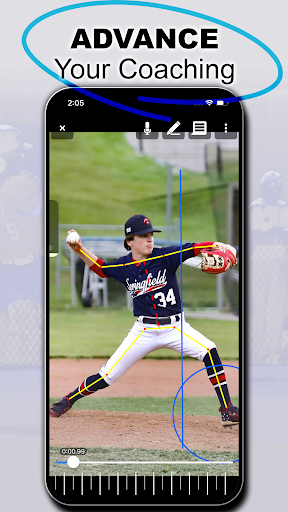

About this app
Developer Description
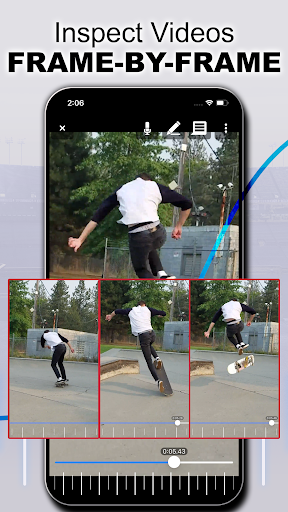
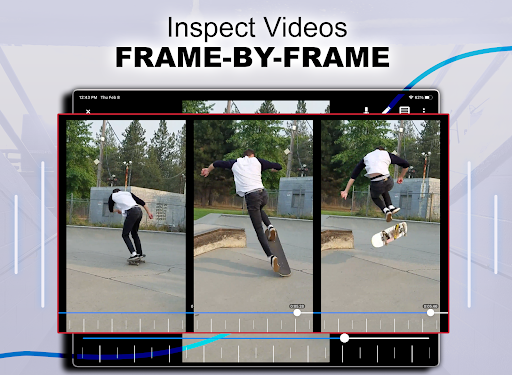
Frame by frame slow motion video player. Freely breakdown your sports videos!
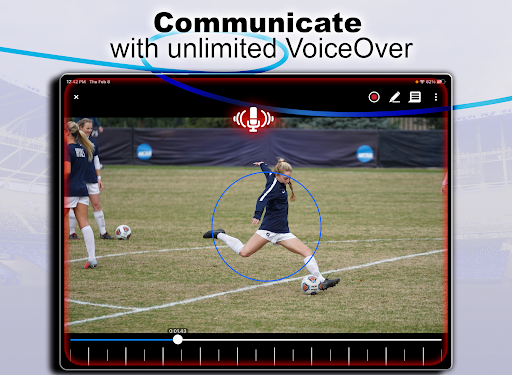
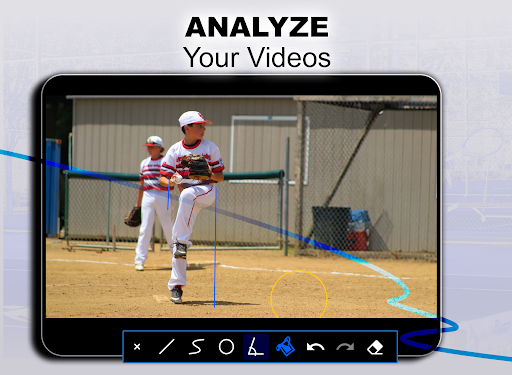
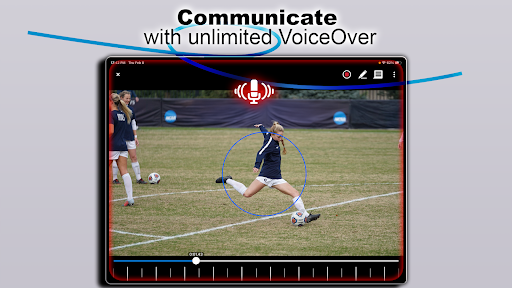
CoachView is a cutting-edge video player designed specifically for coaches and athletes who want to improve their technique in any sport. CoachView works on any existing video, so there is no need to reshoot. Simply import the video and use the slowmo or frame by frame features to show an athlete how he or she can improve. You can even record your own analysis for easy sharing!
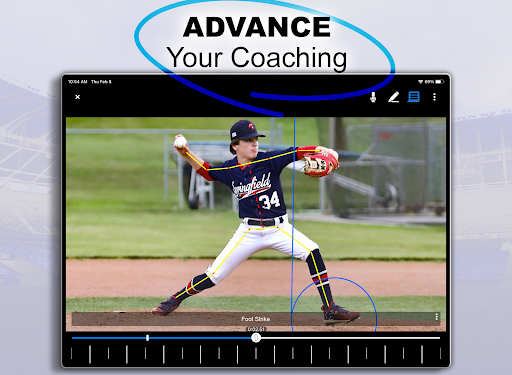
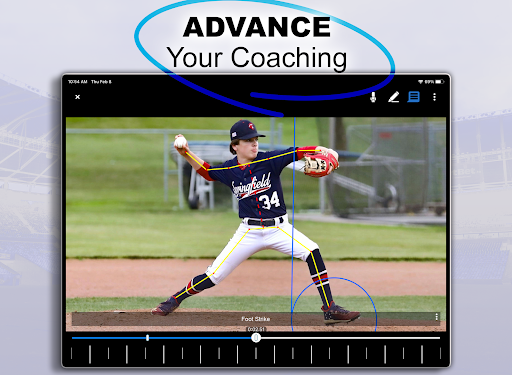
We know CoachView works! The app was created with the specific purpose of breaking down my own son’s pitching mechanics. It allowed his pitching coach to show him his incorrect hip/shoulder separation and work on issues specific to his delivery that are hard to spot in real-time.
Features:
-Slow Motion - Playback at 1/10, 1/4, 1/2, 3/4, or regular speed. Want to go fast? There are also options for 1.5x and 2x speed!
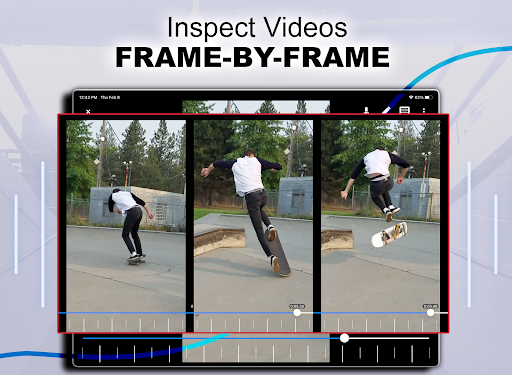
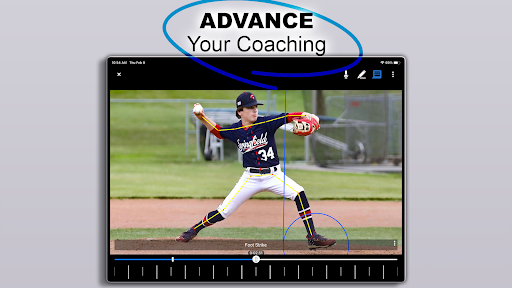
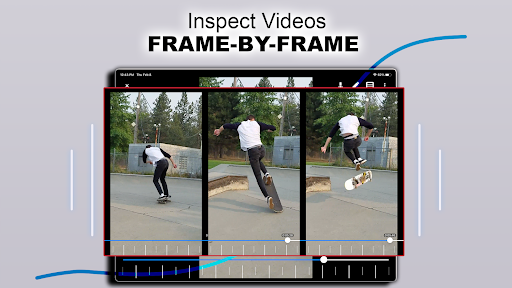
-Frame by Frame - Need even finer control? Step through the video frame by frame.
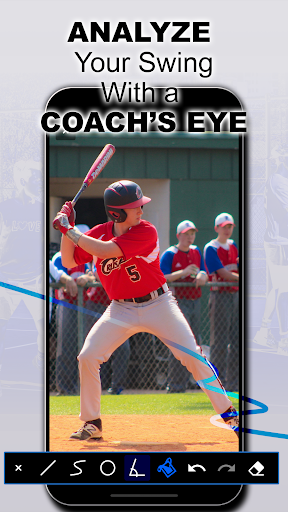
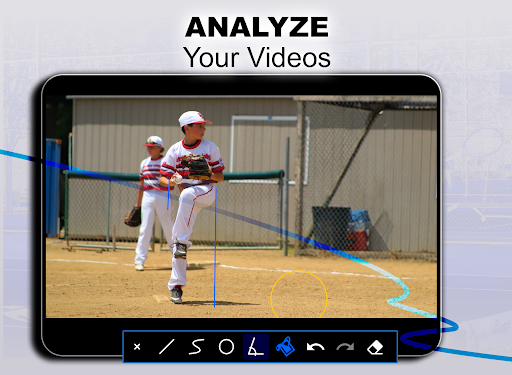
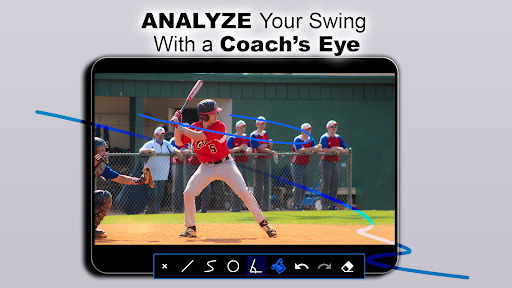
-Screen Drawing - Straight and freeform lines can easily be drawn over the video. Want to measure your pitcher’s drift? Draw a line at the beginning of the delivery and step through the leg lift frame by frame!
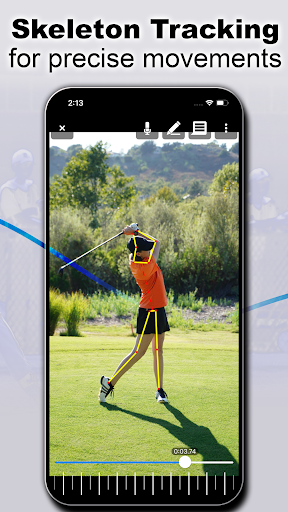
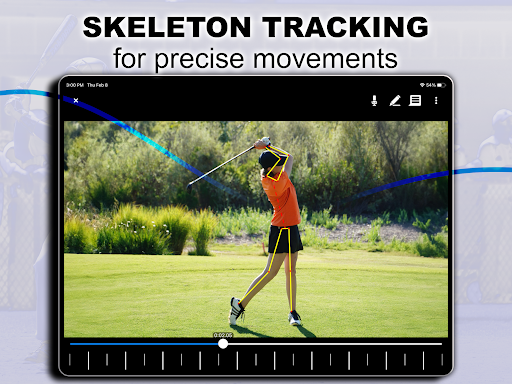
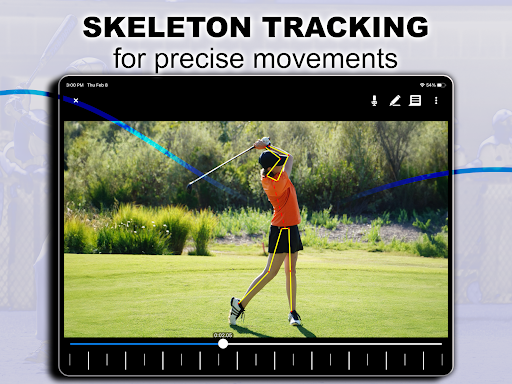
-Pose View - toggle on/off an AI generated overlay of your player's bone structure.
-Annotations - Add bookmarks throughout the video and quickly jump between key moments. Did you record an entire at-bat and want to jump between pitches? Annotations make that task super simple. You can even label each bookmark.
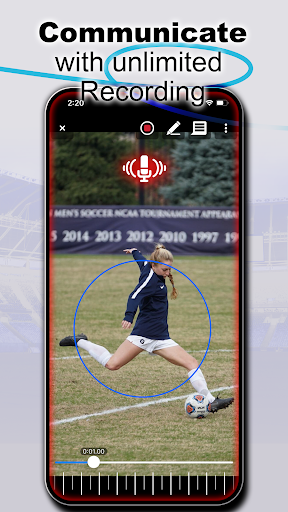
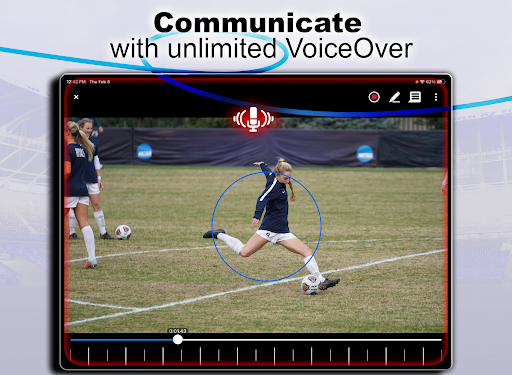
-Record feedback - record a breakdown of your athlete’s performance and share it with them easily.
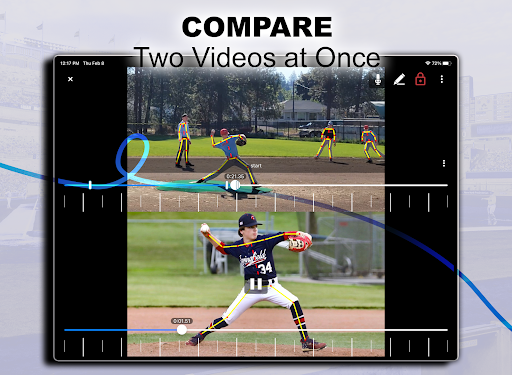
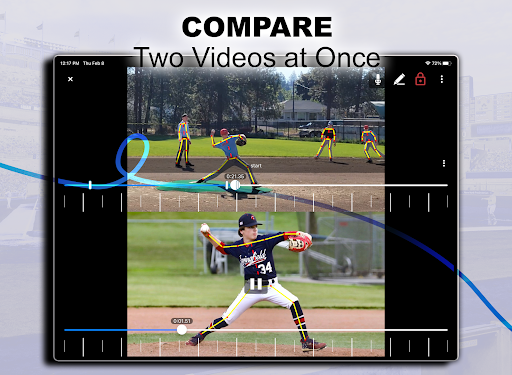
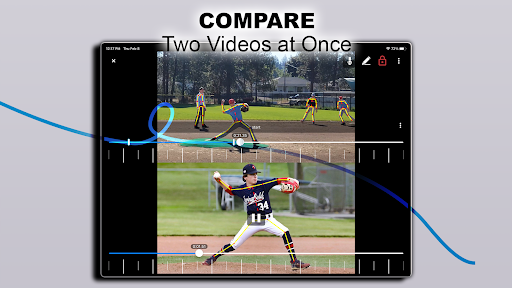
-Side by Side Video Comparison: compare your player's mechanics to a reference coach or professional player frame by frame. You pick the videos for comparison and step through them at your own pace. (Requires Pro Upgrade)
-Chromebook keyboard support. Use the arrow keys to move between frames and the +/- keys to zoom in and out.
Privacy Notice: This app collects your device’s IP address, advertising ID, and other partner specific identifiers. These identifiers enable analytics to improve our app. Opt-out or learn more by visiting our Privacy Center, accessible from the app's settings.
What's New
In-app purchases
$2.99 - $29.99 per item
Version Information
- Version
- 1.7.2
- Downloads
- 50K+
- Updated on
- Oct 24, 2025
- Released
- Sep 15, 2022
- Requires
- Android 7.0
Statistics
Google Play Rating History
Rating Distribution
Downloads Over Time
CoachView Slowmo Video Player has been downloaded times. Over the past 30 days, it averaged downloads per day.
Shaded area shows 30-day prediction based on historical trends
Historical data collection started recently. More data points will be available over time.
CoachView Slowmo Video Player users say on Google Play
 Brent Kleinheksel
I like this app, couple things that would make it better. 1) an ability to mark a spot in the video, so I want to show my kids a few things to improve, but as it is i have to watch the whole video to find the 4 or 5 things I want her to see? Seems like tagging certain frames and then showing that on the timeline would make that easy? 2) when using finger to slow mo, many times I hit the video playback marker by mistake and it can take a long time to figure out where I was in the video
 Jim Konish
Very cool, I love the automatic skeleton analysis. I'm using this to analyze my mountain biking skill execution and it's quite helpful already as is. Adding the ability to crop the length of a video would be really helpful. I'm imagining a work flow like this: 1. record new video clip using (+) button 2. return to CoachView, press a trim button and select the segment of interest. 3. use existing features to review and analyze.
 Luna Rain Yuni K. Su-Grotton
So far.. I download 10 to 15 apps at a time. As time permits I give them test runs. If they pass my first run; I push them till I'm out of ideas. If an app can take the pressure of me: I'll make a point I tell everyone. If not, I don't waste my time. The first test? You passed. You earned the 3 stars. Appreciation of your customers (which includes wanting their input) is paramount. I learn lots from dummies.... There's a lot out there. I will check when time permits...
 Glen Hill
Not sure what you changed folks, but it crashes every time I try to record now
 Jared j (byeah)
Amazing how it doesn't include such an essential feature that is smooth scrubbing. it even includes a dial for precise frame by frame seeking, BUT FREEZES THE VIDEO WHILE SCRUBBING THROUGH FRAMES! Completely worthless, Google Photos does a better job and it's one of the worst video players I've ever used. Why is no one able to figure this out?
ApkTrusted Ratings & Reviews
More from Firecracker Software LLC
See more apps








Similar Apps

Pvolve Streaming
Free

ScanMyGolfBall
Free

KAYA: THE CLIMBER’S APP
Free

TrainingPeaks
Free

CardioCast: Audio Workout App
Free

TAG Heuer Connected E5
Free

Toptracer Range
Free

LIV Golf
Free

Specialized
Free

ROUVY Companion App
Free

NCAA March Madness Live
Free

Coast To Coast AM Insider
Free

Sport Track Merger
Free

StrengthLog – Workout Tracker
Free

TrueCoach
Free

Sport Clips Haircuts Check-In
Free
Scan this QR code to download

Forwarding you to the page at Google Play market in seconds...
Open Google Play market now