
Keyboard - Android TV vVARY
FlagAppCompany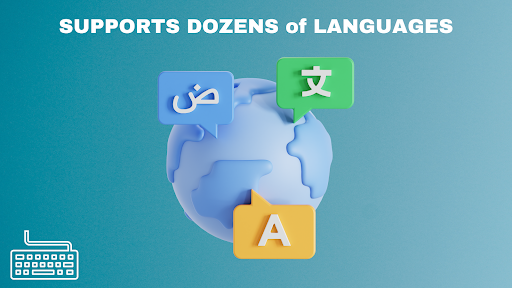




About this app
Developer Description
Multilingual Keyboard for Android TV, Fire TV ,Smart TVs, Sticks and Boxes.
Keyboard - Android TV is provides an effortless and fast keyboard experience on Android TV, Fire TV and Smart TVs.
Keyboard - Android TV Advantages:
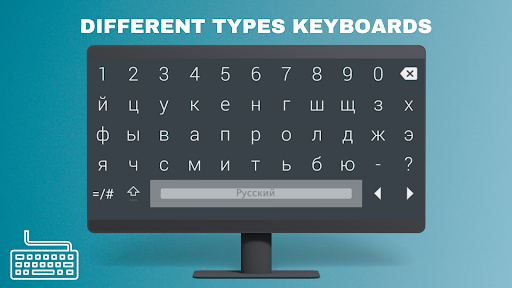
The new keyboard supports mouse, has a qwerty layout, and is web compatible (it doesn't force you to go previous/next on the page, so you log in to your services), plus it won't get in the way if you're using an external keyboard.
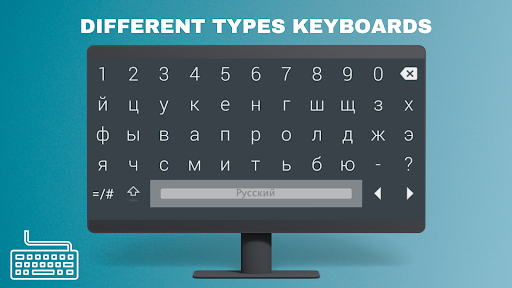
Convenient and multilingual keyboard developed primarily for Android TV and Fire TV.
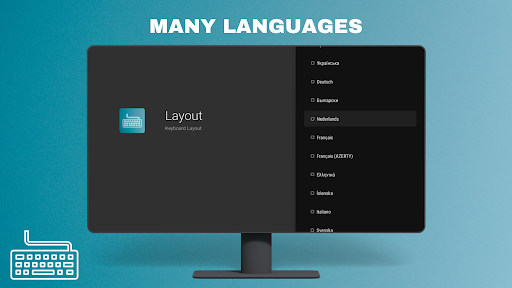
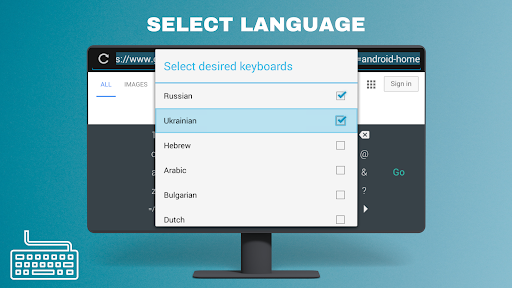
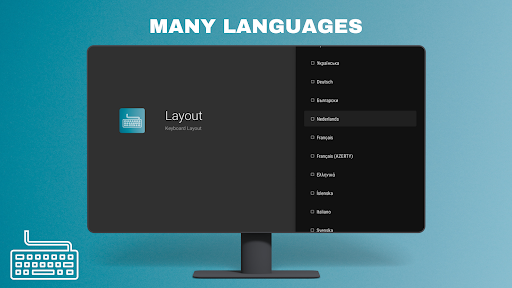
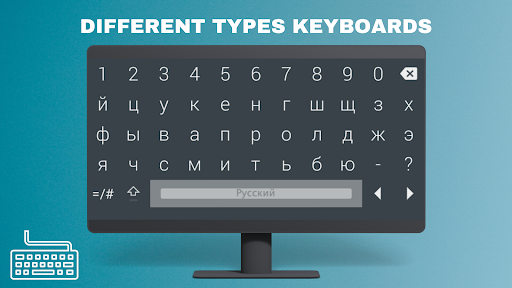
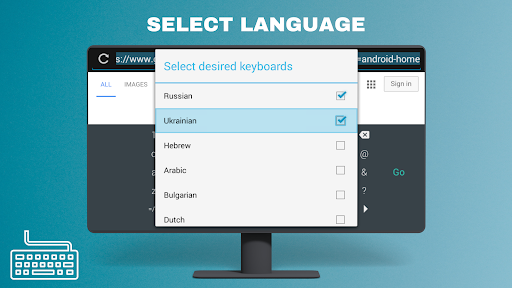
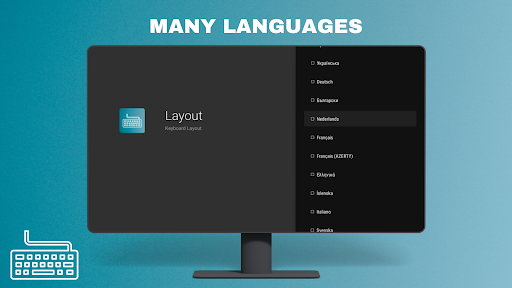
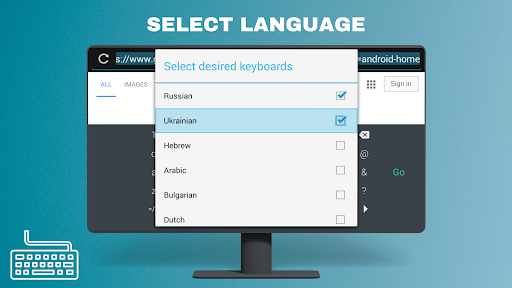
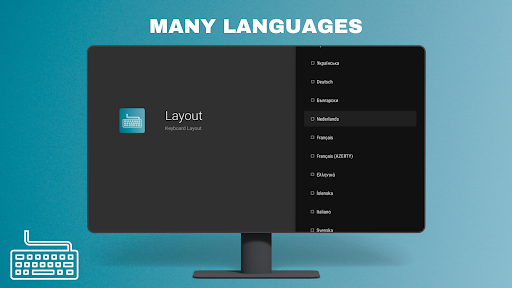
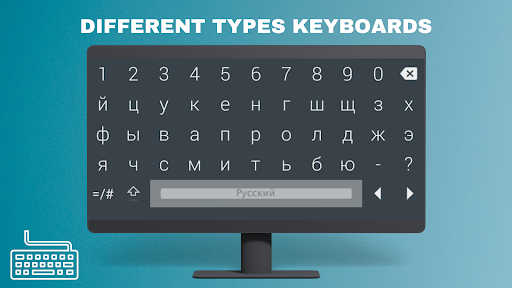
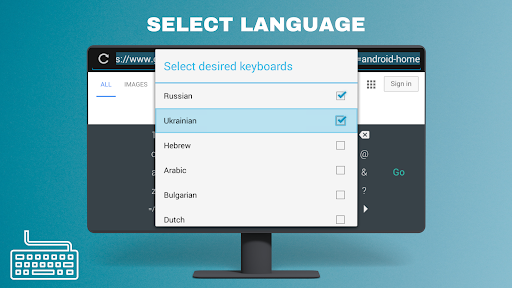
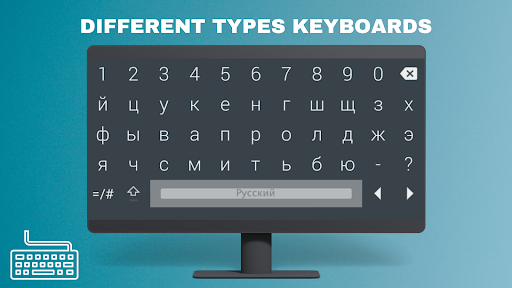
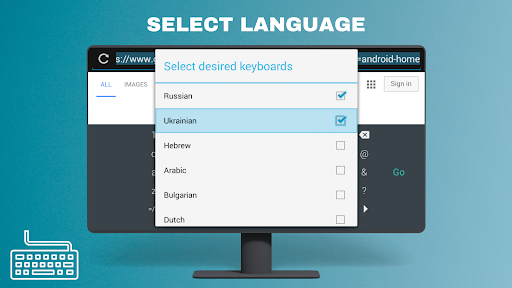
Keyboard for Android TV allows you to easily use keyboards in different languages on Android TV, Fire TV and Smart TVs.
Keyboard - Android TV, Remote Control Support and
Since it does not require root, it allows you to use the digital keyboard effortlessly on Android TV, Fire TV and Smart TVs.
Download and start using Keyboard for Android TV now for a fast and easy keyboard experience on Android TVs, Fire TVs and Smart TVs.
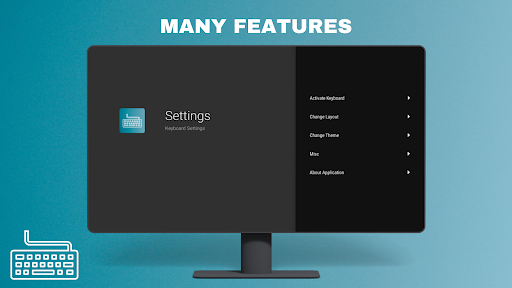
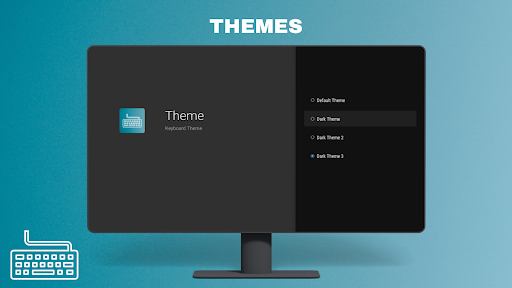
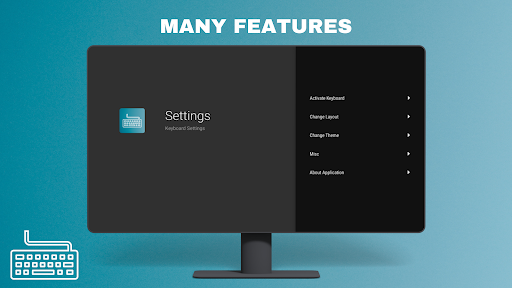
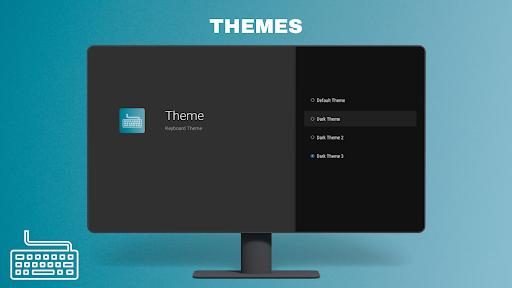
Keyboard - Android TV Features
✔Designed for TV Screens
✔Any Remote Controller Support.
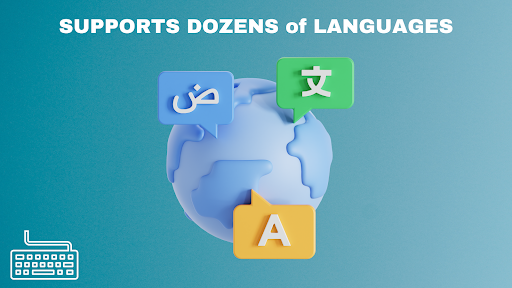
✔Supports Dozens of Languages.
✔Doesn't Depend on Google Services.
Tip: Switch to other language with language button or by long press on the space bar
Tip: Do long press on the language button to choose between available languages
Keyboard - Android TV , should work without root, as long as you can enable ADB debugging and connect to the device using adb.
Keyboard - Android TV Benefits:
-New keyboard supports mouse, has qwerty layout and is compatible with the web (doesn't force you to go prev/next on the page, so you login to your services), will also not get in the way if you are using external keyboard.
-For Fire Sticks
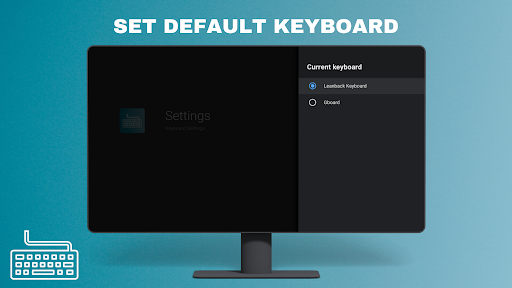
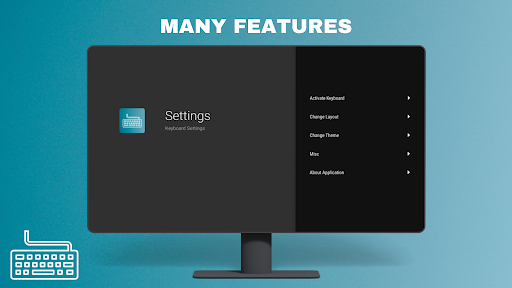
Since there are no System Settings on Fire Sticks, you can follow the method below.
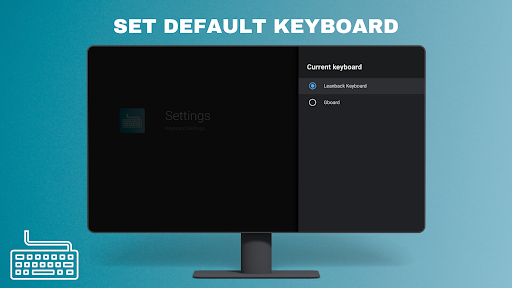
Changing keyboard
1)Open kindleFire settings, enable ADB debugging and installing apps from unknown sources
2)Note you device IP
3)Copy Keyboard apk to your device
4)Install Keyboard
5)On your computer, open command line using Minimal ADB and fastboot and enter following commands:
adb connect IP
adb shell ime enable com.fla.tvkeyboard/com.liskovsoft.leankeyboard.ime.LeanbackImeService
adb shell ime set com.fla.tvkeyboard/com.liskovsoft.leankeyboard.ime.LeanbackImeService
Source Code: Yuriy L
License: GPL-3.0 license
Source Code Link:https://github.com/yuliskov/LeanKeyboard
Version Information
- Version
- -
- Downloads
- 100+
- Updated on
- -
- Released
- Jan 9, 2024
- Requires
- Android Varies with device
Statistics
Google Play Rating History
Rating Distribution
Downloads Over Time
Keyboard - Android TV has been downloaded times. Over the past 30 days, it averaged downloads per day.
Shaded area shows 30-day prediction based on historical trends
Historical data collection started recently. More data points will be available over time.
ApkTrusted Ratings & Reviews
More from FlagAppCompany
See more apps
Notepad for Android TV
Paid

Simple Alarm Clock - Alarm
Free

Internet Browser - Android TV
Paid

Download Manager - Android TV
Paid

Xiaomi Mi TV Internet Browser
Paid

Easy Notes - Notepad
Free

Screensaver - Android TV
Free

TV Launcher - Android TV
Paid

Step Counter - Pedometer
Free

Video Player for Android TV
Paid

USB Driver - DVB-T Driver
Paid

Weather - Android TV
Paid

WiFi Analyzer Pro
Free

WiFi Analyzer - Android TV
Paid

Web Browser - Android TV
Paid

Internet Speed Test
Free
Similar Apps

Eye Break Reminder
Paid
Live Transcribe & Notification
Free

Hi Translate - Chat translator
Free

ADW Launcher 2
Free
Typewise Custom Keyboard
Free
Alphabet & Number for Nursery
Free

Sleep Tracker basic
Paid
Frozen Keyboard - Myanmar
Free
Microsoft SwiftKey AI Keyboard
Free

CleverType AI Keyboard
Free

Arabic Unlocked Learn Arabic
Free
Gaminik: Auto Screen Translate
Free

Quikshort: Shortcut Creator
Free

Mega TV Remote Control & Cast
Paid

OrderBoard Display
Paid
Mint Keyboard:Fonts,Emojis
Free
Scan this QR code to download

Forwarding you to the page at Google Play market in seconds...
Open Google Play market now