
Song Engineer v32.1
GyokovSolutions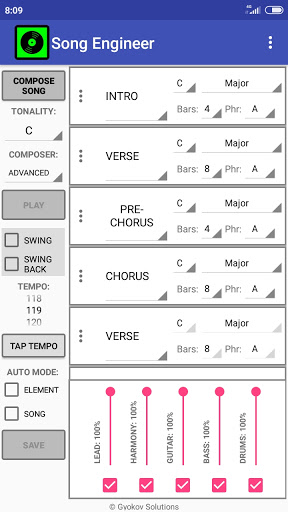
About this app
Developer Description
Song Engineer is an app for songs algorithmic auto-composition.
Hear some sample songs - https://gyokovsolutions.com/music-albums
Listen to albums with demo songs
Thirteen Ghosts Of Cyber Past - https://youtu.be/6DoSPXTWjT8
Song Engineer - https://youtu.be/oWYQPvaaAYI
Seven modes - https://youtu.be/48vKyRcxWBU
Song production instructional video - https://youtu.be/xlxs6UzRPMI
This is the full version of Song Engineer Lite - https://play.google.com/store/apps/details?id=com.gyokovsolutions.songengineerlite
Full version app features:
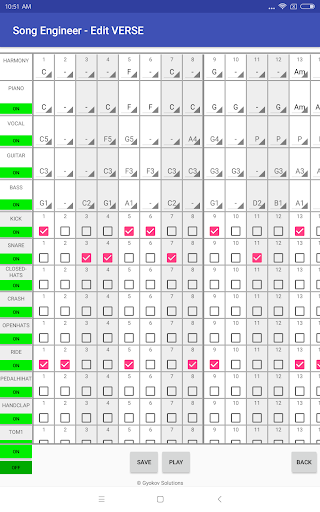
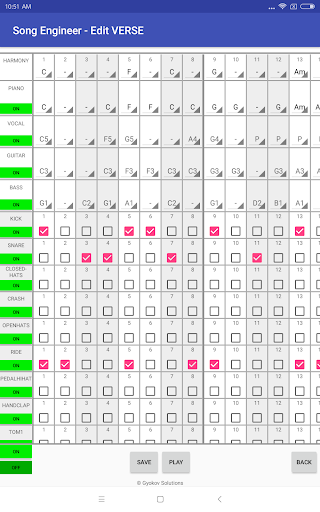
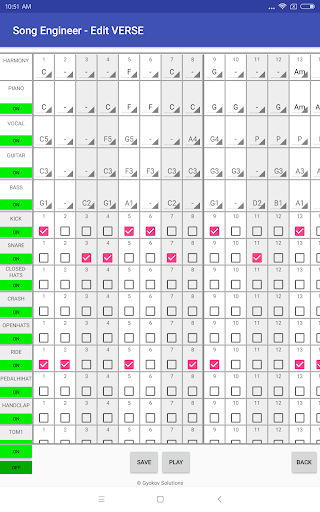
- edit instrument notes and drums
- additional lead guitar instrument
- select song tonality
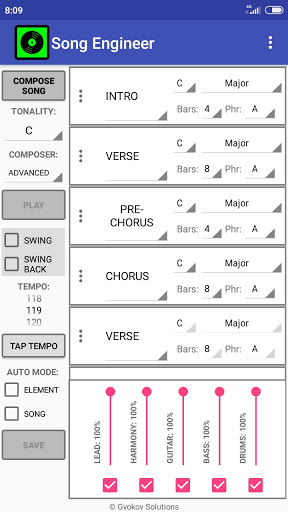
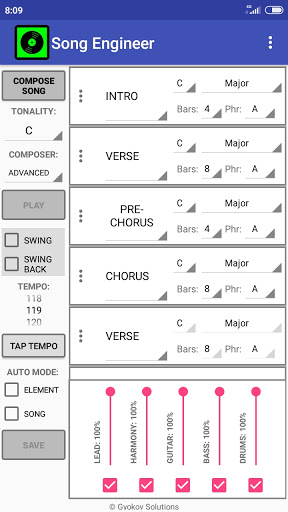
- use different song sections (Intro, Verse, Pre-Chorus, Chorus, Bridge, Outro and 4 additional sections)
- change song section length
- rearrange song sections
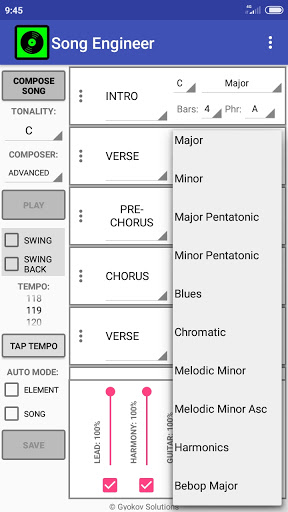
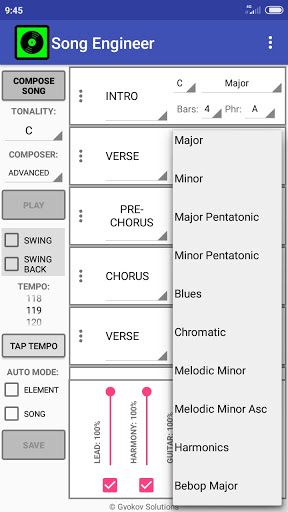
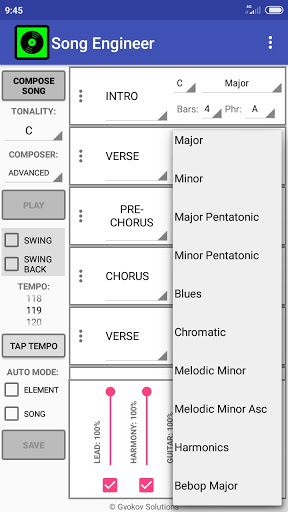
- change song elements root and scale type (major, minor, pentatonic, blues, chromatic etc...)
- recompose section
- recompose instrument in section
- change instruments used in midi
- save song as midi and xml file
- open saved song from xml file
- control composing parameters(melody phrasing, harmony rhythm, song sections preferred note lengths)
- swing mode
- lyrics writing - the app selects suitable words in order to match the melody accent to lyrics accent to achieve prosody and lyrics to fit comfortably the melody.
How to use:
1. Select song tonality using TONALITY menu.
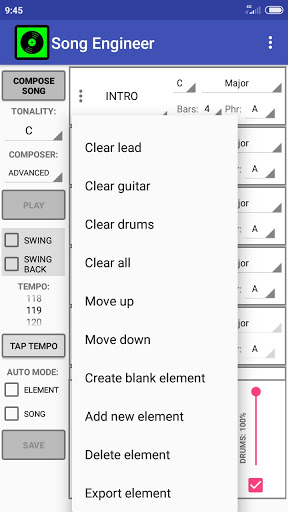
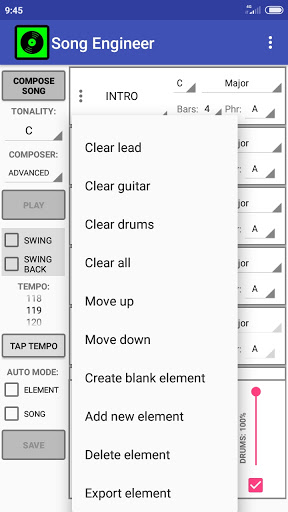
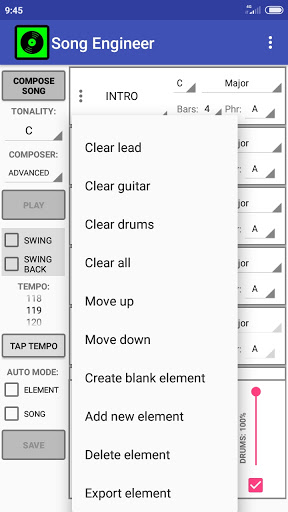
2. Optionally you can change song structure using the three dots button on the left side of every song element. You can change element types, add new elements or rearrange them.
3. You can change the elements (Verse, Chorus etc...) scale root and type(major, minor etc...), length (in bars). Only the first occurrence of every element has the controls unlocked. When you change some property then all elements of the same type will change their values accordingly.
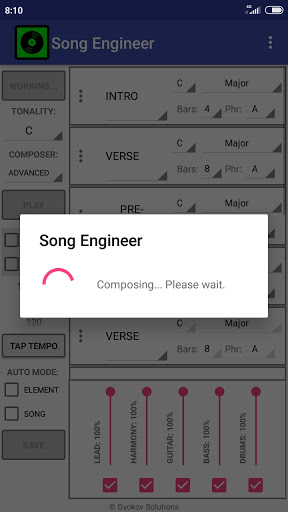
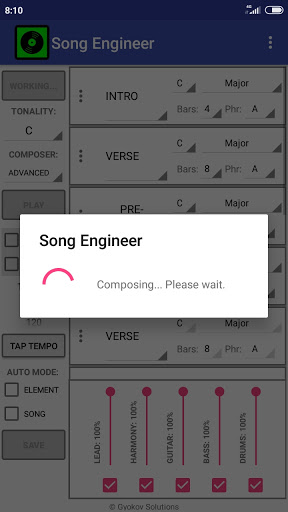
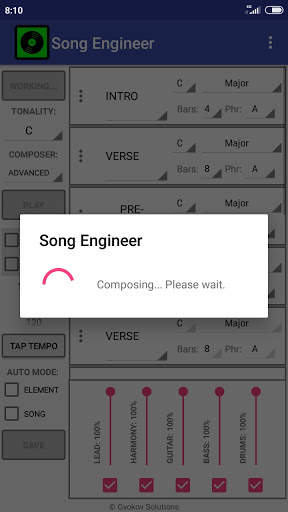
4. Press COMPOSE
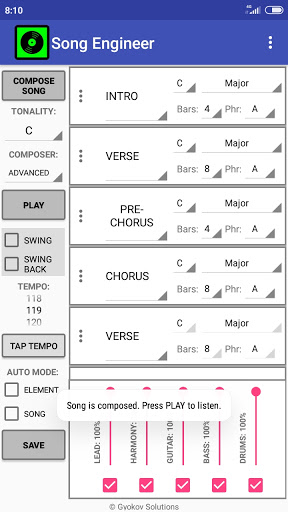
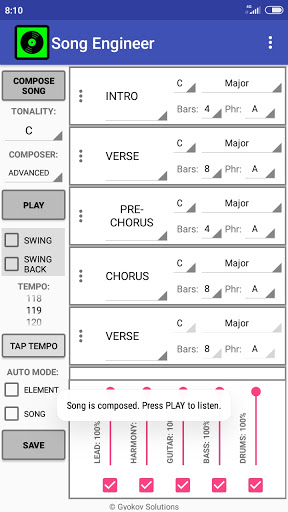
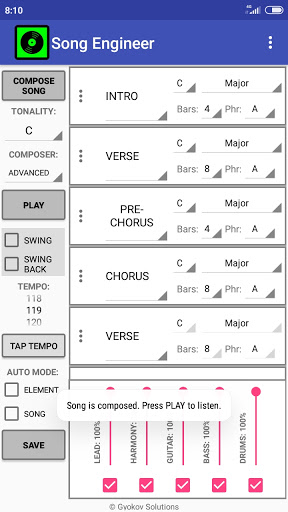
5. The song is composed. 5 instruments are used - lead(vocal), guitar, bass, harmony(piano) and drums.
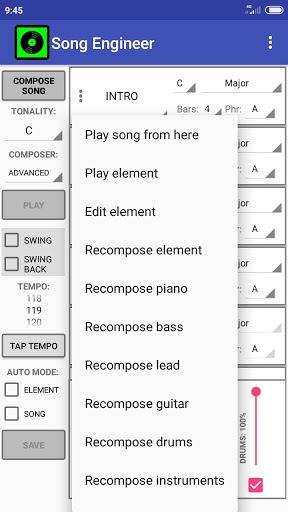
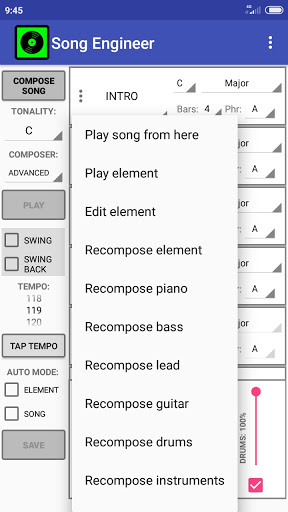
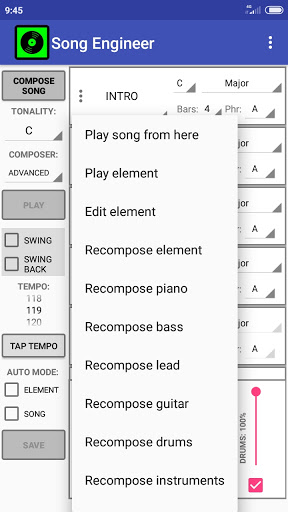
6. Press PLAY to listen to the song. You can change song tempo. Also you can hear every element and recompose it using the three dots button on the left side of each element.
7. You can edit instrument notes and drums by selecting Element Menu - Edit element.
8. Press SAVE to save the song in midi format. Song is saved in [sdcard]/SongEngineer folder. In settings you can change instruments type used in midi file. The midi file can be used for song enhancement and production using any DAW software.
Song Engineer manual - https://gyokovsolutions.com/song-engineer-manual
What's New
Sample songs - http://www.gyokovsolutions.com/SongEngineer.html
Albums with demo songs - https://gyokovsolutions.com/music-albums/
Song production video - https://youtu.be/xlxs6UzRPMI
v32.1
- improved loading in edit mode
v31.0
- added song and element length information
v30.9
- humanize midi export for guitar and harmony
v29.6
- additional scales
v29.4
- export additional midi track with guitar chords
v28.1
- export harmony as guitar chords
Version Information
- Version
- 32.1
- Downloads
- 10K+
- Updated on
- Dec 2, 2025
- Released
- Feb 2, 2019
- Requires
- Android 6.0
Statistics
Google Play Rating History
Rating Distribution
Downloads Over Time
Song Engineer has been downloaded times. Over the past 30 days, it averaged downloads per day.
Shaded area shows 30-day prediction based on historical trends
Historical data collection started recently. More data points will be available over time.
Song Engineer users say on Google Play
 A Google user
Easy Midi Music Generator! Intuitive & Inspiring. Full midi file export with Melody and percussion that is simple to import into a DAW. I use an arpeggiator and kicks on Ableton, so it almost sounds like EDM! Great for times when creativity runs a little dry. Best app of this kind on the play store!
A Google user
As a long time musician I am very happy to have discovered these amazing music apps created by you guys and am going to be keenly awaiting how you develop it further... I have bought a number of them and would like to see them be able to integrate with each other by loading in files from one another, like bass lines, chords drums etc from the different engineer range. I would also love to see a drop down to give the ability to add intervals to chords in order to create other harmony chords like 7ths, 9ths, augmented etc to make songs more interesting and to follow the drum patterns. These apps are absolutely great, really different and really useful, please keep up the excellent work as I feel these apps are going to be mega popular! would be a no brainer 5 stars if a few of my suggestions are incorporated. :)
A Google user
dear developer, add presets for genres and more drum variations to get a five star rating.
ApkTrusted Ratings & Reviews
More from GyokovSolutions
See more apps
G-NetWiFi
Free

Morse Code Engineer
Free

G-NetTrack Lite
Free

G-NetTrack Pro
Paid

Melody Engineer
Paid
Drums Engineer
Paid

GIF Engineer
Free

G-NetReport Pro
Paid

G-NetLook Pro
Paid

GIF Engineer Pro
Paid

G-NetView Pro
Paid
Bass Engineer
Paid

G-NetWiFi Pro
Paid

BLE MIDI Engineer Lite
Free

BLE MIDI Engineer
Paid
Morse Code Engineer Lite
Free
Scan this QR code to download

Forwarding you to the page at Google Play market in seconds...
Open Google Play market now