
Stroboscope Engineer v11.6
GyokovSolutions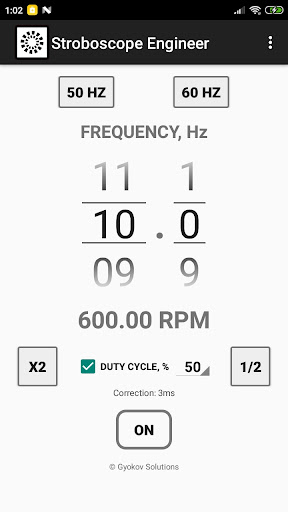






About this app
Developer Description
Stroboscope app for measuring rotation, vibration, oscillaton or reciprocation
It is most commonly used for:
- adjusting speed of rotation - for example adjusting speed of rotation of turntable
- adjusting frequency of vibration
How to use:
1. Start app
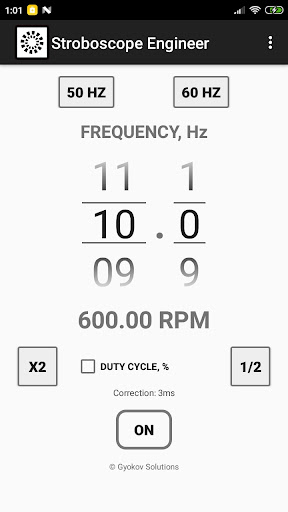
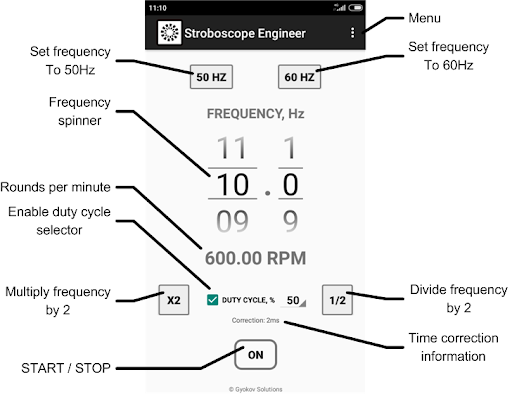
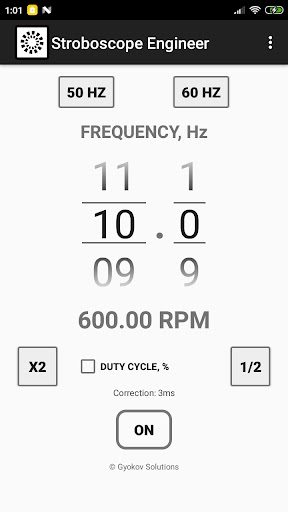
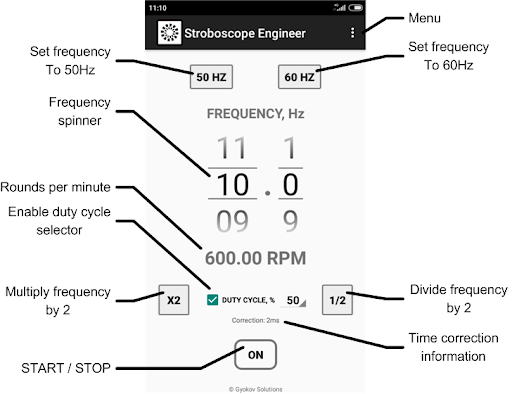
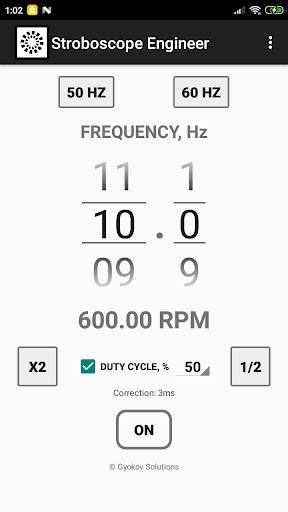
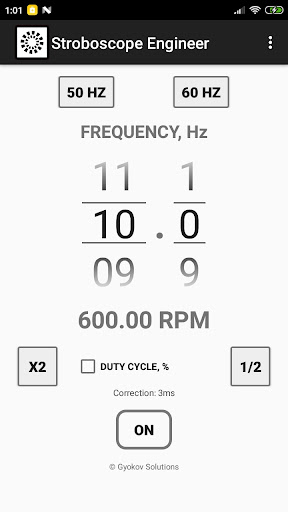
2. Set frequency of strobe light (in Hz) using number pickers
3. Press ON/OFF button to start the strobe light
- use button [x2] to double the frequency
- use button [1/2] to halve the frequency
- use button [50 Hz] to set frequency to 50 Hz. This is for turntable speed adjustment.
- use button [60 Hz] to set frequency to 60 Hz. This is also for turntable adjustment.
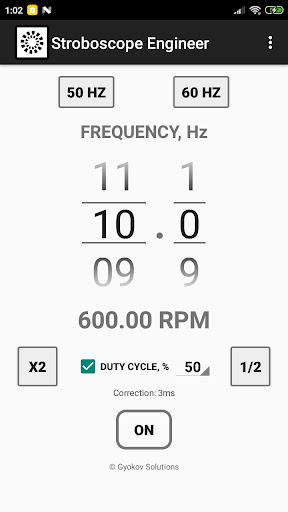
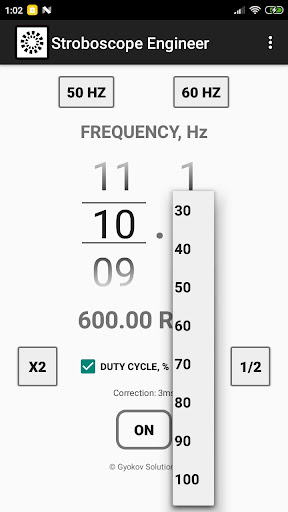
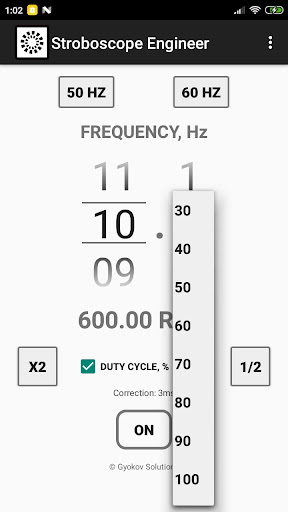
- activate duty cycle by checking [DUTY CYCLE] check box and adjust duty cycle in percentage. Duty cycle is the percentage of time per cycle when the flash light is on.
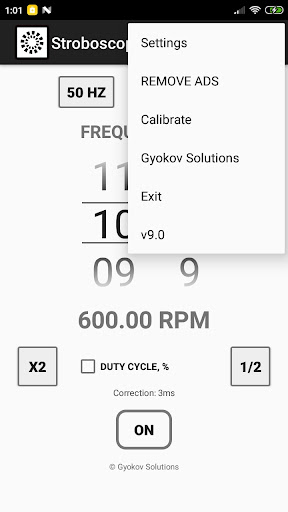
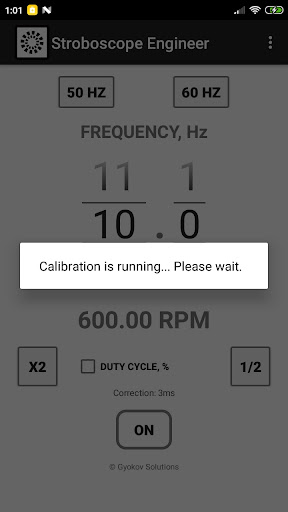
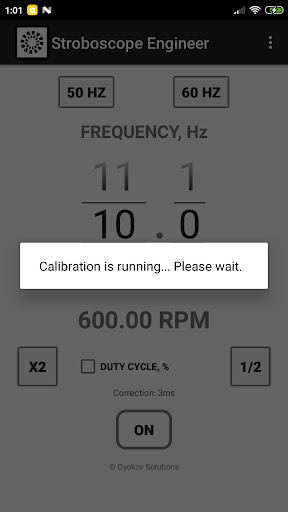
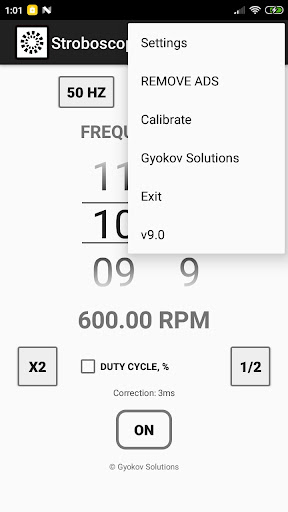
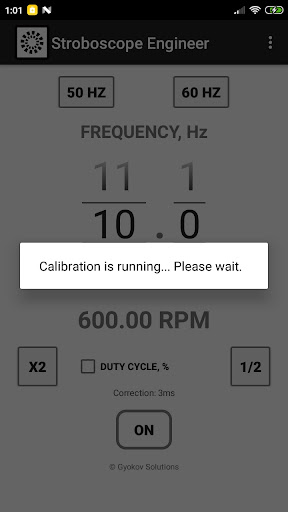
- optionally you can calibrate the app by starting calibration from MENU - Calibrate. It is good to do calibration when frequency is changed. You can also set correction time manually in Settings.
Accuracy of the stroboscope depends on latency of your device flash light.
Optical tachometer can be used by starting it from MENU - TACHOMETER.
It analyzes moving objects and determines frequency in Hz and RPM.
How to use:
- point the camera to the object and press START
- hold steady for 5 seconds
- result is shown in Hz and RPM
You can save images captured during measurement by clicking on disk icon. At the end of measurement a message will be shown with information how many images were saved. Images are saved in folder Pictures/Stroboscope. The name of the images ends with information how many milliseconds they were taken relative to first picture. You can use this information to determine the object RPM by calculating time between similar images.
Minimum and maximum frequency can be set in SETTINGS - TACHOMETER. Increasing minimum frequency will reduce time needed for measurement. Maximum frequency is 30Hz (1800 RPM). Reducing maximum frequency will improve time needed for processing during measurement.
What's New
v11.6
- Android 15 ready
v11.5
- Added optical tachometer. Use it from MENU - TACHOMETER. The app analyzes moving object and determines frequency in Hz and RPM.
How to use:
- point the camera to the object and press START
- hold steady for 5 seconds
- result is shown in Hz and RPM
v10.8
- add up to 5 buttons for fast setting of favorite frequencies or RPM
- alternative strobe method in Settings - Use alternative strobe method
Version Information
- Version
- 11.6
- Downloads
- 10K+
- Updated on
- Sep 20, 2025
- Released
- Oct 23, 2021
- Requires
- Android 7.0
Statistics
Google Play Rating History
Rating Distribution
Downloads Over Time
Stroboscope Engineer has been downloaded times. Over the past 30 days, it averaged downloads per day.
Shaded area shows 30-day prediction based on historical trends
Historical data collection started recently. More data points will be available over time.
Stroboscope Engineer users say on Google Play
 Zipra
Zipra
Impressively accurate strobe light compared to other apps. Perfect to measure electric motor rpm. The only app I've found that can actually measure rpm.
 Jon Ciliberto
Hello. Do u know the right setting to calibrate a turntable? Is it possible?
 IG G
IG G
Nice idea and UI, but I doubt accuracy a lot. It flashed 42 times in a minute, when I set it to 1Hz
 stephen crowningshield
Stobe seems to fash randomly
 James Adams
Trash. Light doesn't stay on or goes full on when using it. I installed it and shortly uninstalled it.
ApkTrusted Ratings & Reviews
More from GyokovSolutions
See more apps
G-NetWiFi
Free

Morse Code Engineer
Free

G-NetTrack Lite
Free

G-NetTrack Pro
Paid

Melody Engineer
Paid

Drums Engineer
Paid

GIF Engineer
Free

G-NetReport Pro
Paid

G-NetLook Pro
Paid

GIF Engineer Pro
Paid

G-NetView Pro
Paid
Bass Engineer
Paid
G-NetWiFi Pro
Paid

BLE MIDI Engineer Lite
Free

BLE MIDI Engineer
Paid

Morse Code Engineer Lite
Free
Scan this QR code to download

Forwarding you to the page at Google Play market in seconds...
Open Google Play market now