Tachometer Engineer vVARY
GyokovSolutions









About this app
Developer Description
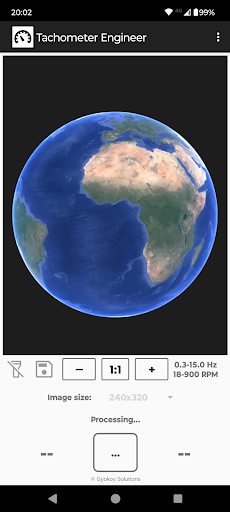
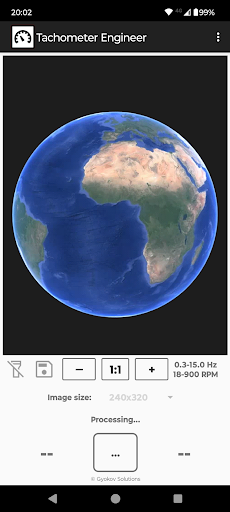
Tachometer engineer measures speed of moving object in Hz and RPM using camera
- Hz (Hertz - number of cycles per second)
- RPM (revolutions per minute)
Frequency can be determined
- automatically - by the app
- manually - by comparing captured images during measurement and selecting two similar images
How to use:
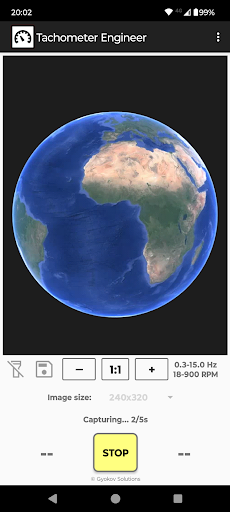
- point the camera to the object and press START
- hold steady for 5 seconds
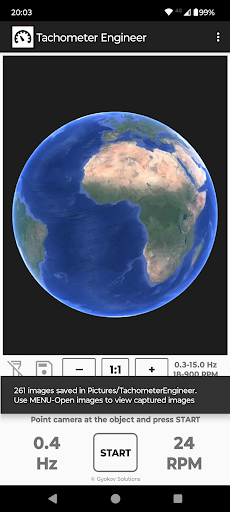
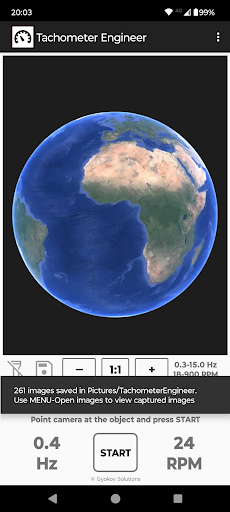
- result is shown in Hz and RPM
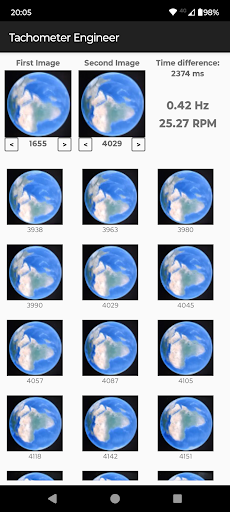
- if needed open Menu - Open images and manually determine exact frequency and RPM by selecting two similar images from captured images. The app will calculate time difference between them and determine frequency in Hz and RPM.
You can also use images captured during measurement to determine better speed of an object. Usual frame rate is 60 frames per second.
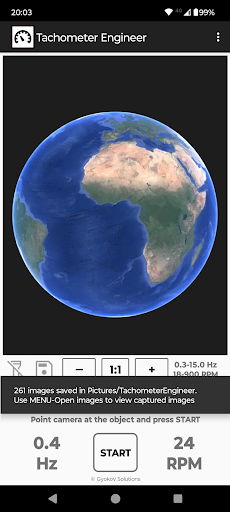
To activate image saving click on disk icon. Then select image resolution. If your phone can not handle this resolution choose smaller resolution. At the end of measurement a message will be shown with information how many images were saved. Images are saved in folder Pictures/TachometerEngineer. The name of the images contains information how many milliseconds they were taken relative to first picture.
To calculate exact frequency and RPM open captured images by selecting MENU - Open images. Select measurement folder. The app shows all images for selected measurement. Select two similar images by long clicking on them and selecting image as first or second image. Then the app calculates time difference between them and exact frequency and RPM.
Minimum and maximum frequency can be set in SETTINGS - TACHOMETER. Increasing minimum frequency will reduce time needed for measurement. Maximum frequency is 30Hz (1800 RPM). Increasing maximum frequency will reduce time needed for processing during measurement.
Version Information
- Version
- -
- Downloads
- 1K+
- Updated on
- -
- Released
- May 4, 2025
- Requires
- Android Varies with device
Statistics
Google Play Rating History
Rating Distribution
Downloads Over Time
Tachometer Engineer has been downloaded times. Over the past 30 days, it averaged downloads per day.
Shaded area shows 30-day prediction based on historical trends
Historical data collection started recently. More data points will be available over time.
Tachometer Engineer users say on Google Play
 Alek Aki
haven't tried it! gonna look good :)
 Pradnyesh Prabhu
Shows 900 rpm of stationary table
ApkTrusted Ratings & Reviews
More from GyokovSolutions
See more apps
Morse Code Engineer
Free

G-NetTrack Lite
Free

G-NetTrack Pro
Paid

GIF Engineer
Free
Bass Engineer
Free

GIF Engineer Pro
Free

G-NetLook Pro
Free

G-NetReport Pro
Free

Drums Engineer
Free

BLE MIDI Engineer Lite
Free

G-NetView Pro
Free

G-NetWiFi
Free
G-NetWiFi Pro
Free

Melody Engineer
Free

BLE MIDI Engineer
Free

Morse Code Engineer Lite
Free
Scan this QR code to download

Forwarding you to the page at Google Play market in seconds...
Open Google Play market now