
Boot Animations for Superuser v3.3.0(31204)
Maple Media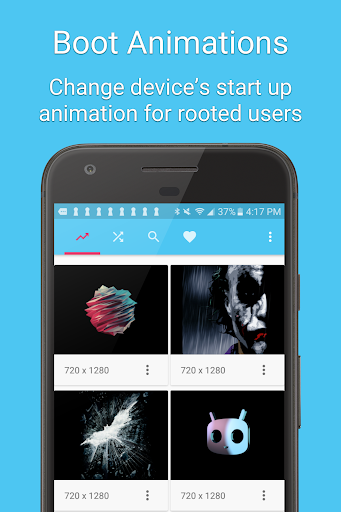
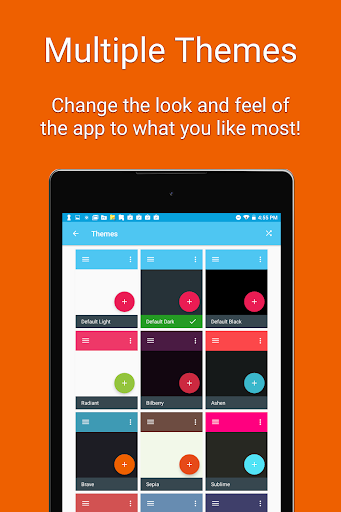
About this app
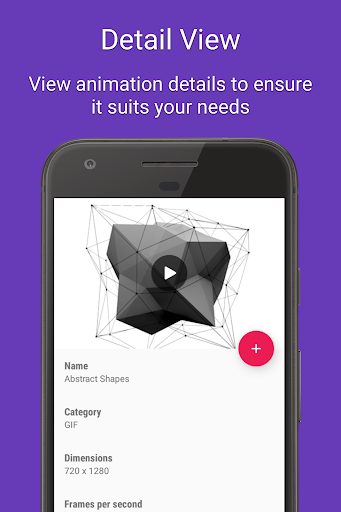
The Boot Animations for Superuser app solves the problem of limited customization options for rooted Android devices by providing a wide range of custom boot animations, which will primarily benefit tech-savvy users looking to personalize their devices. Compared to other tools in the category, this app stands out due to its vast collection of animations and ease of use. However, its mixed user rating and presence of ads may deter some potential users. The app's ability to function without requiring any permissions is a significant advantage, setting it apart from similar apps that often demand extensive access to device data.
Pros
- With over 1 million downloads, the app has demonstrated its popularity and social proof, indicating a high level of user trust and satisfaction with its performance and features.
- The app's developer, Maple Media, has a professional website and contact email, suggesting a commitment to supporting their products and addressing user concerns.
- The absence of any permission requests is a significant advantage, as it alleviates concerns about data privacy and security, making it an attractive option for users cautious about app permissions.
- The app offers in-app purchases, allowing users to access additional content without being forced into a subscription model, providing flexibility in customization options.
- Regular updates, as indicated by the version history, show that the developer is actively maintaining and improving the app, which is crucial for an app that requires compatibility with various rooted devices.
Cons
- The mixed user rating of 3.2 out of 5 suggests that some users have had negative experiences, possibly due to issues with the app's functionality, the quality of the animations, or the impact of ads on the user experience.
- The presence of ads in a tool that is primarily used for customization might be seen as intrusive and detract from the overall user experience, especially for those seeking a seamless and ad-free environment.
- The app's requirement for a rooted device limits its accessibility to a broader audience, as not all users are comfortable with or have the knowledge to root their devices, potentially excluding a significant user base.
- Some users might find the in-app purchase model, with prices ranging from $0.99 to $4.99 per item, to be somewhat expensive, especially if they are looking to access a large number of animations.
Best for: The ideal user for the Boot Animations for Superuser app is a tech-savvy individual, likely between the ages of 18 and 40, who has a rooted Android device and is looking for advanced customization options to personalize their mobile experience, possessing a moderate to high level of technical skill to navigate the rooting process and app installation.
Developer Description
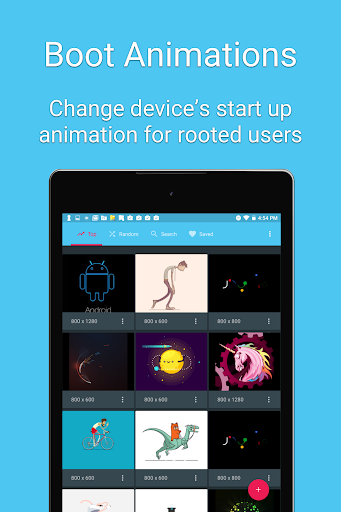
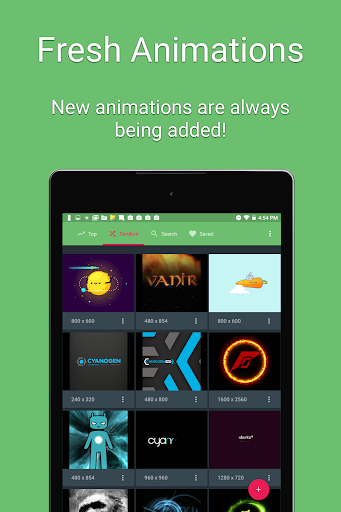
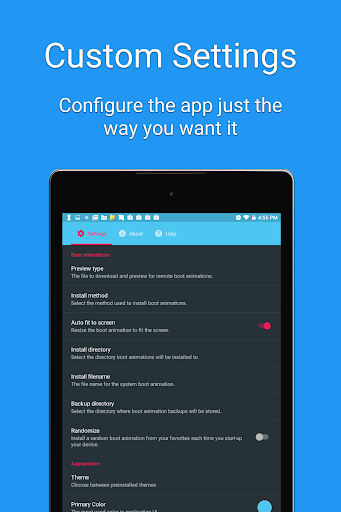
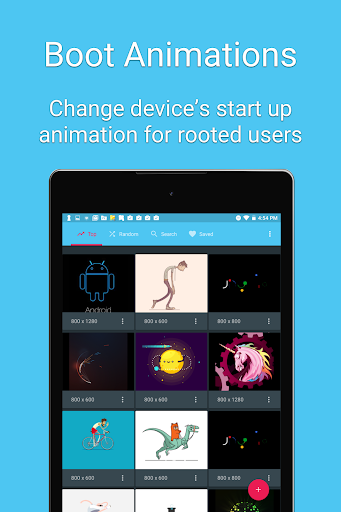
Install custom boot animations (loading animation) on your rooted Android device
Features:
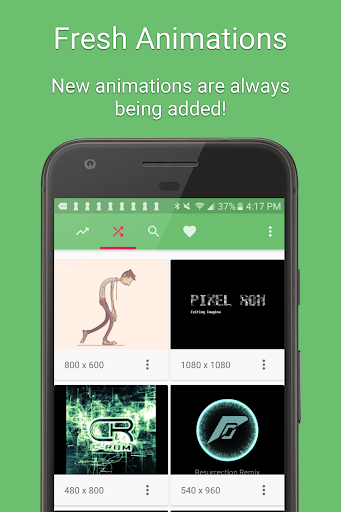
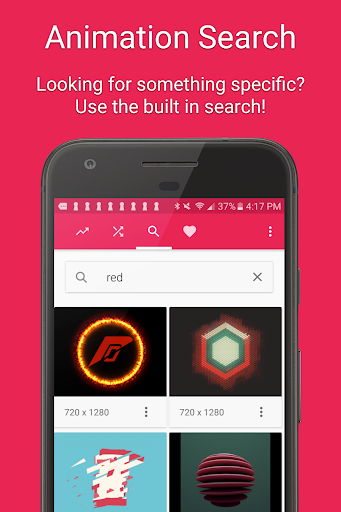
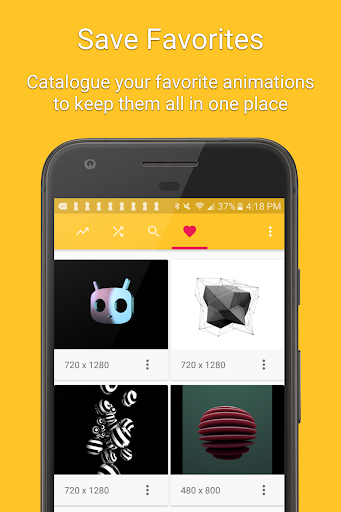
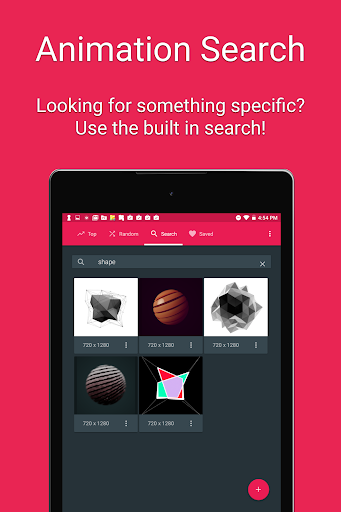
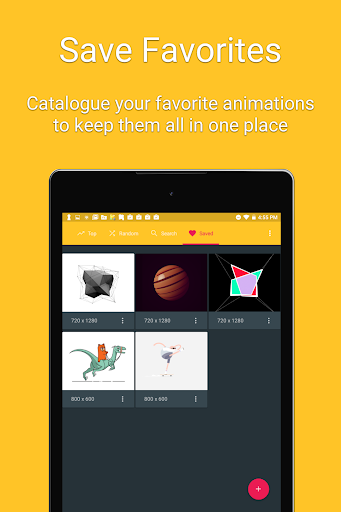
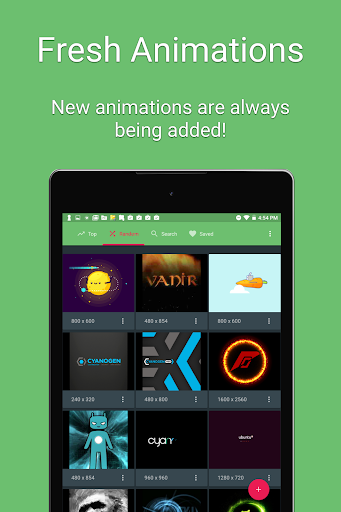
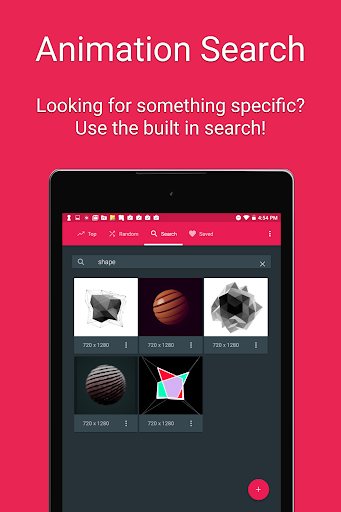
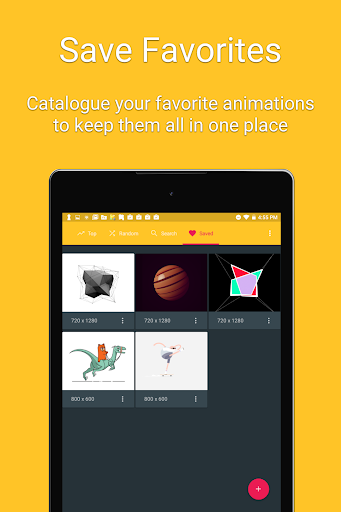
• Hundreds of beautiful boot animations for superusers 🌈.
• Install boot animations from your SD card.
• Convert an animated GIF to a boot animation.
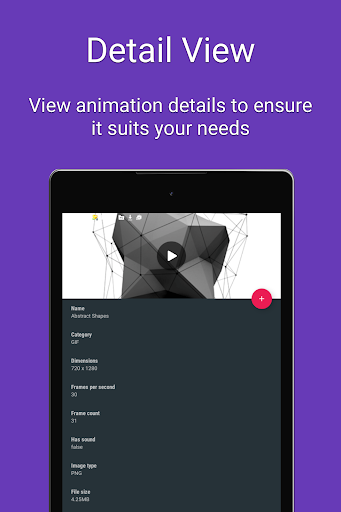
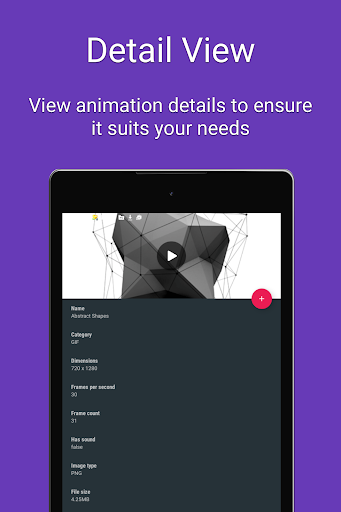
• High-quality boot animation previews.
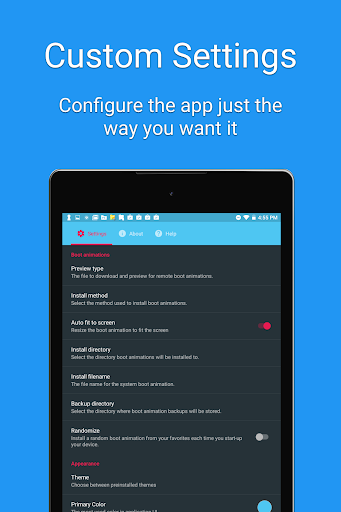
• Auto install a new boot animation each time your device starts up.
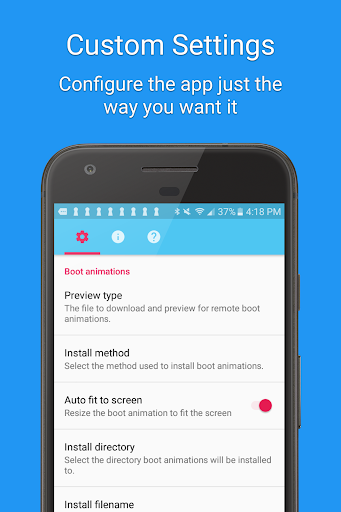
• Modify boot animations (custom dimensions, background color, frame rate).
• Compatible with the CyanogenMod Theme Engine.
** PLEASE NOTE: SAMSUNG IS NOT COMPATIBLE WITH THIS APP
Frequently Asked Questions:
Q: Is my device supported?
A: Your device must be rooted to install a boot animation. Some manufacturers use a different boot animation format (QMG) which is not compatible with this app. You do not need root access if you are running a ROM with the CyanogenMod theme engine.
Q: The boot animation doesn’t play. How can I fix this?
A: Some Android devices use different install locations. You should find your current boot animation location and change it in the app’s preferences.
Q: How do I restore my original boot animation?
A: The app will backup boot animations by default. If you want to restore your original boot animation, click on the “Backups” menu item, select your animation, and click “Restore”. Before installing a boot animation you should backup your ROM in recovery.
Disclaimer:
Installing a boot animation has the potential to soft-brick your device. Please backup your system partition using a custom recovery before using the app.
Support Email: contact@maplemedia.io
Privacy
Given that the app does not request any permissions, the risk of data collection for malicious purposes is significantly minimized. However, users should still be cautious when downloading and installing apps from external sources, ensuring they are from trusted developers like Maple Media. It's also advisable to review the terms of service and privacy policy, if available, to understand any potential data collection related to in-app purchases or ads.
Tips
To get the most out of the Boot Animations for Superuser app, users should first ensure their device is properly rooted and compatible with the app. They should also explore the various animation options carefully to find the ones that best suit their preferences, and consider purchasing additional animations to support the developer and access more content. Regularly checking for updates can also help in accessing new features and animations as they become available.
What's New
- Bug fixes and performance enhancements
In-app purchases
$0.99 - $4.99 per item
Version Information
- Version
- 3.3.0(31204)
- Downloads
- 1M+
- Updated on
- Aug 7, 2023
- Released
- Aug 7, 2012
- Requires
- Android 5.0
Statistics
Google Play Rating History
Rating Distribution
Downloads Over Time
Boot Animations for Superuser has been downloaded times. Over the past 30 days, it averaged downloads per day.
Shaded area shows 30-day prediction based on historical trends
Historical data collection started recently. More data points will be available over time.
Boot Animations for Superuser users say on Google Play
 --
--
Some of these people clearly don't realize this application was for earlier Android phones. I used to use it all the time. Go do your research before you get your panties in a twist over something you clearly don't understand.
 Dion Odessy Padua
This WAS a great app i used in the past years. Thought id give it a go with the newer android version, it dont work anymore. Sadly the devs gave up updating the app. But hey, it was worth the shot.
 Matthew Bergeron
Doesn't seem to have any 1440×2960 for Samsung S9
 Boffy
Boffy
each time when i try to install a bootanimation on my android 11 phone (custom rom), it says an error occured 🙁
 Yash
Yash
Useless app: 1)Not changing the animation??, 2)Error loading(with established network connection)???, 3)Can't change anything but showing the previous one(animation) If I can give no rating for this app I will be happy. But just want to review. Worst application.
ApkTrusted Ratings & Reviews
More from Maple Media
See more apps
ROM Installer
Free
Wind Compass
Free

Spider Solitaire Classic
Free

Blackjack 21
Free

FreeCell Solitaire Classic
Free

BusyBox for Android
Free
Pyramid Solitaire 3 in 1
Free

Solitaire Klondike classic.
Free

ROM Toolbox Lite
Free

Calorie Counter App: Fooducate
Free

Super Simple Shopping List
Free

Pic Stitch: Collage Maker
Free

ROM Toolbox Pro
Paid

Podkicker Podcast Player
Free

Root Browser
Free

Root Browser Classic
Free
Similar Apps

Ares Dark Icon Pack
Paid

Sesame Search & Shortcuts
Free

TAP Kiln Control Mobile
Free

ADW Launcher 2
Free

AIO Launcher
Free

Nova Launcher
Free

Castro Premium - system info
Paid

Default Apps Pro
Paid

Pie Launcher version 2026
Free
UserLAnd - Linux on Android
Free

Ares Light: Pastel Icon Pack
Paid

Quikshort: Shortcut Creator
Free

House Design : AI Home Design
Paid
Hermit — Lite Apps Browser
Free

Intellifi by Adtran®
Free

Cloaked: Protect your privacy
Free
Scan this QR code to download

Forwarding you to the page at Google Play market in seconds...
Open Google Play market now