Simple Scan - PDF Scanner App v5.1.6
Easy inc.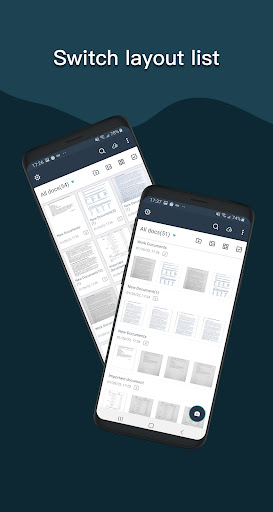

About this app
The Simple Scan - PDF Scanner App effectively solves the problem of digitizing physical documents, benefiting individuals and businesses alike who require a reliable scanning solution. With its high user rating and substantial download count, it stands out as a top-tier app in the Business category, offering a robust feature set that compares favorably to alternatives. However, its reliance on ads and in-app purchases may detract from the user experience for some. The app's offline capability and lack of permissions requests are notable advantages.
Pros
- The app boasts an impressive 4.7/5 user rating, indicating a high level of satisfaction among its vast user base of over 10 million downloads, which is a strong testament to its quality and effectiveness.
- The Simple Scan app offers a professional-grade PDF scanning experience, complete with features like sending faxes and sharing links, making it a valuable tool for both personal and professional use.
- The developer, Easy inc., has established a reputation for delivering a high-quality app, as evidenced by the excellent user rating and the absence of any significant permissions requests, which enhances trust and security.
- The app's ability to function offline is a significant advantage, allowing users to scan and manage documents without the need for an internet connection, which is particularly useful in areas with unreliable internet access.
- Regular updates, as indicated by the recent version 5.1.6 release, suggest that the developer is committed to maintaining and improving the app, which is crucial for ensuring compatibility and security.
Cons
- The presence of ads may be intrusive for some users, potentially disrupting the workflow and diminishing the overall user experience, especially in a business context where focus and efficiency are paramount.
- The in-app purchase model, with prices ranging from $0.99 to $89.99 per item, could be seen as aggressive or expensive for some users, particularly if essential features are locked behind paywalls, which might limit the app's accessibility.
- Despite the app's excellent rating, some users may find the interface or feature set lacking compared to more specialized or premium scanning solutions, which could be a drawback for advanced users or those with specific needs.
- The absence of detailed information about data collection and privacy policies on the developer's website or within the app itself might raise concerns among privacy-conscious users, who may prefer more transparency regarding how their data is handled.
Best for: The ideal user for the Simple Scan - PDF Scanner App is a professional or individual who frequently needs to digitize documents, such as contracts, receipts, or invoices, and values a reliable, easy-to-use, and feature-rich scanning solution that can be used both online and offline, with a medium to high level of technical skill to fully leverage the app's capabilities.
Developer Description
Fast easy way to scanner, professional pdf documents,Support Send Fax+Share Link
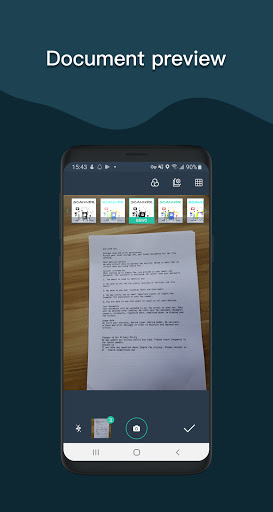
The Simple Scanner is a PDF document scanner application that turns your phone into a portable scanner. you can scan documents, photos, receipts, reports, or just about anything. The scan will be saved to the device in image or PDF format. Name and organize your scan to a folder, or share it in the following ways:
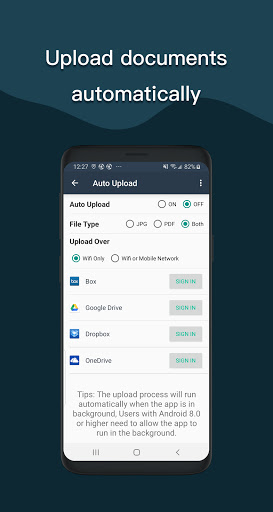
-Automatically upload JPG and PDF files to the cloud disk
-Backup and restore synchronization files between multiple devices
- E-mail, print, Fax
- Dropbox, Evernote, Google Drive, WhatsApp, or more
- Wifi connects directly to your computer
- Support importing PDF files into JPG.
- Support for adding tags for quick file search.
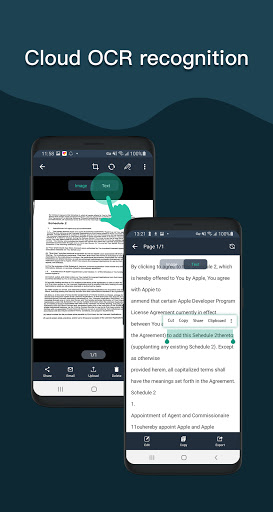
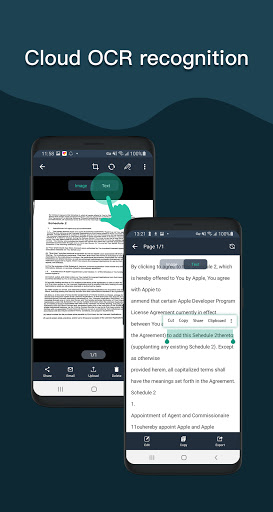
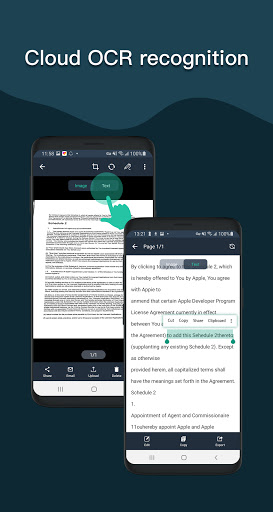
- Support OCR text recognition, export text.
The Document Scanner application has all the features you need:
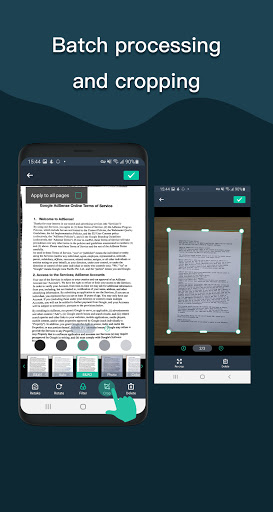
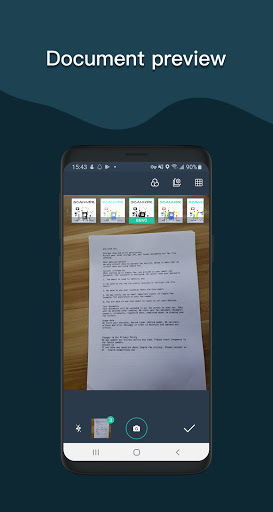
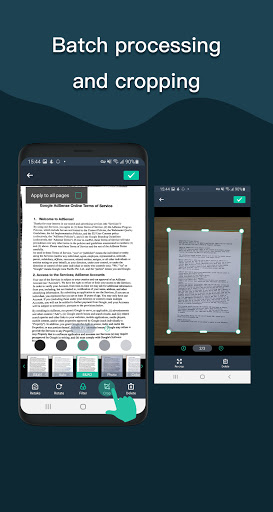
- Mobile phone document, automatically remove the clutter background, generate high-definition JPEG pictures or PDF files.
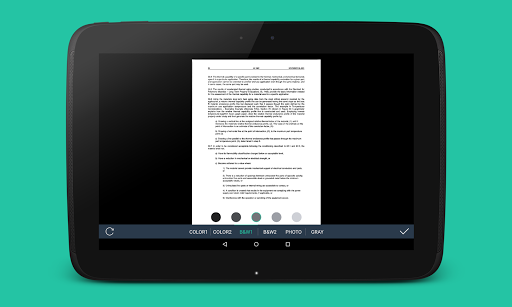
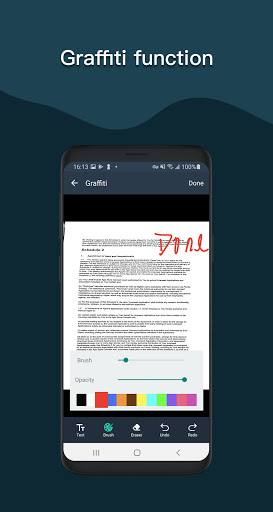
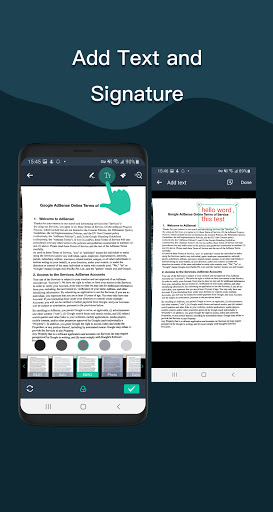
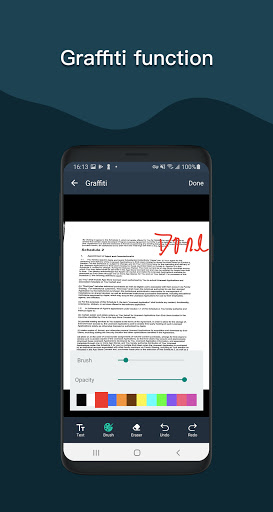
- A variety of image processing mode, you can manually adjust the image parameters, with a mobile phone can be paper documents, quickly turned into a clear electronic draft.
- Scan color, grayscale, or black and white
- Can be used in office, school, home and any place you want
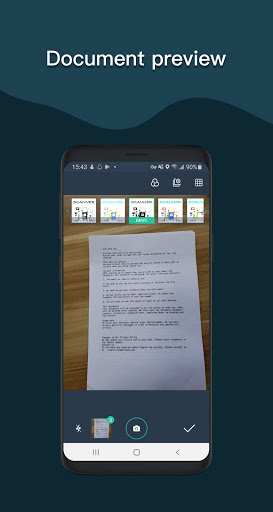
- Automatically detects page edges
- 5 levels of contrast for clear monochrome text
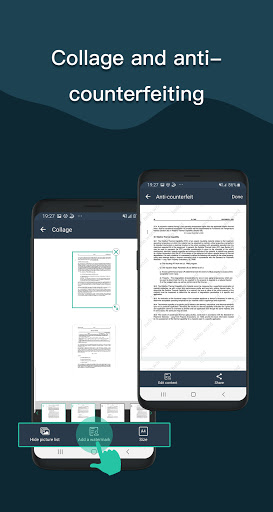
- Set the PDF page size (Letter, Legal, A4, etc.)
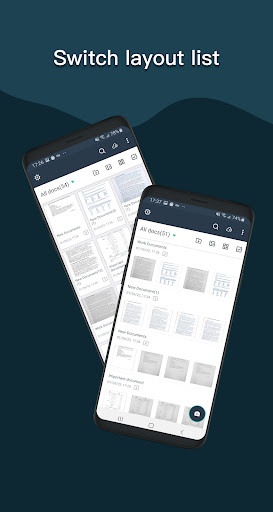
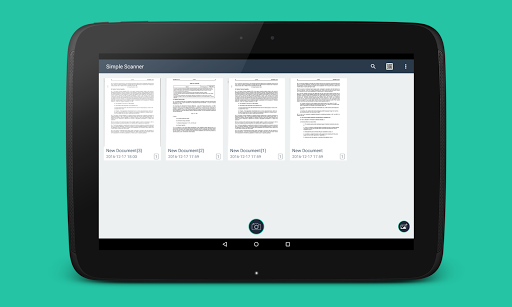
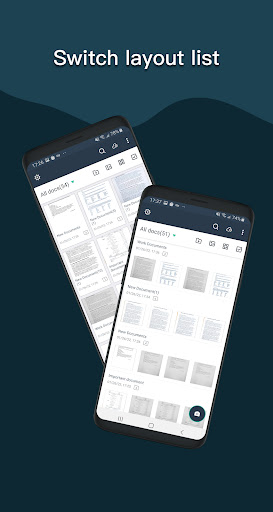
- Thumbnail or list view, sorted by date or title
- Simple scanner are optimized to run very fast.
- Quick search by document title
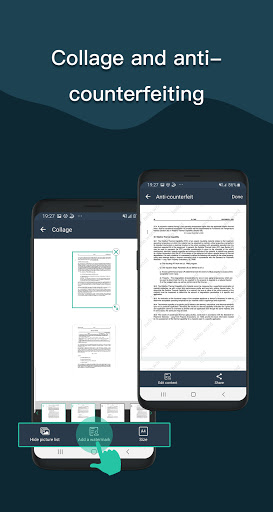
- Use a password to protect your documents
- General - A single application that works on your phone!
For users above Android 11, files are stored in a private directory and cannot be changed. This is determined by Google's latest storage policy. For mobile phones below Android 11, the external storage option can still be selected.
If you like simple scanner or have any other comments, please take a moment to write us a comment, or simply email us at simple.scanner@outlook.com, which will help us improve our products and give you a better experience. .
Privacy
Given that the Simple Scan app requests no permissions, it appears to operate within a secure and private framework, minimizing potential risks associated with data collection. However, users should still be cautious when sharing scanned documents, ensuring they are sent to trusted recipients. Regularly reviewing the app's terms of service and privacy policy, if available, can also help users stay informed about their data's handling.
Tips
For optimal performance, users should ensure their device's camera is clean and free of obstructions before scanning. Additionally, utilizing the app's fax and share link features can streamline document distribution. To get the most out of the app, exploring its settings for customization options, such as adjusting scan quality or organizing scanned documents, can enhance the overall scanning experience.
What's New
——Add theme mode switch
——Bug fix
——Fixed some crash issues
In-app purchases
$0.99 - $89.99 per item
Version Information
- Version
- 5.1.6
- Downloads
- 10M+
- Updated on
- Jan 2, 2026
- Released
- Nov 13, 2016
- Requires
- Android 7.0
Statistics
Google Play Rating History
Rating Distribution
Downloads Over Time
Simple Scan - PDF Scanner App has been downloaded times. Over the past 30 days, it averaged downloads per day.
Shaded area shows 30-day prediction based on historical trends
Historical data collection started recently. More data points will be available over time.
Simple Scan - PDF Scanner App - Google Play Rankings
Top Rankings
| Rank | Country | Category | List | Change |
|---|---|---|---|---|
| — |
Ranking History in
No ranking data available yet. Rankings are updated daily.
#93 in Top Grossing Business in United States
 Hours Tracker Time Tracking
Simple Scan - PDF Scanner App
Hours Tracker Time Tracking
Simple Scan - PDF Scanner App
 FAX FREE™: Send FAX From Phone
#21 in Top Grossing Business in Poland


#24 in Top Grossing Business in Vietnam

#29 in Top Grossing Business in Germany

Simple Scan - PDF Scanner App users say on Google Play
 T T M
T T M
This is my favourite app. Simple, straightforward and incredibly useful. As well, real humanity in support: they followed up with Google when Google's ad policies were extremely detrimental.
 Yeabsira Alemu
I love this scanner you should have to give it a chance
 Martin Michalik
app is full of ads, it's not possible to store PDF files outside of Andorid Data folder. fails me.
 Todd Landers
this app is a scam, and possibly a risk to your personal data. It allows you to scan three pages and then forces you to install another app in order to proceed.
ApkTrusted Ratings & Reviews
More from Easy inc.
See more apps
Similar Apps

PDF Scanner app - TapScanner
Free

Adobe Scan AI PDF Scanner, OCR
Free

iScanner - PDF Scanner App
Free

PDF Scanner Plus - Doc Scanner
Free

Mobile Scanner App - Scan PDF
Free

PDF Scanner - Document Scanner
Free

Tiny Scanner - PDF Scanner App
Free
Photo to PDF Maker & Converter
Free

iLovePDF: PDF Editor & Scanner
Free

Genius Scan - PDF Scanner
Free
Image to PDF - PDF Maker
Free

Smallpdf: Scanner & PDF Editor
Free

Mobi PDF・Editor・Scanner・Reader
Free
vFlat Scan - PDF Scanner, OCR
Free
Microsoft Lens - PDF Scanner
Free

CS PDF Reader - PDF Editor
Free
Scan this QR code to download

Forwarding you to the page at Google Play market in seconds...
Open Google Play market now