
Video Compressor & Converter v4.0.0
TarrySoft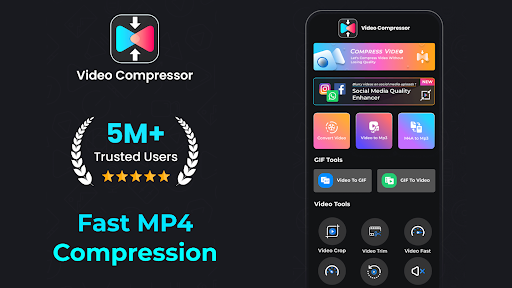









About this app
Developer Description
Mp Video Converter & Compress, Crop Video, Reduce Video Size & Reverse Video
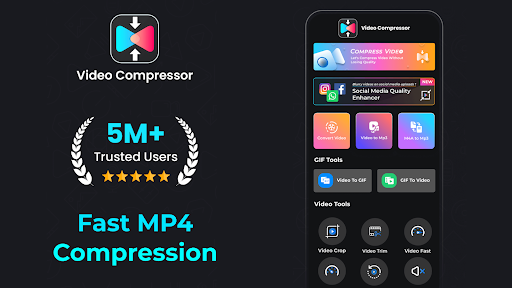
Video Compressor: Media Converter: Optimize, Compress & Enhance!
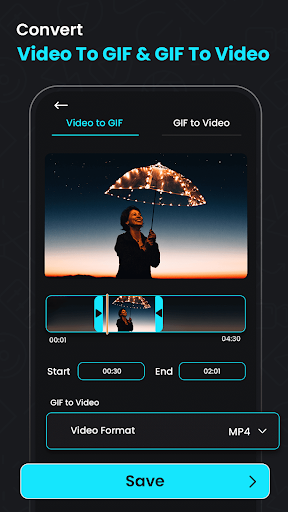
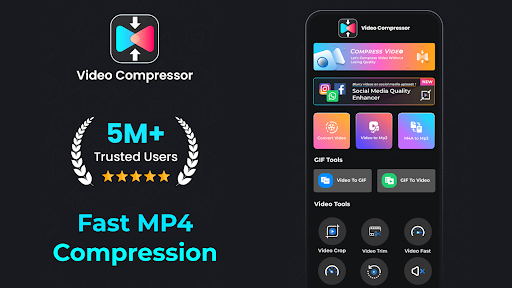
Looking for a powerful solution to compress, convert, and optimize your media files? Video Compressor: Media Converter has everything you need to manage your footage collection efficiently. With features that include high-quality compression, clip-to-audio conversion, and file resizing, this Reverse Video Editor app transforms how you work with media. Enjoy enhanced footage quality, easy audio extraction, and seamless format conversions, making your footage more accessible and manageable.📄 Key Features of Video Compressor: Media Converter: 📄
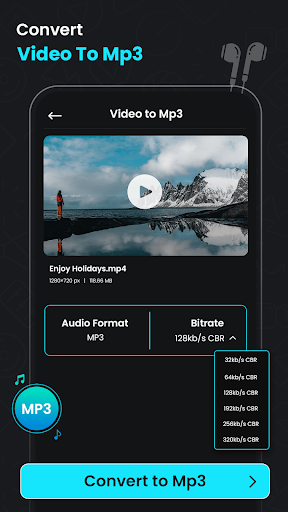
🎥 Compress Videos: MP4 to MP3 Converter;
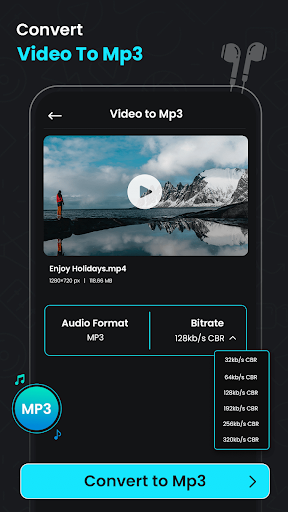
🎥 Video Converter: Extract Audio From Video;
🎥 Audio Extractor & MP4 Compressor: Compress files efficiently with Video Compressor: Media Converter;
🎥 Video Quality Enhancer & MP4 Converter;
🎥 Video To MP3 Converter Audio Extractor;
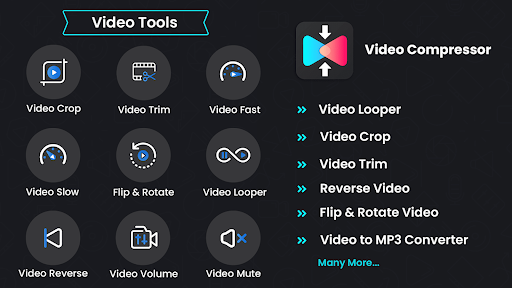
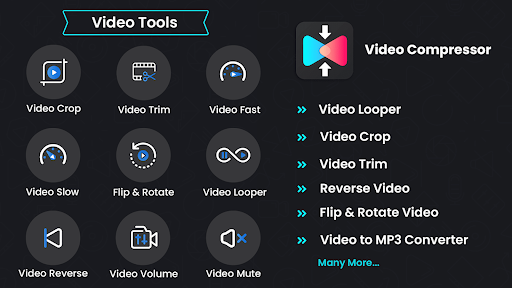
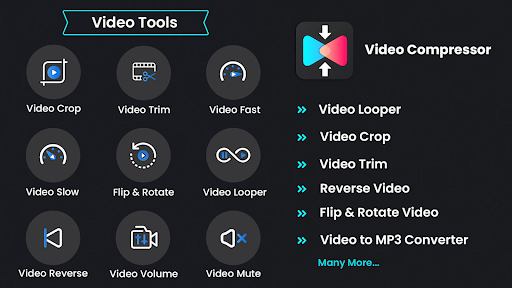
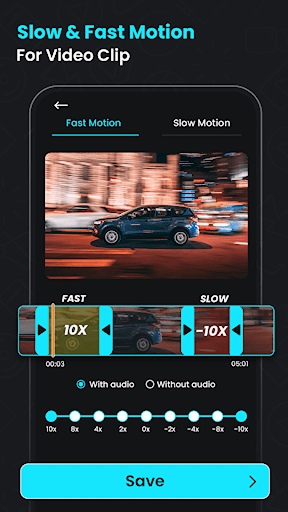
🎥 Reverse Video Editor: Add a unique perspective by reversing clips;
🎥 Video To Audio Converter: Convert clips to MP3 for audio-only files;
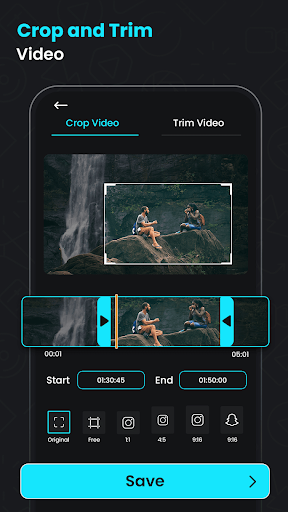
🎥 Crop Video To MP3 Converter: Extract sound from clips and save as MP3;
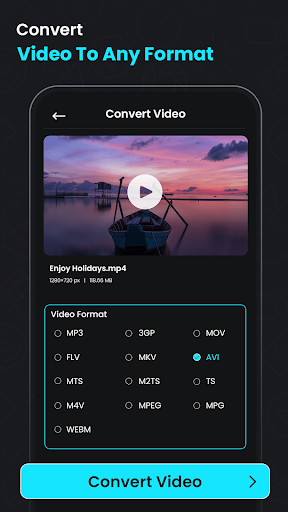
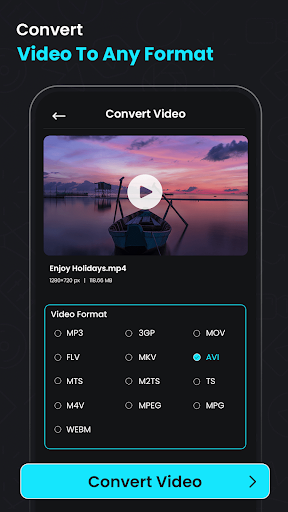
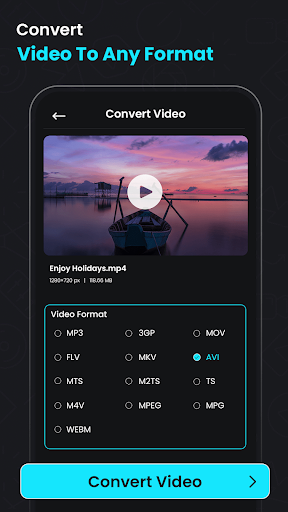
🎥 Video To Audio Converter & Size Reducer: MP4, MKV, AVI, and more for maximum compatibility;
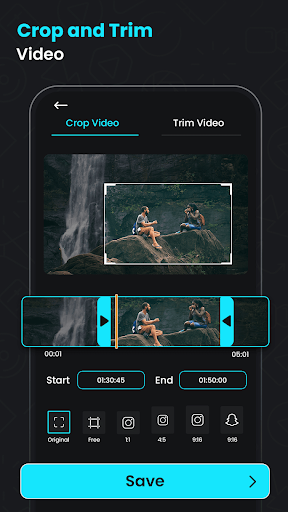
🎥 Mute & Trim: Remove audio or trim with the Video Compressor: Media Converter.
Efficient Compression & Conversion for Your Videos
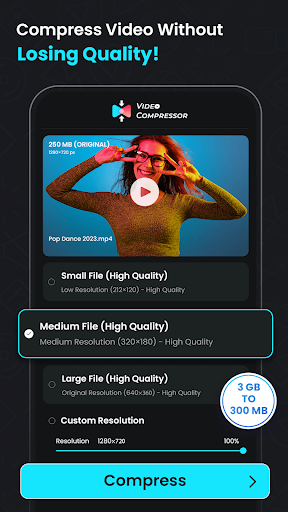
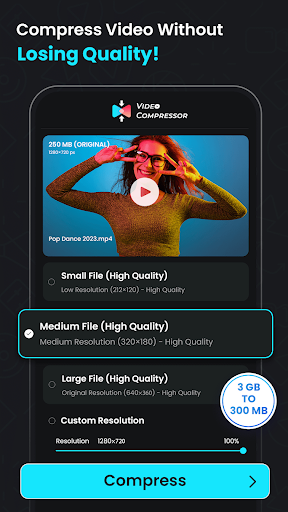
Easily compress clips to a smaller size with Compress Videos: MP4 to MP3 Converter. The Audio Extractor & MP4 Compressor ensures you don’t sacrifice quality while reducing file size, perfect for sharing on various platforms. Adjust the resolution and bitrate for tailored compression that meets your exact needs.Video To Audio Converter & Size Reducer:
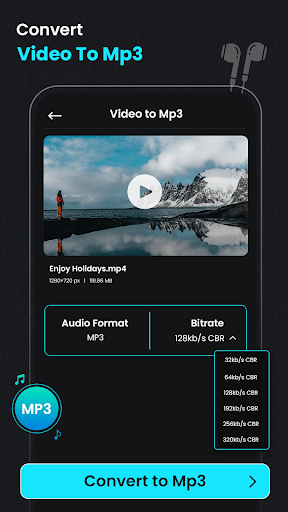
With the Video Converter: Extract Audio From Video feature, you can turn your favorite clips into audio files in seconds. Use our fantastic tool to create music or soundtracks, making audio extraction more straightforward. Its the Video To Audio Converter & Size Reducer, perfect for converting podcasts or lectures to MP3 for easy listening.
Video Converter: Extract Audio From Video:
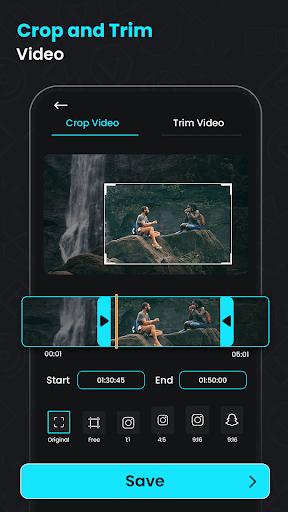
The Video Quality Enhancer & MP4 Converter allows you to upgrade your quality before compressing, ensuring clarity and visual appeal. Need a different aspect ratio? The Crop Video To MP3 Converter lets you crop and resize any clip to fit specific dimensions, ideal for custom viewing needs.
Compress Videos: MP4 to MP3 Converter:
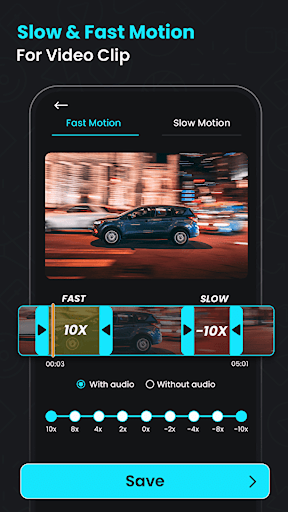
Try the Reverse Video Editor to flip time with a captivating effect by reversing any clip. The Mute feature removes unwanted audio for a more polished look. The Crop Video To MP3 Converter can also rotate clips for the perfect orientation, offering flexibility in presentation and editing.
Audio Extractor & MP4 Compressor:
With the Trimmer & Cutter features, trim and cut clips precisely to your preferred length. Perfect for creating concise clips, especially when sharing on status platforms or for quick messaging. The Video To MP3 Converter Audio Extractor app supports various formats, ensuring smooth device editing.
Try Our Video Quality Enhancer & MP4 Converter!
Video Compressor: Media Converter is an essential tool for anyone who wants to convert, compress, and optimize clips with ease. Enhance your footage experience today by making your files more accessible and space-saving with the ultimate Video To MP3 Converter Audio Extractor.What's New
Why are you struggle with big video file?
- Compress your large video file. Use most powerful video compressor and video resizer in the Play Store!
- Don't Worry we never Compromise on Quality.
- Compress video with good quality (Visually and Auditory).
*Attention! (x264 recommended)
x264 Encoder - Fast compress or convert and accurate.
x265 Encoder - Slow But more reduce video size and more accurate.
*Bug fixes and performance improvements.
In-app purchases
$0.99 - $99.99 per item
Version Information
- Version
- 4.0.0
- Downloads
- 10M+
- Updated on
- Mar 10, 2025
- Released
- Oct 8, 2020
- Requires
- Android 7.0
Statistics
Google Play Rating History
Rating Distribution
Downloads Over Time
Video Compressor & Converter has been downloaded times. Over the past 30 days, it averaged downloads per day.
Shaded area shows 30-day prediction based on historical trends
Historical data collection started recently. More data points will be available over time.
Video Compressor & Converter - Google Play Rankings
Top Rankings
| Rank | Country | Category | List | Change |
|---|---|---|---|---|
| — |
Ranking History in
No ranking data available yet. Rankings are updated daily.
#73 in Top Grossing Video Players in United States


#32 in Top Grossing Video Players in Japan


#33 in Top Grossing Video Players in Pakistan


#34 in Top Grossing Video Players in South Korea


Video Compressor & Converter users say on Google Play
 vinod kumar
good
 Kamal Thapa
good app
 Saivardhan Koutla
it changes metadata example compression video date is 31 December but it compressed at 1 january. it should do compress with original date time.
ApkTrusted Ratings & Reviews
More from TarrySoft
See more apps
Digital Wallet: Debit & Credit
Free

Antivirus - Cleaner + VPN
Free

Cleaner - Clean Phone
Free

AI History Chat: Historic Talk
Free

Noise Machine - Green, White
Free

Buttocks Fitness: Leg Workouts
Free

Sand Draw Creative Art Drawing
Free
Battery Charging Animation 4D
Free

AI Speech Chatbot Text & Voice
Free

Calculator Photo Vault
Free

Clock Vault - Secret Folder
Free

Arm Fitness: Bicep & Triceps
Free

AI Voice Chat Bot: Open Wisdom
Free

Car Engine Sounds - Gas Pedal
Free

Stability Generative AI Art
Free

Digital Nomad 10: Social App
Free
Similar Apps

Smart Video Crop - Video Cut
Free

Add Music To Video & AI Editor
Free

PowerDirector - Video Editor
Free

MP4Fix Video Repair Tool
Free

VivaVideo - Video Cut & Editor
Free

Filmora: AI Video Editor&Maker
Free

LightCut -AI Auto Video Editor
Free

AI Video Maker AI Video Editor
Free

AI Video Editor - VideoShow AI
Free

Video Maker
Free

Node Video - Pro Video Editor
Free

YouCut - Video Editor & Maker
Free

Video to MP3 - Video to Audio
Free

Splice - Video Editor & Maker
Free

FilmoraHD - AI Video Creator
Free

Motion Ninja Video Editor
Free
Scan this QR code to download

Forwarding you to the page at Google Play market in seconds...
Open Google Play market now