Color Gear: color wheel v3.4.1
appsvek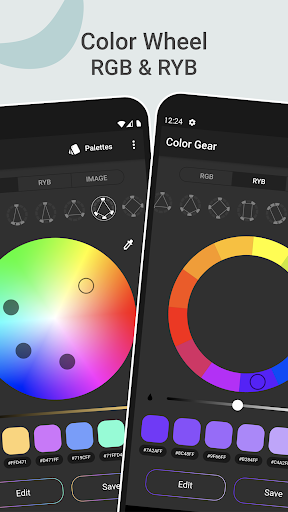






About this app
Developer Description
Create color palette from Image, RGB & RYB Color wheel harmonies, Color Scheme
📌 USE COLOR WHEEL THAT SUITS YOUR NEEDS
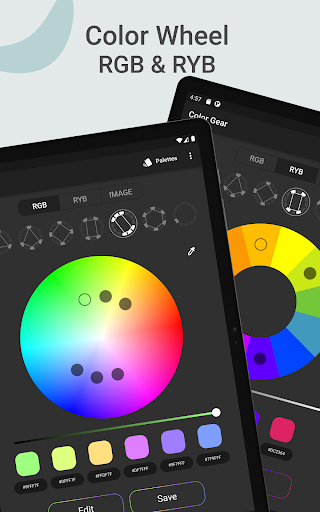
Our app supports two color models — RGB Color Wheel and Itten Color Wheel. RGB (Red, Green, Blue) is used to create colors in digital media. RYB color circle (Red, Yellow, Blue) relates specifically to color in the form of paint and pigment in art and design. For both RGB and RYB (Itten circle) Color wheel you can apply one of the 10 plus color schemes.
📌 BUILD COLOR PALETTE BASED ON THE ADDED HEX COLOR CODE
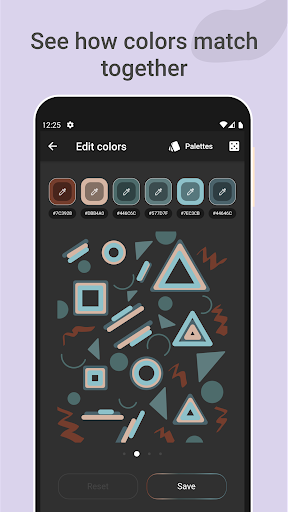
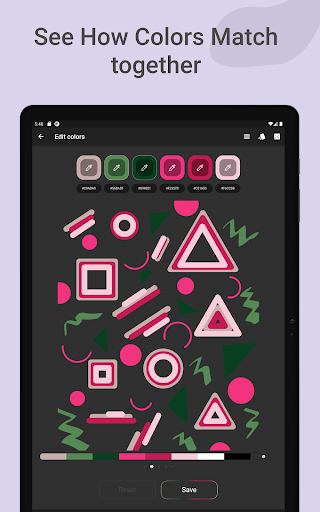
Just type in the color name (HEX or RGB color code) and discover different color harmonies matching this particular colour.
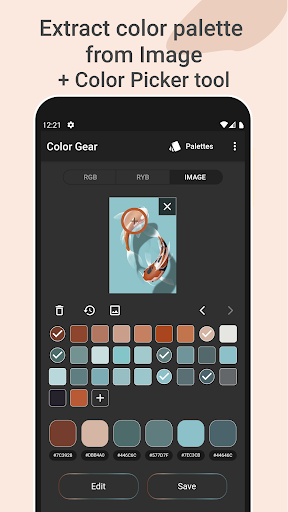
📌 EXTRACT PALETTE FROM IMAGES
This feature will turn your photos into palettes! Find what colors are inside photos. Select the desired picture from your gallery and the application's algorithms will automatically obtain colors from the image. Also you can manually pick colors from the photo with the Hex Color Picker (eyedropper). Copy a particular HEX color code under color swatch to the clipboard and Paste it in the first Tab – in this case you will discover different color harmonies matching your particular color from the image.
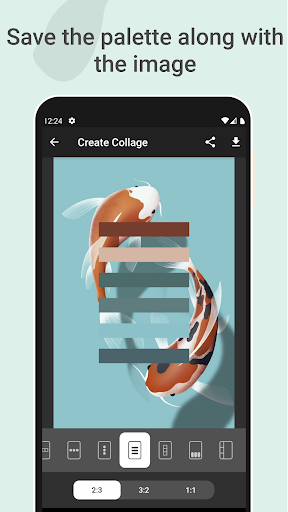
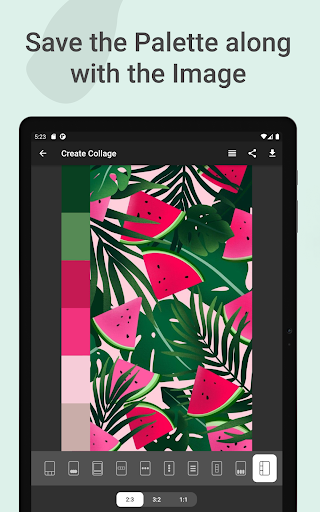
📌 SAVE THE PALETTE ALONG WITH THE IMAGE
Create a Collage with saved palette. Choose a layout, place the palette on the image and Share it with ease.
📌 ADVANCED COLOR EDITING
Edit color values (Hue, Saturation, Lightness) of palette or one of the color swatches of it with precision.
📌 EASILY MANAGE & SHARE COLOR PALETTES
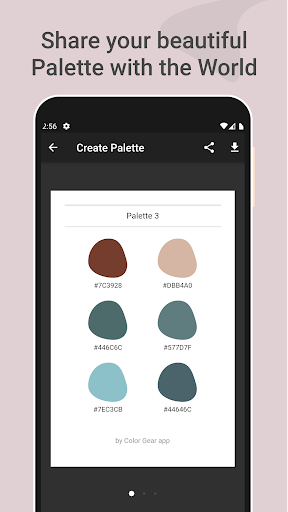
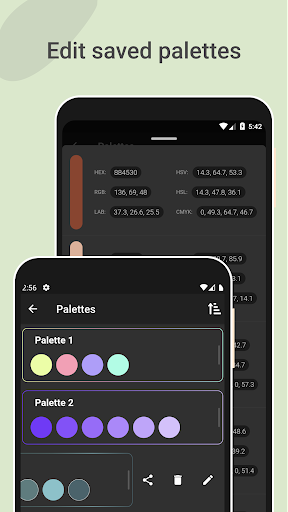
You can always copy a HEX color code under color swatches to the clipboard. Six color formats available to share in palette info (RGB, HEX, LAB, HSV, HSL, CMYK).
Color wheel RGB and RYB, 10+ color harmony schemes, option to enter a color code (color name), ability to get a color palette from image or photo, Color Picker tool (color grab), color detector and an ability to save the palette along with the image. All these tools are always at hand in one application that works offline!
We are always glad to receive your feedback. If you have any questions or suggestions, please do not hesitate to contact us: appsvek@gmail.com.🤓
What's New
- other minor enhancements
Version Information
- Version
- 3.4.1
- Downloads
- 5K+
- Updated on
- Oct 1, 2025
- Released
- May 10, 2020
- Requires
- Android 5.0
Statistics
Google Play Rating History
Rating Distribution
Downloads Over Time
Color Gear: color wheel has been downloaded times. Over the past 30 days, it averaged downloads per day.
Shaded area shows 30-day prediction based on historical trends
Historical data collection started recently. More data points will be available over time.
Color Gear: color wheel - Google Play Rankings
Top Rankings
| Rank | Country | Category | List | Change |
|---|---|---|---|---|
| — |
Ranking History in
No ranking data available yet. Rankings are updated daily.
#29 in Top Paid Art And Design in United States


#36 in Top Paid Art And Design in India

#36 in Top Paid Art And Design in Mexico

#36 in Top Paid Art And Design in Thailand

Color Gear: color wheel users say on Google Play
 L Arredondo
I paint and draw so this app is a useful way for me to play with some colors without committing anything to paper. Paying for the upgrade is worth it especially for the color editor. Things I hope to see in the future for this app would be a larger palette format and the ability to share color combos with other users of this app. Currently the largest palette you can save is six. It would be great to save a larger set like 10 or 25 colors. Overall I am very satisfied with this app.
 James Merl
This app is very promising, but needs improvement. It would be helpful if you implemented various palette sizes, often the one given does not include enough colors. The ability to pick out colors from user defined locations in an image would be helpful as well. The ability to export a palette to an image file would be nice. I'd also like to see themes for the app, possibly using generated palettes. Otherwise, very helpful. Nice work.
 FatherProvidence FatherProvidence
it doesnt export color palettes.....make it export my color palettes
 I Jean Wylie
Instructions? Help! Anybody have a clue how to use this thing? I want to take one color, just one color from a picture and then find other colors that look good with it. But I can't see how you get from the color in the picture to the color wheel. It won't allow you to put the color on the color wheel. Export? Where?
 Beta Trial
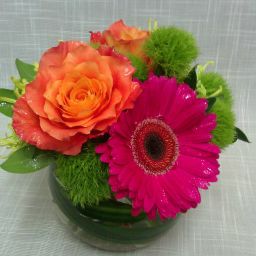
Beautiful app for creating color pallets, that is easy to use, except for creating pallets from images. I paid specifically wanting that feature. When I try to pull colors from a picture, the app will not let me save the new pallet. The keyboard on my Tab S6 Lite tablet, Android 11, does not appear, to put in the name of new pallette, no matter how many times I bang on the "Enter Name" field. Developer's please fix or refund. Update 16/10/21: Issue still happens! "0" stars if possible. I PAID!!
ApkTrusted Ratings & Reviews
More from appsvek
See more apps


Similar Apps
Color Grab (color detection)
Free
Show My Colors: Color Palettes
Free

Clozzie - Your Digital Closet
Free

ArtFlow: Paint Draw Sketchbook
Free

HiPaint: Sketch & Draw art
Free

MediBang Paint:Draw Art, Comic
Free

CLG Color
Paid

Homestyler - Home Design Game
Free

Sketch Pro: Draw & Create Art
Free
AI Home Design - Arch
Free
Ink Cards
Free

Artlette
Free

Style DNA: Fashion AI Stylist
Free

ARTA: AI Art & Photo Generator
Free
AI Photo Editor: AI Expand
Free

Smartify: Arts and Culture
Free
Scan this QR code to download

Forwarding you to the page at Google Play market in seconds...
Open Google Play market now