
Sony | Creators' App v3.2.2
Sony Corporation


About this app
Developer Description
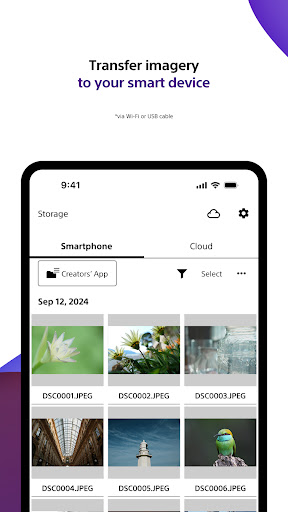
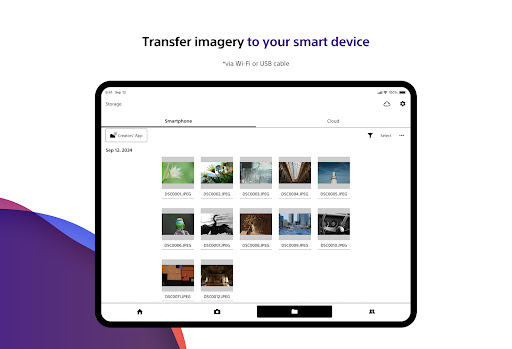
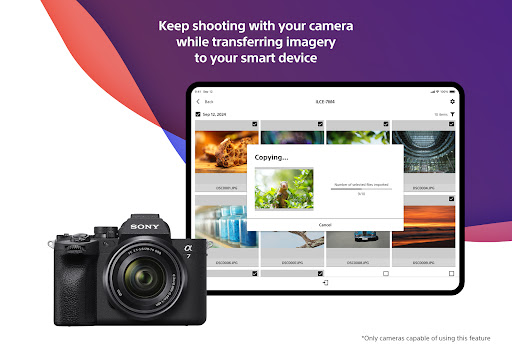
Transferring images/videos
https://www.sony.net/ca/help/camera/
■For app/service availability of countries and regions, please check here.
https://creatorscloud.sony.net/catalog/servicearea.html
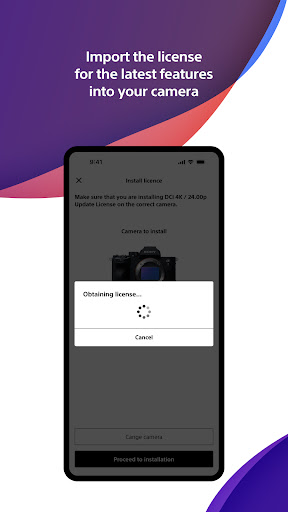
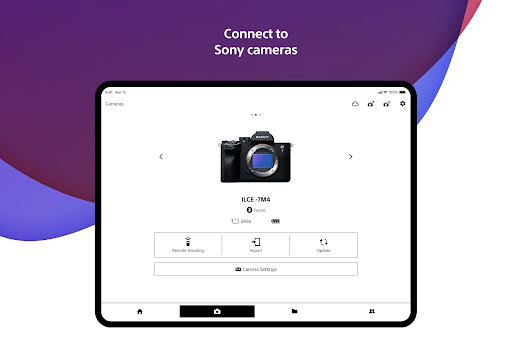
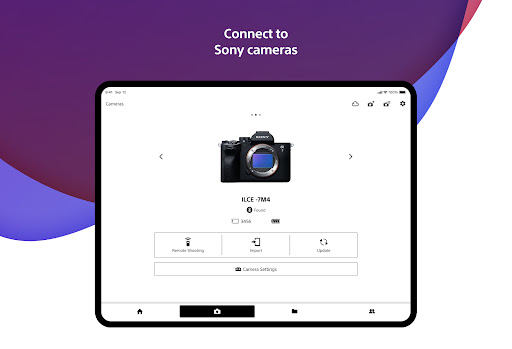
This application allows anytime, anywhere smartphone access to the Creators' Cloud, a platform that provides powerful support for creators from shooting to production with Sony's camera technology and cloud AI. By connecting this application to your camera, you can easily operate convenient functions such as photo and video transfer from your smartphone.
■ Anytime access to Creators' Cloud
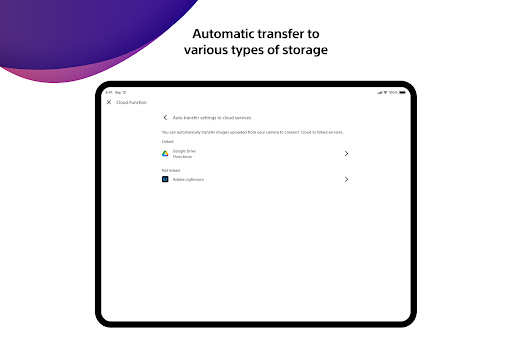
Experience the various functions offered by Creators' Cloud, including file storage and management in cloud storage, a wide range of services and applications including video editing services using cloud AI, and access to articles and content that will serve as a source of inspiration. You can experience a variety of functions provided by Creators' Cloud.
■ Extend the shooting experience and manage shooting files more easily
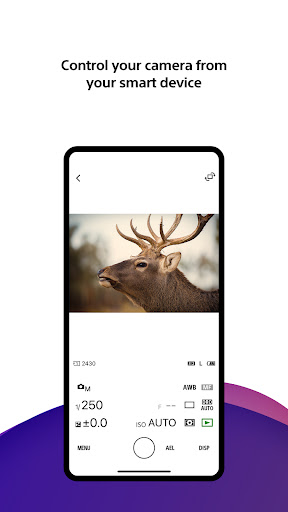
You can transfer and save photos and videos you have already taken, and use your smartphone as a remote control for the camera for remote shooting. In addition, the smartphone can be used to check the camera's battery and media information, set the date, time, and camera name, and easily update the camera's software.
- Easy transfer of photos and videos taken anytime, anywhere
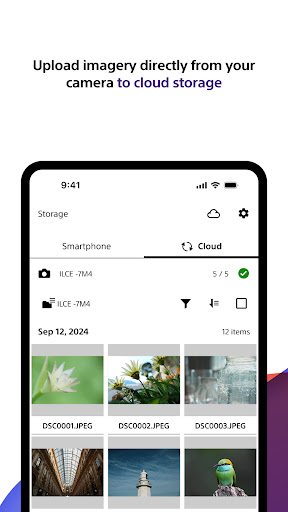
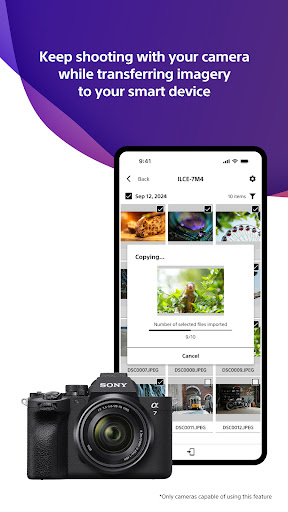
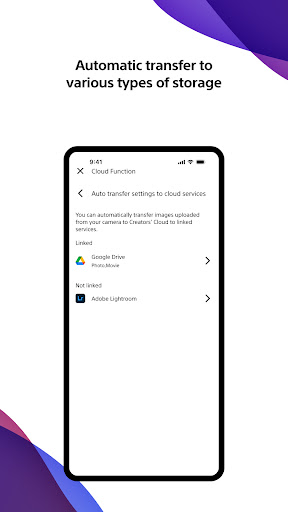
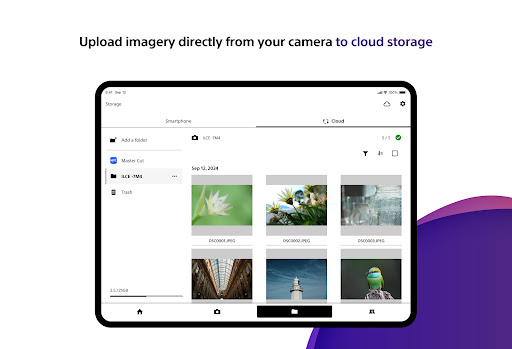
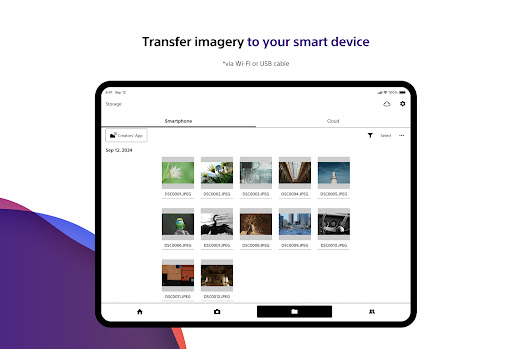
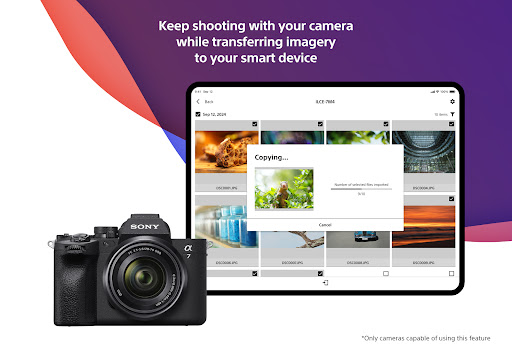
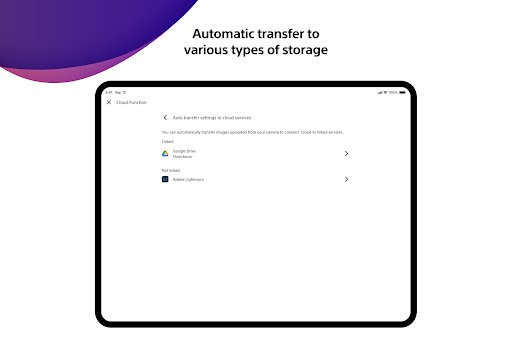
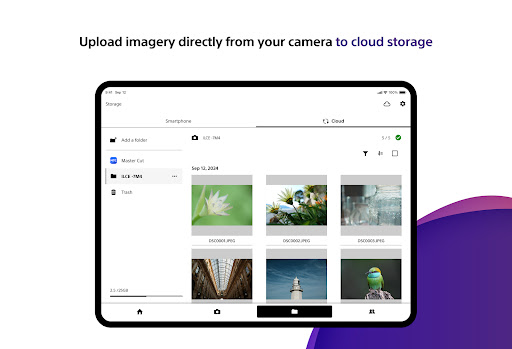
Photos and videos taken can be transferred to cloud storage or a smartphone for centralized management. Data transfer can be performed while shooting or while the camera is turned off or charging. The camera also supports a variety of user shooting styles, such as transferring only those photos and videos that have been rated or marked as shots in advance.
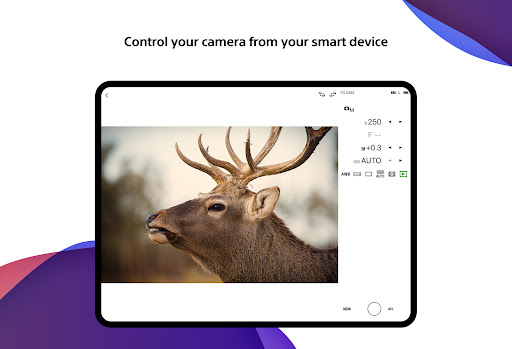
- Operate the camera from your smartphone
By connecting the camera to a smartphone, the smartphone can be used as a remote control for the camera. This allows you to take pictures from a distance, such as group photos, or take pictures of night scenes without causing vibrations to the camera. In addition, you can easily check the camera's battery and media information, and set the date, time, and camera name from your smartphone.
- Save camera settings and reflect changes
Camera settings that change with each shooting scene can be saved to the smartphone and reflected in the camera. The ability to save settings for multiple cameras greatly streamlines setting changes during shooting.
- Important announcements and software updates are also available from your smartphone.
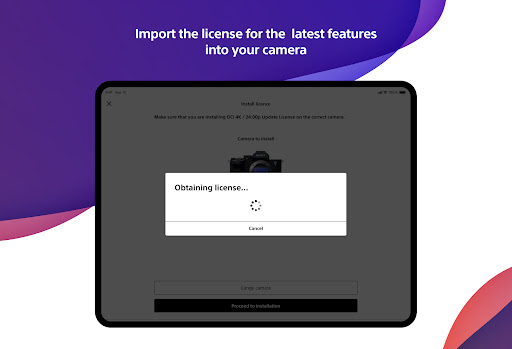
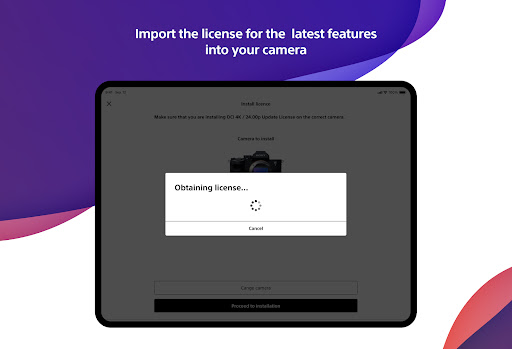
Important notifications such as software updates can be checked, and updates to the camera itself can be easily performed from a smartphone.
■ Operating environment: Android 11.0-16.0
■ Remarks
This application is not guaranteed to work on all smartphones and tablets.
What's New
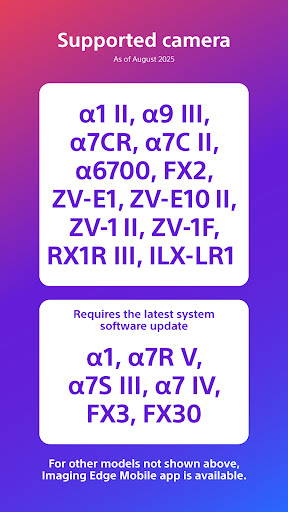
*1 See Creators' App details for compatible cameras and more.
https://www.sony.net/cca/
In-app purchases
$2.99 - $20.00 per item
Version Information
- Version
- 3.2.2
- Downloads
- 1M+
- Updated on
- Dec 17, 2025
- Released
- Oct 13, 2022
- Requires
- Android 11
Statistics
Google Play Rating History
Rating Distribution
Downloads Over Time
Sony | Creators' App has been downloaded times. Over the past 30 days, it averaged downloads per day.
Shaded area shows 30-day prediction based on historical trends
Historical data collection started recently. More data points will be available over time.
Sony | Creators' App users say on Google Play
 Luis Pais
I was able to disagree with all of the privacy policies and use the app without an account. That's amazing, thanks Sony! I still haven't tested connecting the camera to the app tho, so take this with a grain of salt
 Nigel Dyson-Hudson, Cave aNd SAR
Bug when adding a new camera! Needs Location access set to "Access all the time" when adding a camera. Afterward can change back to "Only while in use." During app installation Only while, ask, none are the location options - no Access all. Location Services - > App permisions Otherwise works well to control, manage, download, photos. Sony uses 10 bit HEIF, Android 8 bit, so HEIF can't be imported.
 James Renwick
Imaging Edge was great. I could NFC-tap and it would Just Work. This app is so inconsistent. I spend not insignificant time on the camera selecting the images I wish to transfer, then open the app for it to tell me it's connected, but the camera doesn't think it is. Basically I regularly end up failing to transfer and then having to go back through and make the selection again. Really clunky. I don't use the app to select images, because the app doesn't let me zoom them!
 Alex Kirkpatrick
This app generally gets the job done, and seems to be improving. But almost every time it updates it resets settings, including turning off locations settings. This is 100% unnecessary, and incredibly frustrating.
 Kenny Nero, Jr.
Differential Import Required?! The app used to allow us to browse which photos to send to the phone. Now it forces everything to be imported. Please bring back the choice.
ApkTrusted Ratings & Reviews
More from Sony Corporation
See more apps
Sony | Music Center
Free

Sony | Sound Connect
Free
REC Remote: Sony IC Recorder
Free

Music
Free

Fiestable
Free

Advanced car audio setting
Free
HDD Audio Remote
Free

Content Browser Mobile
Free

Video & TV SideView : Remote
Free
Living Decor
Free

My BRAVIA
Free

mocopi
Free

Sony | Imaging Edge Mobile
Free

TV Control with Smart Speakers
Free

Sony | Creators' App for ENT
Free

mocopi link
Free
Similar Apps

Insta360
Free

Protake - Mobile Cinema Camera
Free

Manual Camera DSLR (Lite)
Free

ReLens Camera-Focus &DSLR Blur
Free

Camera FV-5 Lite
Free

Framelapse 2 Time Lapse Camera
Free

Canon Camera Connect
Free

PICNIC - photo filter for sky
Free

Vintify : Vintage Photo Editor
Free

POV – Disposable Camera Events
Free

Luminar: AI Photo Editor
Free

FIMO - Analog Camera
Free

mcpro24fps manual video camera
Paid

Adobe Photoshop: Photo Editor
Free

InstaSize: AI Photo Editor
Free
Professional HD Camera
Free
Scan this QR code to download

Forwarding you to the page at Google Play market in seconds...
Open Google Play market now