
Assistive Touch for Android v1.1.6
AceTools Team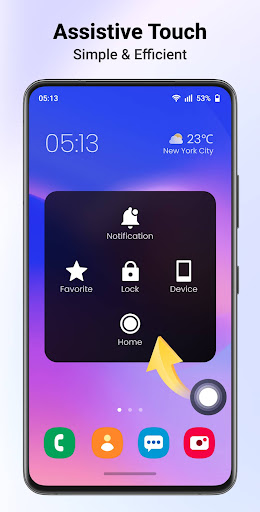




About this app
Developer Description
Assistive Touch for Android: protect device button & quickly access all settings
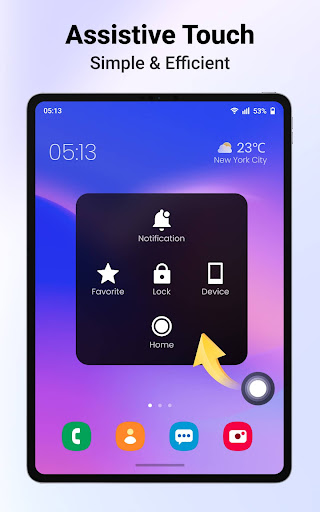
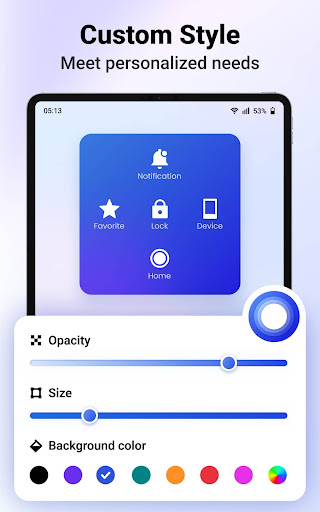
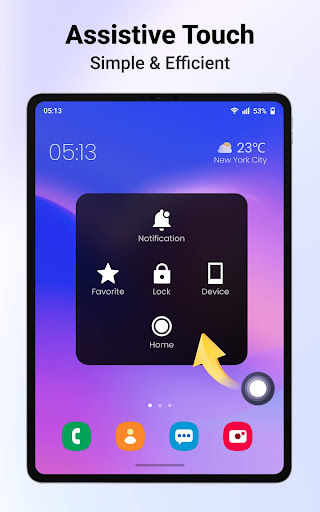
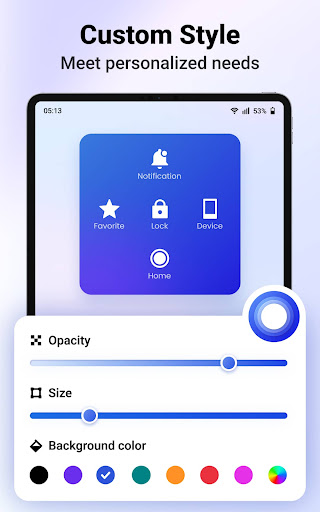
It provides an on-screen floating panel for quick controls, including screen recording, junk removing, opening apps, etc. You can customize the opacity, size and color of the panel and icon as you like.
Try this smart and efficient Assistive Touch now!
KEY FEATURES
⚡️ Easy Touch for Android
- Navigation bar: recent, home, back
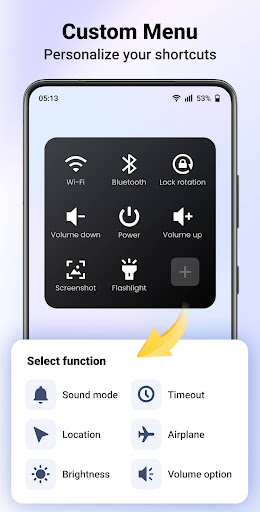
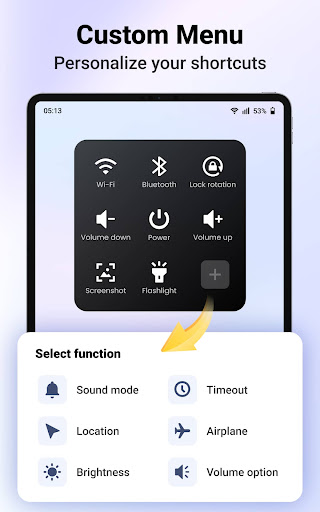
- Quick on/off: Wi-Fi, bluetooth, flashlight, power, airplane, location
- Easy adjustment: brightness, timeout, volume up/down, sound mode (regular, silent, vibrate)
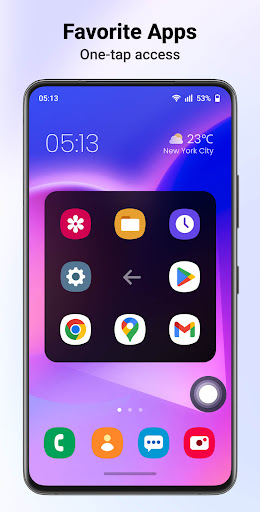
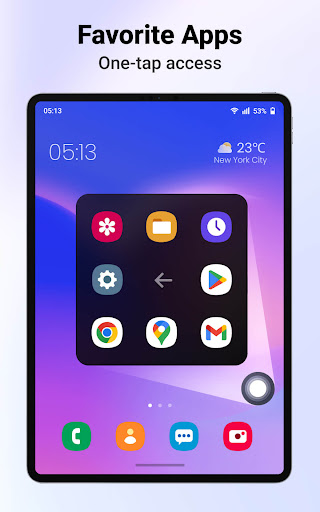
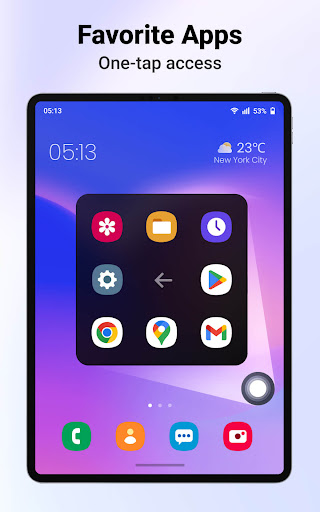
- Favorite: launch favorite apps
- Notification: expand notification panel
- Device: open device control
- Screenshot: take a screenshot and auto save to local
- All apps: display all apps
- Screen recorder
- Lock screen
- Screen rotation
…
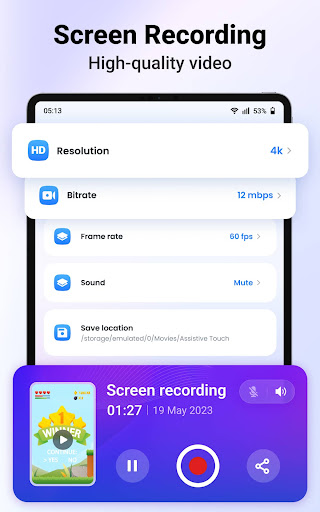
🎞️ Professional Screen Recording
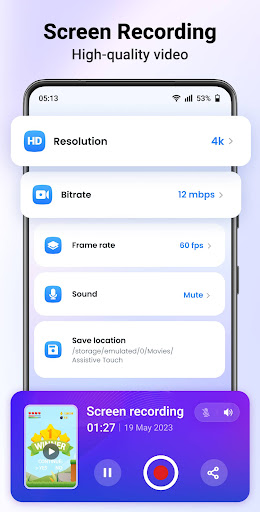
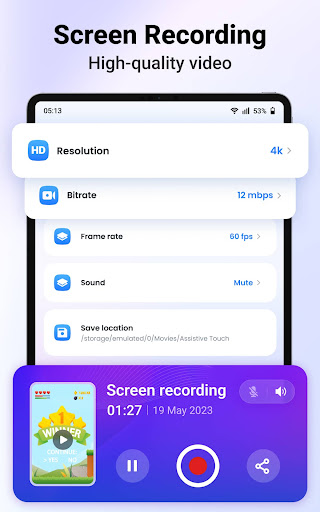
- No root required, no time limit
- No watermarks, one tap to start/pause/end
- Custom video resolution: SD, HD, Full HD, Ultra HD
- Custom bitrate and frame rate
- Record internal and microphone audio
- Auto save to system album
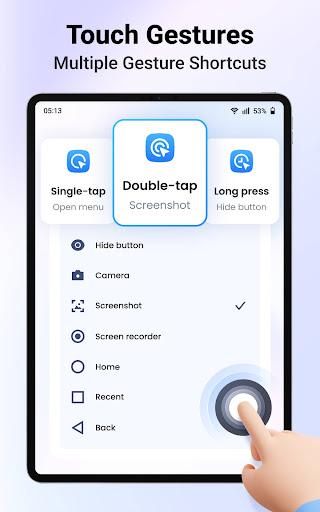
🎨 Personalize Your Preferences
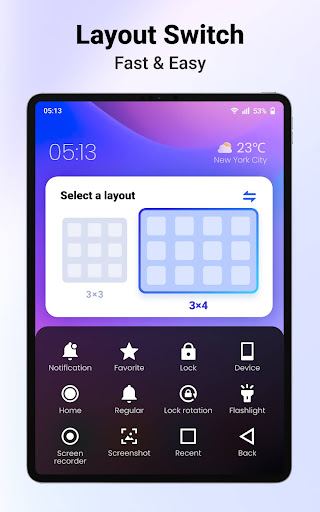
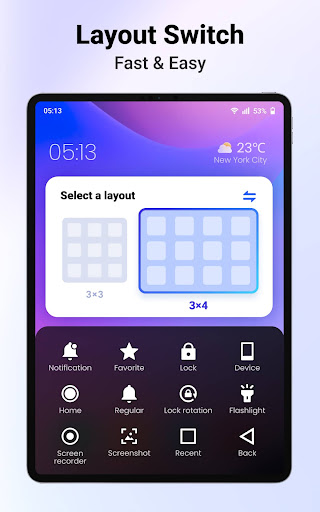
- Function panel: 3×3/3×4 layout, custom color and opacity
- Floating icon: custom color, opacity and size
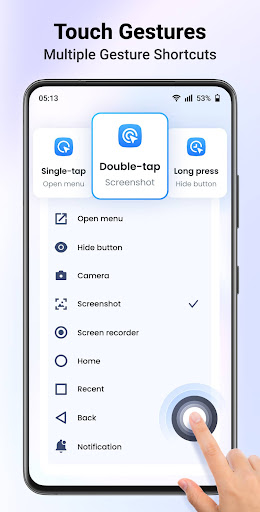
- Gestures: single-tap, double-tap and long press
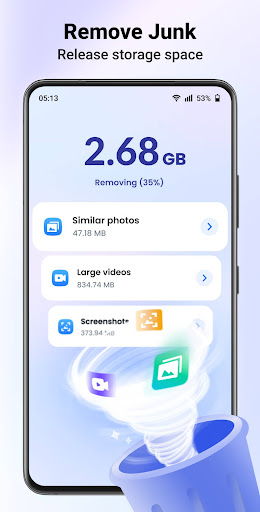
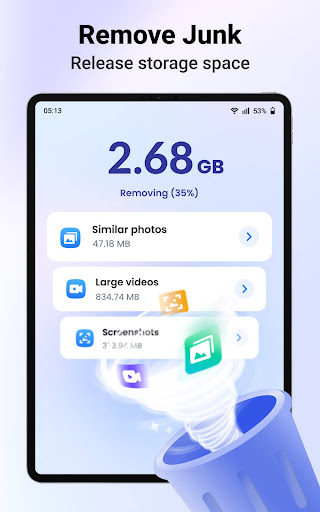
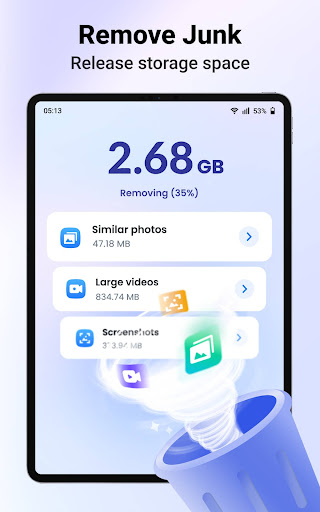
🧹 Fast & Deep Junk Removal
- Identify similar photos, smartly suggest the best one, allowing you to quickly delete unwanted photos
- Filtering large videos and screenshots for a deeper release of storage space
🌟 User-friendly
- Simple & intuitive interface
- Totally FREE
- Support offline use
- Fast & lightweight
📅 UPCOMING FEATURES
1. Dark mode
2. Custom storage location of screen recording
3. Partial screenshot
4. Scrolling screenshot
…
AccessibilityService API
This permission is required to perform device-wide actions, such as returning to home, going back, opening power dialog, etc. Rest assured, we will never access any unauthorized permissions, or disclose users’ personal information to any third parties.
Don’t hesitate and try Assistive Touch for Android today! Bring unparalleled convenience to your fingertips and make your life more effortless! ✨
We value your feedback and look forward to hearing from you. If you have any questions or suggestions, please feel free to contact us 📩 via assistivetouchfeedback@gmail.com.
Version Information
- Version
- 1.1.6
- Downloads
- 1M+
- Updated on
- Oct 23, 2025
- Released
- Jul 21, 2023
- Requires
- Android 6.0
Statistics
Google Play Rating History
Rating Distribution
Downloads Over Time
Assistive Touch for Android has been downloaded times. Over the past 30 days, it averaged downloads per day.
Shaded area shows 30-day prediction based on historical trends
Historical data collection started recently. More data points will be available over time.
Assistive Touch for Android users say on Google Play
 anudeep munaganuri
please let me know how can I get ad free version, the adds are annoying. my phone top screen not working and I am not able to close the ads
 Erianne Monique Aruelo
maganda naman sya
 Mohammed Abdul Nayeem
not bad
 Bhargav
too many adds and permissions
 Nishant Verma
extremely irritating always add
ApkTrusted Ratings & Reviews
More from AceTools Team
See more apps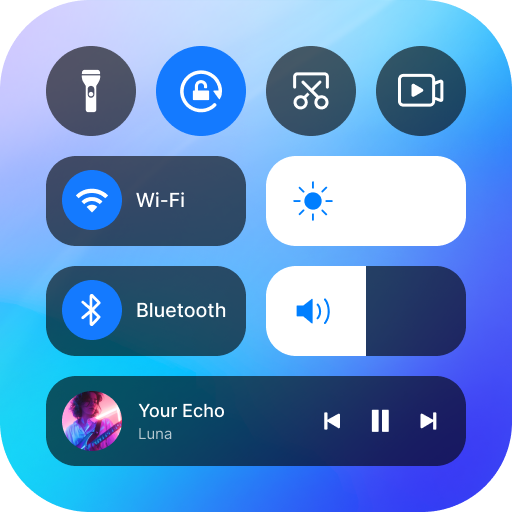



Similar Apps

Automatic Scroll
Free

Screen Recorder Unlimited
Free

Spatial Touch™
Free

Auto Clicker-Auto Tap & Swipe
Free

Screen Recorder GU Recorder
Free

Touch Screen Test
Free

Manual Camera DSLR (Lite)
Free

dynamicSpot - Dynamic Island
Free

Glip Screen Recorder
Free

ScreenStream
Free

Screen Recorder - Record Video
Free

MacroDroid - Device Automation
Free

Taskbar
Free

Screen Recorder
Free

Macrorify - Image Auto Clicker
Free

Floating Apps (multitasking)
Free
Scan this QR code to download

Forwarding you to the page at Google Play market in seconds...
Open Google Play market now