
Windows App v11.0.0.68
Microsoft Corporation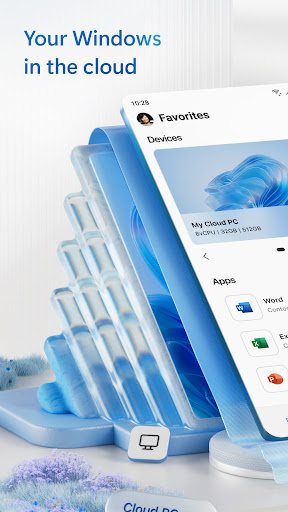


About this app
Developer Description
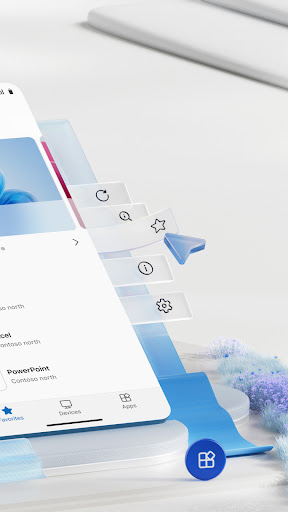
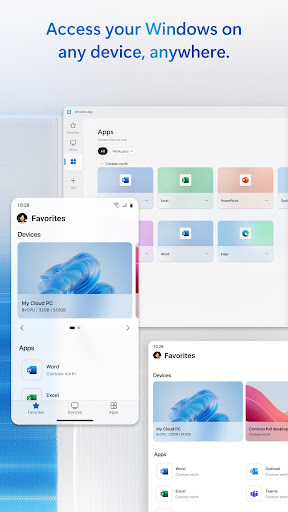
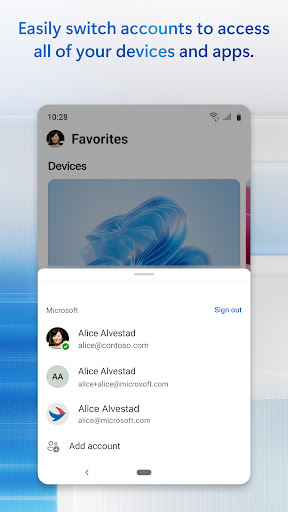
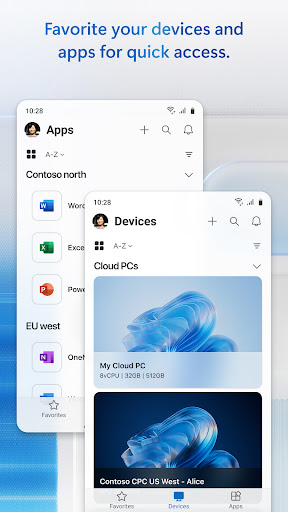
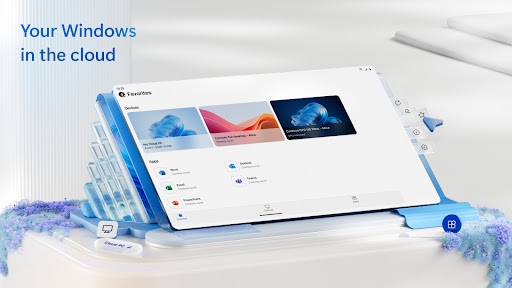
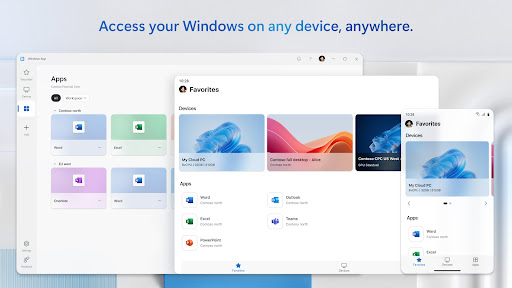
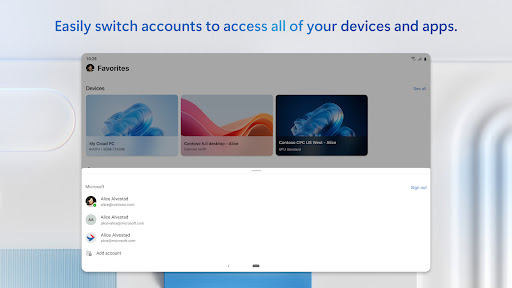
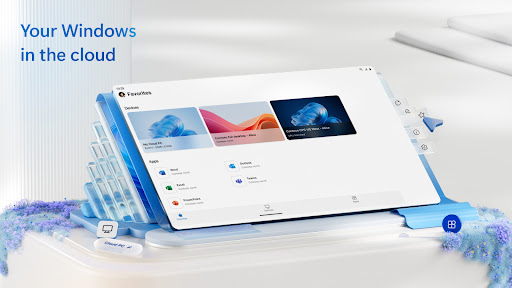
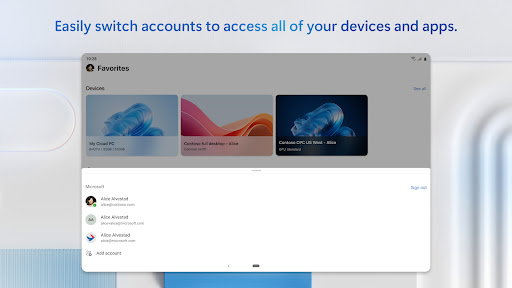
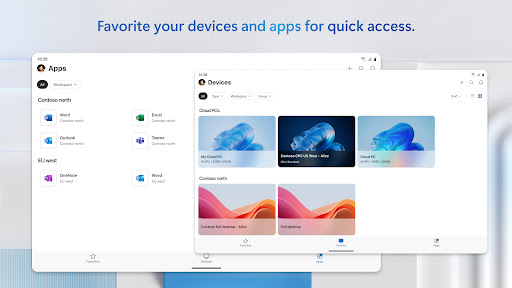
Windows App allows you to connect to remote PCs and virtual apps.
You can use Windows App on all supported Android devices running Android 11 and above: including tablets, smartphones, VR headsets and Chromebooks that support apps from the Play Store. Learn more about features and upcoming releases at aka.ms/WindowsApp
What's New
Version Information
- Version
- 11.0.0.68
- Downloads
- 5M+
- Updated on
- Nov 14, 2025
- Released
- Mar 18, 2020
- Requires
- Android 9
Statistics
Google Play Rating History
Rating Distribution
Downloads Over Time
Windows App has been downloaded times. Over the past 30 days, it averaged downloads per day.
Shaded area shows 30-day prediction based on historical trends
Historical data collection started recently. More data points will be available over time.
Windows App - Google Play Rankings
Top Rankings
| Rank | Country | Category | List | Change |
|---|---|---|---|---|
| — |
Ranking History in
No ranking data available yet. Rankings are updated daily.
#67 in Top Free Business in United States


#44 in Top Free Business in Netherlands


#52 in Top Free Business in Poland

#55 in Top Free Business in Germany
 PayPal Business
Windows App
PayPal Business
Windows App
Windows App users say on Google Play
 Skhumbuzo Leonard
this app actually operates well through all devices,I can recommend it to anyone who wants to improve his or her automated task.the app will do all task at the level of his or her desire. so that's why I will rate it with full 5 stars, means actually 100% .. now I have seen various types of operations performed by the app in various devices,I have been amazed to look at that, and that's when I realised this app as the one with wonderful raw information.people with their mobile computing devices.
 Maimona Abdulrahim
it is a good app but why not accept personal account?
 Aubs UK
It's alright on a Chromebook, though there could be a lot of improvements, such as Alt+Tab within when full screen switches to the host (though that might not be the app's fault), Copy and paste between the remote machine and the client would also be great. But it mostly does the job. I'd prefer to see smaller icons or even better, a list view for "PC Connections".
 Hamid Sh
It is shameful that only work/school account can be used for remote desktop. Why do you then sell the Win Pro version to personal users!? You take the money but do not provide the service...
 Supercilious Dude
Still does not account for rounded corners on modern screens. Still violates privacy by pasting from the clipboard without consent every time it runs. Still has awful performance. No meaningful improvements have been made in years despite multiple UI overhauls :(
ApkTrusted Ratings & Reviews
More from Microsoft Corporation
See more apps
Microsoft Authenticator
Free

Microsoft Bing Search
Free

Microsoft Azure
Free

MSN
Free

MSN Money- Stock Quotes & News
Free

MSN Weather - Forecast & Maps
Free

IoT Plug and Play
Free

Microsoft Build
Free

Microsoft Bing Webmaster Tools
Free

Link to Windows
Free

Warehouse Management
Free

Bing Wallpapers
Free

Microsoft Advertising
Free

Microsoft Identity Pass
Free

As Dusk Falls Companion App
Free

SMS Organizer
Free
Similar Apps
Computer Launcher Pro
Free

GitHub
Free
Computer File Explorer
Free
Lenovo
Free

Dropbox: Secure Cloud Storage
Free

TeamViewer Remote Control
Free

spacedesk - USB Display for PC
Free
RAR
Free

RealVNC Viewer: Remote Desktop
Free

Xiaomi Community
Free

GSMArena
Free

Termius - Modern SSH Client
Free

MacroDroid - Device Automation
Free
Fcitx5 for Android
Free

Virtual Master - Android Clone
Free

Taskbar
Free
Scan this QR code to download

Forwarding you to the page at Google Play market in seconds...
Open Google Play market now