Smartphone-link Display Audio v1.0.5
Mitsubishi Motors Corporation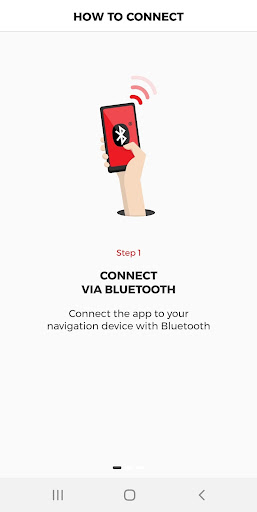


About this app
Developer Description
Companion app enables traffic information for your SDA navigation system
Enrich your navigation with traffic information, powered by TomTom.
Simply connect the app with your car and enjoy the FASTEST ROUTES with ACCURATE TRAFFIC information in your Mitsubishi Motors SDA navigation system.
To use this App, following model is necessary.
- PAJERO SPORT / MONTERO SPORT 2020 with Navigation model
- RVR / ASX 2020 with Navigation model
- OUTLANDER / OUTLANDER PHEV 2020 with Navigation model
Note: The app does not show any traffic information on your smartphone. When the app is used, traffic information is included in the navigation system of compatible Mitsubishi Motors cars.
Disclaimer: This app requires a mobile phone data connection. Your carrier may charge you for the data used and costs may be significantly higher when used abroad.
What's New
If traffic app is not connected at first connection, please try Bluetooth function turn off and on at smartphone side.
To connect navigation system, please allow the app to access this device's location.
Version Information
- Version
- 1.0.5
- Downloads
- 10K+
- Updated on
- Oct 30, 2025
- Released
- Jul 17, 2019
- Requires
- Android 4.4
Statistics
Google Play Rating History
Rating Distribution
Downloads Over Time
Smartphone-link Display Audio has been downloaded times. Over the past 30 days, it averaged downloads per day.
Shaded area shows 30-day prediction based on historical trends
Historical data collection started recently. More data points will be available over time.
Smartphone-link Display Audio users say on Google Play
 Steve Pope
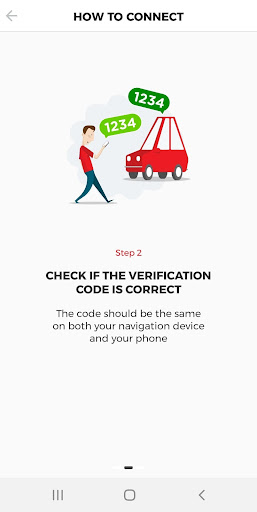
Lots of reviews on here people seem to be having lots of issues....... I just got a new Mitsubishi ASX, I installed the app and it connected then I could use Tomtom live servies. It works like a dream. To get it to connect to your tomtom you must have your phone connected to the infrotainment system first via bluetooth. I just wish I could find out if it uses my data or just uses my phone as a way to connect to tomtom.
 Paul Fitz
Select the menu button  in the map view or guidance view to bring up the Main Menu. Scroll to the right of the screen and select Settings .  Scroll to the right of the screen and select System . Select Your information & privacy . When the slider is set to the right, the sending of information is enabled. When the slider is set to the left, the sending of information is disabled. Select the button at the top right  to go back to the map view or guidance view.
 Gregory Gawronski
Wasted so much time. But got it working. Car Eclipse Cross. On car display go to Navigation. Next press Main menu, scroll to Configuration "gear wheel ", press System, press "Your information..." and enable "Use my location....". Hope this helps
 A Google user
Does not detect device although paired successfully via BT
 Tony Meszaros
Completely useless. Does not connect to nav device. Just keeps displaying the try again button. The phone works fine for calls etc so it is correctly connected, it's just this one app that doesn't work. And yes, this is the app that is correct for my car.
ApkTrusted Ratings & Reviews
More from Mitsubishi Motors Corporation
See more apps


Similar Apps







Scan this QR code to download

Forwarding you to the page at Google Play market in seconds...
Open Google Play market now