
Screen Recorder- Video Record v8.1
Appnest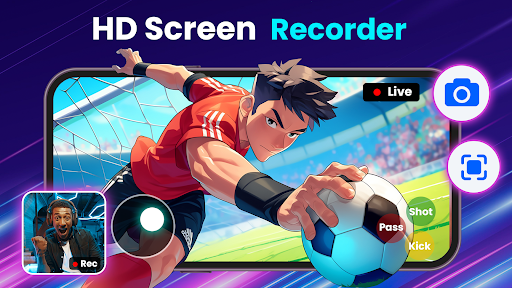




About this app
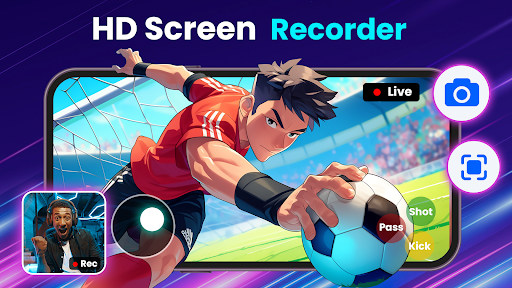
The Screen Recorder- Video Record app solves the problem of capturing and editing screen recordings with audio, catering to individuals who need to create tutorial videos, record gameplay, or demonstrate apps. It stands out among alternatives in the Video Players category due to its user-friendly interface and robust editing features. With over 1 million downloads and a 4.3-star rating, it has established itself as a reliable choice. However, its lack of permissions raises questions about its ability to access necessary device features, potentially limiting its functionality.
Pros
- The app's high rating and significant download numbers indicate a well-received and reliable screen recording solution, making it a trustworthy choice for users.
- The developer, Appnest, has a visible online presence, including a website and email, which suggests a level of accountability and support for the app.
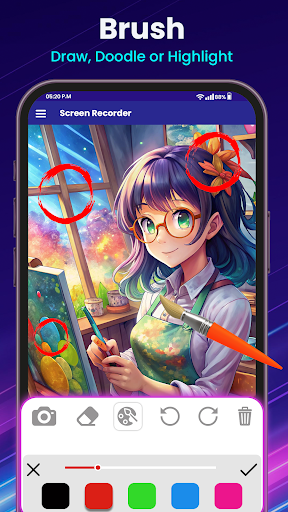
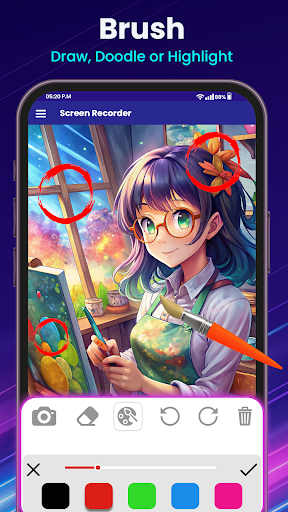
- The app's feature set, including screen recording and video editing, provides a comprehensive solution for users who need to create and edit videos on their devices.
- The absence of permissions requests suggests that the app is designed with user privacy in mind, reducing the risk of unauthorized data access.
- The app's regular updates, as indicated by its current version, demonstrate the developer's commitment to maintaining and improving the app.
Cons
- The app's monetization model, which includes ads and in-app purchases, may lead to an intrusive user experience, potentially disrupting the screen recording and editing process.
- The lack of permissions requests may also limit the app's functionality, as it may not be able to access necessary device features, such as camera or microphone settings.
- Some users may find the in-app purchases, which range from $7.99 to $49.99, to be expensive, especially if they only need basic screen recording features.
- The app's compatibility with devices running Android 5.0 or higher may exclude users with older devices, limiting its accessibility.
Best for: The ideal user for the Screen Recorder- Video Record app is a tech-savvy individual, likely between the ages of 18 and 40, who needs to create high-quality screen recordings with audio for personal or professional purposes, such as content creators, gamers, or educators, and has a basic understanding of video editing concepts.
Developer Description
Recording app with screen recording & screen recorder with audio & video editor
Key Features:
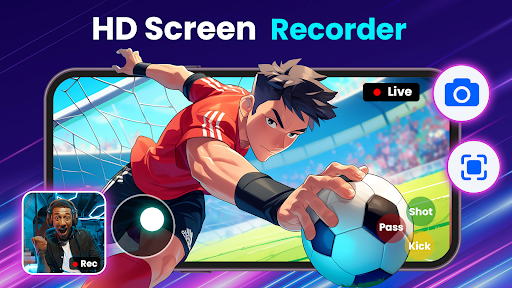
✨ Record Videos in Multiple Qualities: Choose from various screen recording video quality settings to match your needs with this screen video recorder app.
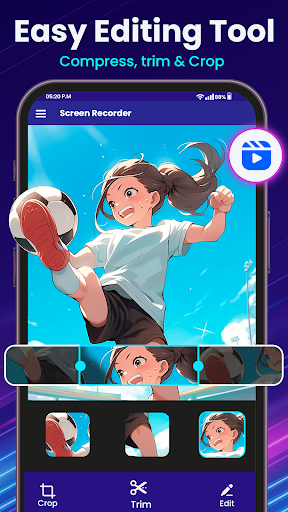
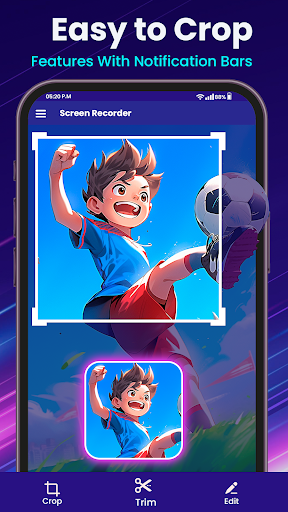
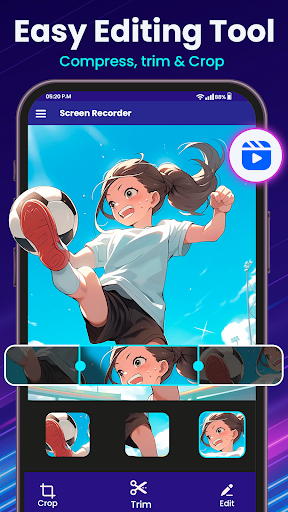
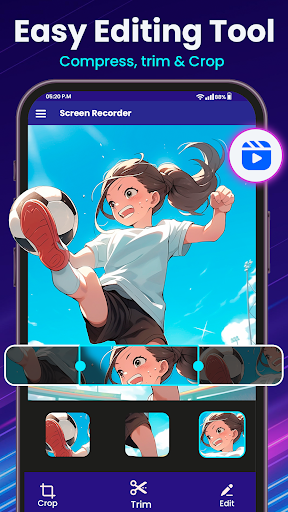
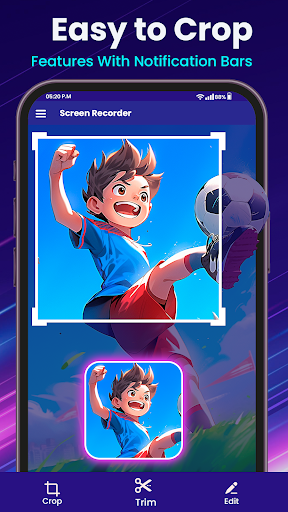
✨ Edit Your Videos: Our built-in screen recorder app & video editor allows you to trim, cut, and enhance your recorder app.
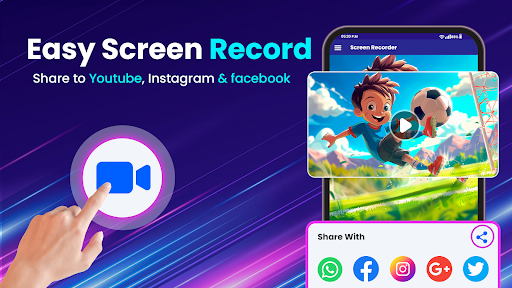
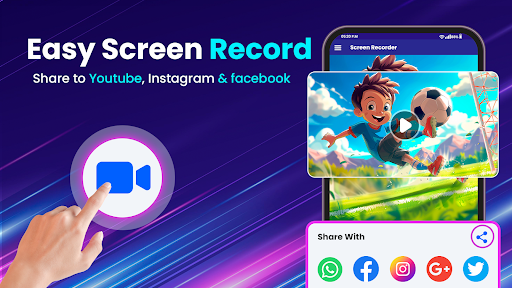
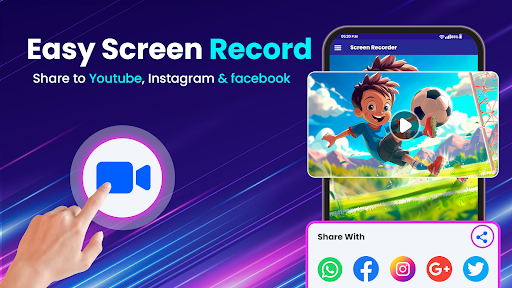
✨ Share with Ease: Screen capture videos and share them directly to social media or with friends.
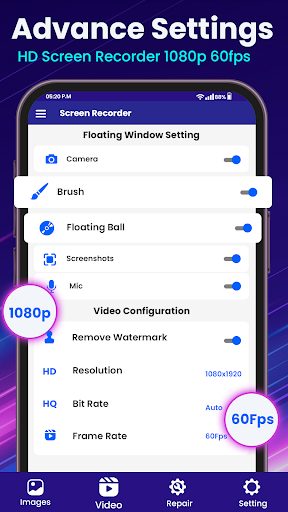
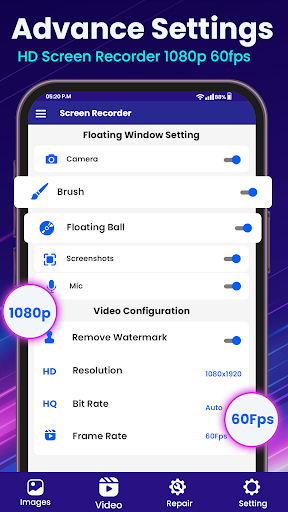
✨ Watermark Removal: This screen recorder without watermarks gives you option to remove watermarks for a professional finish.
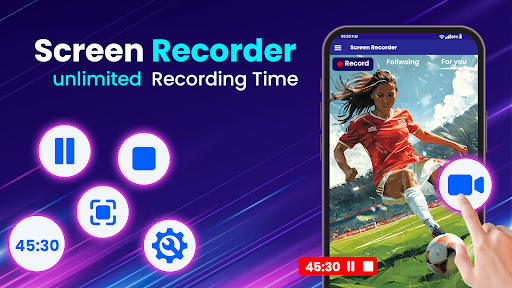
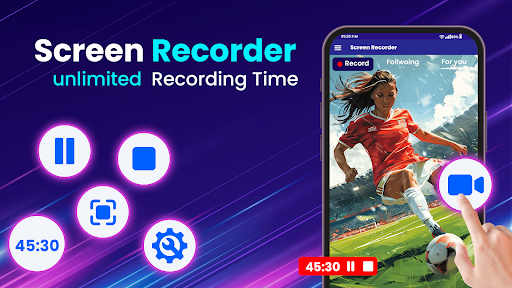
✨ Gameplay Screen Recording App: Perfect for gamers, with multiple Frames per Second (FPS) settings, including 60 FPS for ultra-smooth screen capture, and with a quick video editor.
✨ Screen Record with Audio: Screen video recorder app provides you screen record with audio videos with perfect quality voice recording to add commentary or narration.
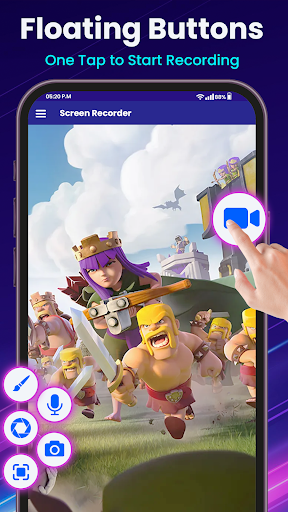
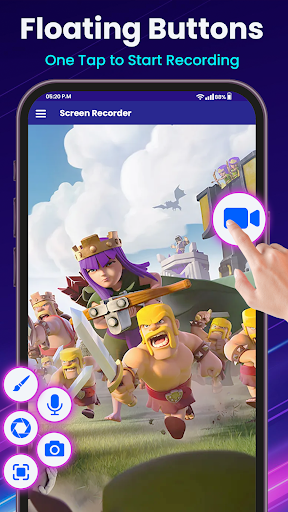
✨ Take Screenshots: Instantly screen capture and record videos with a single tap 📱.
✨ Record Video Background Float: You can record video background with a floating icon and pause or stop whenever you want.
Why Choose Screen Recorder- Video Editor?
User-Friendly Interface: Simple and intuitive design makes screen recording app easy for everyone.
High-Quality Output: Produce clear, HD screen capture videos every time.
Multi-Purpose Use: Ideal for tutorials, presentations, gaming, record videos and calls, and more.
Download Screen Recorder- Video Editor now and take your screen recording to the next level! 📲✨
Perfect screen recorder video editor with audio, our screen record app doubles as a quality voice recorder. Whether you need to screen record with audio of your gameplay at 60 FPS, screen capture important presentations, or simply take screenshots and record videos, our screen recording app is your go-to recorder app.
Ready to screen capture videos every moment? Try our screen video recorder and screen recording app today! 🎥📱
Do give us your valuable feedback, tell us what you like our Screen Recorder App 🎥.
Privacy
Given the app's lack of permissions requests, users should be cautious about the potential collection of anonymous usage data or other non-personal information. However, the app's transparency about its data collection practices is unclear, so users should review the developer's privacy policy before installing. To minimize potential risks, users should only download the app from trusted sources, such as the Google Play Store.
Tips
To get the most out of the Screen Recorder- Video Record app, users should first explore the app's settings to configure the video quality, frame rate, and other preferences. Additionally, users can optimize the app's performance by closing unnecessary background apps and ensuring sufficient device storage. For advanced editing features, users can access the app's in-app purchases, which offer additional tools and effects.
What's New
✅ Minor Bugs Fixed
🎥 Screen Recording
✅ New changes to user interface
✅ Video Compression
✅ Video Trimming
✅Game Play with Face-cam
In-app purchases
$7.99 - $49.99 per item
Version Information
- Version
- 8.1
- Downloads
- 1M+
- Updated on
- Oct 30, 2025
- Released
- Aug 15, 2022
- Requires
- Android 5.0
Statistics
Google Play Rating History
Rating Distribution
Downloads Over Time
Screen Recorder- Video Record has been downloaded times. Over the past 30 days, it averaged downloads per day.
Shaded area shows 30-day prediction based on historical trends
Historical data collection started recently. More data points will be available over time.
Screen Recorder- Video Record - Google Play Rankings
Top Rankings
| Rank | Country | Category | List | Change |
|---|---|---|---|---|
| — |
Ranking History in
No ranking data available yet. Rankings are updated daily.
#111 in Top Grossing Video Players in Saudi Arabia


#133 in Top Grossing Video Players in South Korea
 Web Video Cast | Browser to TV
Screen Recorder- Video Record
Web Video Cast | Browser to TV
Screen Recorder- Video Record
 Video Downloader Video Saver
#137 in Top Grossing Video Players in Japan
 PutMask - Censor Video & Image
Screen Recorder- Video Record
Web Video Cast | Browser to TV
PutMask - Censor Video & Image
Screen Recorder- Video Record
Web Video Cast | Browser to TV
#141 in Top Grossing Video Players in Poland
 Compress Video Size Compressor
Screen Recorder- Video Record
Compress Video Size Compressor
Screen Recorder- Video Record
 VideoGPT - AI Video Generator
Screen Recorder- Video Record users say on Google Play
 Hasnain Shaikh
Awesome video recorder and editor! Captures screen smoothly and makes editing super easy—even for beginners. Great value and works flawlessly.🇱🇷
 Svetlana
it was really good but then I can't take of the orange stuff of
 BONGA Sbiya
I hate the pic of it
 Mike Lang
Another junk recorder. I don't buy anything that I don't get to try completely free. And I'm surely not giving you my CC info !! So start working with the customer instead of demanding money all the time. Soon all these apps will be free and you'll be out of business!!
ApkTrusted Ratings & Reviews
More from Appnest
See more apps




Similar Apps

Video Recorder
Paid

HQ Video Player & Casting
Paid

Screen Recorder - Vidma Record
Free

Screen Recorder
Free

Screen Recorder - Vidma REC
Free

Screen Recorder - AZ Recorder
Free

Screen Recorder - XRec Lite
Free

Screen Recorder: Facecam Audio
Free

ADV Screen Recorder
Free
Screen Recorder GU Recorder
Free

Screen Recorder Video Recorder
Free

Screen Recorder Unlimited
Free

Loom – Screen and Cam Recorder
Free

Mobizen Screen Recorder
Free

ActionDirector - Video Editing
Free

Glip Screen Recorder
Free
Scan this QR code to download

Forwarding you to the page at Google Play market in seconds...
Open Google Play market now