
YouTube Studio vVARY
Google LLC



About this app
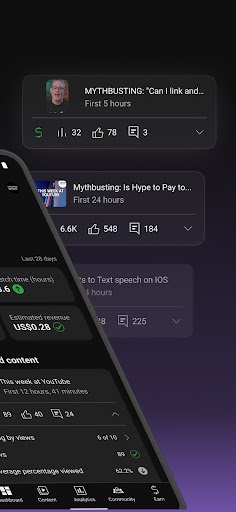
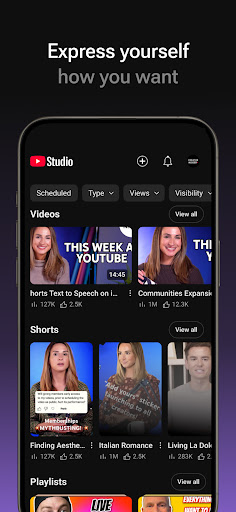
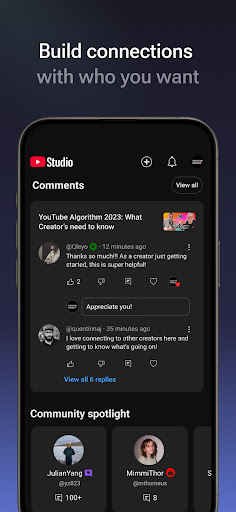
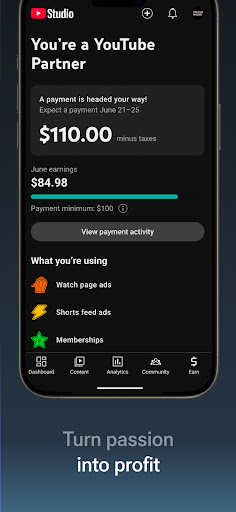
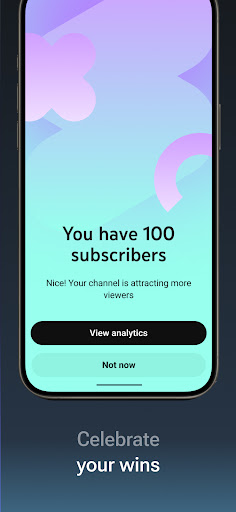
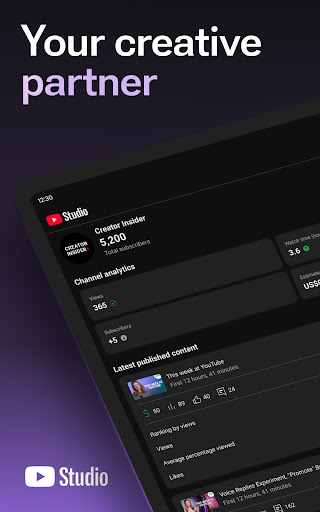
YouTube Studio is a powerful tool designed to help YouTube creators manage their channels on the go, solving the problem of remote content management and analytics tracking. This app benefits creators who need to monitor their channel's performance, respond to comments, and upload content from anywhere. Compared to other video player apps, YouTube Studio stands out with its focus on creator tools rather than playback features. However, its utility is somewhat limited for non-creators, who may find more value in the standard YouTube app.
Pros
- With over 100 million downloads and a 4.4-star rating, YouTube Studio has demonstrated its value to a vast number of users, indicating a high level of satisfaction among creators.
- The app's lack of ads and in-app purchases ensures a clean and uninterrupted experience, allowing creators to focus on their work without distractions.
- As a product from Google, YouTube Studio benefits from the company's reputation for frequent updates and robust security measures, ensuring that the app stays current and secure.
- The app's design is intuitive and accessible, making it easy for creators of all skill levels to navigate and use its features effectively.
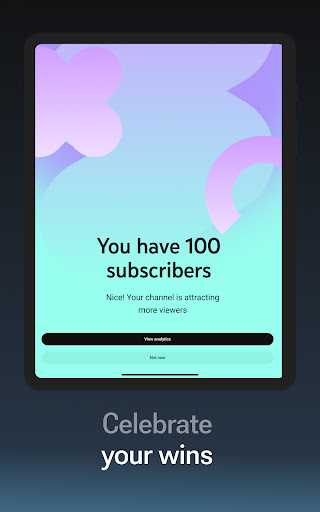
- YouTube Studio's ability to provide detailed analytics and insights helps creators understand their audience better, which is crucial for developing successful content strategies.
Cons
- One concern is that the app's functionality might be too specialized for casual YouTube users, who may not need or understand the advanced features provided.
- Although the app does not request any permissions, some users might be concerned about the data collection practices of Google, given its extensive reach and data-driven business model.
- The app's performance can sometimes be affected by the quality of the internet connection, which might hinder its usability in areas with poor network coverage.
- There is a learning curve for new creators who are not familiar with YouTube's analytics and content management tools, which could make the initial setup and exploration of the app somewhat challenging.
Best for: The ideal user for YouTube Studio is an active YouTube creator, likely between the ages of 18 and 45, who regularly uploads content, engages with their audience, and needs to monitor their channel's performance on the go, possessing a moderate to high level of technical skill to fully leverage the app's features.
Developer Description
Manage your YouTube channel on the go
- Get a quick overview of how your content and channel are performing with the new Channel Dashboard.
- Understand how your channel and different types of content are performing thanks to detailed Analytics. You can also see performance data for different types of content in the Analytics tab.
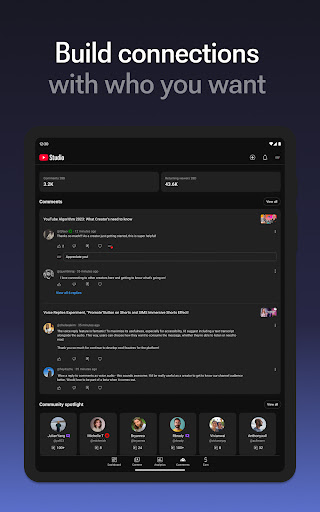
- Cultivate a deep relationship with your audience with the ability to sort and filter comments to find the most important conversations in your community.
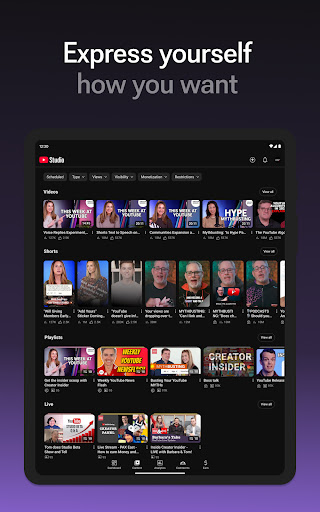
- Make changes to the look and feel of your channel, and manage individual pieces of content by updating the information for individual videos, shorts, and livestreams.
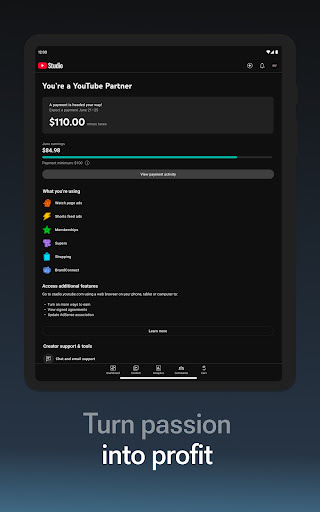
- Start a business on YouTube by applying for the YouTube Partner Program so you can get access to monetization.
Privacy
Given that YouTube Studio does not request any permissions, the primary concern regarding privacy and security revolves around Google's data collection practices. Users should be aware that their activity within the app may be tracked and used to improve Google's services. To maintain privacy, users should review Google's privacy policy and adjust their account settings accordingly.
Tips
For the best experience, creators should initially explore all the features of YouTube Studio to understand its full potential, including setting up notifications for important channel events and regularly checking analytics to gauge content performance. Additionally, utilizing the app's comment management feature can help creators engage more effectively with their audience.
What's New
• Automatic checks will screen your video for any copyright violation or monetization issues before you upload.
• Apply for the YouTube Partner Program to grow your business.
Version Information
- Version
- -
- Downloads
- 100M+
- Updated on
- Jan 22, 2026
- Released
- Jun 26, 2014
- Requires
- Android Varies with device
Statistics
Google Play Rating History
Rating Distribution
Downloads Over Time
YouTube Studio has been downloaded times. Over the past 30 days, it averaged downloads per day.
Shaded area shows 30-day prediction based on historical trends
Historical data collection started recently. More data points will be available over time.
YouTube Studio - Google Play Rankings
Top Rankings
| Rank | Country | Category | List | Change |
|---|---|---|---|---|
| — |
Ranking History in
No ranking data available yet. Rankings are updated daily.
#4 in Top Free Video Players in United States

#3 in Top Free Video Players in United Kingdom

#5 in Top Free Video Players in Canada

#5 in Top Free Video Players in Poland

YouTube Studio users say on Google Play
 Wasim Mia
good
 Abdul Shah
best rishton
 Sajid Shaikh
good
 Suresh Bharvad
nice
 Nosa
Nosa
this app sucks it needs to be updated
ApkTrusted Ratings & Reviews
More from Google LLC
See more apps
Chrome Beta
Free

Chrome Dev
Free

Chrome Canary (Unstable)
Free

Magnifier
Free

Fitbit
Free

Lookout - Assisted vision
Free

Test DPC
Free

Google Chrome
Free

Accessibility Scanner
Free

Compose Material Catalog
Free

Action Blocks
Free

Sound Amplifier
Free

Switch Access
Free

Reading mode
Free

Pixel Camera
Free

Android AICore
Free
Similar Apps

vidIQ for YouTube
Free
PocketTube: YouTube Groups
Free

Video Player All Format HD
Free
KineMaster - Video Editor
Free

Screen Recorder - XRecorder
Free

Video Maker
Free

TikTok Studio
Free

Free
Visha-Video Player All Formats
Free

Edits: Video Editor
Free

MX Player
Free

Mi Music
Free

Netflix
Free

Threads
Free

Spotify: Music and Podcasts
Free

CapCut - Video Editor
Free
Scan this QR code to download

Forwarding you to the page at Google Play market in seconds...
Open Google Play market now