
Device Info & Test: System CPU vVARY
Kraph Tech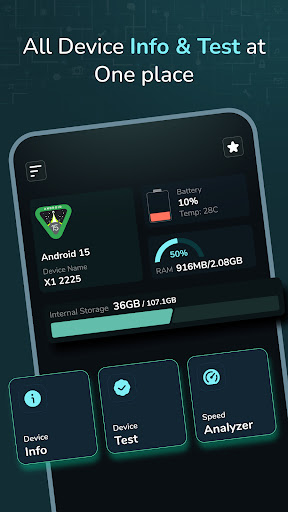

About this app
Developer Description
Get complete information about your phone system, software, hardware & more.
Get solution to test your device functions and features. Also helps get all information about your device.
---
App Features:
Routine Checkup of Your Smart Mobile:
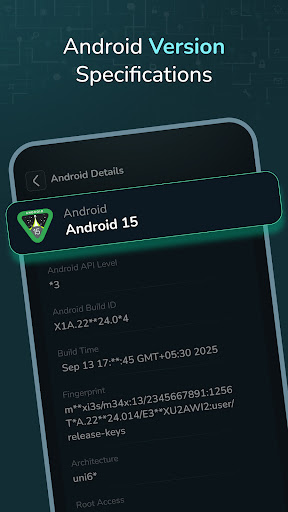
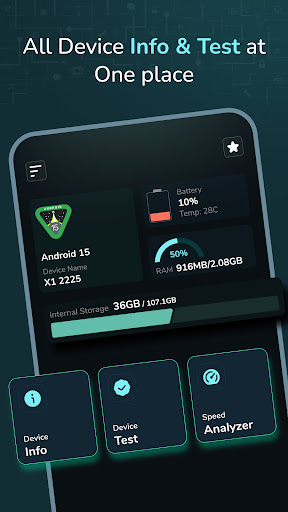
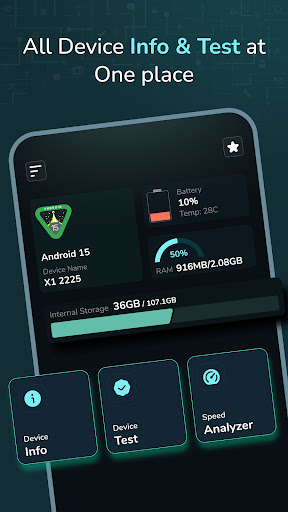
- Quick Review: Check your current Android version, device name, battery level, RAM, and internal storage directly from the home screen for an immediate overview of your phone’s performance.
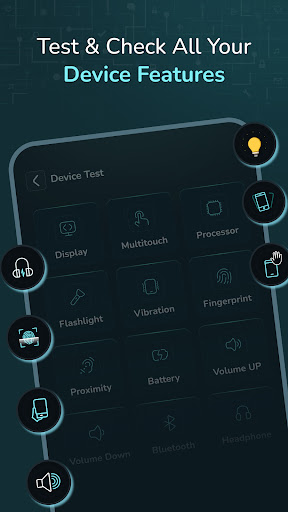
- Device System: A special section designed to test your phone’s hardware and software, giving you detailed insights into its condition.
- Testing Solution: Check on your Android device to ensure everything is in working condition.
Device Info:
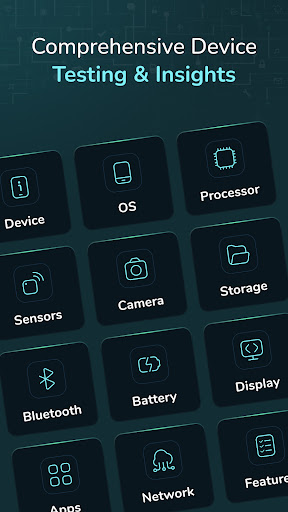
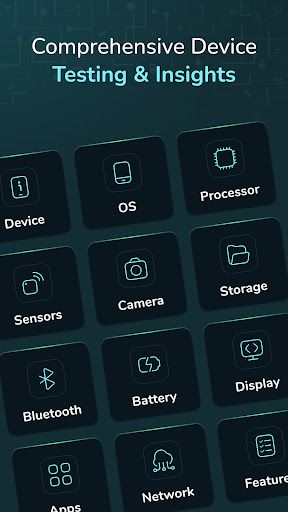
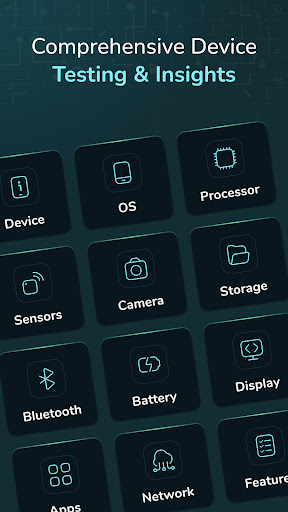
- Device: Displays your current model, hardware type, Android ID, time zone, and manufacturer name.
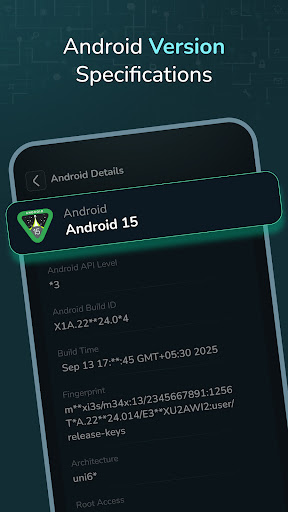
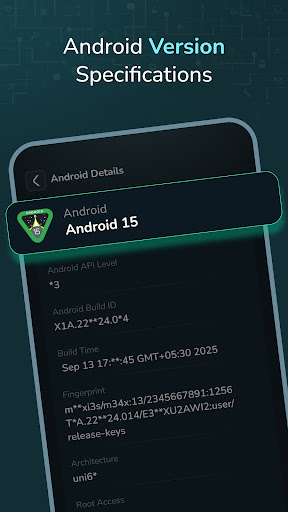
- OS: Shows your operating system details and structure.
- Processor: Displays your RAM space, available RAM, CPU information, and architecture.
- Sensor: Shows information on all available sensors, including which ones are active or inactive.
- Camera: Provides details about your device's front and back cameras.
- Storage: Displays information about used and available storage.
- Battery: Shows battery temperature and additional battery details.
- Bluetooth: Displays Bluetooth name, status, discovery mode, and scan mode.
- Display: Provides screen density and resolution details.
- Apps: Lists installed and system apps with detailed information.
- Network: Shows SIM and Wi-Fi details.
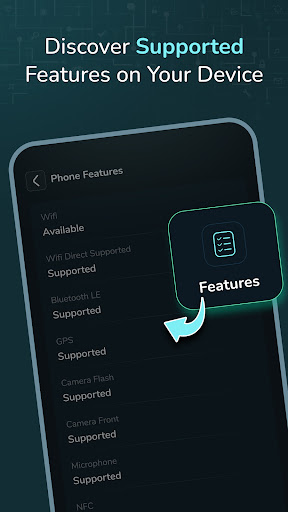
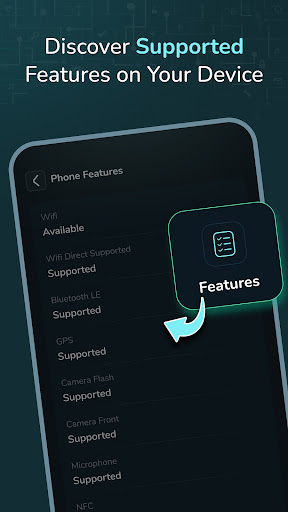
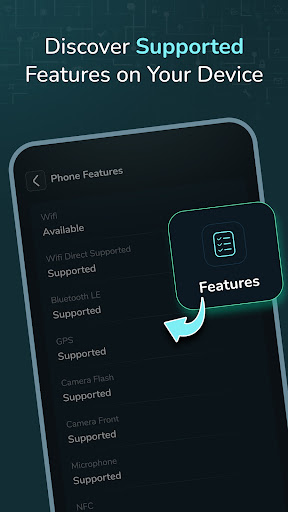
- Features: Lists supported device features.
Device Test:
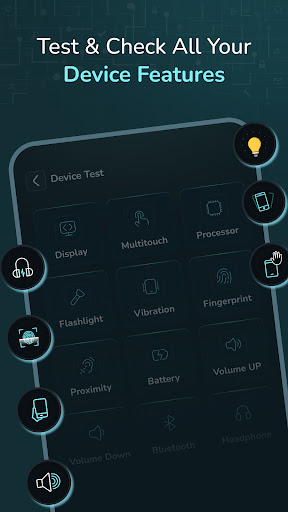
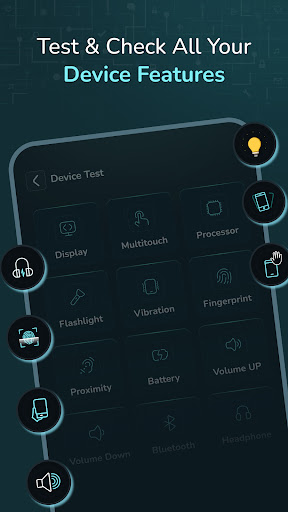
- Display: Test for touch defects on the screen.
- Multi-touch: Test multi-touch functionality.
- Light Sensor: Test the light sensor’s functionality by covering areas of the screen.
- Flashlight: Test the flashlight functionality.
- Vibration: Test the phone’s vibration functionality.
- Fingerprint: Checks if fingerprint recognition works and whether it’s supported.
- Proximity: Test the proximity sensor by covering the screen.
- Accelerometer: Test the accelerometer sensor using shaking techniques.
- Volume Up & Down: Checks if the volume buttons are operating properly.
- Bluetooth: Test Bluetooth functionality.
- Headphone: Test headphone support and audio output.
Speed Analyzer:
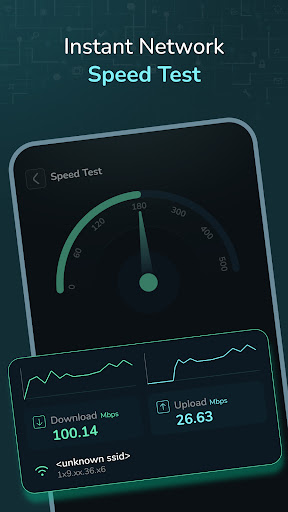
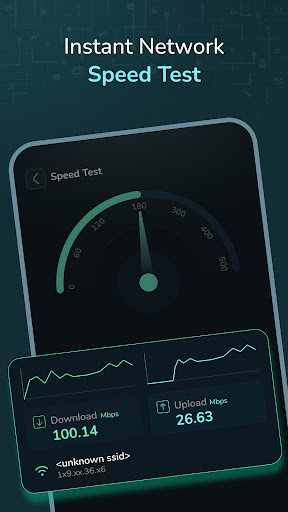
- Speed Test: Measures your device’s download and upload speeds in Mbps, and lets you visualize the speed results on a meter.
Why Use This App?
In-Depth Information: Get all the essential details about your device in one place.
Routine Maintenance: Run test to ensure everything is working.
User-Friendly Interface: Easy-to-understand features and quick access to vital system information.
Helpful for monitor: If you're experiencing performance issues, this app can help identify hardware or software problems.
How This App Helps You?
Testing Solution: Whether it's the battery, sensors, display, or any hardware, you can test your device with ease.
Monitor Your Device’s Health: Check your device’s health with up-to-date information on storage, battery levels, and much more.
---
-Whether you want to perform a quick checkup, troubleshoot an issue, or test your phone’s capabilities, this app has you covered.
Permission :
Bluetooth permission :We require this permission to allow you to test bluetooth functionality.
In-app purchases
$9.49 per item
Version Information
- Version
- -
- Downloads
- 100K+
- Updated on
- -
- Released
- Jul 15, 2022
- Requires
- Android Varies with device
Statistics
Google Play Rating History
Rating Distribution
Downloads Over Time
Device Info & Test: System CPU has been downloaded times. Over the past 30 days, it averaged downloads per day.
Shaded area shows 30-day prediction based on historical trends
Historical data collection started recently. More data points will be available over time.
Device Info & Test: System CPU users say on Google Play
 Nelson Young
Good entertainment system A+
 Simone Preston
It's a good app with helpful info and diagnostic tests to check if your phone's working right. It'd be better if it had a memory/RAM/storage cleaner, not just info, and a phone scanner to find problems or suggest setting changes. Right now, it's pretty limited and feels kinda pointless to keep.
 Kenneth Gerecke
Reliable
 Craig Savill
Sadly misses a lot of information available on other tools including CPU name/manufacturer/model, data on multiple rear cameras, SD card use/capacity, failed to identify Wi-fi SSID and layout in some areas cramped with text overlaid by other text making data unreadable. I say sadly as I like layout although font could be more readable and no idea where the "AI" is meant to figure.
 Anurag Kotha
The display tests are not full screen. This app shows ads continuously, it's annoying and distracting. I downloaded it, opened it, went to the test feature saw the ads then uninstalled it. I wish I could give zero stars. I ended up using another app for my tests.
ApkTrusted Ratings & Reviews
More from Kraph Tech
See more apps
Safe Hearing: Recording Aid
Free

Email Writer: Ready Templets
Free
Digital Personal Daily Diary
Free

Mobile Secret : Tricks & Info
Free

App Notification Edge Lighting
Free

Photo To Contact - Set Photo
Free
Draw Easy AI: AR Trace Sketch
Free

Digital Anemometer & UV Index
Free

HTML / MHTML Viewer
Free

Expiry Date Alert & Reminder
Free

Image, Text & Voice Translator
Free

Dual Music Player: Left Right
Free

Phone Tilt Scrolling Gesture
Free

Contact Folder Organizer
Free

ScreenOff Smart Video Recorder
Free

Auto Time & Place Stamp Camera
Free
Similar Apps
CPU Monitor - temperature
Free

DevCheck Device & System Info
Free

G-CPU:Monitor CPU, RAM, Widget
Free

TAP Kiln Control Mobile
Free

AppDash: App Manager & Backup
Free

F-Secure Mobile Security
Free

Castro Premium - system info
Paid

Quikshort: Shortcut Creator
Free

Default Apps Pro
Paid

GSMArena
Free

Swift Backup
Free

Quick Settings app
Free
GlassWire Data Usage Monitor
Free

3DMark — The Gamer's Benchmark
Free

KrakenSDR RDF
Free
AccuBattery
Free
Scan this QR code to download

Forwarding you to the page at Google Play market in seconds...
Open Google Play market now