
FE File Explorer Pro v4.7.3
Skyjos Ltd.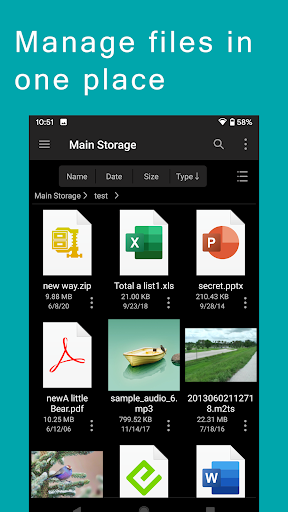


About this app
Developer Description
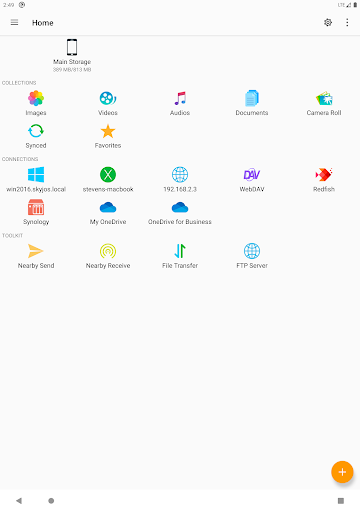
Access, manage and transfer files on Android, PC, Mac, NAS and cloud storages.
Features:
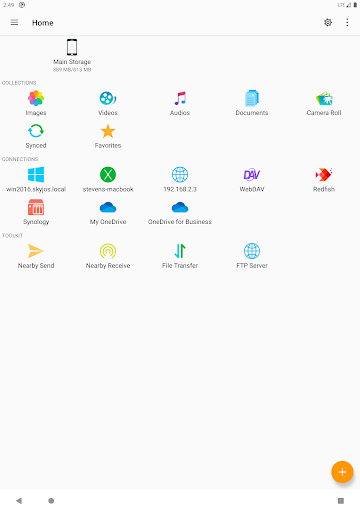
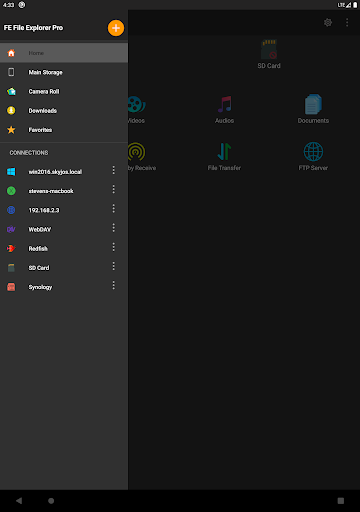
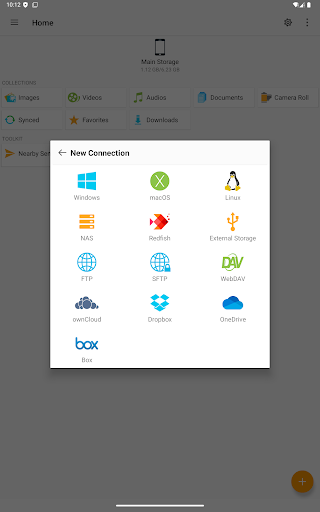
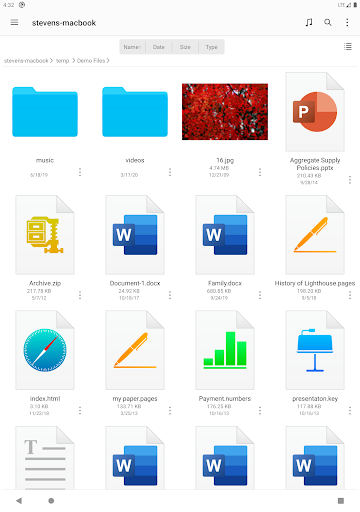
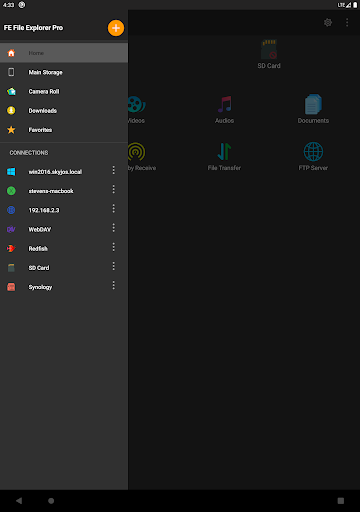
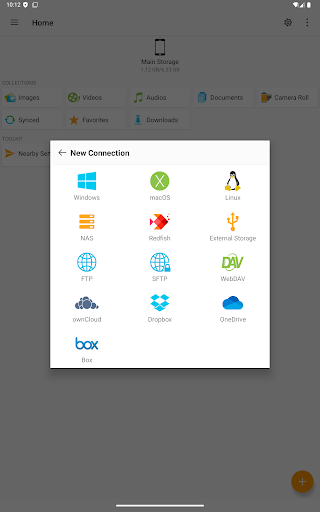
* Access network shares on macOS, Windows, Linux, NAS via SMB/CIFS protocol.
* Access WebDAV Server, FTP Server and SFTP Server.
* Access cloud storages: OwnCloud, Dropbox, OneDrive and OneDrive for Business.
* Access files on Android internal storage, SD Card and USB OTG.
* Automatically discover computers, NAS when you setup new connections.
* Support Windows Domain, Active Directory and DFS.
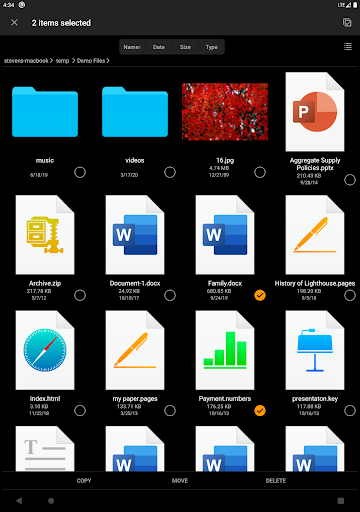
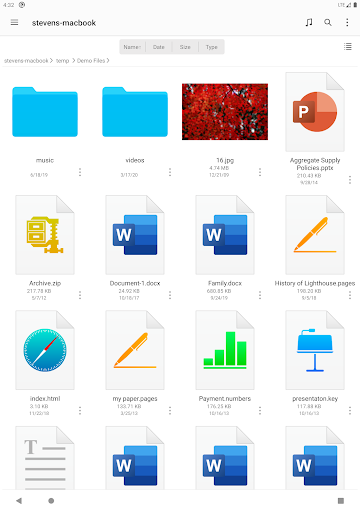
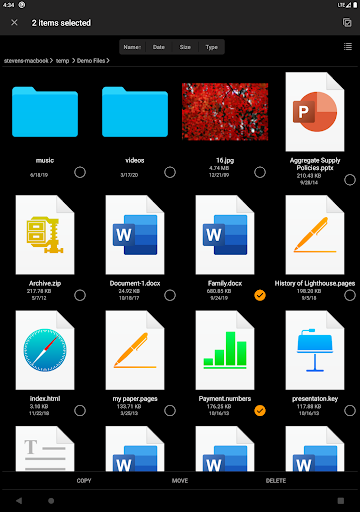
* Copy, move, rename and delete your files right on Android.
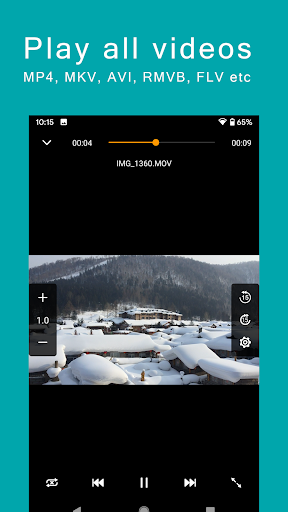
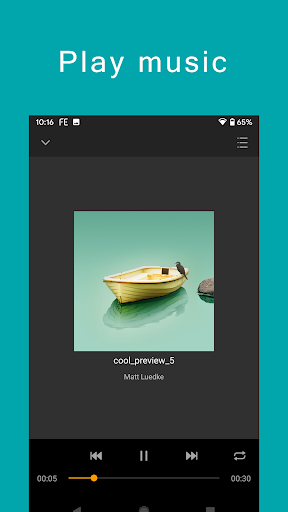
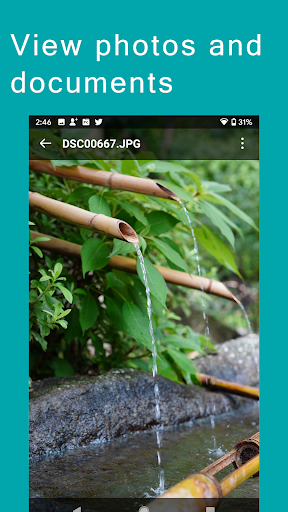
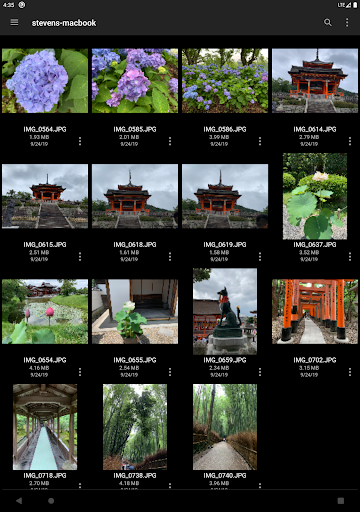
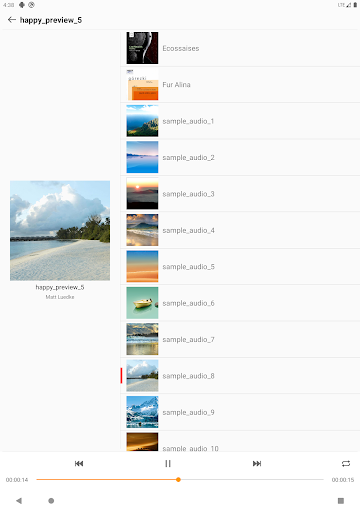
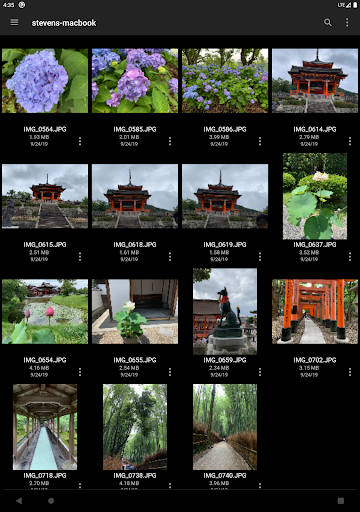
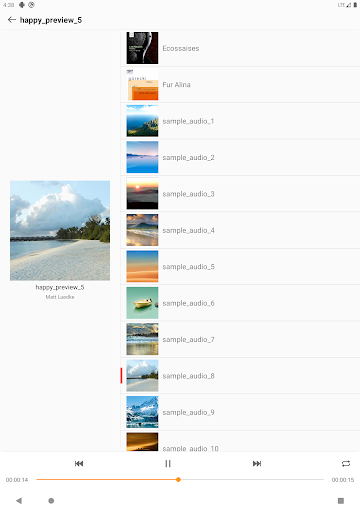
* View documents, browse images, play movies and musics.
* Edit-in-Place: Edit documents located on remote storage in another app. FE File Explorer will save it back to remote storage automatically.
* Archive and unarchive ZIP, RAR, and 7zip files.
* Search files by file name.
* Stream movies and musics from remote storages to Android.
* Transfer files between storages.
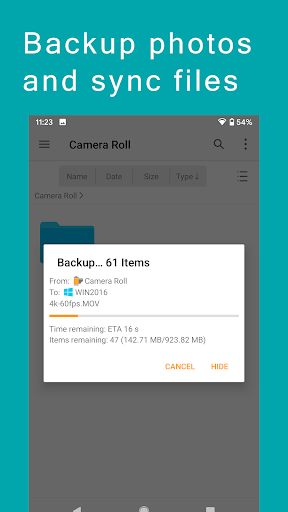
* Sync files between remote storage and Android device.
* Backup camera photos to remote storage.
* Nearby file transfer: transfer files between Android and iOS devices.
===== CONTACT US =====
Email: support@skyjos.com
Twitter: @SkyjosApps
Facebook: @FEFileExplorer
What's New
Version Information
- Version
- 4.7.3
- Downloads
- 100K+
- Updated on
- Dec 11, 2025
- Released
- Feb 26, 2015
- Requires
- Android 8.0
Statistics
Google Play Rating History
Rating Distribution
Downloads Over Time
FE File Explorer Pro has been downloaded times. Over the past 30 days, it averaged downloads per day.
Shaded area shows 30-day prediction based on historical trends
Historical data collection started recently. More data points will be available over time.
FE File Explorer Pro - Google Play Rankings
Top Rankings
| Rank | Country | Category | List | Change |
|---|---|---|---|---|
| — |
Ranking History in
No ranking data available yet. Rankings are updated daily.
#28 in Top Paid Productivity in United States


#8 in Top Paid Productivity in Japan


#43 in Top Paid Productivity in Vietnam


#43 in Top Paid Productivity in Netherlands
FE File Explorer Pro users say on Google Play
 Kathleen Eickholt
Galaxy Tab S4 user. Not sure why the negative reviews. I have none of the issues being mentioned & I've used this for years. This is an AMAZING app. I needed something to FTP for work & this works GREAT. I can even upload files directly from our computers to the server. It's also excellent at moving files between my Android devices and computers. I tried similar apps and they just didn't have the FTP capabilities I needed. WELL worth every penny! Dark theme & UI are nice, too. Highly recommend!
 King Bolo
I've used this app in both Android and iOS, and thought it was good enough in both to pay for, which I almost never do. However, I was a lttle disappointed to find that the audio play function in the Android version has no option to play a whole folder once and then stop. It's either permanent loop or shuffle. Could anything be done about this in a future version? It's what I look for for short playlists of the movements in classical works.
 Ashli
Ashli
Could be better. the video player struggles with looping. Can't rename files after searching. Could use some more features. But it works fine.
 neil briscombe
Please, please please add the same options for filtered file lists as unfiltered. In particular I want to be able to rename files that match a file name filter. Why isn't this provided? I bought this version in case it was a limitation of the free Owl file explorer but no. It seems to me more effort to treat filtered/unfiltered lists differently, like you think it's a good design desicion. I for one certainly don't think it is. Please add this as a feature - I'm considering requesting a refund
 Uday Simar
Disappointed. I understand it has built in music player but what I don't understand is, even after setting default for another mp3 player, this file manager still pays it in its own music player. It's not the only file manager to have this feature but yet, this quirk comes across as lack of finesse for a premium app. Also, clicking on video or any other folder on home screen, opens the files but there is no share option. To do that you need to specifically go to the location. I regret buying.
ApkTrusted Ratings & Reviews
More from Skyjos Ltd.
See more apps
Similar Apps

ASTRO File Manager & Cleaner
Free

File Manager - File Explorer
Paid

Explorer
Free
FX File Explorer
Free

CSV File Viewer - Smart CSV
Free
Cx File Explorer
Free

Total Commander - file manager
Free

File Manager
Free

KiWi Vault: Hide Photos, Video
Paid
Material Files
Free

Content - Workspace ONE
Free

DAVx⁵ – CalDAV CardDAV WebDAV
Paid

File Manager
Free

ADW Launcher 2
Free

Samsung My Files
Free
RS File Manager File Explorer
Free
Scan this QR code to download

Forwarding you to the page at Google Play market in seconds...
Open Google Play market now