Google Authenticator vVARY
Google LLC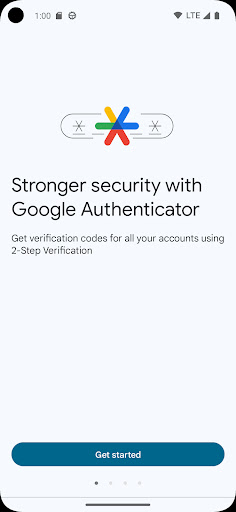

About this app
Developer Description
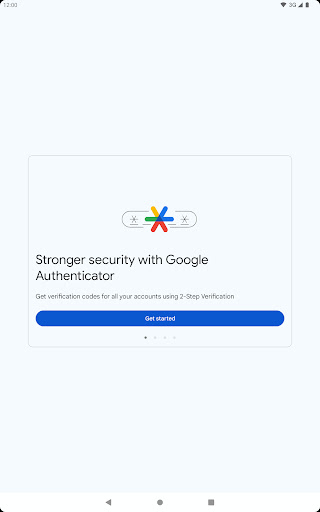
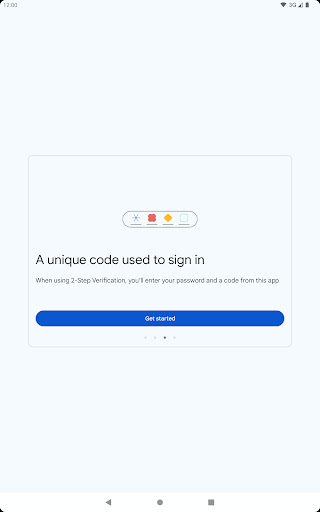
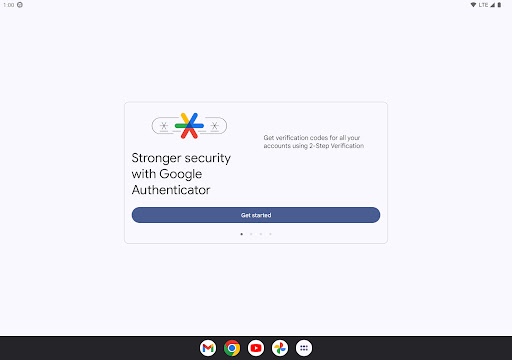
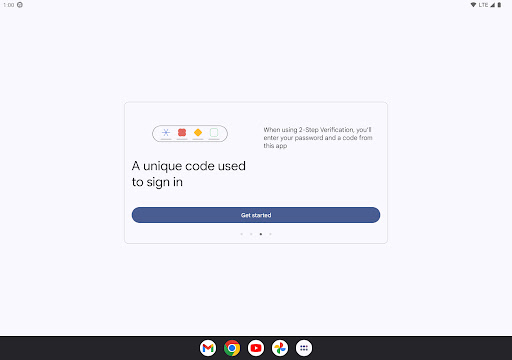
Enable 2-step verification to protect your account from hijacking.
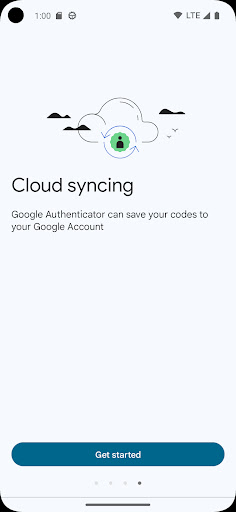
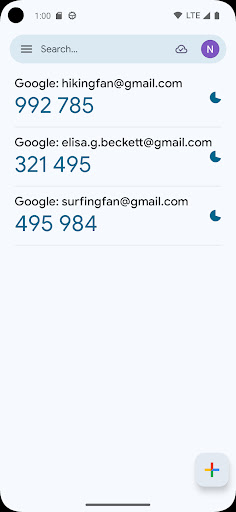
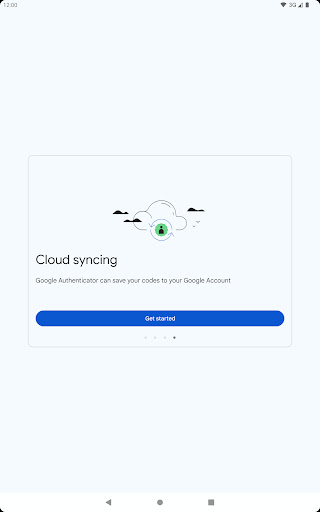
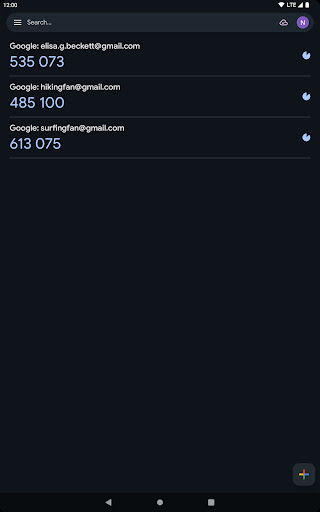
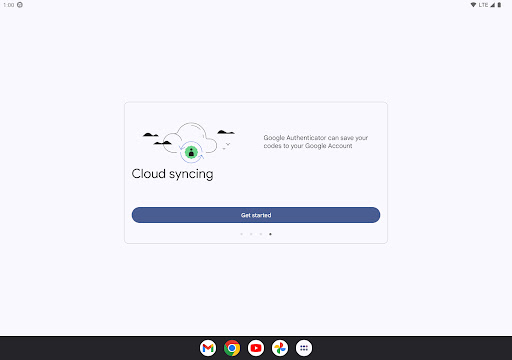
* Sync your Authenticator codes to your Google Account and across your devices. This way, you can always access them even if you lose your phone.
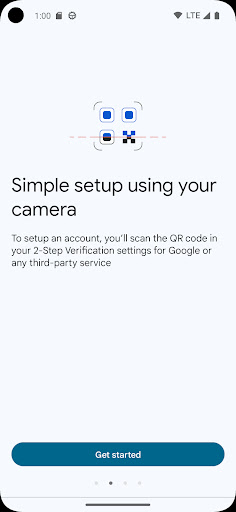
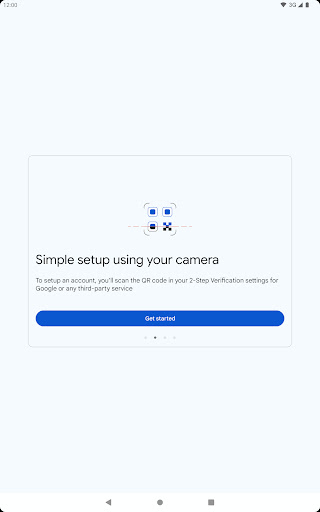
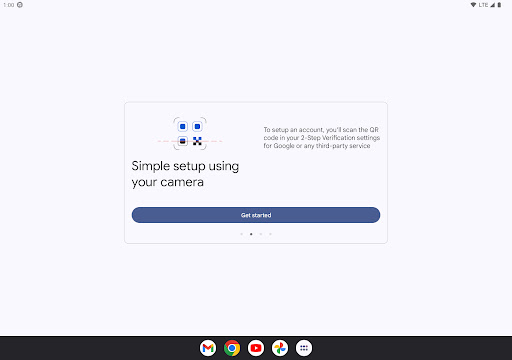
* Set up your Authenticator accounts automatically with a QR code. This is quick and easy, and it helps to ensure that your codes are set up correctly.
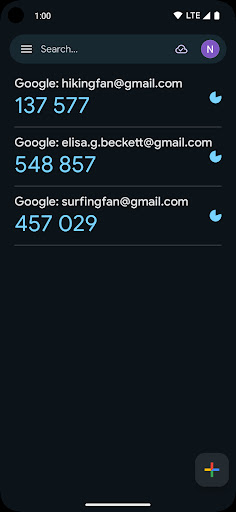
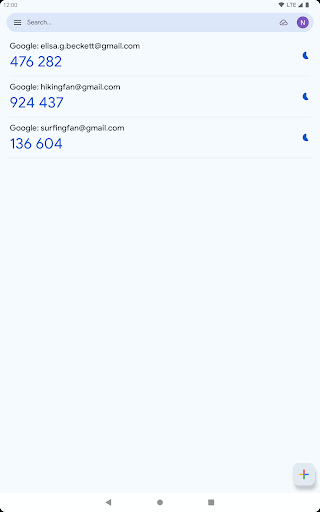
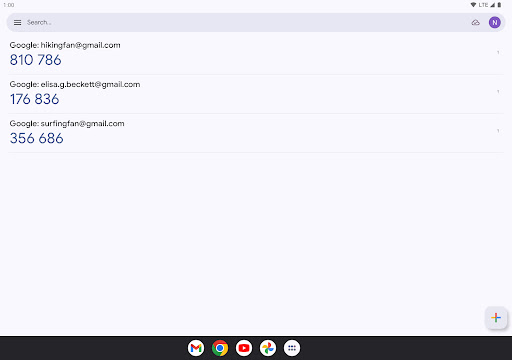
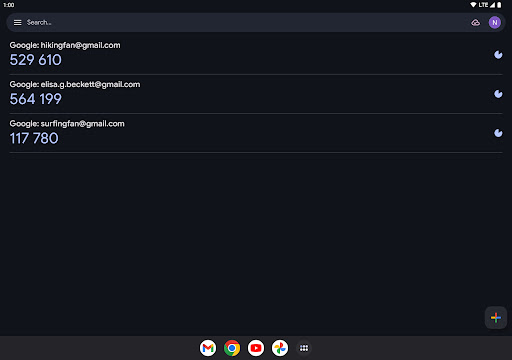
* Support for multiple accounts. You can use the Authenticator app to manage multiple accounts, so you don't have to switch between apps every time you need to sign in.
* Support for time-based and counter-based code generation. You can choose the type of code generation that best suits your needs.
* Transfer accounts between devices with a QR code. This is a convenient way to move your accounts to a new device.
* To use Google Authenticator with Google, you need to enable 2-Step Verification on your Google Account. To get started visit http://www.google.com/2step Permission notice: Camera: Needed to add accounts using QR codes
What's New
* Cloud syncing: Your Authenticator codes can now be synced to your Google Account and across your devices, so you can always access them even if you lose your phone.
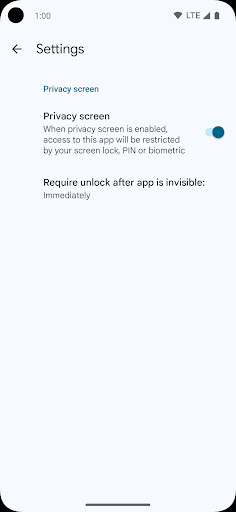
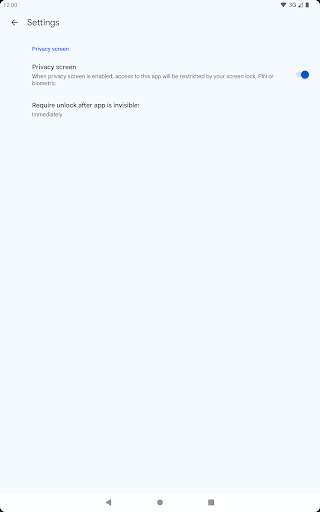
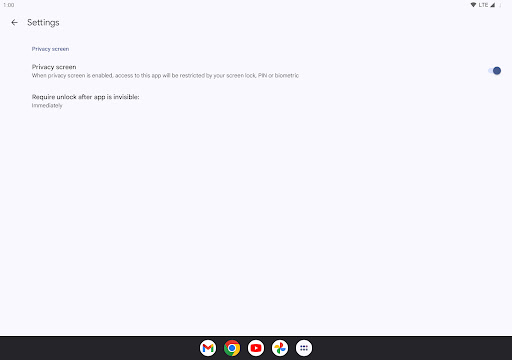
* Privacy Screen: Access to Authenticator can now be protected by your screen lock, PIN or biometric.
* Improved UX and visuals: We've made the app easier to use and more visually appealing.
Version Information
- Version
- -
- Downloads
- 100M+
- Updated on
- Jan 29, 2025
- Released
- Mar 21, 2012
- Requires
- Android Varies with device
Statistics
Google Play Rating History
Rating Distribution
Downloads Over Time
Google Authenticator has been downloaded times. Over the past 30 days, it averaged downloads per day.
Shaded area shows 30-day prediction based on historical trends
Historical data collection started recently. More data points will be available over time.
Google Authenticator - Google Play Rankings
Top Rankings
| Rank | Country | Category | List | Change |
|---|---|---|---|---|
| — |
Ranking History in
No ranking data available yet. Rankings are updated daily.
#17 in Top Free Tools in United States


#2 in Top Free Tools in Australia


#8 in Top Free Tools in Indonesia


#8 in Top Free Tools in Germany


Google Authenticator users say on Google Play
 TANZIL SAZZAD (SHAKKHAR)
It provided an extra layer of security to my accounts. Very easy to use and thanks to it I don't need to worry about my passwords if anyone else knows it or seen it. Without my device, face and this app. No one can do any harm to my accounts. Well if they're not professional hackers it's the best security for ordinary people. ✌🏼❤️😁
 James Geldart
Simple to use, but a couple of things would make it better: - in the iOS version, the entries flash red when they're about to change, this is helpful and I'm not sure why this feature isn't in the Android version - sync between devices doesn't retain the order of entries, making it quite hard to find commonly used entries
 Muhammad Bilal Khan Tanoli
good
 Sanjay Gugawad
useless app,
 Chonga
So inconvenient to get. The download is hell
ApkTrusted Ratings & Reviews
More from Google LLC
See more apps
Chrome Beta
Free

Chrome Dev
Free

Chrome Canary (Unstable)
Free

Magnifier
Free

Fitbit
Free

Lookout - Assisted vision
Free

Test DPC
Free

Google Chrome
Free

Accessibility Scanner
Free

Compose Material Catalog
Free

Action Blocks
Free

Sound Amplifier
Free

Switch Access
Free

Reading mode
Free

Pixel Camera
Free

Android AICore
Free
Similar Apps

Microsoft Authenticator
Free

Microsoft Outlook
Free

Microsoft Teams
Free

Microsoft OneDrive
Free

Link to Windows
Free

Zoom Workplace
Free

MetaMask - Crypto Wallet
Free
Duo Mobile
Free

Yahoo Mail
Free

Microsoft 365 Copilot
Free

Trust: Crypto & Bitcoin Wallet
Free

Samsung Internet Browser
Free

Bitwarden Password Manager
Free

Mi Browser
Free

Twilio Authy Authenticator
Free

Messenger
Free
Scan this QR code to download

Forwarding you to the page at Google Play market in seconds...
Open Google Play market now